
BROAIMX BFC003
BROAIMX Smart Bird Feeder with Camera (Model BFC003) User Manual
Your guide to setting up, operating, and maintaining your smart bird feeder.
1. Introduction
The BROAIMX Smart Bird Feeder with Camera (Model BFC003) is designed to enhance your birdwatching experience. This device combines a traditional bird feeder with advanced technology, including a 2K HD camera, AI-powered bird species identification, and solar charging capabilities. It allows you to observe and interact with birds in your backyard from anywhere.

Figure 1.1: The BROAIMX Smart Bird Feeder with Camera in Light Blue, showcasing its solar panel, camera, and feeding tray.
2. Product Components
Ensure all components are present before proceeding with setup:
- Smart Bird Feeder Unit with integrated camera
- Solar Panel (built-in)
- 5000mAh Battery (included)
- 64GB TF Card (included)
- Hummingbird Honey Box (x2)
- Water Box (x1)
- Fruit Fork (x2)
- Mounting Accessories (e.g., bracket, strap)
- User Manual (this document)
3. Key Features
- AI Species Identification: Utilizes intelligent recognition technology to identify over 11,000 bird species.
- 2K HD Camera with Night Vision: Features a 140-degree ultra-wide lens and 2K HD resolution for clear video and photos. Full-color infrared night vision allows for observation in low-light conditions.
- Solar & Battery Powered: Equipped with a 5000mAh battery and a 2W built-in solar panel for continuous operation, reducing the need for frequent manual charging.
- Large Capacity & Customizable Feeding: A 1.8L capacity ensures sufficient feed. Includes accessories like hummingbird honey boxes, a water box, and fruit forks to customize the feeding station.
- Easy One-Hand Refill: Designed for convenient refilling of birdseed without complex disassembly.
- Two-Way Microphone & Deterrent: Allows for two-way audio communication and includes options for flashlight and siren to deter unwanted visitors like squirrels.
- 2.4GHz Wi-Fi Connection: Supports a stable 2.4GHz Wi-Fi connection for remote monitoring and control via the companion app. (Note: 5GHz Wi-Fi is not supported.)

Figure 3.1: Visual representation of the AI recognition technology identifying a bird species.
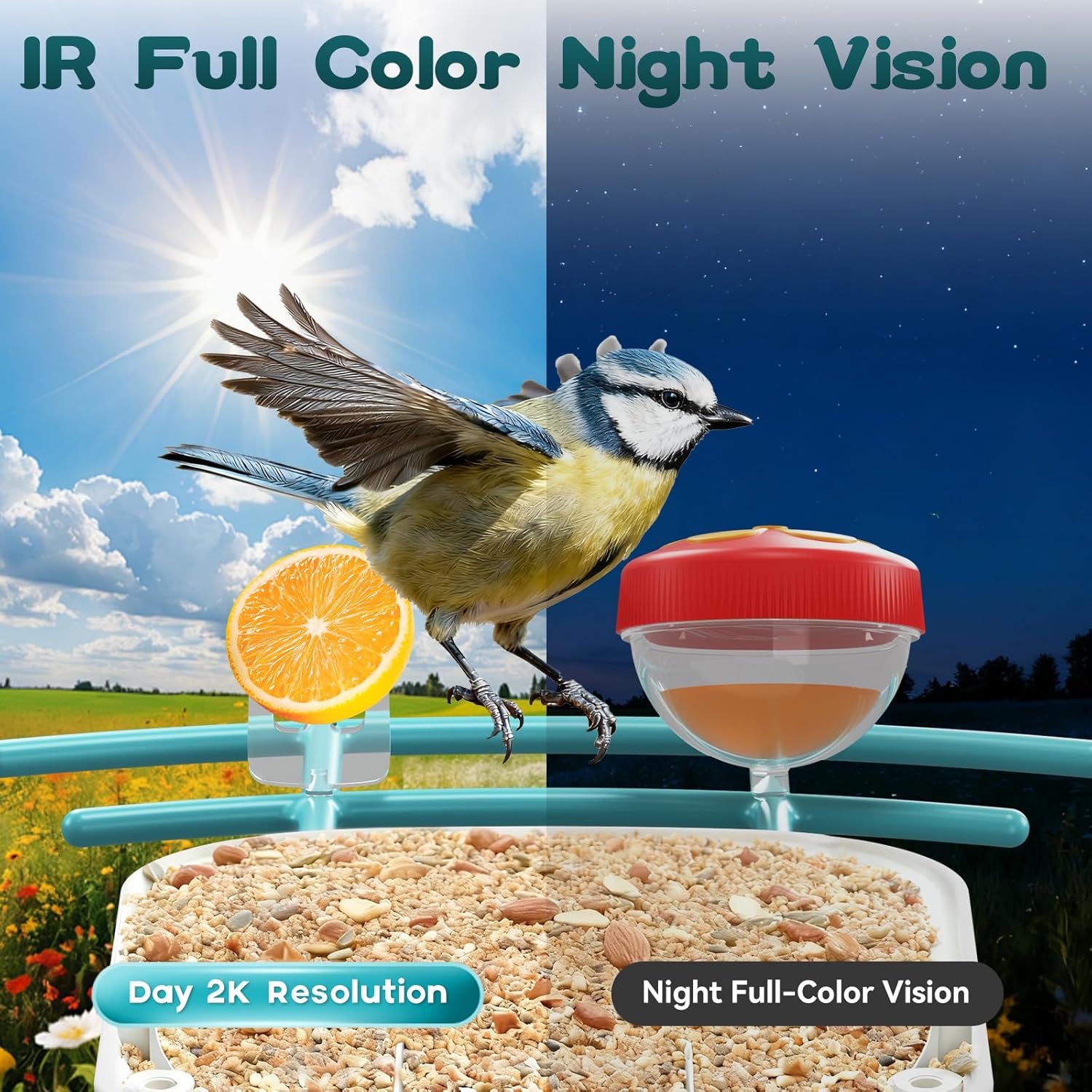
Figure 3.2: Illustrates the 2K HD day vision and full-color infrared night vision capabilities of the camera.

Figure 3.3: Depicts the dual power mode, utilizing both a built-in solar panel and a 5200mAh battery.
4. Setup Guide
4.1 Mounting the Bird Feeder
The BROAIMX Smart Bird Feeder offers multiple mounting options to suit your backyard environment. Choose a location that provides a clear view for the camera and sufficient sunlight for the solar panel.
- Tree Mounting: Use the provided strap to secure the feeder to a tree trunk.
- Wall Mounting: Attach the feeder to a wall or fence using the bracket and screws.
- Pole Mounting: Secure the feeder to a pole (not included) using appropriate attachments.

Figure 4.1: Examples of how the bird feeder can be mounted on a tree, wall, or pole.
4.2 Camera Power-On and App Connection
Follow these steps to power on your camera and connect it to the companion app:
- Charge the Battery: Fully charge the camera's internal battery before initial use.
- Power On: Locate the power switch on the camera unit and turn it on.
- Download App: Download the BROAIMX app from the Apple App Store or Google Play Store.
- Add Device: Open the app, create an account, and select 'Add Device'.
- Wi-Fi Connection: Select your 2.4GHz Wi-Fi network and enter the password. (Note: 5GHz networks are not supported.)
- Scan QR Code: The app will display a QR code. Hold your phone 15-20 cm (6-8 inches) away from the camera lens for the camera to scan it. You will hear a prompt when successful.
- Complete Setup: Follow the remaining on-screen instructions in the app to complete the connection.
Video 4.1: A comprehensive guide to setting up the BROAIMX Smart Bird Feeder with Camera, including power-on and app connection steps.

Figure 4.2: Highlights the requirement for a 2.4GHz Wi-Fi connection for optimal performance.
5. Operating Instructions
5.1 Bird Identification and Alerts
The feeder's AI system automatically identifies visiting bird species and sends real-time alerts to your smartphone. You can view live footage or recorded events through the app.

Figure 5.1: An example of a motion detection alert received on a smartphone when a bird visits the feeder.
Video 5.1: Demonstrates the AI bird identification feature, showing how the feeder recognizes and logs different bird species.
5.2 Two-Way Audio and Deterrent Functions
Use the built-in microphone and speaker for two-way communication. The AI can also identify squirrels, allowing you to activate a flashlight, siren, or speak through the microphone to deter them.
5.3 Video and Photo Management
The camera captures 2K HD video and photos. These are stored on the included 64GB TF card and can be accessed via the app. Cloud storage is also available, with automatic circulation (new content covers older content after 3 days). Save any desired photos or videos to your phone's album.

Figure 5.2: The app interface displaying captured bird videos, species identification, and options for livestream and alerts.
6. Maintenance
6.1 Refilling the Feeder
The feeder features a convenient one-handed flip operation for easy refilling of birdseed. Ensure the lid is securely closed after refilling to protect the seed from weather and pests.

Figure 6.1: Illustration of the simple process for refilling the bird feeder with one hand.
6.2 Cleaning
Regular cleaning of the bird feeder is essential for bird health. Disassemble the feeder components, clean with mild soap and water, rinse thoroughly, and allow to dry completely before reassembling and refilling.
6.3 Battery Care
The solar panel helps maintain the battery charge. For optimal performance, ensure the solar panel is clean and receives adequate sunlight. If the battery level drops significantly, you may need to manually charge the camera using a USB cable.

Figure 6.2: The camera unit can be easily removed for charging or cleaning.
7. Troubleshooting
- No Power: Ensure the camera is switched on and the battery is charged. Check if the solar panel is clean and receiving direct sunlight.
- Wi-Fi Connection Issues: Verify your Wi-Fi network is 2.4GHz. Ensure the feeder is within range of your router. Try resetting the camera and re-pairing it with the app.
- No Bird Detections/Alerts: Check camera settings in the app to ensure motion detection and notifications are enabled. Adjust camera sensitivity if necessary.
- Poor Image/Video Quality: Ensure the camera lens is clean. Check your Wi-Fi signal strength.
8. Specifications
| Brand | BROAIMX |
| Model Number | BFC003 |
| Color | Light Blue |
| Material | Acrylic |
| Power Source | Solar Powered + Battery Powered |
| Battery | 1 Lithium Ion battery (included) |
| Capacity | 1.5 Liters (seed) |
| Product Dimensions | 8.44 x 10.33 x 6.68 inches |
| Item Weight | 4.71 pounds |
| Special Features | Built-In Camera, Easy-Refill Top, Long Lasting, Portable, Rain Proof |
9. Support
For any questions, technical assistance, or support regarding your BROAIMX Smart Bird Feeder, please contact our customer support team. We offer 24/7 online customer support to assist you.
Video 9.1: An overview of the BROAIMX Bird Feeder with Camera, highlighting its features and ease of use.
Video 9.2: Another detailed look at the BROAIMX Bird Feeder with Camera, demonstrating its functionality and benefits.
Related documentsBFC003


Ask a question about this manual
Ask about setup, troubleshooting, compatibility, parts, safety, or missing instructions. Manuals+ will review the question and use this page’s manual context to help answer it.