
Introduction
This manual provides instructions for the Lamicall Ultra-Thin Height Adjustable Foldable Phone Stand, Model STDP03. This versatile stand is designed to securely hold smartphones and small tablets, offering adjustable viewing angles and portability for various environments.

Figure 1: Lamicall Ultra-Thin Foldable Phone Stand, illustrating its compact design and portability.
Product Features
- Ultra-Thin Design: 40% thinner when folded compared to previous models, allowing for easy storage and transport.
- Height & Angle Adjustable: Features a dual-pivot structure for adjusting the back plate up to 180 degrees and the base up to 90 degrees. Height extends up to 4.3 inches.
- Weighted Metal Base: Constructed from premium carbon steel with an integrated silicone anti-slip pad for enhanced stability.
- Thick Case Friendly: Accommodates smartphones in cases up to 0.71 inches thick. Enlarged and thickened anti-slip silicone pads prevent sliding and scratching.
- Wide Compatibility: Universally designed for phones and tablets between 4-8 inches.
Setup & Assembly
- Unfold the stand by gently pulling the top and bottom sections apart until they lock into an upright position.
- Adjust the back plate to your desired viewing angle. The dual-pivot design allows for a wide range of adjustments.
- Extend the height of the stand by pulling the telescopic arm upwards until it reaches your preferred height.
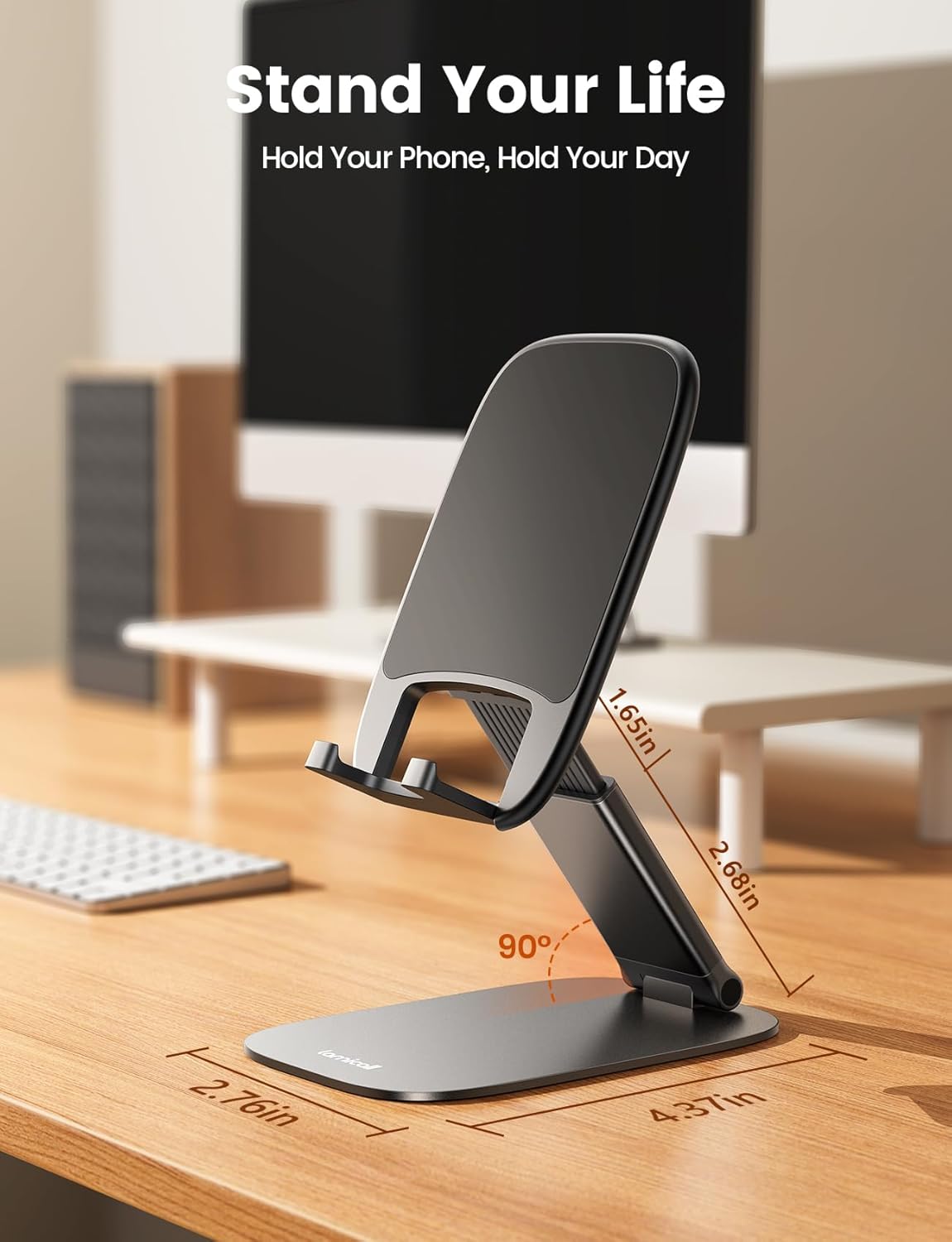
Figure 2: The phone stand in an open position, illustrating its adjustable components.
Video 1: Demonstrates the unfolding and adjustment of the Lamicall phone stand.
Operating Instructions
- Place your smartphone or tablet onto the stand, ensuring it rests securely on the anti-slip hooks.
- Adjust the back plate and telescopic arm to achieve your optimal viewing angle and height for activities such as watching videos, video calls, or working.
- To charge your device while on the stand, utilize the cutout at the bottom of the stand to connect your charging cable.
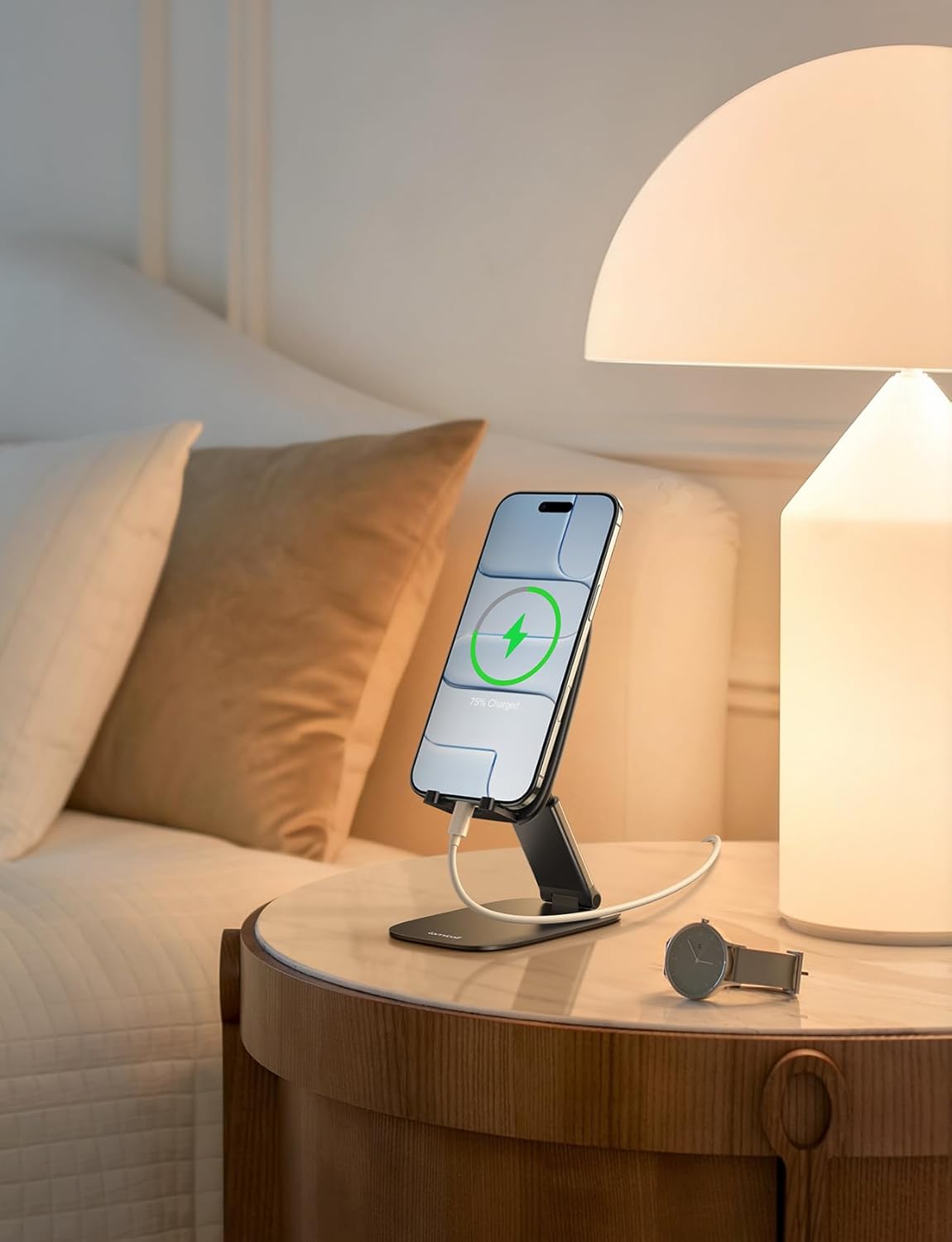
Figure 3: Device charging on the stand, highlighting the cable management feature.
Video 2: Demonstrates how to place a phone on the stand and utilize the charging port cutout.
Compatibility
The Lamicall Ultra-Thin Phone Stand is compatible with a wide range of devices, including:
- Smartphones: All phones between 4-8 inches, including Apple iPhone (17, 17 Pro, 17 Pro Max, 17 Air, 16e, 16, 16 Pro, 16 Pro Max, 16 Plus, 15, 15 Pro, 15 Pro Max, 14, 14 Pro, 14 Pro Max, 13, 13 Pro, 13 Pro Max, 12, 12 Pro, 12 Pro Max, 11, 11 Pro Max, XS, XS Max, XR, X, 8, 7, 7 Plus, 6, 6 Plus, SE, SE2), Samsung Galaxy (S25, S25 Ultra, S24, S24 Ultra, S23, S23 Ultra, S22, S22 Ultra, S21 Ultra, S21, S20, A72, A71, A52, A5), Sony, Google Pixel, Huawei, OnePlus, HTC, Nokia, Xiaomi, Microsoft, Lumia, BlackBerry, Motorola, and other Android devices.
- Tablets: Smaller tablets such as iPad mini.
- Supports devices with thick cases up to 0.71 inches.
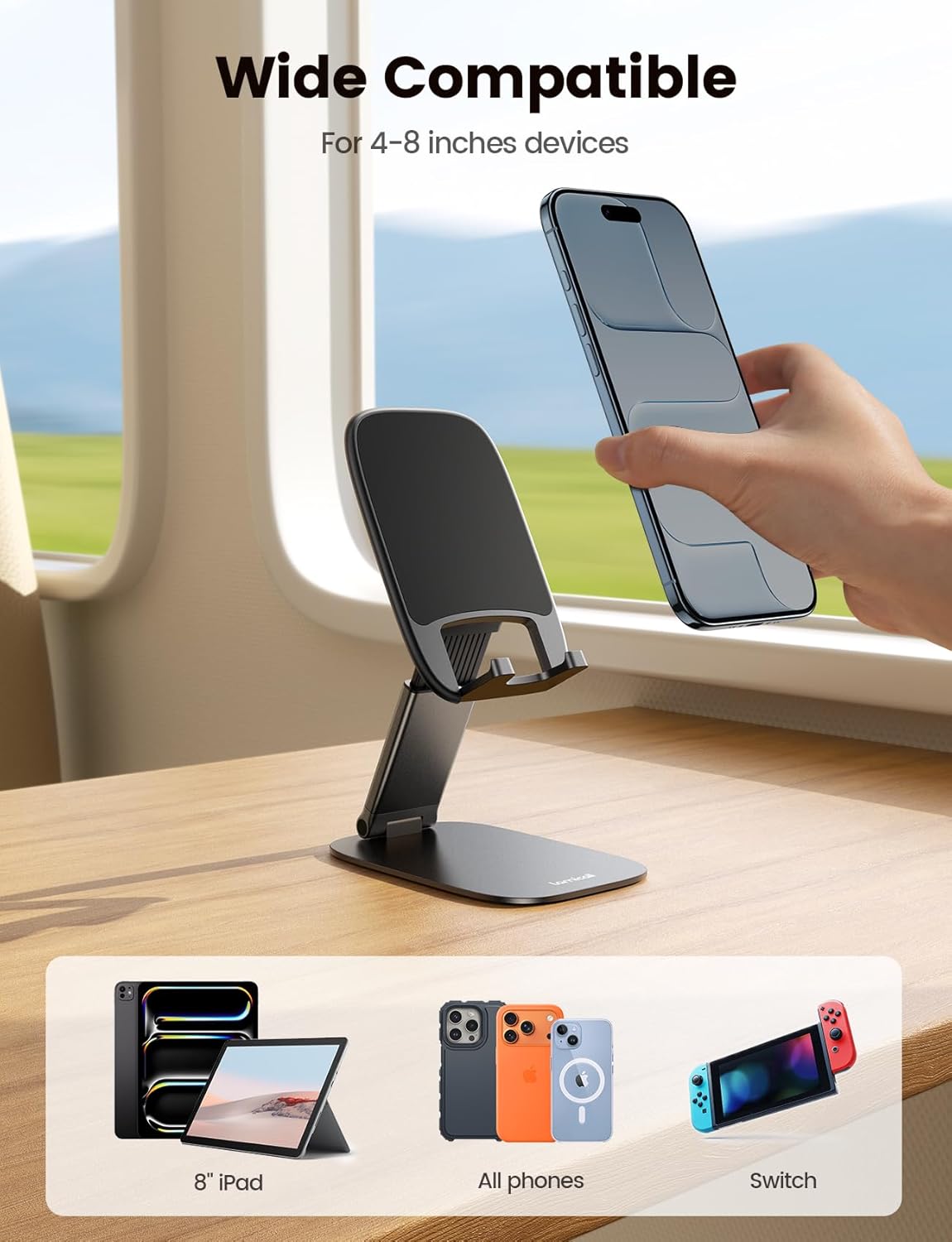
Figure 4: Examples of compatible devices with the Lamicall phone stand.
Care & Maintenance
- Clean the stand with a soft, damp cloth. Avoid abrasive cleaners.
- Ensure the silicone pads are free of dust and debris to maintain optimal grip.
- Store the stand in its folded, compact position when not in use to protect its mechanisms and save space.
Troubleshooting
- Stand feels unstable: Ensure the stand is fully unfolded and placed on a flat, stable surface. Check that the silicone anti-slip pads on the base are clean.
- Device slipping: Verify that your device is correctly seated on the hooks and that the anti-slip pads on the backrest and hooks are clean.
- Difficulty adjusting: The hinges are designed to be firm for stability. Apply gentle, consistent pressure when adjusting angles or height.
Specifications
| Feature | Detail |
|---|---|
| Model Number | STDP03 |
| Package Dimensions | 4.49 x 2.95 x 0.75 inches |
| Item Weight | 6.7 ounces |
| Material | Carbon Steel (Base) |
| Color | A-Black |
| Form Factor | Desk stand |
| Adjustable Height | Up to 4.3 inches |
| Adjustable Back Plate Angle | Up to 180 degrees |
| Adjustable Base Angle | Up to 90 degrees |
| Max Case Thickness | 0.71 inches |
Warranty & Support
For warranty information or product support, please refer to the manufacturer's official website or contact Lamicall customer service directly. Keep your purchase receipt for any warranty claims.