
1. Introduction
Welcome to the user manual for your new OPPO F31 Pro 5G smartphone. This guide provides essential information on setting up, operating, maintaining, and troubleshooting your device. Please read this manual thoroughly to ensure optimal performance and longevity of your smartphone.
1.1 What's in the Box
- OPPO F31 Pro 5G Smartphone
- Phone Case
- Power Adapter
- SIM Tray Ejector
- Screen Protector (pre-applied or separate)
2. Initial Setup
Follow these steps to set up your OPPO F31 Pro 5G for first-time use.
2.1 Device Overview
Familiarize yourself with the physical components of your smartphone.
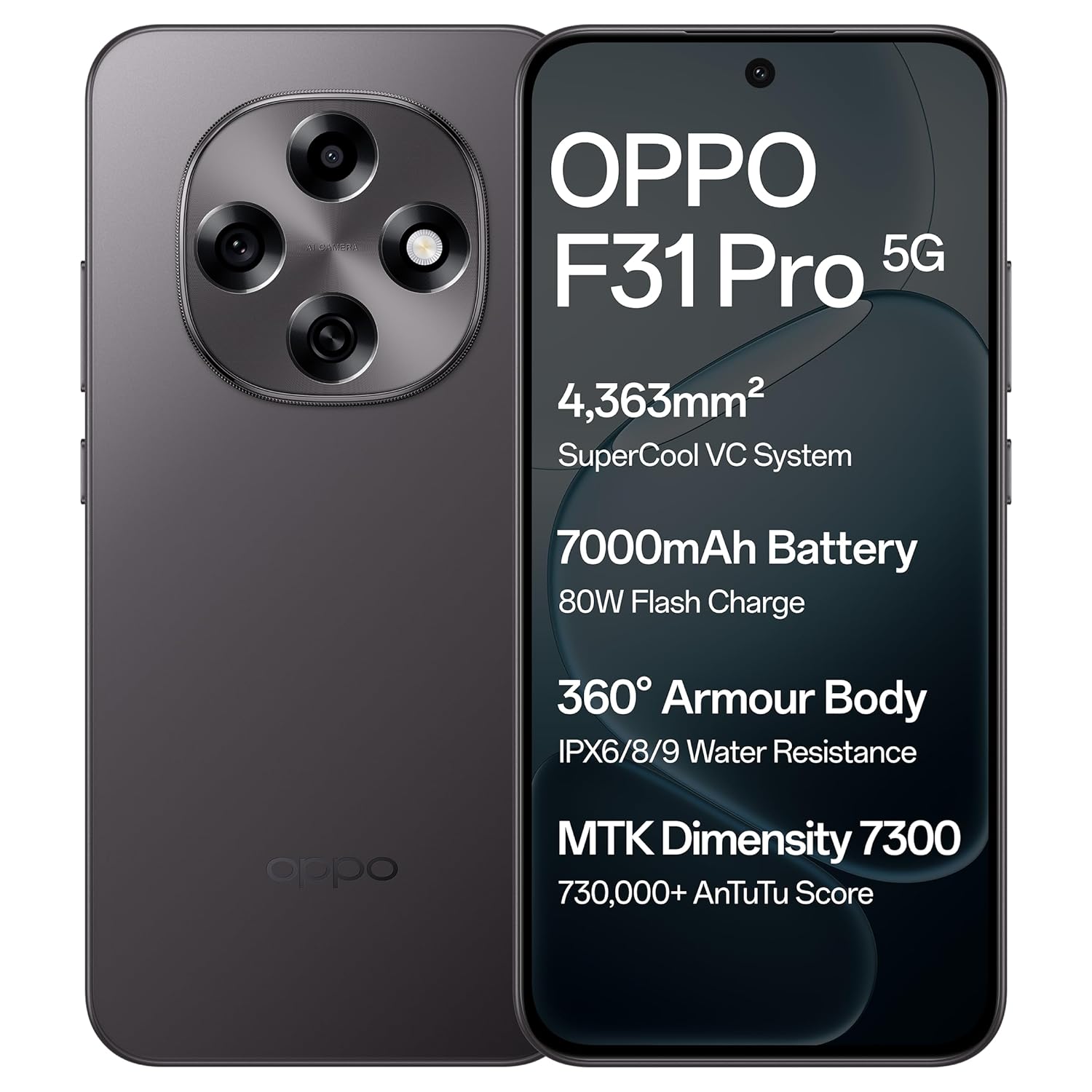
Image: Front and back view of the OPPO F31 Pro 5G smartphone, highlighting its sleek design and camera module.
2.2 Inserting SIM Card(s) and Memory Card
- Locate the SIM tray on the side of your device.
- Insert the SIM tray ejector tool into the small hole next to the tray and press firmly until the tray pops out.
- Place your Nano-SIM card(s) and/or a compatible memory card into the designated slots on the tray. Ensure the gold contacts face downwards.
- Carefully reinsert the tray into the phone until it clicks into place.
2.3 Charging the Device
Before first use, fully charge your device using the provided power adapter and USB Type-C cable.
- Connect the USB cable to the power adapter.
- Plug the power adapter into a wall outlet.
- Connect the USB Type-C end of the cable to the charging port at the bottom of your phone.
- The charging indicator will appear on the screen.
2.4 Powering On and Initial Configuration
- Press and hold the Power button (usually on the right side) until the OPPO logo appears.
- Follow the on-screen prompts to select your language, connect to a Wi-Fi network, and set up your Google account.
- You may also be prompted to set up a screen lock (PIN, pattern, password, or fingerprint).
3. Operating Your Device
This section details the key features and functionalities of your OPPO F31 Pro 5G.
3.1 Display Features
Your device features an Ultra-Bright, Eye-Caring 6.57-inch AMOLED flexible display with a 120Hz adaptive refresh rate and up to 1400-nit peak brightness for clear visibility in various lighting conditions. Hardware-level low blue light and natural-like light simulation are integrated for eye protection.

Image: The OPPO F31 Pro 5G's ultra-bright AMOLED display, designed for clear and comfortable viewing.
3.2 Performance
The OPPO F31 Pro 5G is powered by the MediaTek Dimensity 7300 chipset, offering efficient and smooth performance for multitasking and gaming. It includes a 4363 mm² VC cooling system to maintain optimal temperatures during intensive use. The device runs on ColorOS 15, optimized for long-term fluency.
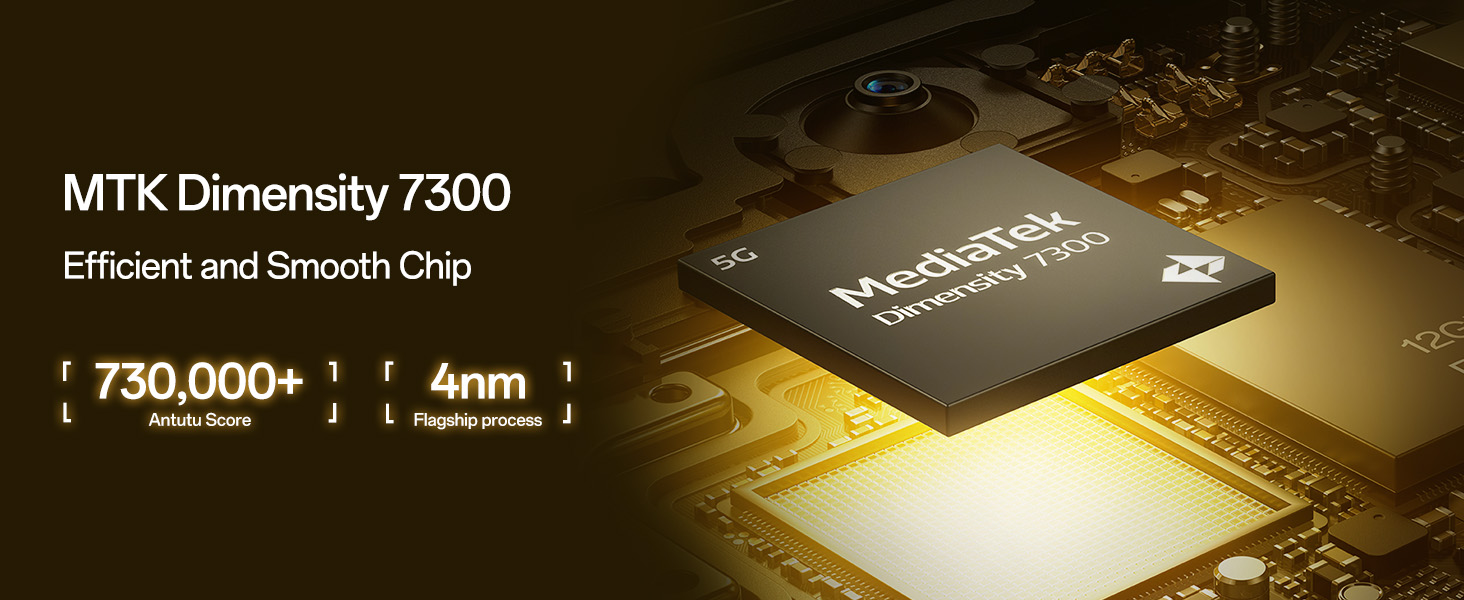
Image: A close-up of the MediaTek Dimensity 7300 Mobile Platform chip, emphasizing its role in efficient performance.
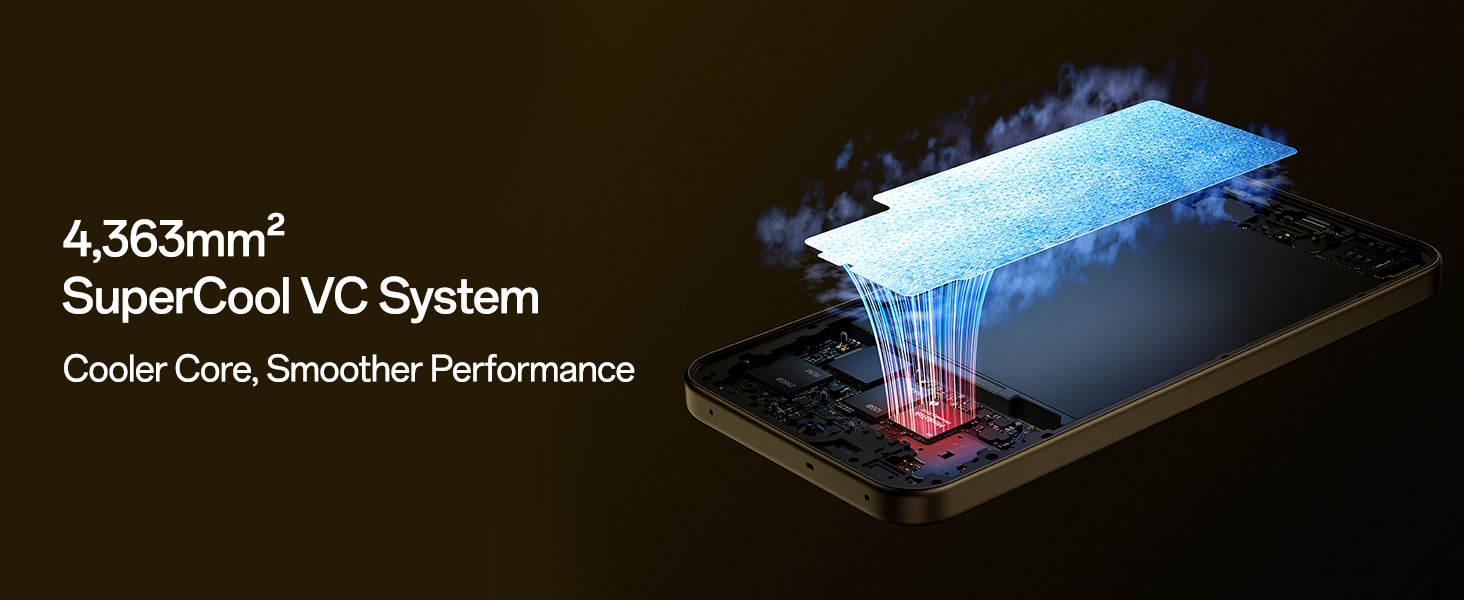
Image: Diagram illustrating the 4,363mm² SuperCool VC System, designed for efficient heat dissipation and smoother performance.
3.3 Camera System
Capture high-quality photos and videos with the advanced camera system:
- Rear Camera: 50 MP Main Camera and 2 MP Portrait Camera. Features include 4K Underwater Videography/photography mode and Advanced HDR Algorithm Optimization.
- Front Camera: Sharp 32 MP Front Camera.
- Video Features: Dual-View Video, Live Photos, and Dynamic Capturing.
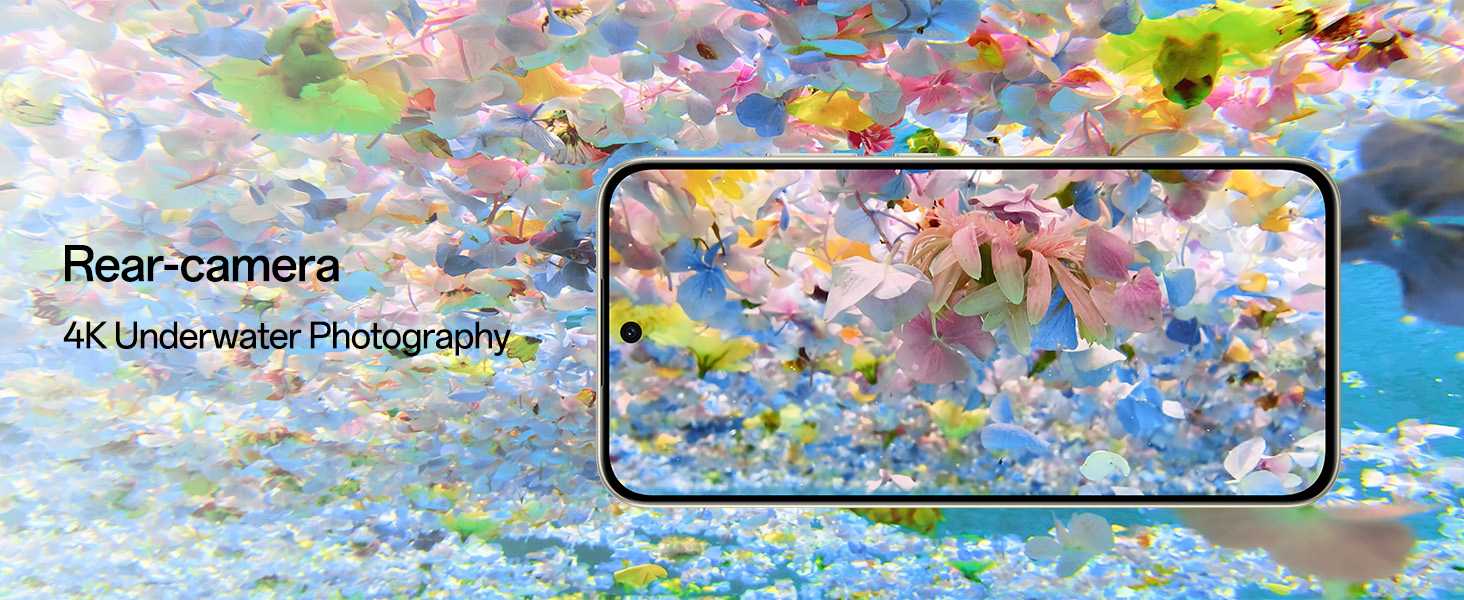
Image: The rear camera module of the OPPO F31 Pro 5G, showcasing its capability for 4K underwater photography.
3.4 Connectivity
Stay connected with advanced network technologies:
- AI LinkBoost 3.0 and Hunter Antenna: Ensures stable internet and calls even in areas with weak signals.
- Beacon Link 2.0: Enables offline peer-to-peer calls, texts, and picture sharing via Bluetooth within a range of up to 210m.
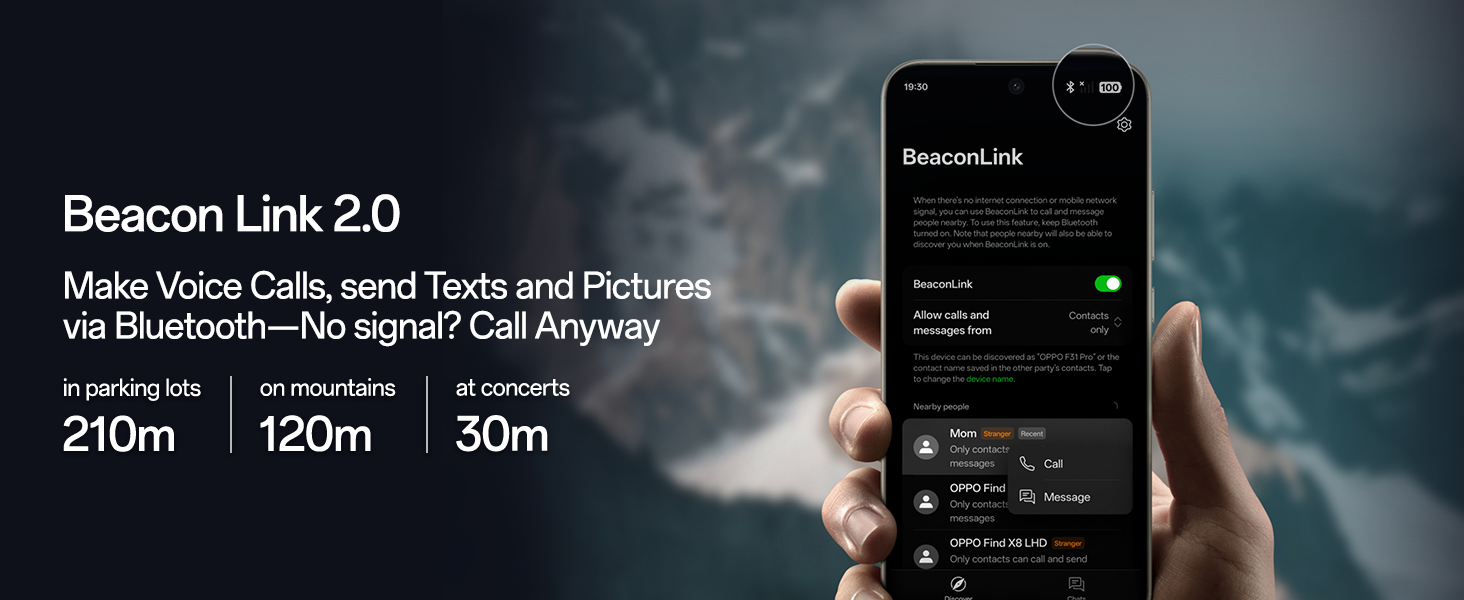
Image: A visual representation of the Beacon Link 2.0 feature, showing its interface and range capabilities for offline communication.
3.5 Battery and Charging
The device is equipped with a large 7000mAh battery, providing up to 3 days of power on a single charge. It supports 80W SuperVOOC Flash Charge for rapid recharging, even in extreme temperatures.
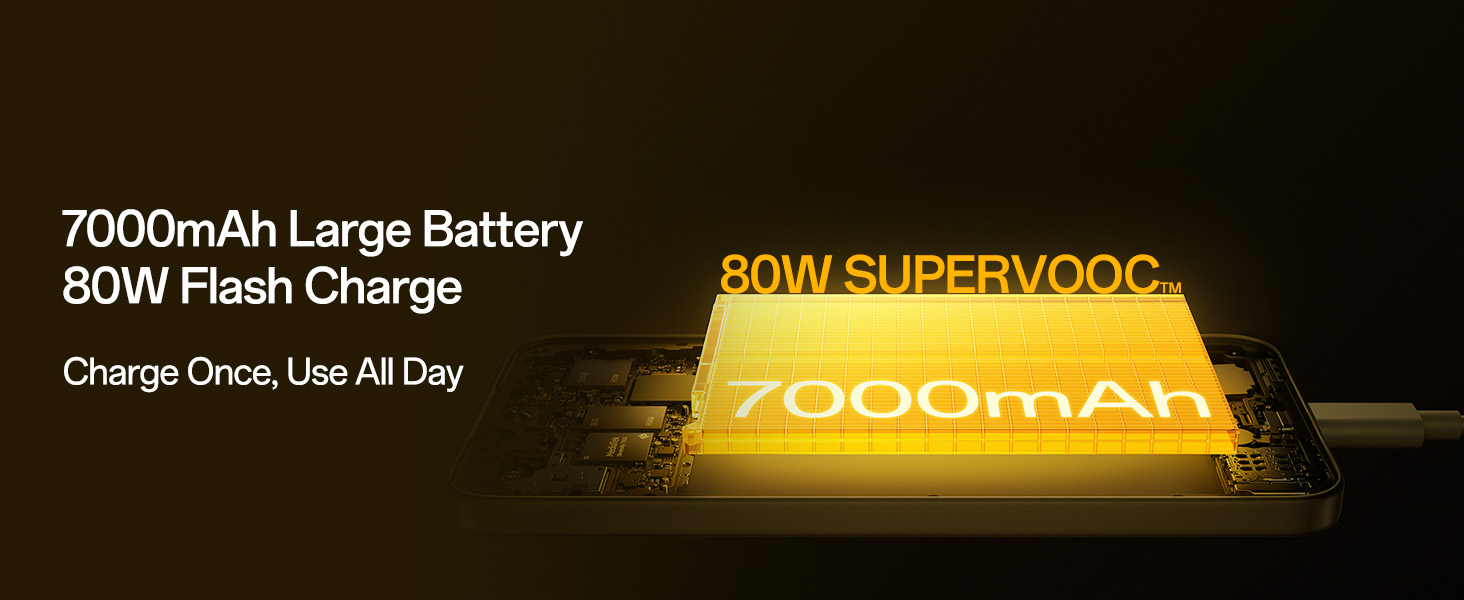
Image: An illustration of the 7000mAh large battery and the 80W SuperVOOC Flash Charge technology, highlighting fast and long-lasting power.
3.6 Durability and Design
The OPPO F31 Pro 5G is built with aerospace-grade aluminum and AGC DT-Star D+ glass, offering robust protection. It boasts IP69/IP68/IP66 full-scenario dust and water resistance, capable of resisting submersion up to 1.5m for 30 minutes. The device is compliant with MIL-STD-810H-2022 and 18A military-grade standards for enhanced resilience against drops, sand, and extreme conditions.
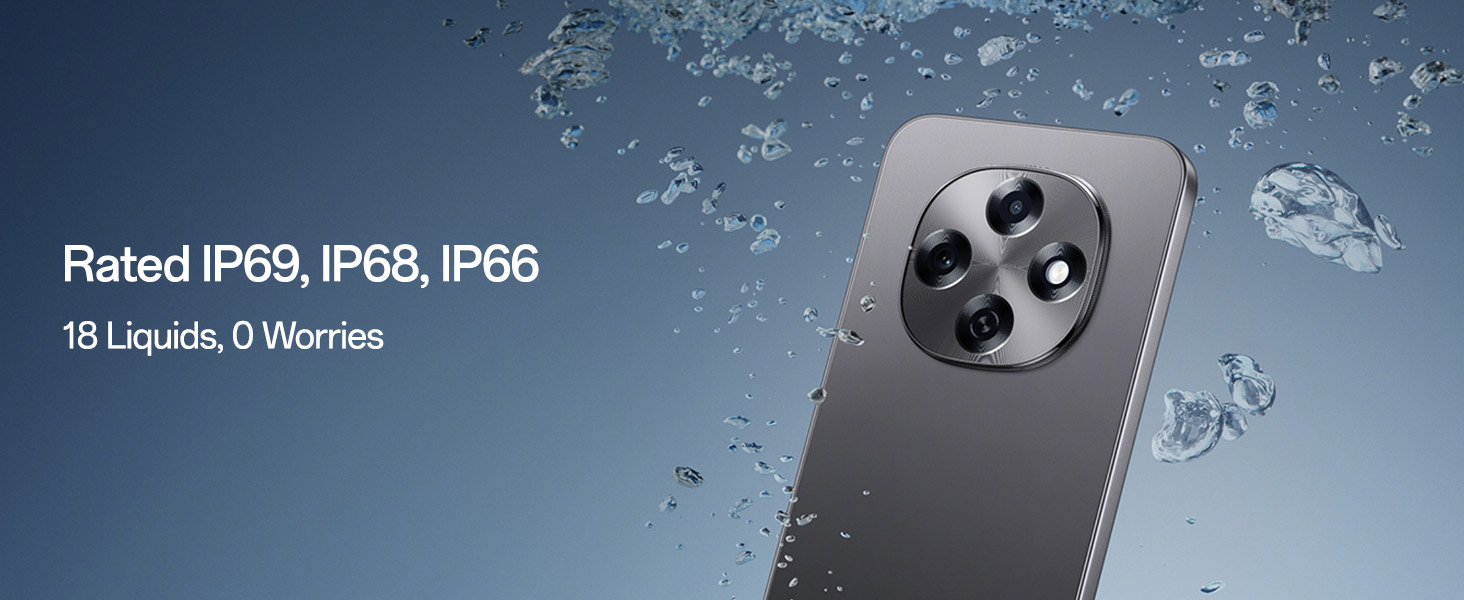
Image: The OPPO F31 Pro 5G being exposed to water, demonstrating its IP69, IP68, and IP66 water resistance ratings.
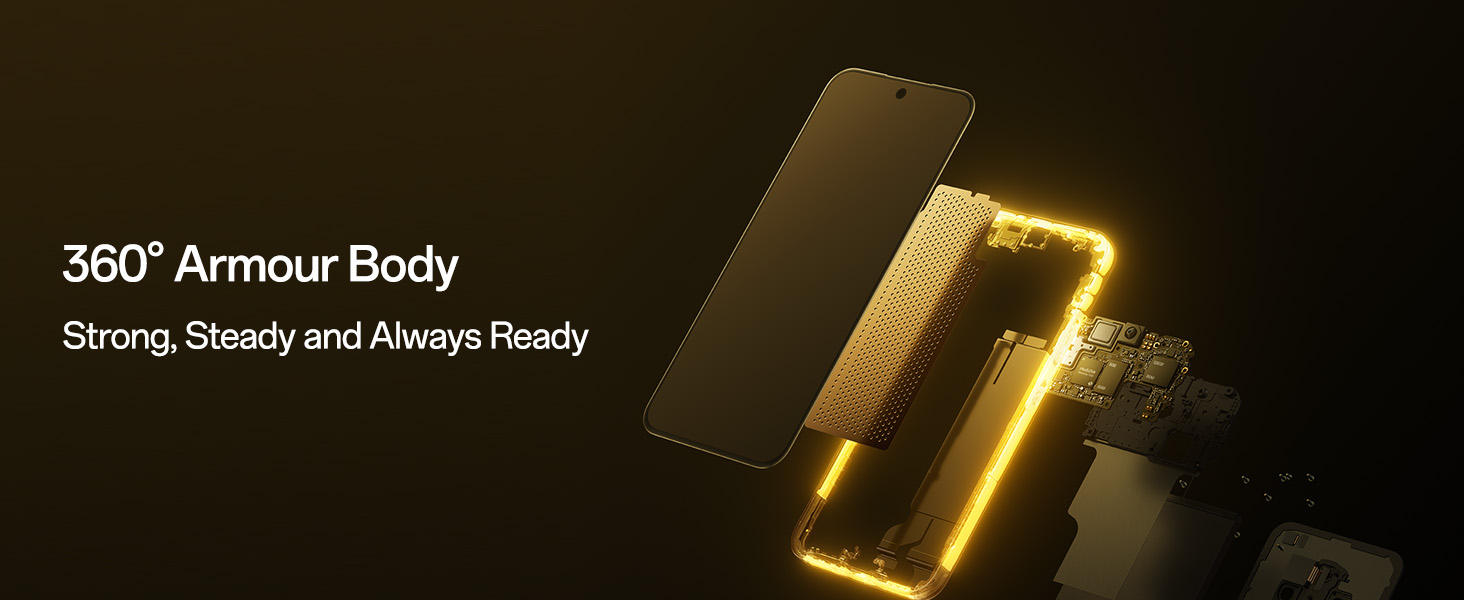
Image: An exploded view of the OPPO F31 Pro 5G, illustrating its 360-degree armor body construction for enhanced durability.
3.7 Software and AI Features
Running on ColorOS 15, the device integrates AI-powered features:
- Smart Document: AI summaries, translations, and rewriting capabilities.
- Smart Note: AI-enhanced note-taking.
- Google Gemini: Integrated for advanced language understanding, content creation, and reasoning.
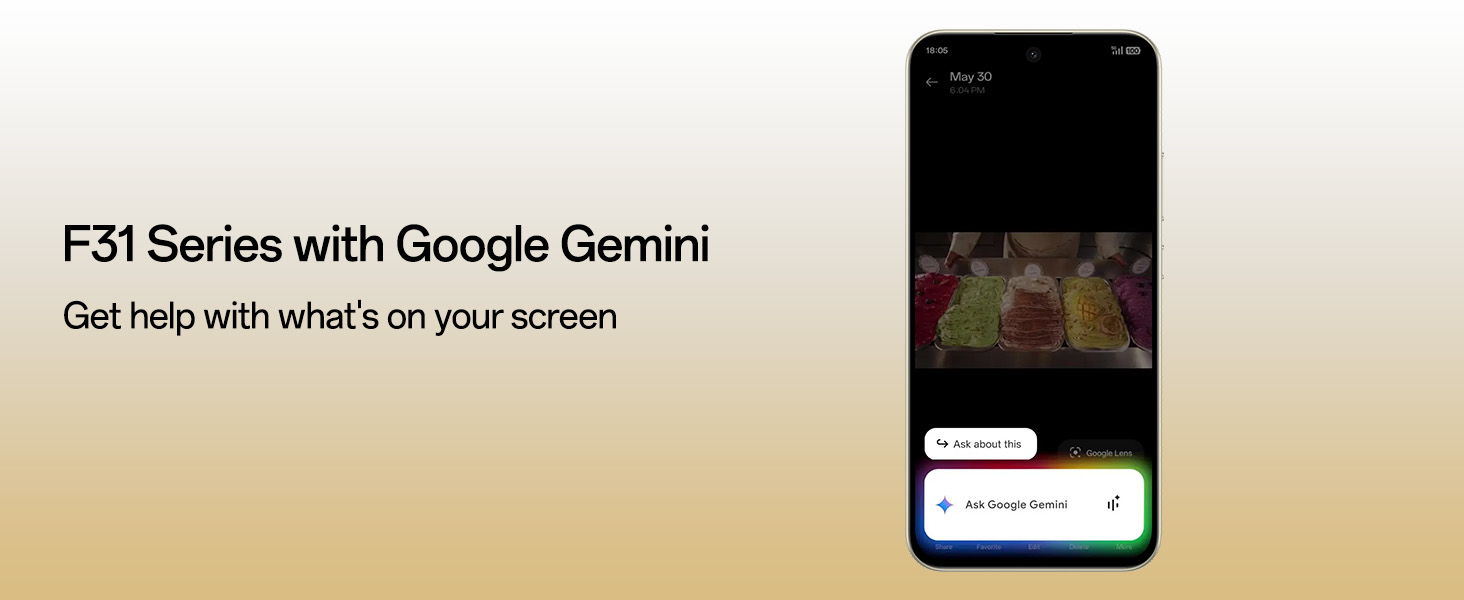
Image: The OPPO F31 Pro 5G screen displaying the Google Gemini interface, demonstrating its AI assistance capabilities.
3.8 Security and Audio
- O-Lock Anti-Theft: Locks the device if stolen, preventing data breaches and unauthorized resets.
- Spam Call Blocking: Filters unwanted calls.
- Intelligent Speaker Drainage System: Expels water and debris from speakers for clear sound.
4. Maintenance
Proper maintenance ensures the longevity and optimal performance of your OPPO F31 Pro 5G.
4.1 Cleaning Your Device
- Use a soft, lint-free cloth to wipe the screen and body.
- Avoid using harsh chemicals, abrasive cleaners, or aerosol sprays.
- For stubborn smudges, slightly dampen the cloth with water or a screen cleaner specifically designed for electronics.
4.2 Software Updates
Regularly check for and install software updates to enhance security, improve performance, and gain new features. Go to Settings > About device > Up to date to check for updates.
4.3 Battery Care
- Avoid exposing the device to extreme temperatures (very hot or very cold).
- Do not leave the device charging for extended periods after it has reached 100%.
- Use only the original or certified charging accessories.
4.4 Water Resistance Guidelines
While your device is IP69/IP68/IP66 rated, water resistance is not a permanent condition and may decrease over time with normal wear. To prevent liquid damage:
- Do not intentionally submerge the device in water.
- Avoid exposing the device to pressurized water or high-velocity water, such as showering, water skiing, or surfing.
- Do not use the device in a sauna or steam room.
- If the device gets wet, wipe it dry with a clean, soft cloth. Do not charge it until it is completely dry.
5. Troubleshooting
Here are solutions to some common issues you might encounter.
5.1 Device Not Turning On
- Ensure the battery is charged. Connect the charger and wait a few minutes before attempting to power on.
- Press and hold the Power button for at least 10-15 seconds to force a restart.
5.2 Charging Issues
- Check if the charging cable and adapter are securely connected.
- Try using a different power outlet.
- Inspect the charging port for any debris or damage.
- Use only original OPPO charging accessories.
5.3 Network Connectivity Problems
- No Signal/Weak Signal: Ensure your SIM card is properly inserted. Try restarting the device. Check if you are in an area with network coverage.
- Wi-Fi Connection Issues: Restart your Wi-Fi router. Forget the network on your phone and reconnect.
- Bluetooth Issues: Ensure Bluetooth is enabled on both devices. Try unpairing and re-pairing the devices.
5.4 Apps Crashing or Freezing
- Close the app and reopen it.
- Clear the app's cache and data (Settings > Apps > [App Name] > Storage > Clear cache/Clear data).
- Update the app to its latest version from the Google Play Store.
- If the issue persists, uninstall and reinstall the app.
5.5 Factory Reset
If you experience persistent software issues, a factory reset may resolve them. Warning: This will erase all data on your phone. Back up important data before proceeding. Go to Settings > System settings > Back up and reset > Reset phone > Erase all data.
6. Specifications
Key technical specifications for the OPPO F31 Pro 5G:
| Feature | Specification |
|---|---|
| Brand | OPPO |
| Model | F31 Pro 5G |
| Operating System | Android 14 (ColorOS 15) |
| RAM Memory | 8 GB |
| Internal Storage | 128 GB |
| Processor | MediaTek Dimensity 7300 (2.5 GHz CPU Speed) |
| Display Type | AMOLED |
| Screen Size | 6.57 Inches |
| Resolution | 1080x2372 pixels |
| Refresh Rate | 120 Hz |
| Rear Camera | 50 MP (Main) + 2 MP (Portrait) |
| Front Camera | 32 MP |
| Battery Capacity | 7000 Milliamp Hours |
| Charging | 80W Fast Charging Support |
| SIM Card Slot Count | Dual SIM (Nano) |
| Connector Type | USB Type C |
| Biometric Security | Fingerprint Recognition |
| Water Resistance Level | IP69/IP68/IP66 Water Resistant |
| Item Weight | 204 Grams |
| Item Dimensions | 16.3 x 7.8 x 0.8 Centimeters |
| Cellular Technology | 5G |
| Wireless Network Technology | Bluetooth, Wi-Fi, GSM, Infrared, LTE |
7. Warranty and Support
7.1 Warranty Information
Your OPPO F31 Pro 5G comes with a warranty of 12 Months on the Handset and 6 Months on the Adapter & Cable from the date of purchase. Please retain your proof of purchase for warranty claims.
7.2 Manufacturer Contact Information
For technical support, service, or warranty inquiries, please contact:
OPPO Mobiles India Pvt Ltd5th FLOOR, Tower B, BUILDING, N-8,
DLF Cyber City, DLF Phase 2,
Gurugram, Haryana 122002
Tel: 18001032777


