
1. Introduction
This manual provides essential information for the safe and efficient use of your OPPO F31 Pro+ 5G smartphone. Please read this guide thoroughly before operating the device to ensure optimal performance and longevity.
2. Device Overview
The OPPO F31 Pro+ 5G is a high-performance smartphone featuring a 6.8-inch AMOLED display, a 50 MP main camera, and a 7000mAh battery with 80W SUPERVOOC flash charging. It is powered by the Qualcomm Snapdragon 7 Gen 3 Mobile Platform and runs on ColorOS 15.

Image: Front view of the OPPO F31 Pro+ 5G smartphone, showcasing its display.
3. Setup
3.1 Package Contents
Verify that all items are present in the box:
- OPPO F31 Pro+ 5G Smartphone
- Phone Case
- Power Adapter (80W SUPERVOOC)
- USB Type-C Cable
- SIM Tray Ejector
- Screen Protector (pre-applied or in box)
- Quick Start Guide (this document)
3.2 Inserting SIM Cards
- Locate the SIM card tray on the side of the device.
- Insert the SIM tray ejector tool into the small hole next to the tray and press firmly until the tray pops out.
- Place your Nano-SIM cards into the designated slots on the tray. Ensure the gold contacts face downwards. The device supports Dual SIM functionality.
- Carefully reinsert the SIM tray into the phone until it clicks into place.

Image: Side view of the phone showing the SIM card tray location for insertion.
3.3 Initial Power On and Setup
- Press and hold the Power button until the OPPO logo appears.
- Follow the on-screen instructions to select your language, region, and connect to a Wi-Fi network.
- Sign in with your Google account or create a new one.
- Set up screen lock (PIN, pattern, password, fingerprint, or face unlock).
- Transfer data from an old device if desired.
4. Operating Instructions
4.1 Display and Navigation
Your device features a 6.8-inch AMOLED display with a 120Hz refresh rate and 1600 nits peak brightness. Navigate using gestures or on-screen buttons. Adjust display settings (brightness, color mode, eye comfort shield) in the Settings menu.
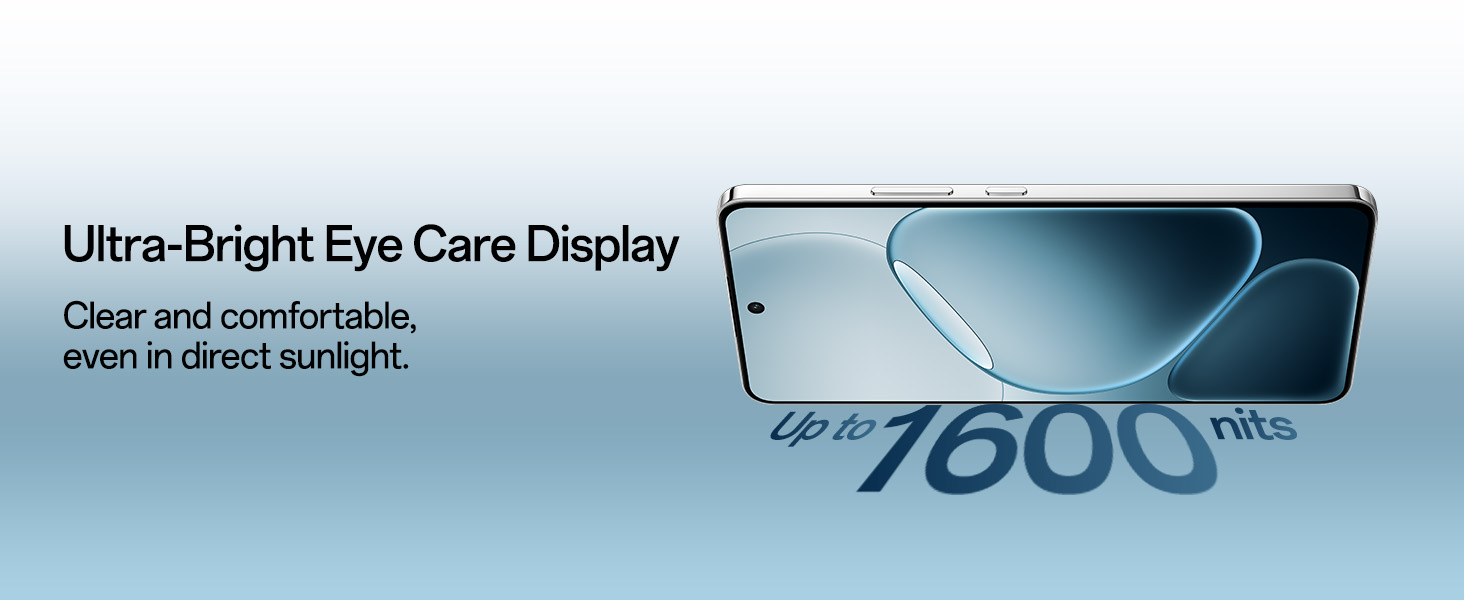
Image: The phone's display highlighting its ultra-bright eye care features.
4.2 Camera Usage
The OPPO F31 Pro+ 5G is equipped with a 50 MP Ultra-Clear Main Camera with OIS, a 2 MP Portrait Camera, and a 32 MP Selfie Camera. Open the Camera app to access various modes.
- Photo Mode: Standard photography.
- Portrait Mode: For photos with a blurred background effect.
- Video Mode: Supports up to 4K video recording.
- Underwater Mode: Specialized mode for capturing photos and videos underwater.
- Dual-View Video: Records from front and rear cameras simultaneously.
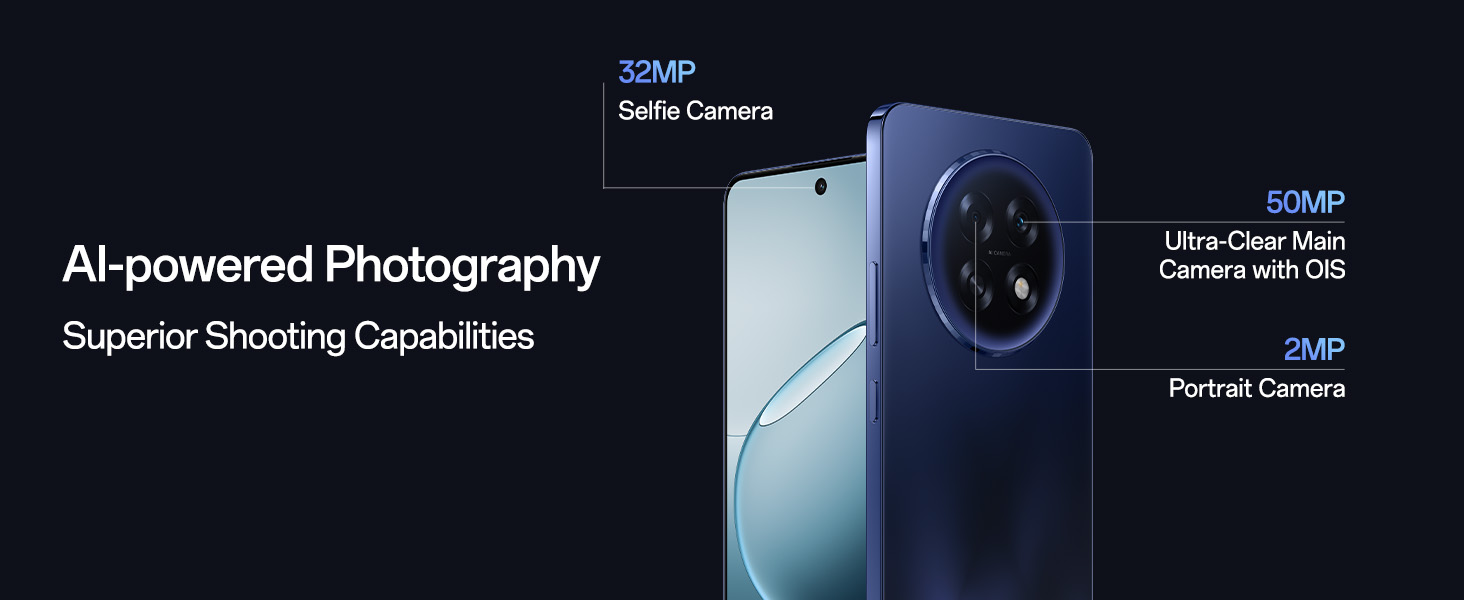
Image: Diagram illustrating the AI-powered camera system with 32MP selfie, 50MP main, and 2MP portrait cameras.
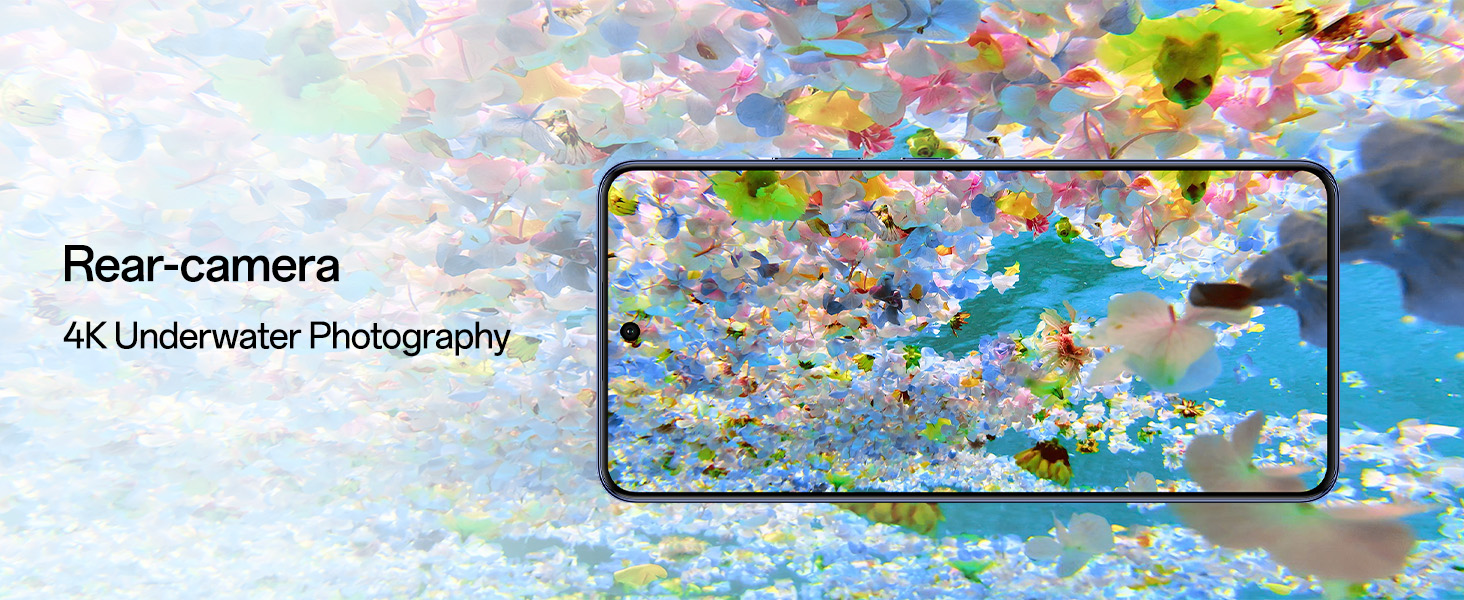
Image: Example of 4K underwater photography captured with the phone's rear camera.
4.3 Battery and Charging
The device is equipped with a 7000mAh battery and supports 80W SUPERVOOC Flash Charge. Use the provided power adapter and cable for optimal charging speed.
- Fast Charging: A full charge takes approximately 61 minutes.
- Bypass Charging: For extended gaming or heavy use, enable Bypass Charging in Settings to power the phone directly, reducing heat and preserving battery health.
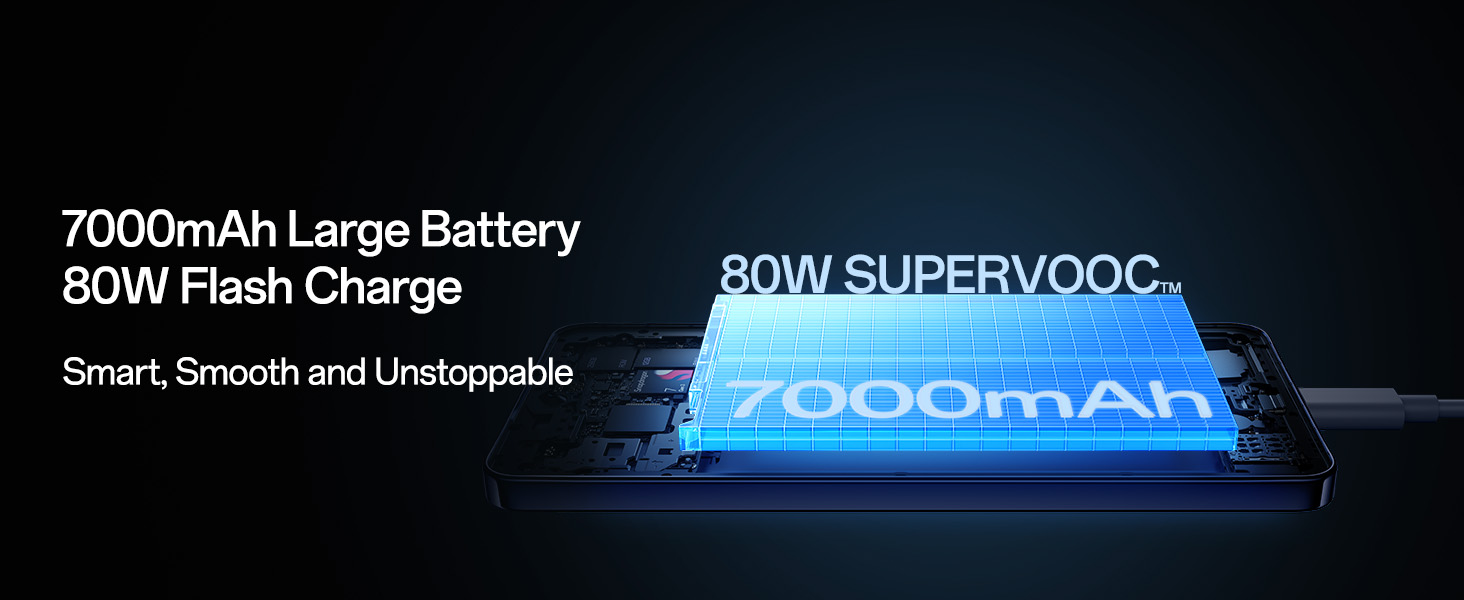
Image: Illustration of the 7000mAh large battery and 80W SUPERVOOC flash charging capability.
4.4 Connectivity
The F31 Pro+ 5G supports 5G cellular technology, Wi-Fi, and Bluetooth. It features an AI LinkBoost 3.0 S1 chip and Hunter Antenna for enhanced signal strength.
- Beacon Link 2.0: Enables peer-to-peer Bluetooth voice calls up to 210m in areas without network coverage.

Image: Close-up of the Network Boost Chipset S1, an exclusive flagship network chip.
4.5 ColorOS 15 and AI Features
The device runs on ColorOS 15, optimized for smooth performance and includes AI-powered features:
- Smart Document: AI summaries, translations, and rewriting.
- Smart Note: AI-enhanced note-taking.
- Google Gemini: Integrated for multimodal AI intelligence, advanced language understanding, content creation, and reasoning.
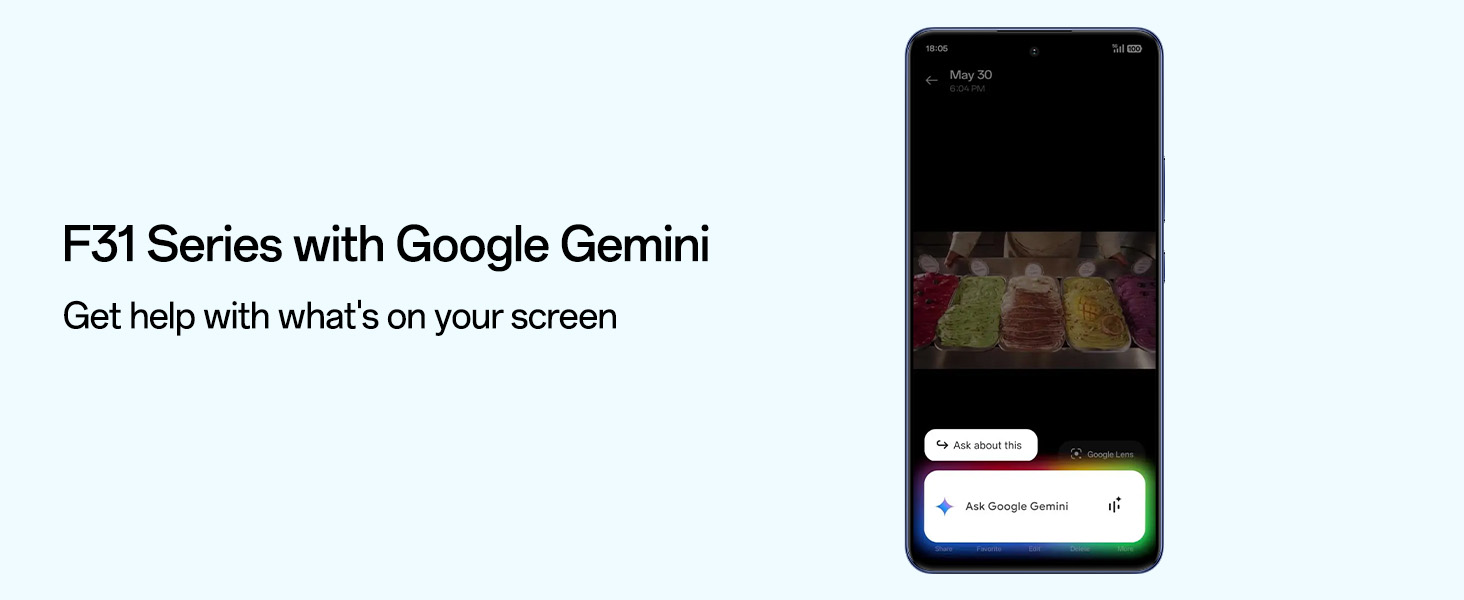
Image: Screenshot of the phone's interface showing Google Gemini integration for on-screen assistance.
5. Maintenance
5.1 Cleaning Your Device
- Use a soft, lint-free cloth to clean the screen and body.
- Avoid using harsh chemicals or abrasive materials.
- For speaker cleaning, use the enhanced Speaker Cleaner system in Settings to expel water and debris.
5.2 Software Updates
Regularly check for and install software updates to ensure optimal performance, security, and access to new features. Go to Settings > About device > ColorOS version to check for updates.
5.3 Battery Health
The battery is designed to retain over 80% health for 5 years. To maximize battery lifespan:
- Avoid extreme temperatures.
- Use the original charger.
- Enable Bypass Charging during extended heavy use.
6. Troubleshooting
- Device not powering on: Ensure the battery is charged. Connect to the charger for at least 10 minutes before attempting to power on.
- Network issues: Check SIM card insertion. Restart the device. Verify network settings.
- Performance slowdowns: Close unused apps. Clear cache. Restart the device. Ensure sufficient storage space.
- Water or debris in speaker: Use the Speaker Cleaner function found in device settings.
- O-Lock Anti-Theft: If your device is stolen, O-Lock technology will lock it, preventing data breaches and unauthorized resets or SIM swaps. Contact support for assistance if your device is lost or stolen.
7. Specifications
| Feature | Detail |
|---|---|
| Brand | OPPO |
| Model | F31 Pro+ 5G |
| Operating System | Android 14 (ColorOS 15) |
| Processor | Qualcomm Snapdragon 7 Gen 3 Mobile Platform, 3.4 GHz |
| RAM | 8 GB |
| Storage | 256 GB |
| Display | 6.8 Inches AMOLED, 3840 x 2160 Resolution, 120 Hz Refresh Rate, 1600 nits brightness |
| Rear Camera | 50 MP (Main), 2 MP (Portrait) |
| Front Camera | 32 MP |
| Battery Capacity | 7000 Milliamp Hours |
| Charging | 80W SUPERVOOC Flash Charge |
| SIM Card Slot | Dual SIM |
| Connectivity | 5G, Bluetooth, Wi-Fi, USB Type C |
| Water Resistance | Water Resistant (MIL-STD-810H, GJB shock standards, Rated IP69, IP68, IP66) |
| Dimensions | 16.3 x 7.8 x 0.8 Centimeters |
| Weight | 204 Grams |
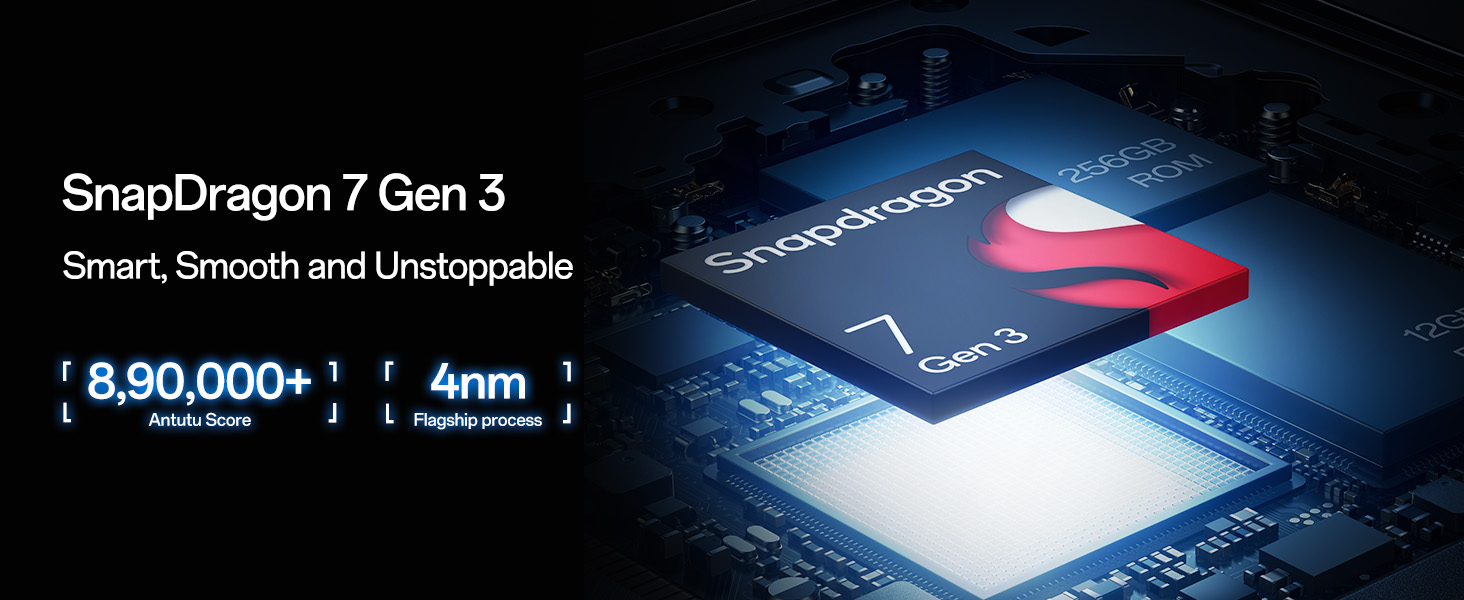
Image: Depiction of the Snapdragon 7 Gen 3 processor, highlighting its smart and smooth performance.
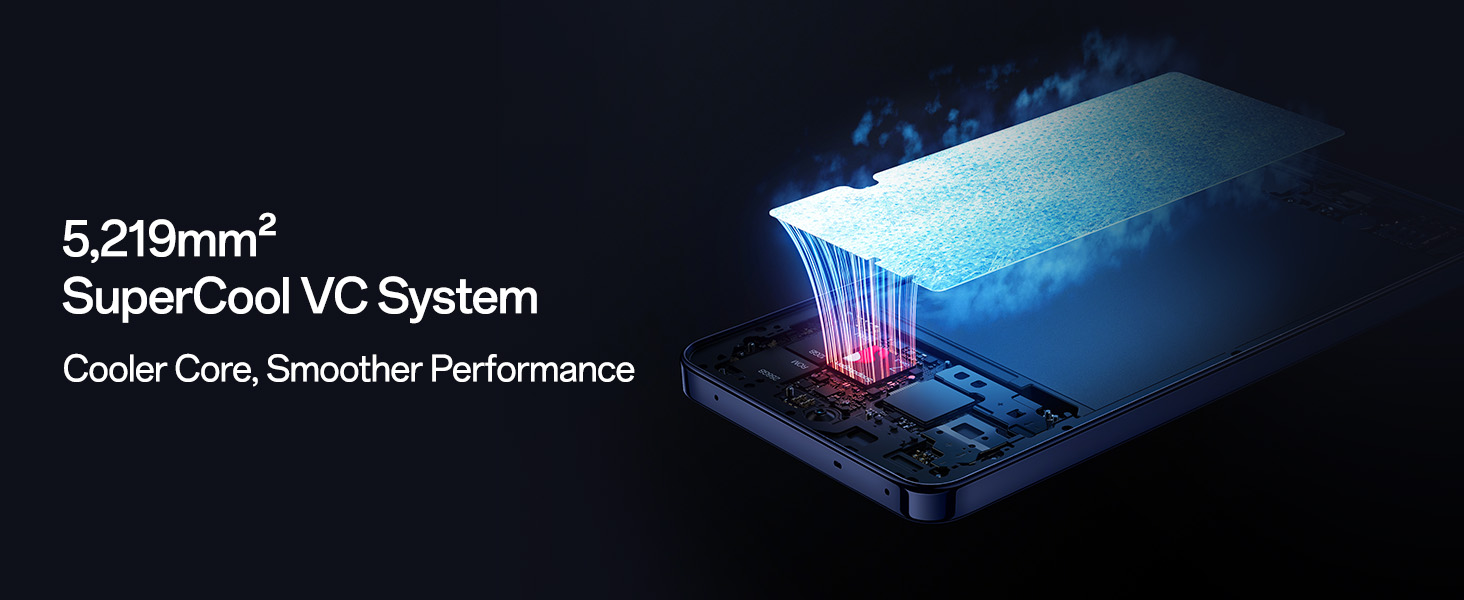
Image: Illustration of the 5,219mm² SuperCool VC System for efficient heat dissipation and smoother performance.
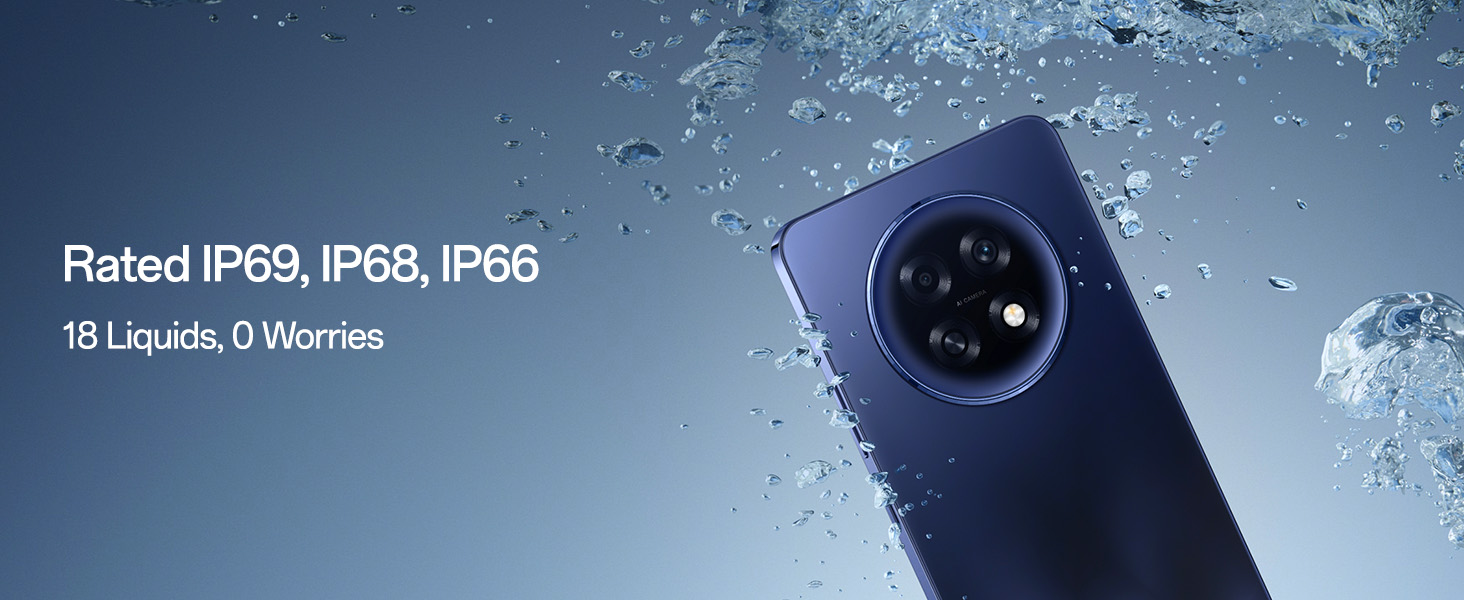
Image: The phone submerged in water, demonstrating its IP69, IP68, and IP66 water resistance ratings.
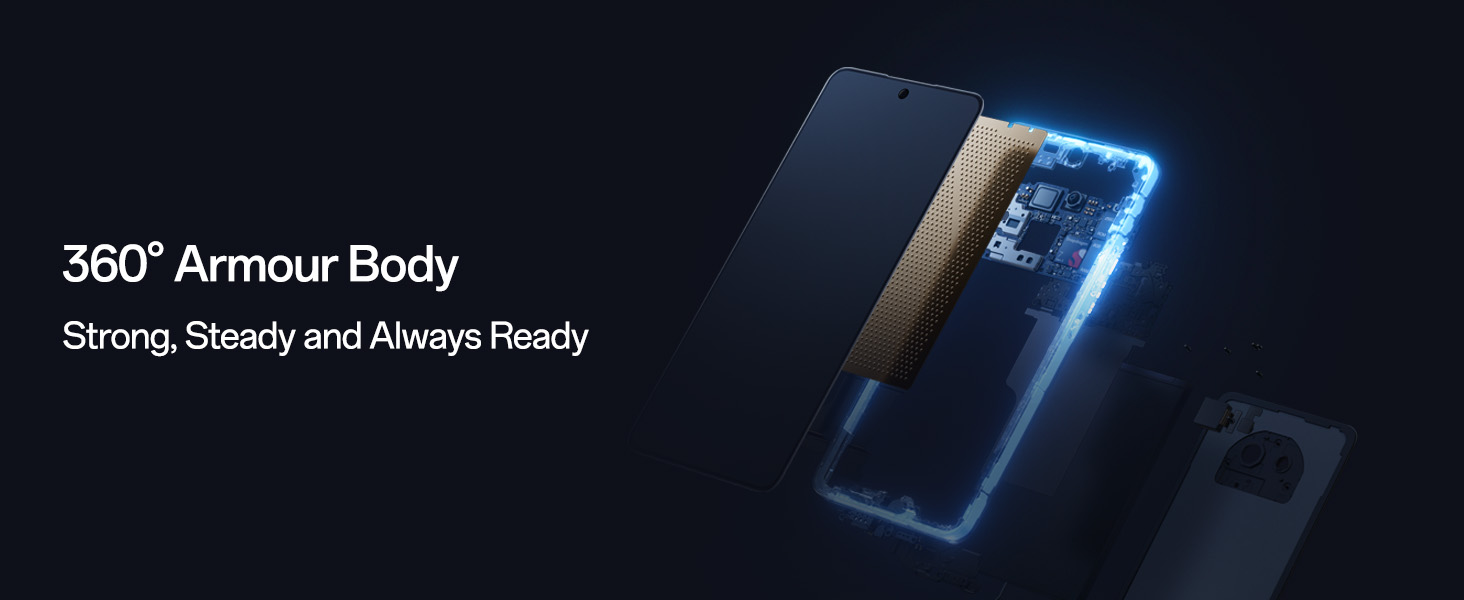
Image: Exploded view of the phone's internal structure, highlighting its 360-degree armour body for enhanced durability.
8. Warranty and Support
8.1 Warranty Information
Your OPPO F31 Pro+ 5G comes with a 12-month warranty on the handset and a 6-month warranty on the adapter and cable from the date of purchase. Please retain your proof of purchase for warranty claims.
8.2 Customer Support
For technical assistance, service, or warranty inquiries, please contact OPPO customer support:
- Manufacturer: OPPO Mobiles India Pvt Ltd
- Address: 5th FLOOR, Tower B, BUILDING, N-8, DLF Cyber City, DLF Phase 2, Gurugram, Haryana 122002
- Telephone: 18001032777
9. Safety Information
Please observe the following safety guidelines:
- Do not disassemble or attempt to repair the device yourself.
- Use only OPPO-approved accessories.
- Avoid exposing the device to extreme temperatures, direct sunlight, or fire.
- Dispose of the device and its battery responsibly according to local regulations.
- Maintain a safe distance from medical implants when using the device.


