
1. Introduction
This manual provides essential information for the installation, operation, and maintenance of your Luna Doorbell Camera. The Luna Doorbell Camera is designed to enhance home security with features such as 1080p HD video, night vision, two-way audio, and smart AI detection capabilities. Please read this manual thoroughly before using the product to ensure proper functionality and safety.
2. What's Included
Upon unboxing your Luna Doorbell Camera, verify that all components listed below are present and in good condition:
- Luna Doorbell Camera Unit
- Indoor Chime Receiver
- Mounting Bracket
- USB-A to USB-C Charging Cable
- Power Adapter (for chime)
- Installation Hardware (screws, anchors, wire nuts, jumper wires)
- 3M VHB Adhesive Tape (for screw-free mounting)
- User Manual

Image: Overview of the Luna Doorbell Camera and its included indoor chime unit.
Video: An unboxing demonstration showing the doorbell camera, chime, and various accessories included in the package.
3. Key Features
- 1080p Full HD Video: Provides clear and detailed video footage for day and night monitoring.
- Enhanced Night Vision: Offers clear visuals even in low-light conditions.
- Two-Way Audio: Allows for real-time communication with visitors via the built-in microphone and speaker.
- Smart AI Motion & Person Detection: Sends instant alerts for detected movement, specifically identifying people and packages (AI features may require subscription).
- Flexible Power Options: Supports both wired installation for continuous power and a 6400mAh rechargeable battery for wireless setup.
- IP65 Weather-Resistant Design: Ensures durability and reliable operation in various weather conditions (rain, snow, wind).
- 2.4GHz Wi-Fi Connectivity: Connects to your home Wi-Fi network for stable and seamless operation.
- Included Indoor Chime Receiver: Provides audible alerts inside your home when the doorbell is pressed.
- Optional Cloud Storage: Secure AES 128-bit encrypted cloud storage for recordings (may require subscription).
- 130° Field of View: Captures a wide area around your front door.
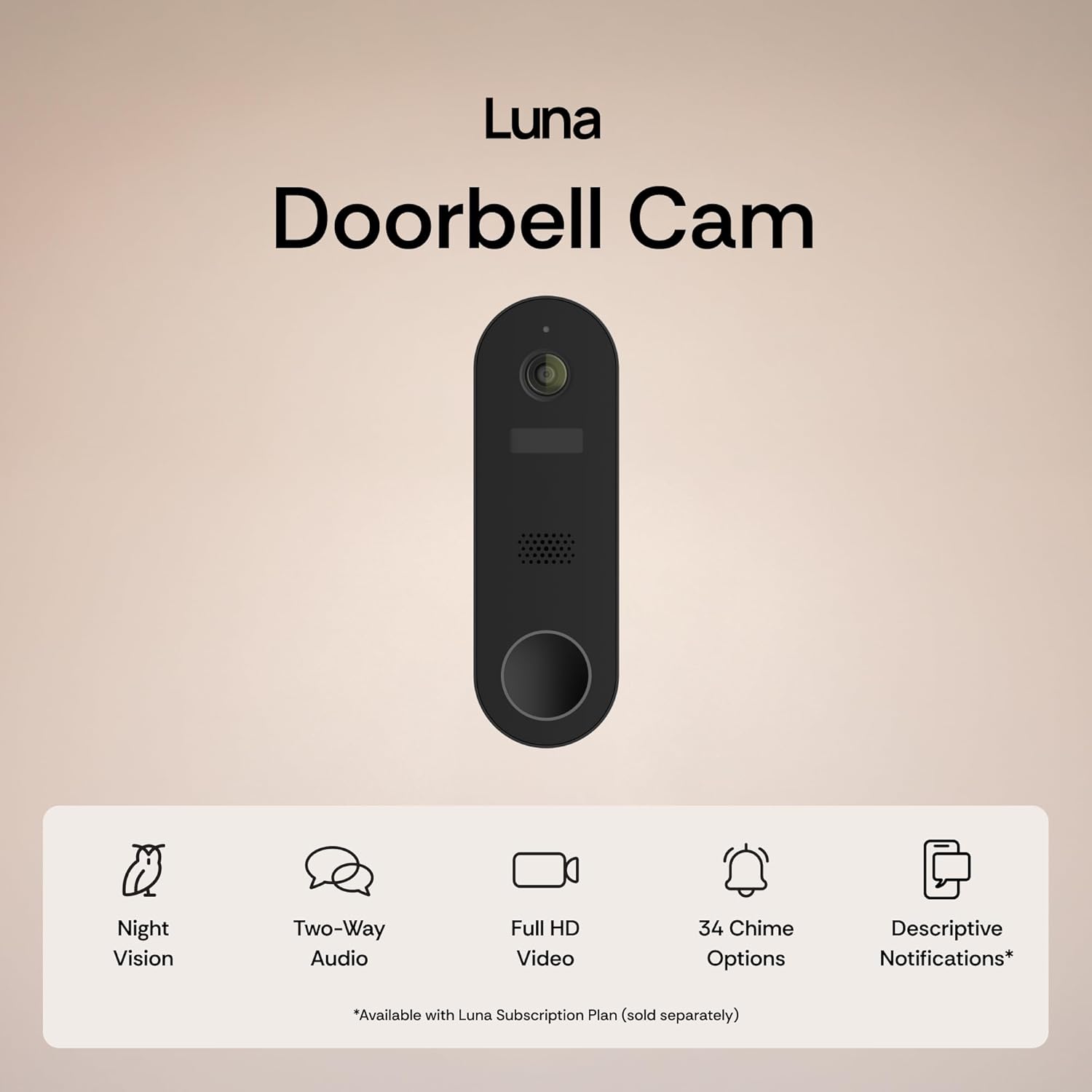
Image: Visual summary of key features including Night Vision, Two-Way Audio, Full HD Video, Chime Options, and Descriptive Notifications.

Image: Comparison showing the clarity of Colored Night Vision versus Traditional Night Vision, highlighting improved detail.
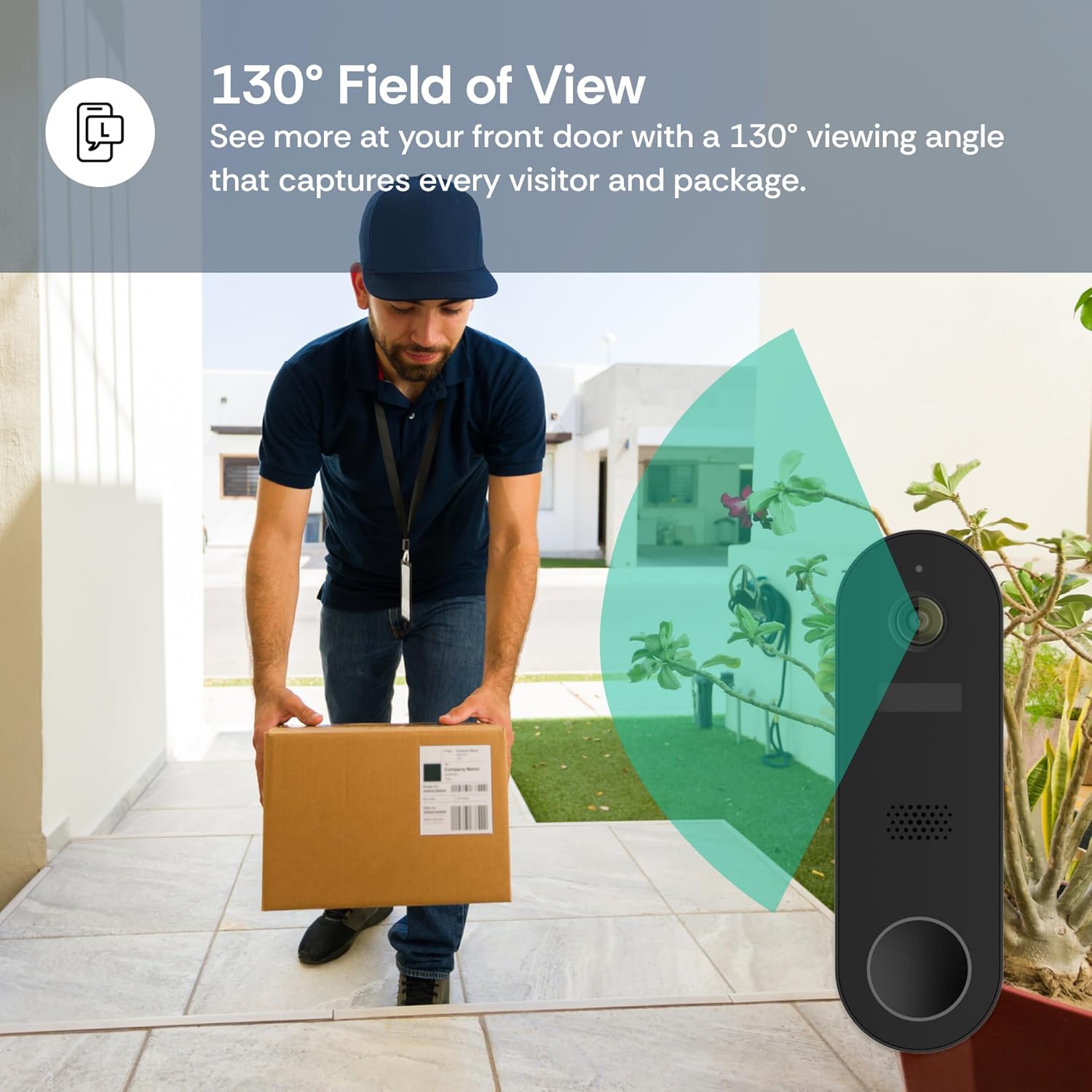
Image: Illustration of the doorbell camera's 130-degree field of view, capturing a wide area including a person delivering a package.

Image: Screenshot of a smartphone showing a "Luna Delivery man with package walking toward front door" alert, demonstrating smart custom alerts.

Image: The doorbell camera mounted on an exterior wall, with text indicating its IP65 weatherproof rating for durability in various weather conditions.

Image: A table comparing Luna AI features available with and without a subscription, including Live Viewing, 2-Way Audio, Color Night Vision, Cloud Storage, and Professional Monitoring.
4. Setup and Installation
The Luna Doorbell Camera offers flexible installation options: battery-powered wireless or wired to existing doorbell wiring.
4.1 Charging the Battery
Before installation, fully charge the doorbell camera using the provided USB-C cable and power adapter. The battery is 6400mAh and designed for long-lasting performance.
4.2 Installing the Indoor Chime
Plug the indoor chime receiver into a standard electrical outlet in a central location within your home where you can easily hear it. The chime pairs automatically with the doorbell camera.
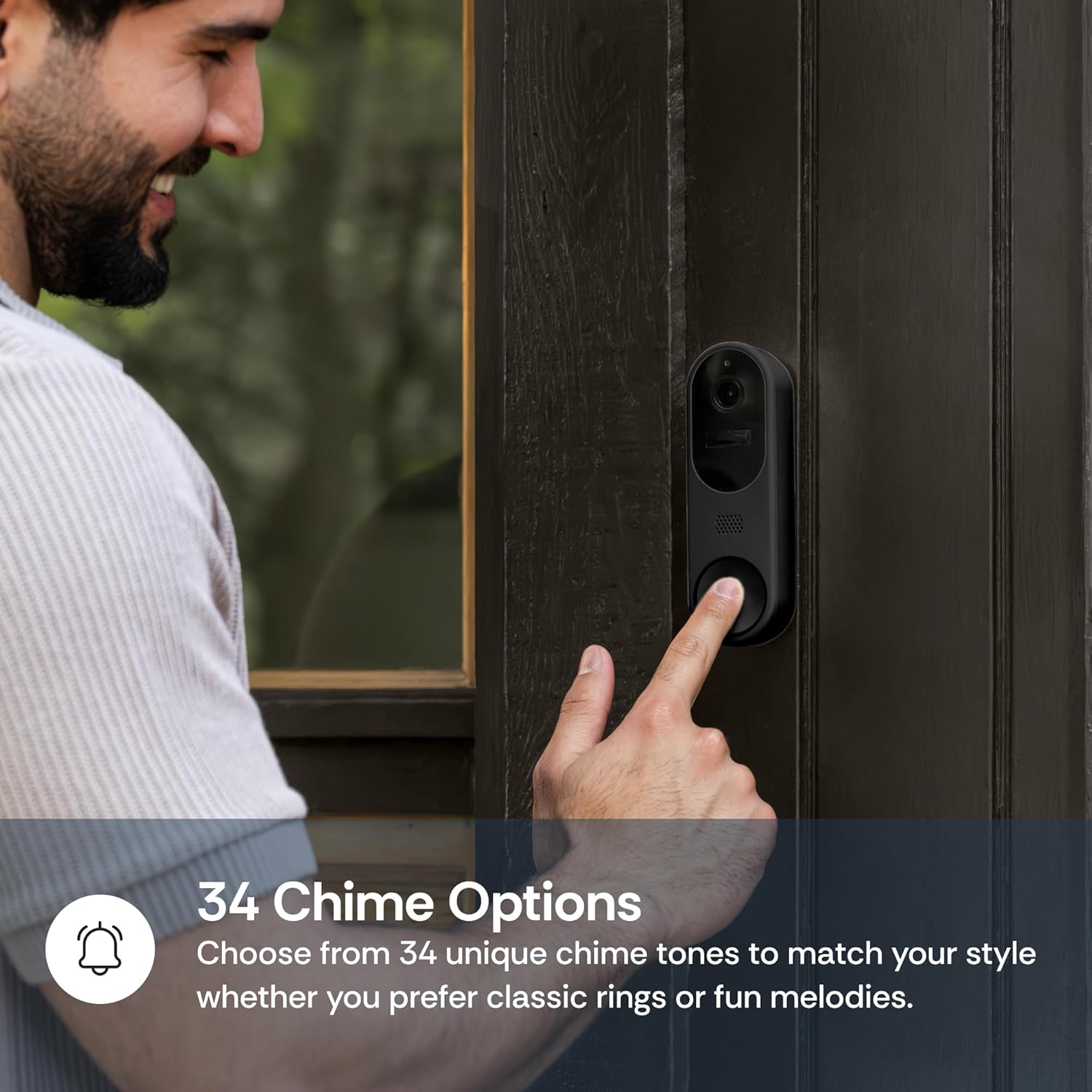
Image: A person pressing the doorbell button, with text indicating 34 chime options available for the indoor chime unit.
4.3 Mounting the Doorbell Camera
Choose your preferred mounting method:
- Screw-Mount Installation: Use the provided screws and anchors to securely attach the mounting bracket to your doorframe or wall. Then, clip the doorbell camera onto the bracket.
- Adhesive Installation: For a non-drilling option, use the included 3M VHB adhesive tape to attach the mounting bracket to a clean, flat surface. Ensure the surface is suitable for strong adhesive.
If opting for wired installation, connect the doorbell camera to your existing doorbell wiring using the provided jumper wires and wire nuts before securing it to the mounting bracket. Ensure power is off at the breaker before handling electrical wiring.
Video: A demonstration of installing the doorbell camera on an exterior wall, highlighting the ease of setup.
4.4 App Connection
Download the Luna AI App from your smartphone's app store. Follow the in-app instructions to connect your doorbell camera to your 2.4GHz Wi-Fi network. This will enable remote viewing, notifications, and feature customization.
5. Operating Instructions
5.1 Live View and Two-Way Audio
Access the live video feed from your doorbell camera through the Luna AI App. Use the two-way audio feature to speak with visitors at your door and hear their responses.
5.2 Motion Detection and Alerts
The doorbell camera utilizes smart AI to detect motion, people, and packages. Customize motion zones within the app to receive alerts only for specific areas, reducing false alarms. Adjust sensitivity levels as needed.
5.3 Recording and Storage
Recordings are triggered by motion detection or when the doorbell is pressed. These recordings can be stored locally on a MicroSD card (not included) or in the optional AES 128-bit encrypted cloud storage (subscription required).
Video: A short video showcasing the Luna Doorbell Camera's features, including AI notifications, past event search, 1080p resolution, color night vision, and two-way audio.
6. Maintenance
6.1 Battery Management
If using battery power, monitor the battery level through the Luna AI App. Recharge the battery when indicated. Battery life varies based on usage and environmental conditions.
6.2 Cleaning
Periodically clean the camera lens and the doorbell surface with a soft, damp cloth to ensure clear video quality and proper button functionality. Avoid using harsh chemicals or abrasive materials.
6.3 Firmware Updates
Ensure your Luna AI App and doorbell camera firmware are up to date. Updates often include performance improvements and new features. The app will notify you of available updates.
7. Troubleshooting
- No Power/Not Turning On: Ensure the battery is charged or the wired connection is correctly installed and receiving power.
- Wi-Fi Connectivity Issues: Verify your Wi-Fi network is 2.4GHz. Ensure the doorbell is within range of your router. Try restarting your router and the doorbell camera.
- No Notifications: Check app settings to ensure notifications are enabled. Verify your phone's notification settings for the Luna AI App.
- Poor Video Quality: Clean the camera lens. Ensure adequate lighting for optimal night vision performance. Check your Wi-Fi signal strength.
- Two-Way Audio Problems: Check microphone and speaker settings in the app. Ensure there are no obstructions.
For further assistance, refer to the Luna AI App's help section or contact customer support.
8. Specifications
| Brand | LUNA HOME |
| Model Name | Luna Doorbell Camera |
| Connectivity Technology | 2.4G Wi-Fi (Not 5G Compatible) |
| Special Features | 2-Way Audio, HD Resolution, Motion Sensor, Night Vision, Smart AI Detection |
| Recommended Uses | Home Security, Outdoor Security, Indoor Security, Nanny/Guest Monitoring, Farm & Livestock Surveillance |
| Weather Resistance | IP65 Rated |
| Battery Capacity | 6400mAh (Rechargeable) |
| Field of View | 130° |
9. Warranty and Support
The Luna Doorbell Camera comes with a standard manufacturer's warranty. For detailed warranty information, product registration, or technical support, please visit the official LUNA HOME website or contact their customer service. Contact information can typically be found in the product packaging or on the brand's official website.
For additional support, you may also refer to the LUNA HOME Store on Amazon.

