
1. Introduction
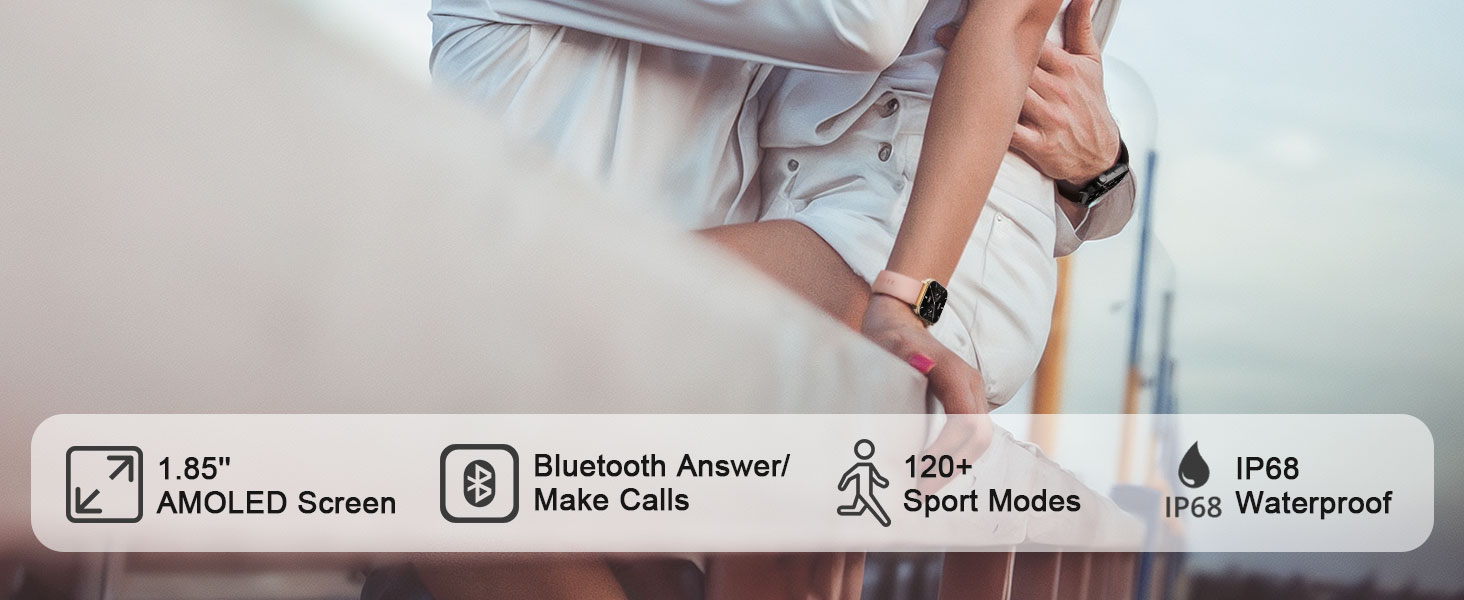
This manual provides detailed instructions for the MFVLP Smart Watch LC210. This device is designed to connect with your smartphone, monitor health data, track athletic performance, and support an efficient lifestyle. It features a 1.85-inch AMOLED HD display, Bluetooth calling, 120+ sports modes, and comprehensive health monitoring capabilities.
2. What's in the Box
- MFVLP Smart Watch LC210 x 1
- Charging Cable x 1
- User Manual x 1
- Watch Band x 1
3. Setup
3.1 Charging the Smart Watch
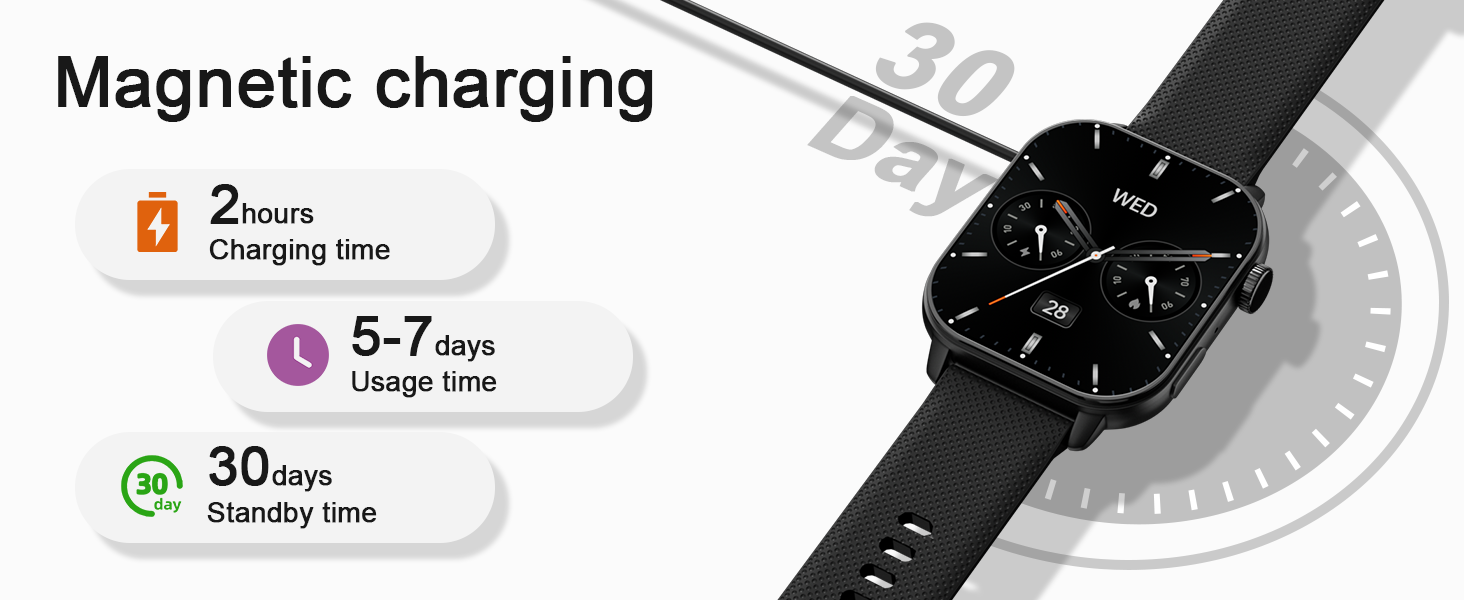
Before initial use, fully charge your MFVLP Smart Watch LC210. The watch features magnetic charging for convenience.

3.2 App Download and Installation
To unlock all features and synchronize data, download the "Da Fit" app on your smartphone. The app is compatible with Android 5.0 or above and iOS 9.0 or above.
- Scan the QR code provided in the watch's packaging or search for "Da Fit" in the Google Play Store (for Android) or Apple App Store (for iOS).
- Install the app on your smartphone.

3.3 Pairing with Your Smartphone
Follow these steps to pair your MFVLP Smart Watch LC210 with the "Da Fit" app:
- Ensure Bluetooth is enabled on your smartphone.
- Open the "Da Fit" app.
- Navigate to the "Add Device" section within the app.
- Select "LC210" from the list of available devices.
- Confirm the pairing request on both your phone and the watch.
- Grant necessary notification permissions within the app to receive alerts on your watch.
3.4 Setting Watch Language
You can set the language of the watch directly from the "Da Fit" app after successful pairing.
4. Operating the Smart Watch
4.1 Display and Watch Faces
The MFVLP Smart Watch LC210 features a vibrant 1.85-inch AMOLED HD screen with a 390*450 pixel resolution. You can customize your watch face from over 190 options available in the "Da Fit" app or use your own photos.


The watch also supports an Always-On Display (AOD) for instant time checks. Note that enabling AOD may shorten battery life.

4.2 Bluetooth Calling and Notifications
With its Bluetooth 5.3 chip, built-in microphone, and waterproof speaker, the LC210 allows you to make and receive calls directly from your wrist. You can also receive notifications from various apps like SMS, WhatsApp, Facebook, and Twitter.


4.3 Voice Assistant
The watch integrates a voice assistant feature, allowing for hands-free control and quick access to information.

4.4 Other Functions
The MFVLP Smart Watch LC210 includes over 15 daily tools:
- Music Control: Control music playback on your phone directly from the watch.
- Camera Control: Use the watch as a remote shutter for your phone's camera.
- Weather Forecast: Get real-time weather updates.
- Phone Finder: Locate your misplaced phone.
- Calculator: Perform basic calculations.
- Stopwatch, Timer, Alarm: Essential timekeeping tools.
- Flashlight: A convenient light source.
- World Clock: Track time in different zones.
- Reminders: Sedentary and hydration reminders.

5. Health Monitoring
The LC210 is equipped with advanced optical sensors for comprehensive health tracking.

5.1 Heart Rate Monitoring
Monitor your heart rate in real-time throughout the day to keep track of your cardiovascular health.

5.2 Sleep Tracking
The watch automatically tracks your sleep duration and analyzes sleep quality (light sleep, deep sleep, awake time) to help you improve your sleeping habits.

5.3 Blood Oxygen Monitoring
Understand your blood oxygen status anytime and anywhere with the integrated SpO2 sensor.

5.4 Stress Monitoring
The watch monitors your stress levels 24 hours a day. If you feel stressed, you can use the stress relief aid function.

5.5 Women's Health Tracking
The LC210 provides accurate tracking and reminders for women's menstrual cycles.

6. Activity Tracking and Sports Modes
The MFVLP Smart Watch LC210 offers extensive activity tracking and over 120 built-in sports modes.

6.1 120+ Sports Modes
Easily adapt to various activity scenarios with modes for running, walking, cycling, yoga, dance, and more. Select and set these modes via the "Da Fit" app.

6.2 Activity Data Recording
The watch continuously records your activity data, including steps, distance, calories burned, and activity time, providing professional analysis to help you achieve your fitness goals.
6.3 IP68 Waterproof
The MFVLP Smart Watch LC210 is IP68 waterproof, making it resistant to sweat, rain, hand washing, and even swimming in a pool.

7. Specifications
| Feature | Detail |
|---|---|
| Model Number | LC210 |
| Screen Size | 1.85 Inches AMOLED HD |
| Item Weight | 40 Grams (1.41 ounces) |
| Battery Capacity | 290 Milliamp Hours |
| Battery Life (Active Use) | 3-6 days |
| Battery Life (Standby) | Up to 30 days |
| Charging Time | Approximately 2 hours |
| Waterproof Rating | IP68 |
| Connectivity | Bluetooth 5.3 |
| Operating System Compatibility | Android 5.0 or above, iOS 9.0 or above |
| Memory Storage Capacity | 128 MB |
| GPS | Via Smartphone |
| Wrist Circumference | 150mm - 195mm (5.9in - 7.67in) |

8. Maintenance
- Cleaning: Regularly clean your watch and strap with a soft, dry cloth. If necessary, use a slightly damp cloth and mild soap, then rinse and dry thoroughly.
- Avoid Harsh Chemicals: Do not expose the watch to strong chemicals, solvents, or detergents, as these can damage the finish and seals.
- Storage: Store the watch in a cool, dry place when not in use. Avoid extreme temperatures.
- Charging Port: Keep the magnetic charging contacts clean and free of debris to ensure proper charging.
9. Troubleshooting
- Watch not turning on: Ensure the watch is fully charged. Connect it to the charging cable and a power source for at least 30 minutes.
- Unable to pair with phone:
- Ensure Bluetooth is enabled on your phone and the watch is discoverable.
- Make sure the "Da Fit" app is installed and open.
- Restart both your phone and the watch.
- Ensure the watch is not already paired with another device.
- Notifications not appearing:
- Check that notification permissions are granted for the "Da Fit" app in your phone's settings.
- Ensure the watch is connected via Bluetooth.
- Verify that "Do Not Disturb" mode is not active on the watch.
- Inaccurate health data: Ensure the watch is worn snugly on your wrist, but not too tight. Clean the sensors regularly.
- Short battery life: Reduce screen brightness, disable Always-On Display, and limit background app refresh to extend battery life.
10. Warranty and Support
MFVLP is committed to providing quality service and support for your Smart Watch LC210.
- Warranty: The product includes a 1-year free replacement service for manufacturing defects.
- Customer Support: Expect a rapid response to inquiries within 24 hours. Long-term support is provided with satisfactory solutions.

