
Introduction
Thank you for choosing the THREEKEY CW305 Qi2 25W Magnetic Wireless Charger. This device is designed to provide efficient and safe wireless charging for your compatible devices. Featuring advanced Qi2 technology, a high-speed cooling fan, and a durable braided cable, this charger ensures optimal performance and convenience. Please read this manual thoroughly before use to ensure proper operation and to maximize the lifespan of your product.
What's in the Box
Upon unpacking, please ensure all items listed below are present and in good condition:
- Wireless Charging Pad (x1)
- 6.6ft USB Type-C to C Cable (x1)
- User Manual (x1)
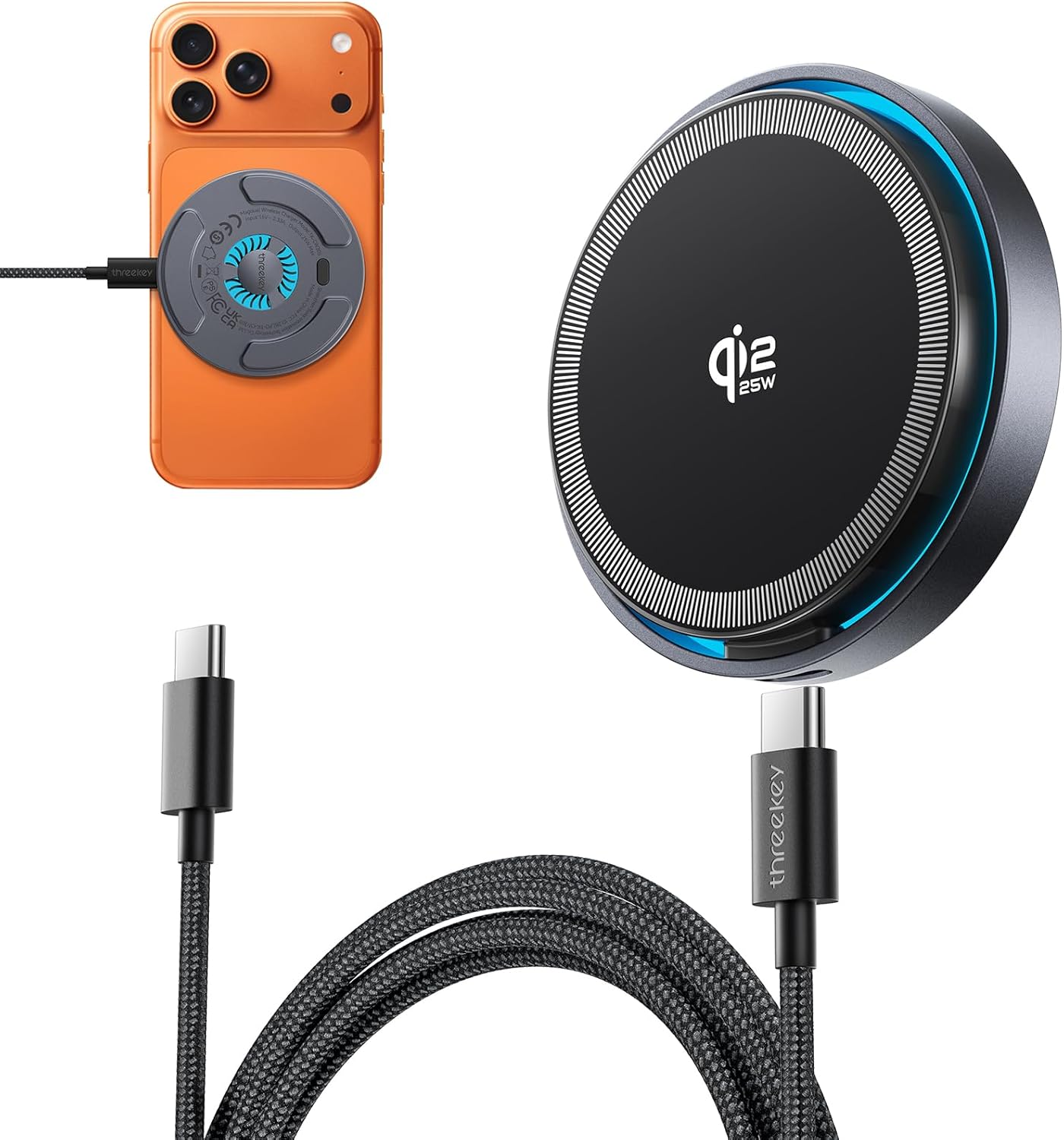
Image: The THREEKEY CW305 wireless charging pad and its accompanying 6.6ft USB Type-C to C cable, as found in the product packaging.
Setup
- Connect the Cable: Insert the USB Type-C end of the provided 6.6ft cable into the charging port on the THREEKEY CW305 wireless charging pad.
- Connect to Power: Plug the other end of the USB Type-C cable into a compatible power adapter (not included). For optimal 25W fast charging, a 35W or higher USB-C Power Adapter is recommended for iPhone 17/16 series and iPhone Air. For iPhone 15/14/13/12 series, a 20W or higher USB-C Power Adapter is recommended.
- Power On: Once connected to a power source, the charging pad is ready for use.
Operating Instructions
- Place Your Device: Position your MagSafe-compatible iPhone or AirPods (with wireless charging case) directly onto the center of the charging pad. The magnetic alignment feature will automatically snap your device into the optimal charging position.
- Confirm Charging: Your device should indicate that it is charging. The integrated cooling fan will activate automatically to maintain an optimal temperature during fast charging.
- Cooling Fan Control: The cooling fan features an on/off switch, typically located on the underside of the charging pad. You can toggle this switch to enable or disable the fan as desired, ensuring zero sleep disturbance if placed near a bedside.
- Orientation: The magnetic snap allows for seamless switching between horizontal and vertical modes while charging, providing flexibility for viewing content.

Image: A hand demonstrates the one-hand magnetic snap feature by placing an iPhone onto the charging pad, which automatically aligns for charging.
Key Features
- Qi2 25W Certified Fast Charging: This charger supports wireless charging speeds up to 25W, delivering 70% higher power compared to standard Qi2 15W chargers. It can charge your iPhone from 0% to 30% in approximately 20 minutes.
- High-Speed Cooling Fan: Equipped with a built-in high-speed cooling fan, the charger actively keeps the charging dock up to 15°F cooler. This prevents overheating, ensuring faster and more reliable charging. The fan includes an optional quiet smart fan with an on/off switch for user preference.
- One-Hand Magnetic Snap: The charger provides optimal magnetic auto-alignment for efficient charging. This allows users to easily switch between horizontal and vertical viewing modes.
- 6.6ft Extra-Long Nylon Braided Cable: The included USB Type-C to USB-C cable is made from durable nylon braid, offering superior wear resistance. Its


