
Introduction
The Acer Predator Lite Gaming Laptop Backpack is engineered for durability and comfort, ideal for everyday commuting, gaming, and travel. Constructed from lightweight 1680D ballistic polyester, it offers superior resistance to tears, moisture, and daily wear. Key features include water-resistant zippers, a reinforced base, and a ventilated mesh back panel for comfortable all-day carry. Designed to securely fit 15.6-inch to 16-inch laptops, it provides organized compartments for all your gaming essentials and personal items.

Figure 1: Front view of the Acer Predator Lite Gaming Laptop Backpack, showcasing its sleek design and Predator logo.
Setup and Initial Use
- Unpacking: Remove the backpack from its packaging. Inspect for any shipping damage.
- Adjusting Shoulder Straps: Place the backpack on your back. Use the adjustable buckles on the shoulder straps to achieve a comfortable and secure fit. The padded straps and ventilated mesh back are designed to distribute weight evenly and enhance airflow.
- Laptop Placement: Open the main compartment. Locate the dedicated padded sleeve. Carefully slide your 15.6-inch to 16-inch laptop into this sleeve. Ensure it is snug and secured by the internal strap if present.
- Organizing Essentials: Utilize the various internal and external pockets for your mouse, charger, cables, and other personal items. The front zippered pockets are suitable for quick-access items.
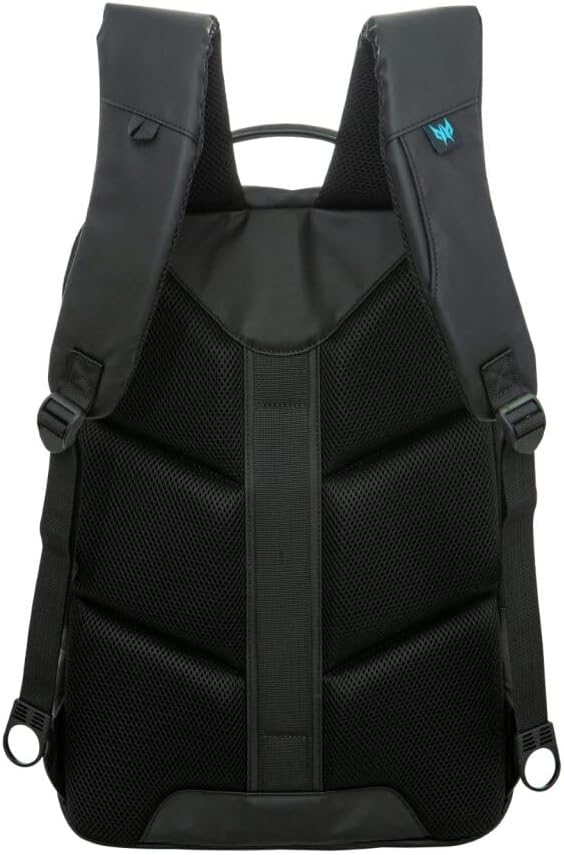
Figure 2: Rear view of the backpack, highlighting the padded, adjustable shoulder straps and ventilated mesh back panel for ergonomic comfort.
Operating and Usage
- Secure Closure: Always ensure all zippers and buckles are fully closed when carrying the backpack to protect contents from weather and accidental spills. The water-resistant zippers provide an extra layer of protection.
- Trolley Strap Functionality: For convenient travel, use the integrated trolley strap to secure the backpack to rolling luggage handles. This allows for hands-free navigation through airports or train stations.
- Weight Distribution: For optimal comfort and to prevent strain, distribute the weight of your items evenly within the compartments. Place heavier items closer to your back.
- Accessing Contents: The main compartment opens wide for easy access to your laptop and larger items. Smaller front pockets are ideal for items you need to reach quickly, such as keys or a phone.

Figure 3: An internal view demonstrating the organized compartments and padded dividers for electronics and accessories.
Care and Maintenance
- Cleaning: The manufacturer recommends machine washing for this polyester backpack. For best results, use a gentle cycle with cold water and a mild detergent. Air dry thoroughly; do not tumble dry.
- Spot Cleaning: For minor spills or dirt, use a damp cloth with mild soap to gently clean the affected area. Rinse with a clean damp cloth and allow to air dry.
- Zipper Care: Periodically check zippers for smooth operation. If a zipper becomes stiff, apply a small amount of zipper lubricant or wax to the teeth.
- Storage: When not in use, store the backpack in a cool, dry place away from direct sunlight to prevent material degradation.
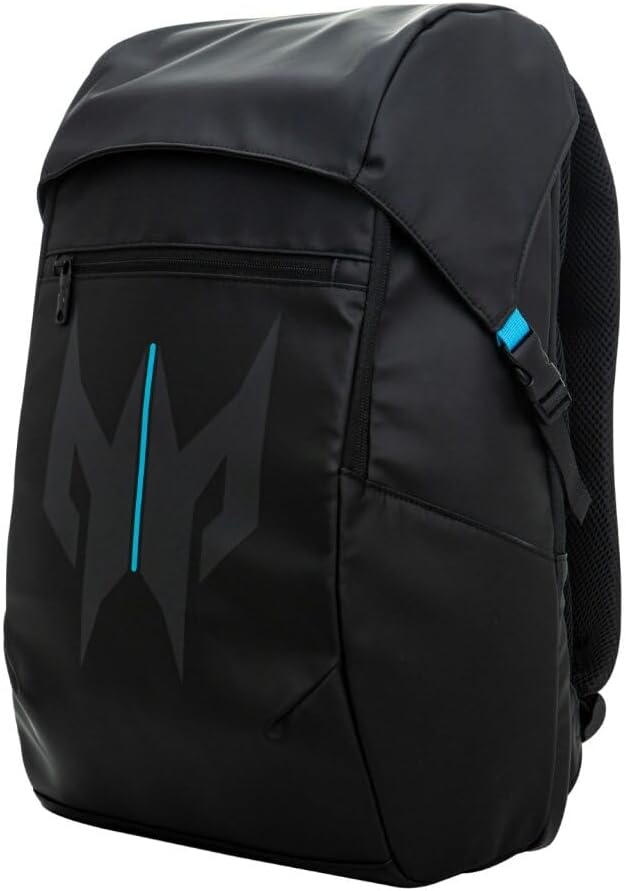
Figure 4: The front of the backpack with the top flap secured, demonstrating its water-resistant design.
Troubleshooting
- Backpack does not stand upright: This backpack is designed with a slim profile and may not stand upright on its own when empty or lightly packed. This is a characteristic of the design and not a defect.
- Lack of external water bottle pockets: The Predator Lite backpack prioritizes a sleek, water-resistant exterior. While external mesh pockets are not included, internal compartments can be used to store water bottles securely.
- Discomfort from straps: Ensure shoulder straps are properly adjusted to distribute weight across both shoulders. The ventilated mesh back is designed for comfort; if discomfort persists, check the weight distribution of contents.
Product Specifications
| Feature | Detail |
|---|---|
| Brand Name | Acer |
| Model Name | Predator Utility Backpack Lite |
| ASIN | B0FNZ3BZ9F |
| UPC/GTIN | 195133280525 |
| Color | Black With Teal Accents |
| Material Type | 1680D Ballistic Polyester |
| Compatible Device Size Maximum | 16 Inches |
| Storage Volume | 22 Liters |
| Item Dimensions (D x W x H) | 5.11"D x 11.81"W x 17.71"H |
| Water Resistance Level | Water Resistant (Zippers & Base) |
| Other Special Features | Airflow Back Panel, Laptop Compartment, Lightweight, Tear Resistant, Trolley Strap |
| Product Care Instructions | Machine Wash |
Product Media
Product Overview Video
Video 1: An official overview of the Acer Predator Utility Lite Backpack, showcasing its features and design.
Additional Product Images

Figure 5: The main compartment of the backpack opened, revealing ample space and internal organization.
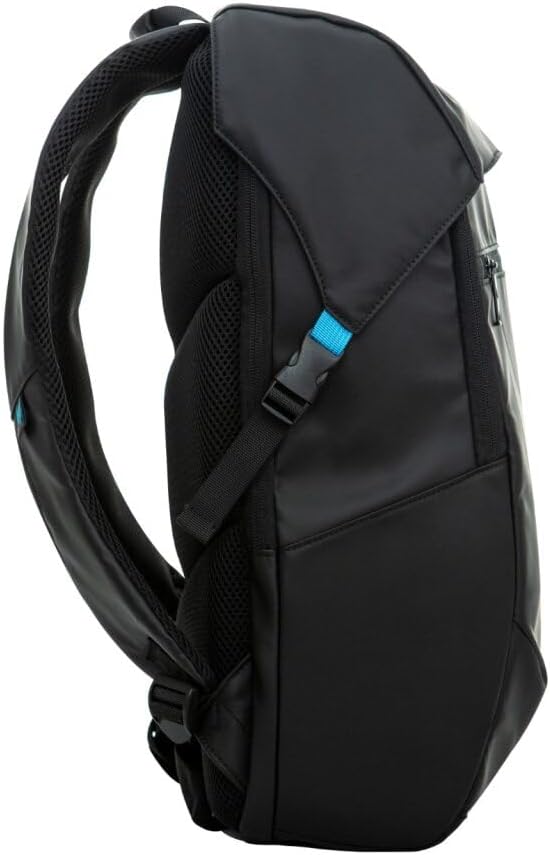
Figure 6: Side view of the backpack, showing its slim profile and durable exterior.

Figure 7: Detail of an easy-access pocket, designed for convenience.

Figure 8: Close-up of the padded back panel, emphasizing comfort and airflow.
Warranty and Support
For warranty information and customer support, please refer to the documentation included with your purchase or visit the official Acer support website. Keep your proof of purchase for any warranty claims.
Manufacturer: Acer


