
1. Introduction
Thank you for choosing the Generic ATP188 Portable Digital Scale. This compact and versatile digital scale is designed to meet your precise weighing needs, offering high accuracy for various items. Its sleek design and convenient size make it ideal for both professional and personal use, enhancing your weighing experience with reliable results.
Please read this manual thoroughly before operating the scale to ensure proper use and to achieve the best performance.
2. Safety Information
- Do not overload the scale beyond its maximum capacity of 200g.
- Avoid exposing the scale to extreme temperatures, humidity, or direct sunlight.
- Keep the scale away from strong electromagnetic fields.
- Handle the scale with care; avoid dropping or subjecting it to strong impacts.
- Clean the scale with a soft, damp cloth. Do not use abrasive cleaners or immerse it in water.
- This scale is not waterproof.
3. Product Overview
The Generic ATP188 Portable Digital Scale features a compact design with a protective cover that doubles as a weighing tray. It is equipped with a clear LCD backlight display for easy reading and high-precision sensors for accurate measurements.
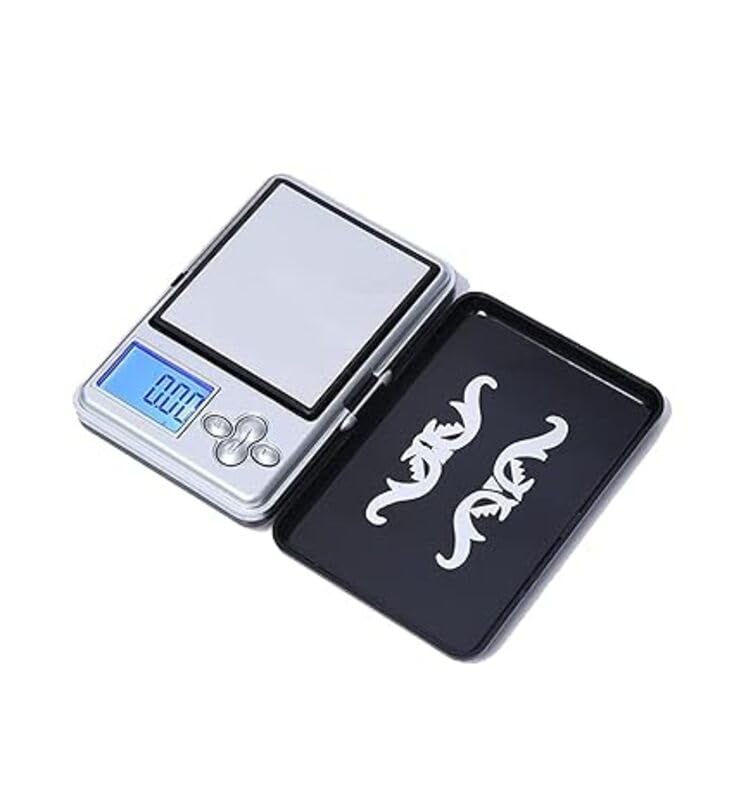
Image 1: Generic ATP188 Portable Digital Scale showing its compact size and dimensions (approximately 7.8cm x 5.5cm x 1.8cm).
Key Components:
- Weighing Platform: The surface where items are placed for weighing.
- LCD Display: Shows weight readings, units, and other indicators with a blue backlight.
- Buttons: Typically include Power/Mode, Tare, and Unit buttons.
- Protective Cover: Protects the weighing platform and can be used as a tray.
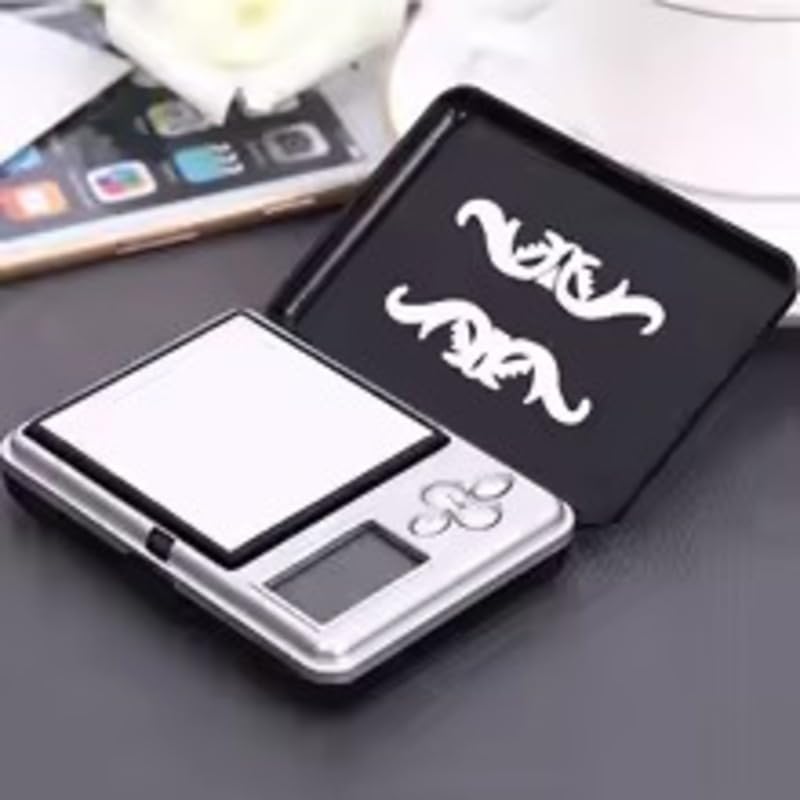
Image 2: The digital scale with its protective cover opened, revealing the weighing platform and control buttons.
4. Setup
4.1. Battery Installation
- Open the battery compartment cover located on the bottom of the scale.
- Insert the required batteries (usually 2x AAA or button cells, check compartment for specific type) according to the polarity indicators (+/-).
- Close the battery compartment cover securely.
4.2. Initial Placement
Place the scale on a hard, flat, and stable surface to ensure accurate readings. Avoid soft or uneven surfaces, as this can affect precision.
5. Operating Instructions
5.1. Turning On/Off
- To turn on the scale, press the [ON/OFF] button. The LCD display will light up and show "0.00" or "0.000" when ready.
- The scale features an automatic shut-off function to conserve battery power, typically after 60 seconds of inactivity.
- To manually turn off the scale, press and hold the [ON/OFF] button for a few seconds.
5.2. Unit Conversion
To change the weighing unit, press the [UNIT] button repeatedly while the scale is on and displaying "0.00". The available units typically include grams (g), ounces (oz), carats (ct), and grains (gn). The selected unit will be displayed on the LCD.
5.3. Tare Function
The Tare function allows you to subtract the weight of a container, so you only measure the contents.
- Place an empty container on the weighing platform.
- Press the [TARE] button. The display will reset to "0.00".
- Now, place the items you wish to weigh into the container. The display will show the net weight of the items.
5.4. Weighing Items
- Ensure the scale is on and displaying "0.00" in your desired unit.
- Carefully place the item(s) to be weighed onto the center of the weighing platform.
- Wait for the display to stabilize. The stable weight will be shown on the LCD.
6. Calibration
The Generic ATP188 scale features automatic calibration upon startup. However, if you notice inconsistencies in readings or after prolonged use, manual calibration may be required. A calibration weight (e.g., 200g) is typically needed for this process (not included).
Manual Calibration Steps (General):
- Turn the scale ON and wait for it to display "0.00".
- Press and hold the [MODE] or [UNIT] button (depending on model) until "CAL" appears on the display.
- Release the button, and the display will flash the required calibration weight (e.g., "200.00g").
- Carefully place the exact calibration weight (e.g., 200g) onto the center of the weighing platform.
- The display will show "PASS" or a similar indication, then return to normal weighing mode. Calibration is complete.
- Remove the calibration weight and turn off the scale.
Note: Specific calibration procedures may vary slightly. Refer to the packaging or manufacturer's website for precise instructions if needed.
7. Maintenance
- Cleaning: Wipe the scale with a slightly damp cloth. Do not use harsh chemicals, abrasive cleaners, or immerse the scale in water.
- Storage: Store the scale in a clean, dry place at room temperature. Keep the protective cover closed to prevent dust and damage to the weighing platform.
- Battery Replacement: Replace batteries when the low battery indicator appears on the display or if the scale fails to turn on. Remove batteries if the scale will not be used for an extended period.
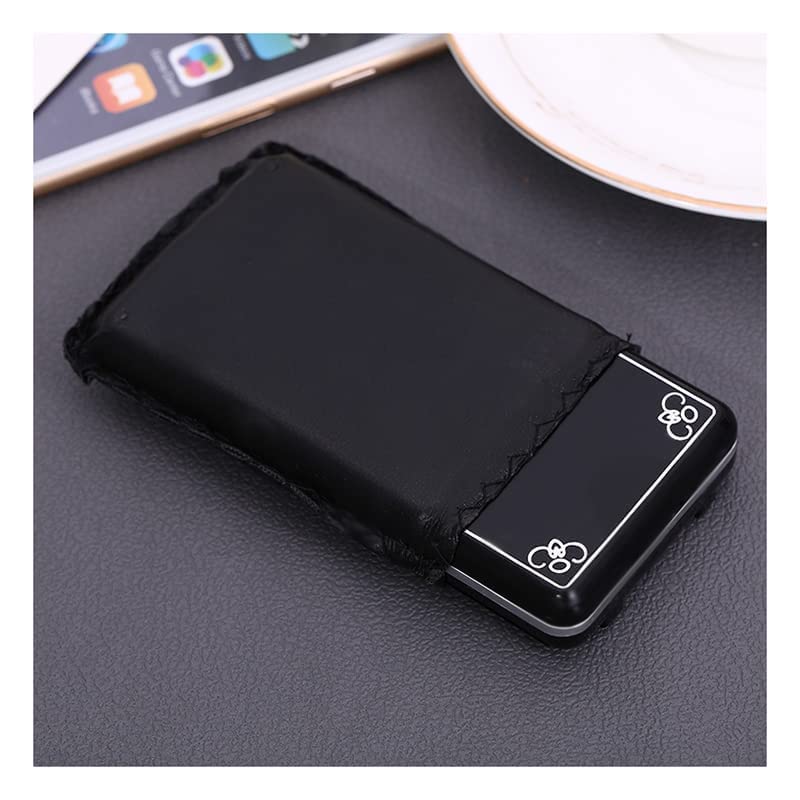
Image 3: The digital scale stored in a protective pouch, demonstrating proper storage for longevity.
8. Troubleshooting
| Problem | Possible Cause | Solution |
|---|---|---|
| Scale does not turn on | Dead or incorrectly installed batteries | Replace batteries or ensure they are installed correctly. |
| Inaccurate readings | Uneven surface, scale overloaded, needs calibration, or drafts. | Place on a stable surface, do not exceed capacity, recalibrate, or shield from drafts. |
| "LO" or "UNSE" displayed | Low battery or unstable surface. | Replace batteries. Ensure scale is on a stable, flat surface. |
| "O_Ld" or "EEEE" displayed | Overload error. | Remove item immediately. Do not exceed maximum capacity. |
9. Specifications
| Feature | Detail |
|---|---|
| Brand | Generic |
| Model | ATP188 |
| Color | Silver |
| Maximum Weight Capacity | 200 grams (g) |
| Accuracy/Graduation | 0.01 grams (g) |
| Display Type | LCD with Backlight |
| Special Features | LCD Backlight, Auto On/Off, Auto Calibration, High-Precision Sensors |
| Material | Stainless Steel |
| Form Factor | Compact/Pocket Size |
| Recommended Uses | Jewelry, Kitchen, General Precision Weighing |
| Item Weight | 100 grams (g) |
10. Warranty and Support
This product is covered by a standard manufacturer's warranty. For specific warranty details, please refer to the product packaging or contact your retailer. If you encounter any issues or require technical support, please reach out to the seller or manufacturer through the contact information provided at the point of purchase.
Please retain your proof of purchase for warranty claims.