Introduction
Thank you for choosing the CURSOR FITNESS Under Desk Elliptical Machine. This device is designed to provide a smooth, low-impact workout, improving circulation and building strength while burning calories. Its compact design makes it suitable for use under a desk, at home, or in the office. Please read this manual thoroughly before operation to ensure safe and effective use.
Important Safety Information
- Consult a physician before starting any new exercise program.
- Do not use this elliptical machine if you have a pacemaker.
- Ensure the machine is placed on a stable, flat surface during use.
- Keep children and pets away from the machine during operation.
- Do not stand on the machine. It is designed for seated use only.
- Maximum user weight recommendation: 300 Pounds.
Package Contents
Verify that all components are present before assembly and use:
- Elliptical Machine x1
- Pedal x2
- Power Cord x1
- Wear Strip x2
- User Manual x1
- Remote Control x1
- Screwdriver x1
- Screw x4

Figure 1: All components included in the package.
Product Overview
The CURSOR FITNESS Under Desk Elliptical Machine is designed for convenience and effective low-impact exercise. Key features include:
- Compact Design: Lightweight and fits under most desks.
- Dual Modes: Manual (HR) and Automatic (Auto) modes for varied workouts.
- Adjustable Speeds: 12 levels of speed adjustment in Manual mode.
- Forward & Reverse Motion: Targets different muscle groups and improves circulation.
- Large LCD Screen: Displays time, speed, distance, and calories burned.
- Remote Control: Conveniently adjust settings without bending.
- Quiet Operation: Advanced silent rollers ensure minimal noise (less than 15 decibels).

Figure 2: Top view of the elliptical machine.

Figure 3: LCD display and control panel.
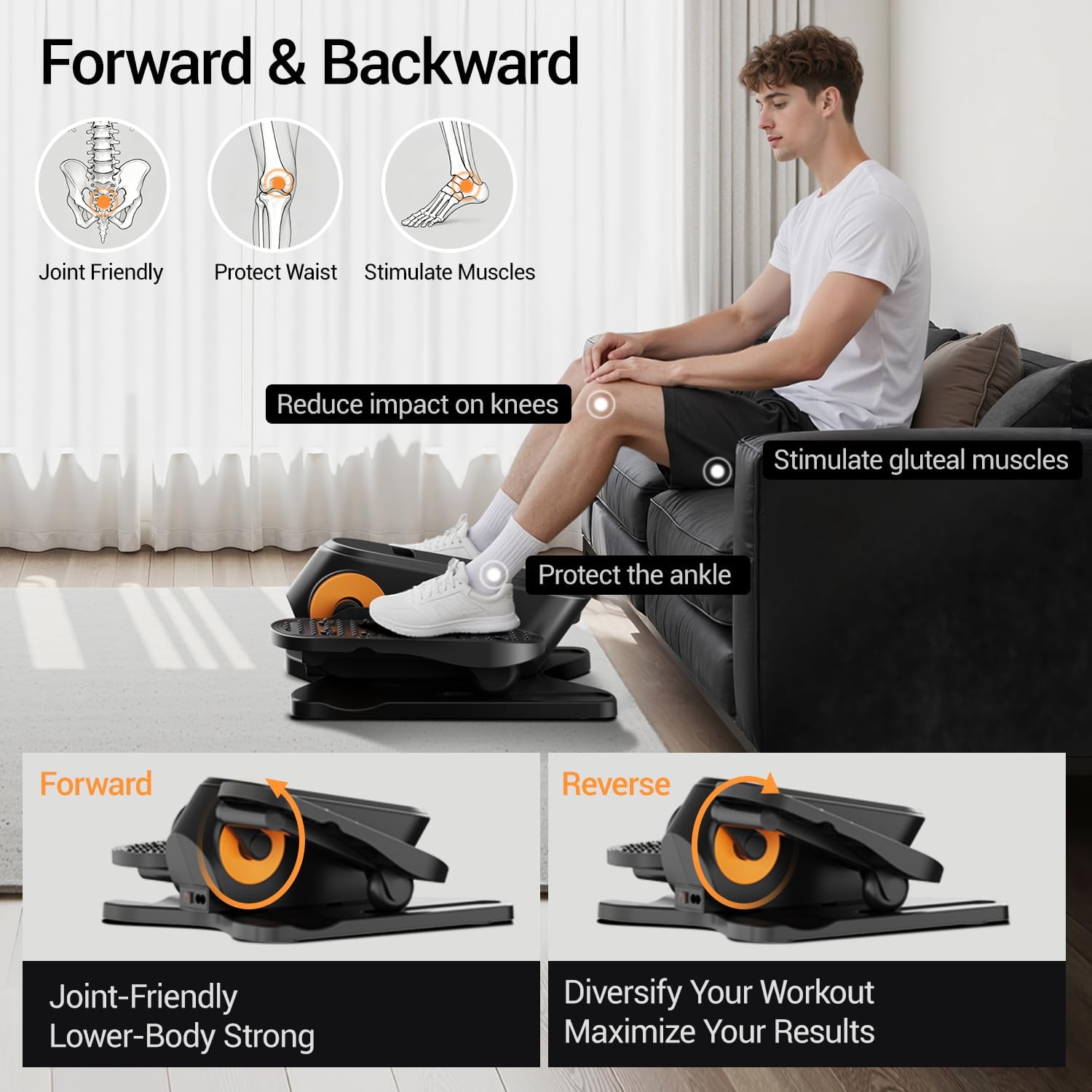
Figure 4: Forward and Reverse motion benefits.
Setup and Assembly
1. Applying Wear Strips
The wear strips protect the machine's base. Peel the adhesive backing and firmly press the strips onto the designated areas on the bottom of the elliptical machine.

Figure 5: Applying wear strips to the machine's base.
2. Assembling the Pedals
Attach the pedals to the main unit using the provided screws and screwdriver. Ensure they are securely fastened.

Figure 6: Assembling the pedals.
3. Power Connection
Connect the power cord to the elliptical machine and then plug it into a standard electrical outlet. Flip the power switch to the ON position. The LCD screen will illuminate.

Figure 7: Connecting the power and turning on the machine.
Operating Instructions
Control Panel and Remote Control
The elliptical machine can be operated using the buttons on the main unit or the included remote control. The remote control offers convenient adjustment without needing to bend down.

Figure 8: Control Panel and Remote Control overview.
- Power Button (Ⓞ): Press to turn the machine on/off.
- +/- Buttons: Adjust speed (1-12 levels) or time (15-30 minutes) in Manual mode.
- Direction Button: Changes the direction of pedal rotation (forward/reverse).
- Function Button: Cycles through display parameters (Scan, Speed, Time, Counter, Distance, Calories).
- Mode Button: Switches between Manual (HR) mode and Automatic (Auto) mode.
Modes of Operation
The machine offers two primary modes:
Manual (HR) Mode
In Manual mode, you have full control over your workout settings.
- Time Adjustment: Use the +/- buttons to set your desired workout duration (15-30 minutes).
- Speed Adjustment: Select from 1 to 12 speed levels using the +/- buttons.
- Direction Control: Use the Direction button to switch between forward and reverse motion.
Video 1: Demonstrates adjusting time, speed, and direction in Manual (HR) mode using the remote control.
Automatic (Auto) Mode
In Automatic mode, the machine provides a dynamic workout by automatically changing speed and direction.
- Preset Programs (P1-P12): Choose from 12 pre-programmed routines.
- Automatic Changes: Speed changes every minute, and direction changes every three minutes.
Video 2: Illustrates selecting and operating in Automatic (Auto) mode, showing automatic speed and direction changes.
Mute Function Setting
To enable or disable the sound alerts from the machine:
- Step 1: Long press the Power Button (Ⓞ) to turn off the screen.
- Step 2: While the screen is off, long press the Direction Button for 1.5 seconds.
- Step 3 (Mute On): If you hear two "beep" sounds, the sound is now muted.
- Step 3 (Mute Off): If you hear one "beep" sound, the sound is now on.
Video 3: Guide on how to activate or deactivate the mute function for the machine's sound alerts.
Maintenance
- Cleaning: Wipe the machine with a damp cloth after each use. Avoid abrasive cleaners or solvents.
- Storage: Store the elliptical machine in a cool, dry place away from direct sunlight and moisture. Its compact size allows for easy storage in tight spaces.
- Inspection: Periodically check all screws and connections to ensure they are secure.
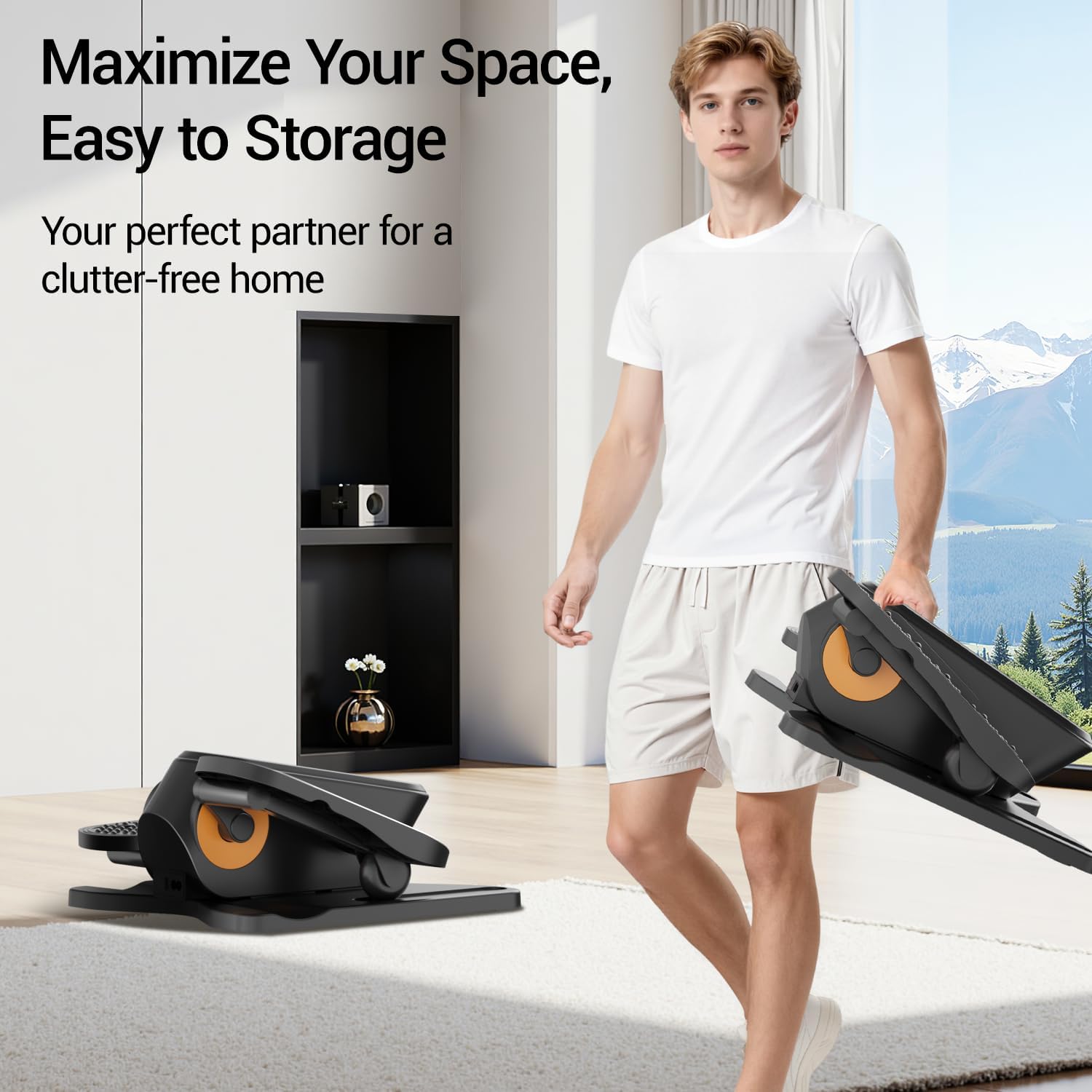
Figure 9: The compact and lightweight design facilitates easy storage.
Troubleshooting
| Problem | Possible Cause | Solution |
|---|---|---|
| Machine does not power on. | Power cord not connected; Power switch off; Outlet issue. | Ensure power cord is securely plugged in. Check if the power switch is ON. Test the outlet with another device. |
| Pedals are not moving smoothly. | Obstruction; Loose components; Machine not on a flat surface. | Check for any obstructions under or around the pedals. Ensure all assembly screws are tight. Place the machine on a level surface. |
| Remote control is not working. | Dead batteries; Obstruction between remote and machine. | Replace remote control batteries. Ensure there is a clear line of sight between the remote and the machine's sensor. |
| Machine is making unusual noise. | Loose parts; Internal issue. | Check and tighten any loose screws. If the noise persists, contact customer support. |
Product Specifications
| Feature | Detail |
|---|---|
| Model Name | C1 |
| Brand | CURSOR FITNESS |
| Product Dimensions (LxWxH) | 14.33" x 13.5" x 6.14" |
| Item Weight | 4.75 Kilograms |
| Material | Aluminum |
| Maximum Weight Recommendation | 300 Pounds |
| Maximum Stride Length | 10 Inches |
| Speed Levels | 1-12 |
| Modes | Manual (HR) & Automatic (P1-P12) |
Warranty and Support
The CURSOR FITNESS Under Desk Elliptical Machine C1 comes with a 1-Year Warranty from the date of purchase, covering manufacturing defects. For warranty claims, technical support, or any inquiries, please contact CURSOR FITNESS customer service.
Please refer to the official CURSOR FITNESS website or your purchase documentation for the most up-to-date contact information.