
Introduction
This manual provides detailed instructions for the MECHEN X56 Android 13 MP3 Player. Please read this guide thoroughly to ensure proper usage and to maximize your device's capabilities. The MECHEN X56 is a versatile portable media player featuring a 5-inch IPS touchscreen, Android 13 operating system, extensive storage, and dual-band wireless connectivity.
Package Contents
Verify that all items are present in the box:
- 1 x MECHEN X56 Music Player
- 1 x USB-C Cable
- 1 x Earphones
- 1 x Protective Film (pre-applied or included)
- 1 x Protective Case
- 1 x User Manual (this document)
- 1 x 128GB TF Card (pre-installed or included)

Image: The MECHEN X56 MP3 Player, along with its included USB-C cable, earphones, protective film, protective case, user manual, and 128GB TF card.
Product Overview
The MECHEN X56 features a sleek design with essential controls and ports for ease of use.

Image: Front and back view of the MECHEN X56 MP3 Player, showcasing its 5-inch touchscreen and physical buttons.
Physical Features:
- 5-inch IPS HD Touchscreen: Main display for interaction.
- Power Button: Located on the side, used to turn the device on/off and lock/unlock the screen.
- Volume Buttons: Located on the side, used to adjust audio volume.
- USB-C Port: Located at the bottom, for charging and data transfer.
- 3.5mm Headphone Jack: Located at the bottom, for wired audio output.
- Micro SD Card Slot: Located on the side, for expandable storage up to 1TB.
- Built-in Speaker: For audio playback without headphones.
- Microphone: For audio recording.
Setup
Initial Power On:
- Press and hold the Power Button until the MECHEN logo appears.
- Follow the on-screen prompts to select your language and connect to a Wi-Fi network.
- You may be prompted to sign in with a Google account to access the Google Play Store and other services.
Inserting the Micro SD Card:
- Locate the Micro SD card slot on the side of the device.
- Gently insert the provided 128GB TF card into the slot until it clicks into place. Ensure the card is oriented correctly.
- The device will recognize the new storage. You can expand storage up to 1TB with a compatible Micro SD card.

Image: A close-up view of the MECHEN X56 MP3 Player with a Micro SD card being inserted into its dedicated slot, illustrating the expandable storage feature.
Operating
Navigation and Interface:
- The MECHEN X56 runs on Android 13, offering a familiar touchscreen interface.
- Swipe left/right on the home screen to access different app pages.
- Swipe down from the top of the screen to access quick settings and notifications.
- Use the navigation buttons at the bottom of the screen (Back, Home, Recent Apps) to move between applications and screens.
Connecting to Wi-Fi:
- Go to Settings > Network & Internet > Wi-Fi.
- Toggle Wi-Fi on. The device will scan for available networks.
- Select your desired network and enter the password if prompted. The device supports 2.4GHz and 5GHz bands.
Connecting to Bluetooth Devices:
The device features Bluetooth 5.0 for stable and fast connections to headphones, speakers, or car audio systems.
- Go to Settings > Connected devices > Bluetooth.
- Toggle Bluetooth on.
- Put your Bluetooth accessory into pairing mode.
- Select your accessory from the list of available devices to pair.

Image: The MECHEN X56 MP3 Player displaying a music interface, with Bluetooth headphones and a portable speaker shown nearby, indicating its wireless connectivity capabilities.
Media Playback:
- Music: Use pre-installed apps like Spotify, Amazon Music, Apple Music, or the default Music player to enjoy your audio files. The device supports MP3, OGG, FLAC, AAC, WAV, WMA, APE, M4A, DTS, and more.
- Videos: Watch videos on the 1080P IPS screen using pre-installed apps like YouTube or Prime Video. Supported formats include RM, RMVB, FLV, MP4, DAT, MKV, MPG, MOV, TS.
- Reading/Audiobooks: Access apps like Audible or Kindle for your reading and listening needs.

Image: The MECHEN X56 MP3 Player showing a music playback screen with album art, track controls, and options for searching, sorting, and equalization.
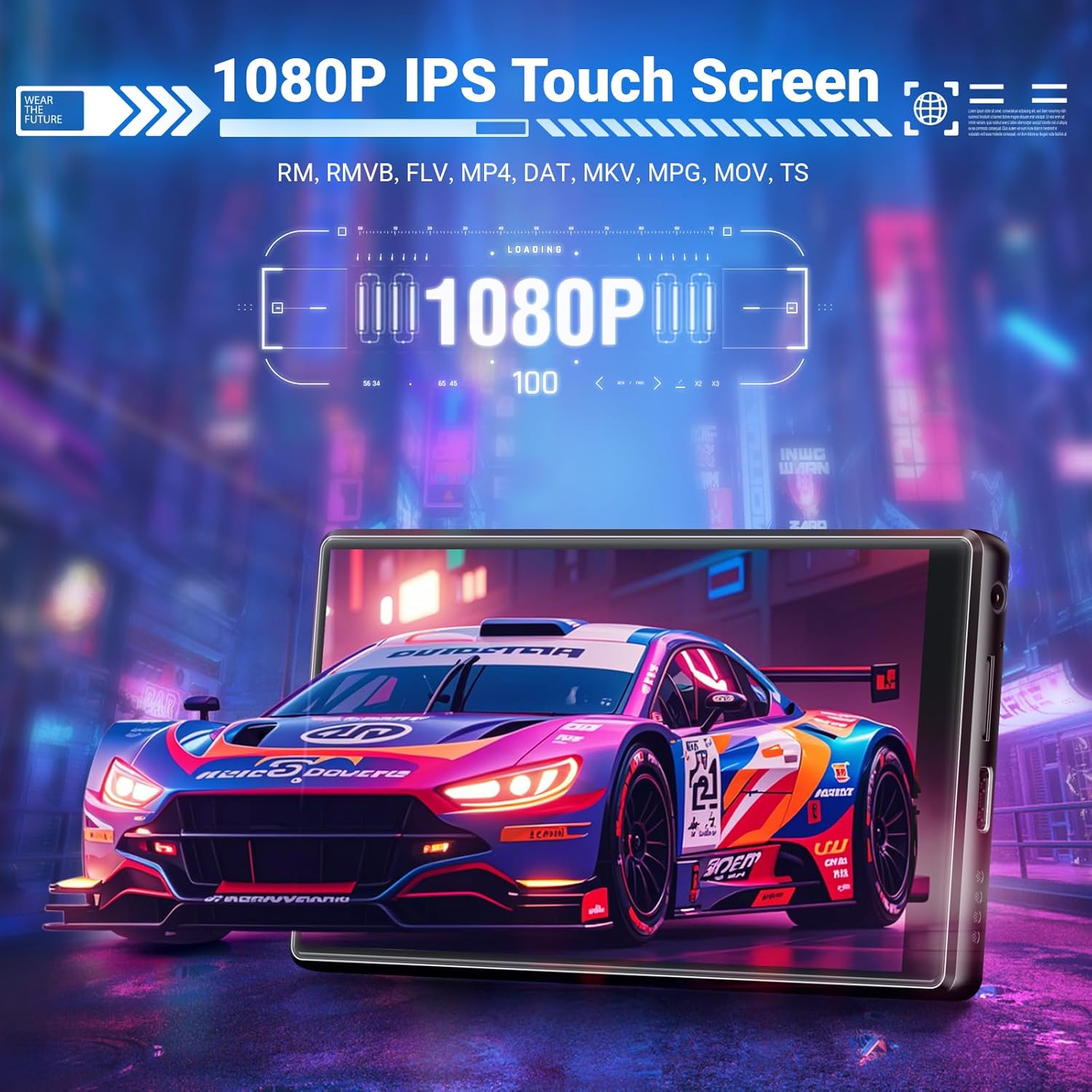
Image: The MECHEN X56 MP3 Player displaying a high-definition video on its 5-inch IPS screen, highlighting its 1080P resolution for clear visuals.
Storage Management
The device comes with 128GB internal ROM and a 128GB TF card, totaling 256GB. This can be expanded up to 1TB using a compatible Micro SD card.
- To view storage usage, go to Settings > Storage.
- Transfer files to and from the device by connecting it to a computer using the provided USB-C cable.
- Manage applications by going to Settings > Apps. You can uninstall or disable apps to free up space.
Battery and Charging
The MECHEN X56 is equipped with a 2500mAh high-capacity battery, providing up to 27 hours of continuous music playback.
Charging Instructions:
- Use the provided USB-C cable to connect the device to a 5V-1A or 5V-2A standard charger or a computer's USB port.
- IMPORTANT: Do not use fast chargers or chargers exceeding 5V, as this can damage the device's charging IC and void the warranty.
- A full charge typically takes a few hours. The battery indicator on the screen will show charging status.

Image: The MECHEN X56 MP3 Player highlighting its 2500mAh battery, indicating up to 27 hours of music playback and 8 hours of video playback.
Troubleshooting
If you encounter issues with your MECHEN X56, refer to the following common solutions:
- Device not turning on: Ensure the device is charged. Connect it to a power source and try again.
- Slow performance/lag: Close unused applications from the Recent Apps menu. Check storage usage and free up space if necessary. Consider a factory reset if the issue persists (back up data first).
- Wi-Fi connection issues: Ensure you are within range of a Wi-Fi network. Verify the password. Try restarting the device and your Wi-Fi router.
- Bluetooth pairing issues: Ensure the accessory is in pairing mode and within range. Restart both the player and the Bluetooth accessory.
- Charging problems: Use only 5V-1A or 5V-2A chargers. Avoid fast chargers. Try a different USB-C cable or power adapter.
- Google Account Login Loop (after factory reset): Before performing a factory reset, ensure you sign out of your Google account on the device and remove the device from your Google account settings (google.com/devices).
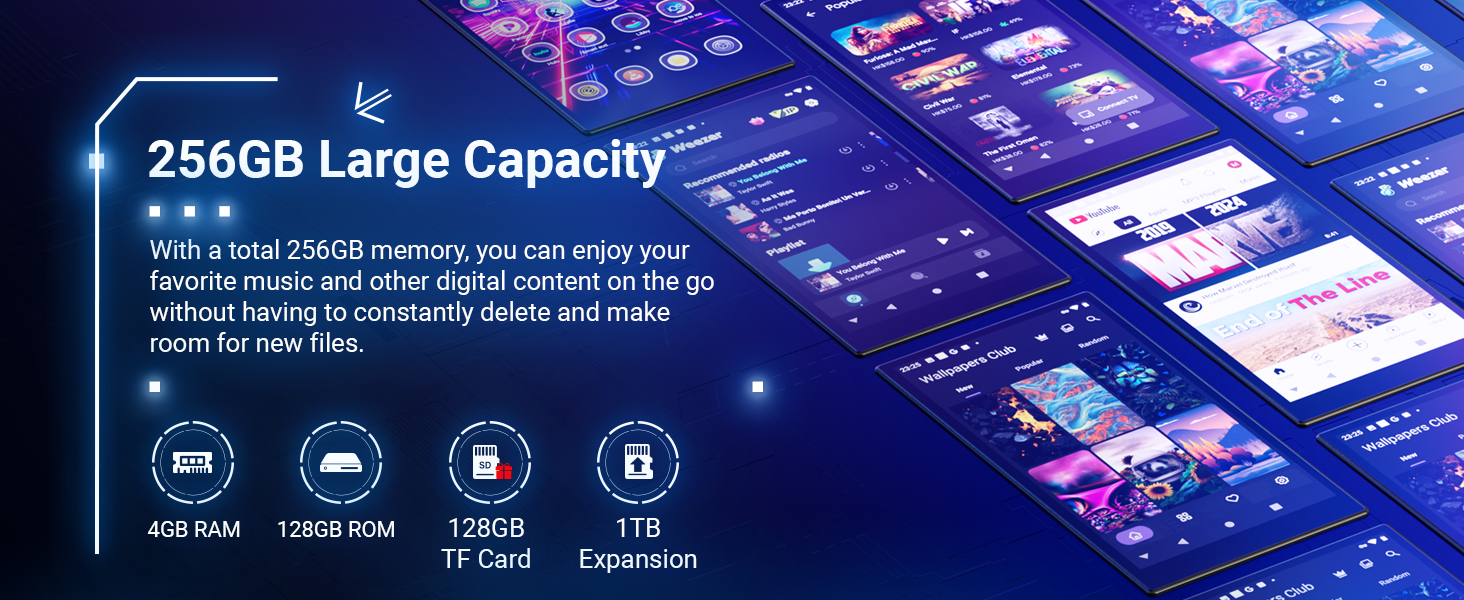
Image: A visual guide to troubleshooting common issues, including proper charging, Google account precautions, and parental control setup.
Specifications
| Feature | Detail |
|---|---|
| Model Name | X56 |
| Operating System | Android 13 |
| Processor | MTK6762 Octa-core |
| RAM | 4GB |
| Internal Storage (ROM) | 128GB |
| Expandable Storage | 128GB TF Card included, supports up to 1TB Micro SD |
| Screen Size | 5 Inches |
| Screen Resolution | 1080 x 1920 IPS HD |
| Bluetooth Version | 5.0 |
| Wi-Fi Connectivity | 2.4GHz + 5GHz Dual Band |
| Battery Capacity | 2500mAh |
| Music Playback Time | Up to 27 hours |
| Charging Port | USB-C |
| Audio Formats | MP3, OGG, FLAC, AAC, WAV, WMA, APE, M4A, DTS |
| Video Formats | RM, RMVB, FLV, MP4, DAT, MKV, MPG, MOV, TS |
| Special Features | Built-In Speaker, Equalizer, FM Radio, Touch Screen, Video Playback |
Warranty and Support
For warranty information or technical support, please refer to the contact details provided in your product packaging or visit the official MECHEN website. Some product malfunctions may be resolved through firmware updates; contact customer service for assistance.

Image: Information regarding firmware upgrades and aftersales service, advising users to contact customer support for product malfunctions.
Official Product Videos
Below are official product videos from the seller, providing additional visual guidance and information about the MECHEN X56 MP3 Player.
MECHEN 256GB Android 13 MP3 Player Overview
Video: A comprehensive overview of the MECHEN 256GB Android 13 MP3 Player, demonstrating its features and functionality.
144GB MP3 Player with Bluetooth and WiFi
Video: This video highlights the Bluetooth and Wi-Fi capabilities of a similar 144GB MP3 player, demonstrating seamless connectivity for music streaming and file transfers.
192GB MP3 Player with Bluetooth and WiFi
Video: A demonstration of a 192GB MP3 player's Bluetooth and Wi-Fi features, showcasing its ability to connect to various devices and access online content.
144GB mainstream media mp3 player with spotify
Video: This video highlights a 144GB MP3 player's capabilities for mainstream media consumption, including pre-installed Spotify for music streaming.
Great sound quality mp3 player, nice gift for kids
Video: A video showcasing the great sound quality of an MP3 player, suggesting it as a suitable gift for children.


