
1. Introduction
This manual provides detailed instructions for setting up, operating, maintaining, and troubleshooting your LEFFOT M2 Plus Android 14 TV Box. Please read this manual thoroughly before using the device to ensure optimal performance and a seamless user experience.
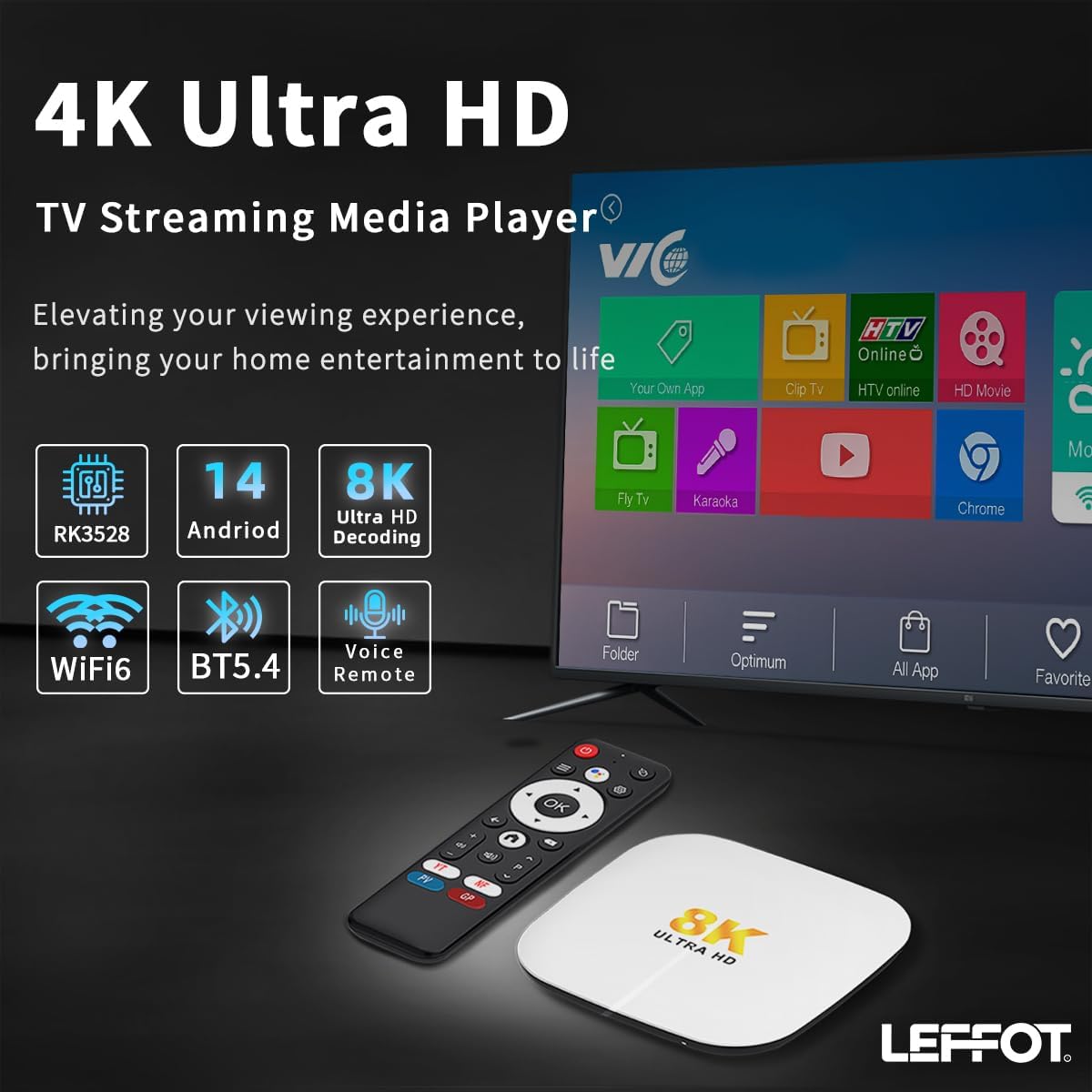
Image 1.1: The LEFFOT M2 Plus Android TV Box and its remote control, displaying a typical user interface on a television screen.
2. What's in the Box
Verify that all the following items are included in your package:
- 1x LEFFOT M2 Plus Android 14 TV Box
- 1x HDMI Cable
- 1x Remote Control
- 1x Power Adapter (5V/2A)
- 1x User Manual (this document)
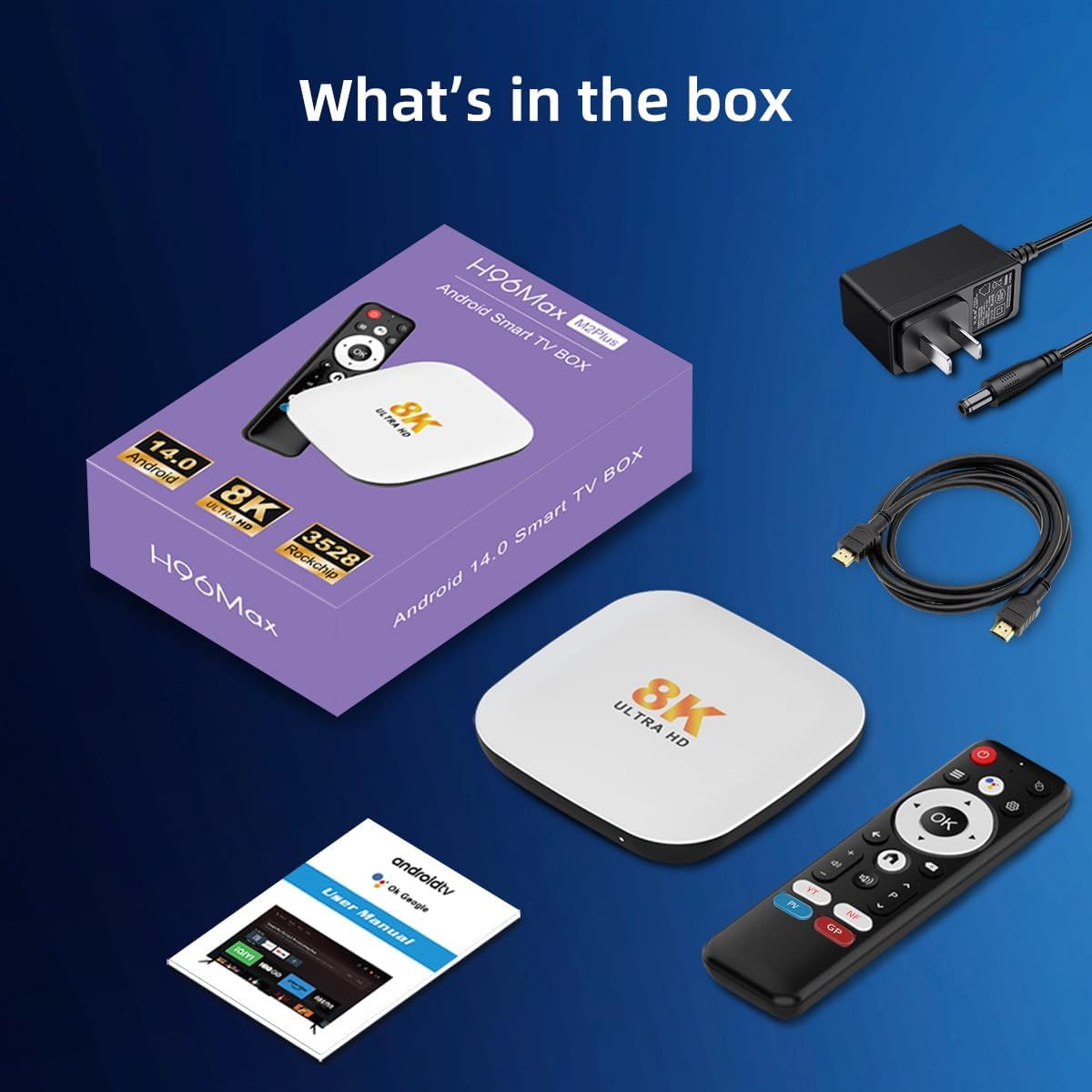
Image 2.1: All components included in the LEFFOT M2 Plus Android TV Box package.
3. Setup Guide
Follow these steps to set up your LEFFOT M2 Plus TV Box:
- Connect to TV: Connect one end of the HDMI cable to the HDMI port on your TV Box and the other end to an available HDMI input on your television.
- Connect Power: Plug the power adapter into the DC 5V/2A port on the TV Box, then plug the adapter into a wall outlet. The device will power on automatically.
- Select TV Input: Turn on your television and use its remote control to select the correct HDMI input source that corresponds to where you connected the TV Box.
- Initial Setup: Follow the on-screen instructions to complete the initial setup, which includes language selection, network connection, and Google account sign-in.
- Connect to Internet:
- Wi-Fi: Select your Wi-Fi network from the list and enter the password. The device supports dual-band 2.4G/5G Wi-Fi 6 (802.11ax).
- Ethernet: Connect an Ethernet cable from your router to the LAN port on the TV Box for a wired connection.

Image 3.1: Visual guide for connecting the TV Box to your television and network.
4. Operating Instructions
4.1 Navigating the Interface
Use the included remote control to navigate the Android TV interface. The directional pad allows you to move between icons, and the 'OK' button selects items. The 'Back' button returns to the previous screen, and the 'Home' button takes you to the main screen.
4.2 Voice Remote Control
The BT 5.4 remote control features a built-in Google Assistant. Press the dedicated voice button on the remote and speak your commands to search for content, open applications, or adjust settings hands-free.

Image 4.1: Demonstrating the use of the Bluetooth voice remote control with Google Assistant.
4.3 Streaming and Media Playback
The LEFFOT M2 Plus supports 8K@23fps decoding and 4K@60fps playback with HDR10 technology, providing a high-quality viewing experience. You can access various streaming services like Netflix, YouTube, and Prime Video through their respective applications.
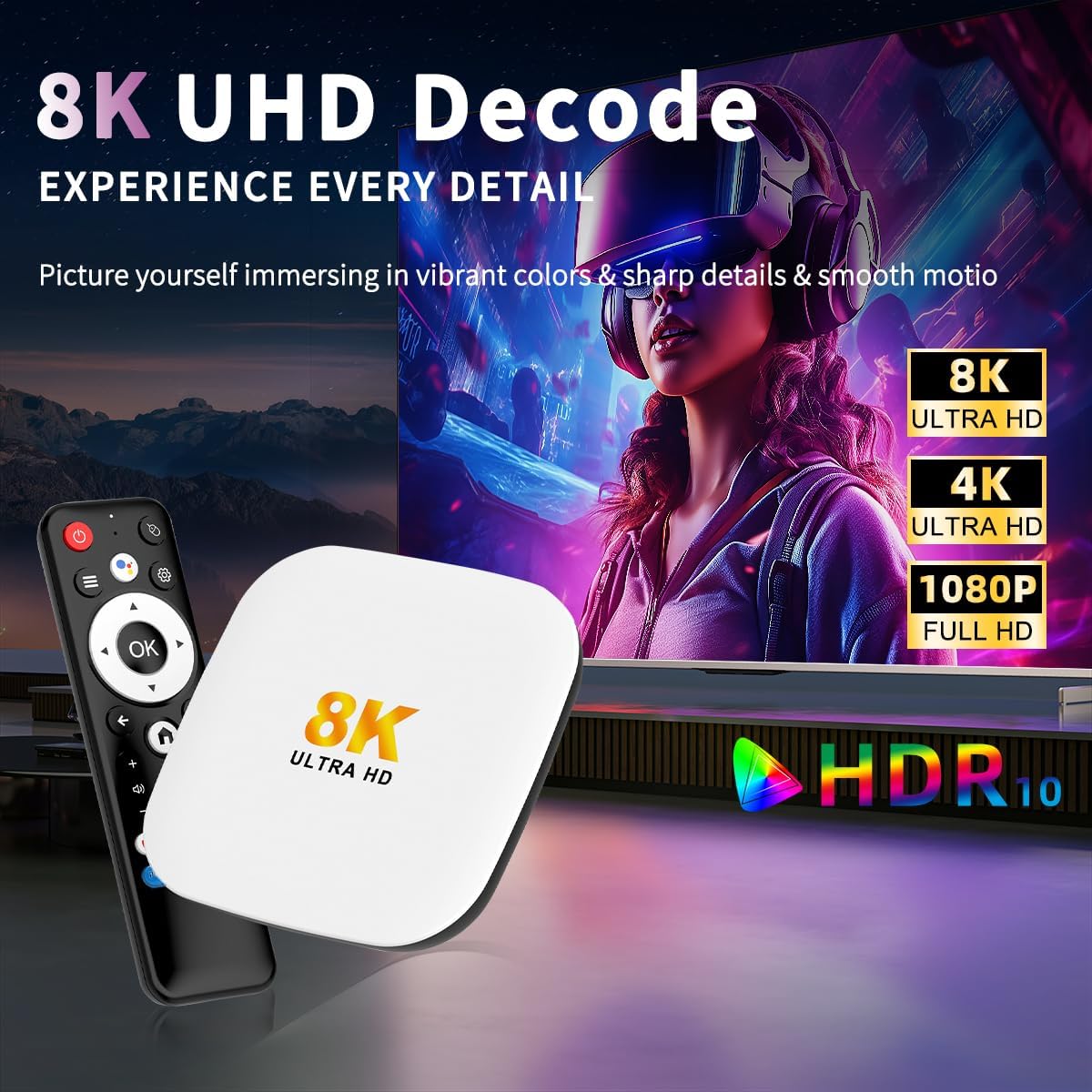
Image 4.2: The LEFFOT M2 Plus supports high-resolution video playback including 8K UHD and 4K with HDR10.
4.4 App Installation
Access the Google Play Store to download and install a wide variety of applications for streaming, gaming, and productivity. The device's generous memory configuration allows for multiple app installations without significant space limitations.
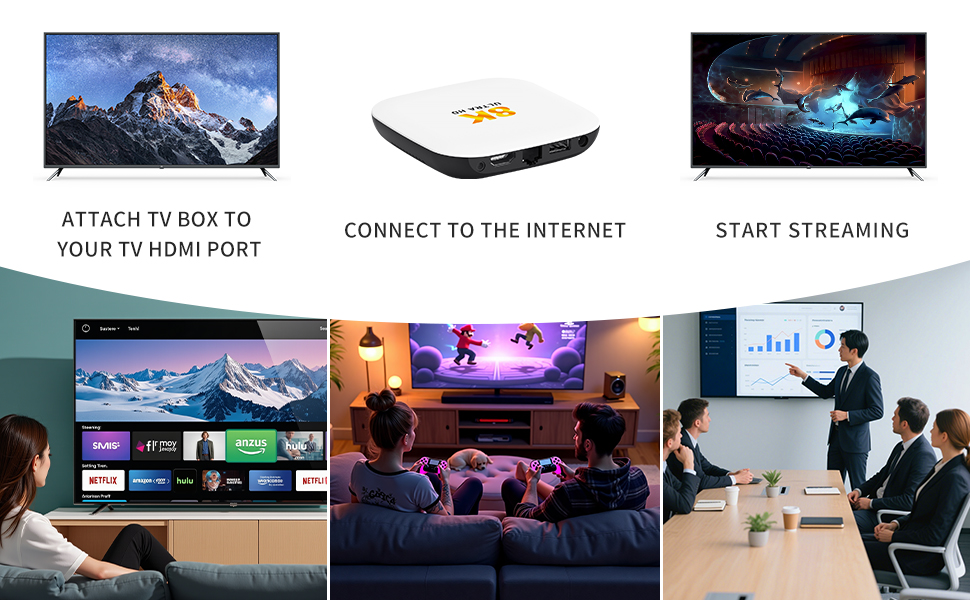
Image 4.3: The LEFFOT M2 Plus provides access to thousands of applications through Google Play.
4.5 Screen Casting
The device supports Airplay, DLNA, and WiFidisplay for casting content from your smartphones and tablets directly to your television screen.

Image 4.4: Screen casting capabilities of the LEFFOT M2 Plus TV Box.
5. Maintenance
To ensure the longevity and optimal performance of your LEFFOT M2 Plus TV Box, follow these maintenance guidelines:
- Cleaning: Use a soft, dry cloth to clean the exterior of the device. Avoid using liquid cleaners or abrasive materials.
- Ventilation: Ensure the device is placed in a well-ventilated area to prevent overheating. Do not block any ventilation openings.
- Power Cycle: If the device becomes unresponsive, disconnect the power adapter, wait 10 seconds, and then reconnect it to perform a power cycle.
- Software Updates: Regularly check for and install system updates to ensure you have the latest features and security patches.
- Storage: Avoid placing the device in direct sunlight, near heat sources, or in environments with high humidity.
6. Troubleshooting
If you encounter issues with your LEFFOT M2 Plus TV Box, refer to the following common problems and solutions:
| Problem | Possible Cause | Solution |
|---|---|---|
| No power/Device not turning on | Power adapter not connected or faulty; power outlet issue. | Ensure the power adapter is securely connected to the device and a working power outlet. Try a different outlet. |
| No picture on TV | Incorrect HDMI input selected on TV; faulty HDMI cable; TV Box not powered on. | Verify the TV is on the correct HDMI input. Check HDMI cable connections. Ensure the TV Box is powered on. Try a different HDMI cable. |
| Slow performance or unresponsive apps | Too many apps running in the background; insufficient storage; network congestion. | Close unused applications. Clear app caches in settings. Restart the device. Check your internet connection speed. |
| Wi-Fi connection issues | Incorrect Wi-Fi password; router too far; interference. | Re-enter Wi-Fi password. Move the device closer to the router. Ensure no strong interference sources are nearby. Try connecting via Ethernet. |
| Voice remote not working | Low battery; remote not paired; microphone obstruction. | Replace remote batteries. Re-pair the remote control with the TV Box (refer to device settings for pairing instructions). Ensure the microphone is not covered. |
| Video playback is choppy or buffering | Slow internet connection; high-resolution content; network congestion. | Check your internet speed. Reduce video quality settings if possible. Use a wired Ethernet connection for more stability. |
| Cannot access Google Play Store or certain apps | Internet connectivity issues; regional restrictions; app compatibility. | Ensure a stable internet connection. Some apps may have regional restrictions or specific device requirements. Contact app developer support if issues persist. |
7. Specifications
Key technical specifications for the LEFFOT M2 Plus Android 14 TV Box:
- Model Name: M2 Plus
- Operating System: Android 14
- Processor: Rockchip RK3528 Quad-Core ARM Cortex-A53
- GPU: Mali-450 MP2
- Memory (RAM): 4GB
- Storage (ROM): 128GB
- Video Decoding: 8K@23fps, 4K@60fps (HEVC/H.265)
- Video Output: HDMI 2.0b (4K@60Hz)
- HDR Support: HDR10
- Wi-Fi: Dual-Band 2.4G & 5G Wi-Fi 6 (802.11ax)
- Bluetooth: BT 5.4
- Ethernet: 100M LAN Port
- Ports: HDMI 2.0b, USB 2.0, DC 5V/2A, AV, LAN
- Special Features: Airplay, DLNA, WiFidisplay, Google Assistant Voice Remote
- Dimensions: 4.1 x 4.1 x 0.83 inches
- Weight: 3.2 ounces
Image 7.1: Internal components and connectivity features of the LEFFOT M2 Plus TV Box.
8. Warranty and Support
For warranty information and customer support, please refer to the documentation provided with your purchase or contact the seller directly. Keep your purchase receipt as proof of purchase for any warranty claims.
If you require further assistance or have questions not covered in this manual, please reach out to LEFFOT customer service or the retailer from whom you purchased the product.


