
1. Introduction
This instruction manual provides detailed guidance for the installation, operation, and maintenance of your BrickSoul LED Light Up Kit, designed specifically for compatibility with the Lego Peely Bone 77072 Building Set. This kit enhances your Lego model with vibrant, dimmable lighting, transforming it into a dynamic display piece. Please note: The Lego Peely Bone 77072 model is not included with this lighting kit.

2. Product Overview & What's Included
Your BrickSoul LED Light Kit includes all necessary components to illuminate your Lego Peely Bone 77072 model. Carefully unpack the box and verify all items are present.

- LED Light Kits: Various LED lights and connecting wires, pre-packaged in numbered bags for organized installation.
- USB Power Cable with Control Button: Features a built-in button for power and dimming control.
- Battery Box: For optional power supply (requires AAA batteries, not included).
- Tweezers: A tool to assist with precise placement of small components and wires.
- Digital Installation Guide Access: Information to access step-by-step video and PDF instructions.
3. Setup and Installation
The BrickSoul LED kit is designed for a straightforward, beginner-friendly setup. No specialized skills are required. Follow the digital instructions for the best experience.
3.1 Accessing Digital Instructions
A detailed, step-by-step installation guide is provided digitally. This includes both video and PDF formats to ensure clarity. Locate the QR code or website link provided in your package to access these resources. The instructions will guide you through removing specific Lego bricks and integrating the lighting components.

3.2 Key Installation Principles
- Numbered Bags: Components are organized into numbered bags corresponding to steps in the digital guide.
- Seamless Integration: The kit is designed to integrate neatly into your Lego model, ensuring a clean appearance without tangled wires.
- Gentle Handling: Use the provided tweezers for delicate parts and wires. Avoid excessive force when connecting components or reassembling Lego bricks.
- Power Source: The kit operates via USB with a safe 3-5V input. You can use a USB power bank, USB hub, or the included battery box (AAA batteries not included).


4. Operating Instructions
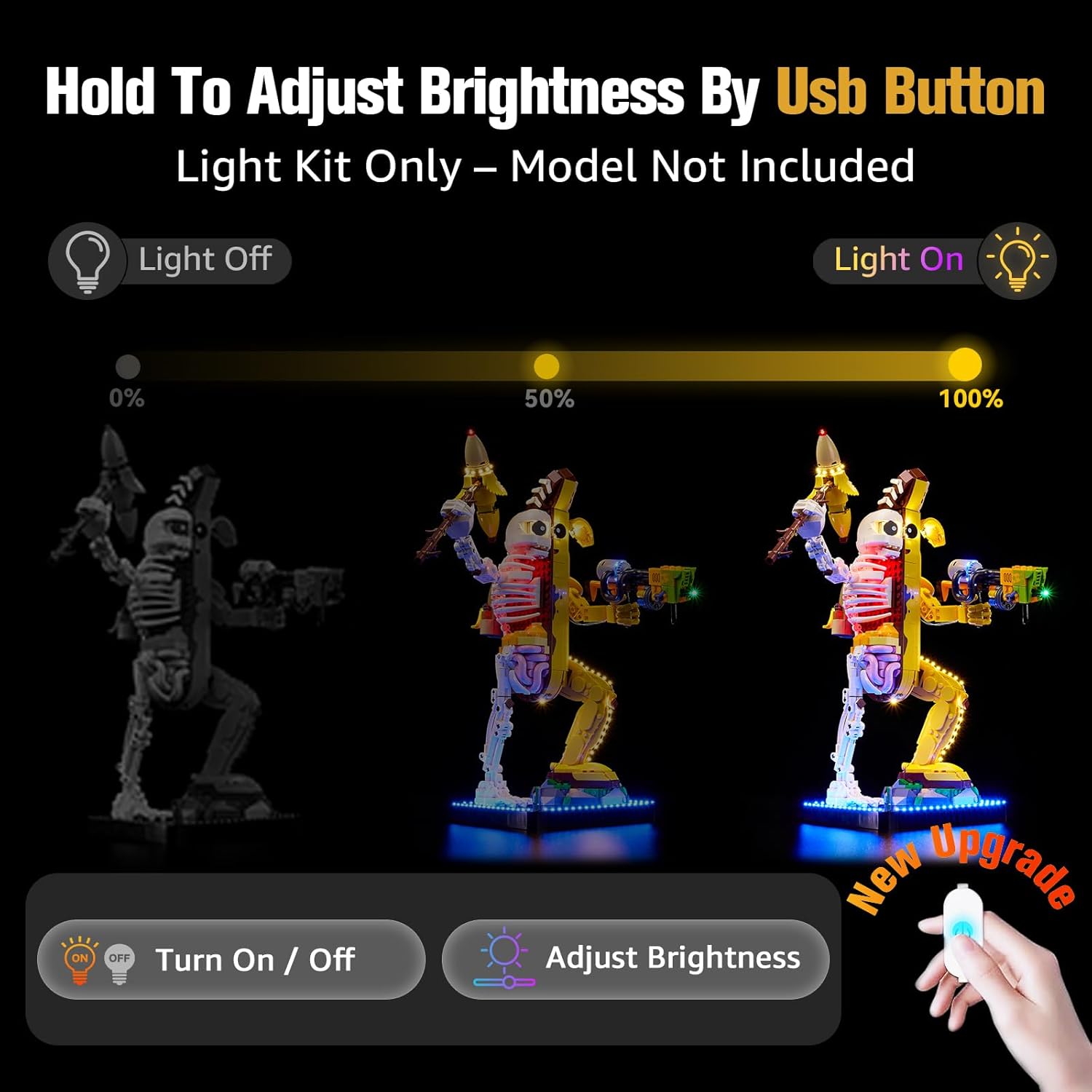
The BrickSoul LED Light Kit features an upgraded wired dimmable control for convenient operation.
4.1 Powering On/Off
To turn the lights on or off, simply tap the button located on the USB power cable.
4.2 Adjusting Brightness
To adjust the brightness level, press and hold the button on the USB power cable. The lights will cycle through different brightness settings, allowing you to release the button when your desired level is reached.

5. Maintenance
To ensure the longevity and optimal performance of your BrickSoul LED Light Kit, please follow these maintenance guidelines:
- Cleaning: Use a soft, dry cloth to gently wipe away dust from the lights and wires. Avoid using liquid cleaners directly on the electrical components.
- Handling: Handle the illuminated Lego model with care to prevent accidental disconnection or damage to the delicate wires.
- Power Supply: Always use a stable 3-5V USB power source. If using the battery box, ensure fresh AAA batteries are installed when needed.
- Storage: If storing the model for an extended period, disconnect the power supply.
6. Troubleshooting
If you encounter any issues with your BrickSoul LED Light Kit, please refer to the following common troubleshooting steps:
| Problem | Possible Cause | Solution |
|---|---|---|
| Lights do not turn on. | Loose connection, no power, faulty component. | Check all wire connections. Ensure the USB power source is active or replace batteries in the battery box. If issues persist, contact support. |
| Lights are dim or flickering. | Insufficient power, loose connection, low batteries. | Verify power source stability. Check connections. Replace batteries if using the battery box. |
| Some lights are not working. | Damaged wire, loose connection to a specific light. | Carefully inspect the wiring for the affected lights. Re-secure any loose connections. If a component is damaged, refer to the warranty section. |
For further assistance, please contact the BrickSoul support team.
7. Specifications
- Brand: BrickSoul
- Model: 77072-TV (Compatible with Lego Peely Bone 77072)
- Power Input: USB 3-5V
- Materials: Durable ABS plastic, Copper wire
- Product Dimensions: 6.36 x 4.32 x 1.33 inches (packaging/kit dimensions)
- Item Weight: 4.8 ounces
- Manufacturer Recommended Age: 14 years and up
8. Warranty and Support
BrickSoul offers a worry-free warranty to ensure your satisfaction. In the event of a bent connector, broken wire, or other accidental damage, we provide quick, hassle-free replacements.

Our dedicated support team is available to assist you with any questions or concerns, ensuring a smooth and stress-free lighting experience. Please refer to the contact information provided in your product packaging or on the official BrickSoul website for support.
9. Official Product Videos
Watch these official videos for additional guidance and to see the BrickSoul LED Light Kit in action with your Lego Peely Bone 77072 model.