1. Introduction
Thank you for choosing the KAER 13-15 Biometric Gun Safe. This safe is designed to provide secure storage for your firearms and valuables, featuring multiple access methods including biometric fingerprint, digital keypad, and emergency key. This manual provides essential information for the safe's assembly, operation, maintenance, and troubleshooting to ensure optimal performance and security.
2. Safety Information
Proper installation and use are crucial for the security and safety of this gun safe. Please read and understand all instructions before assembly and operation.
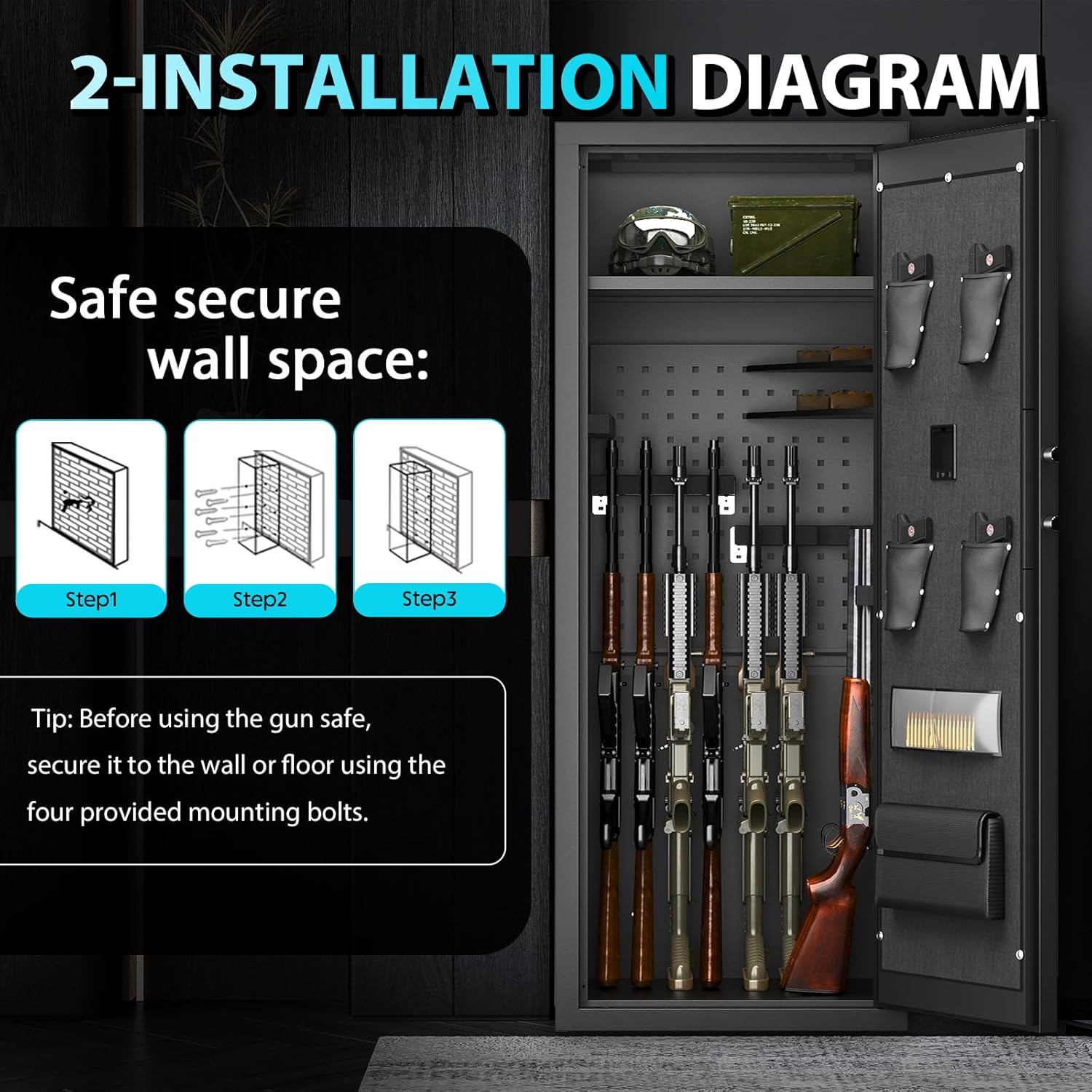
- Secure Mounting: For maximum security, the safe must be securely bolted to a wall or floor using the provided mounting bolts. This prevents unauthorized removal or tipping.
- Child Safety: Always store firearms unloaded and locked away from children. Keep emergency keys and access codes in a secure location inaccessible to unauthorized individuals.
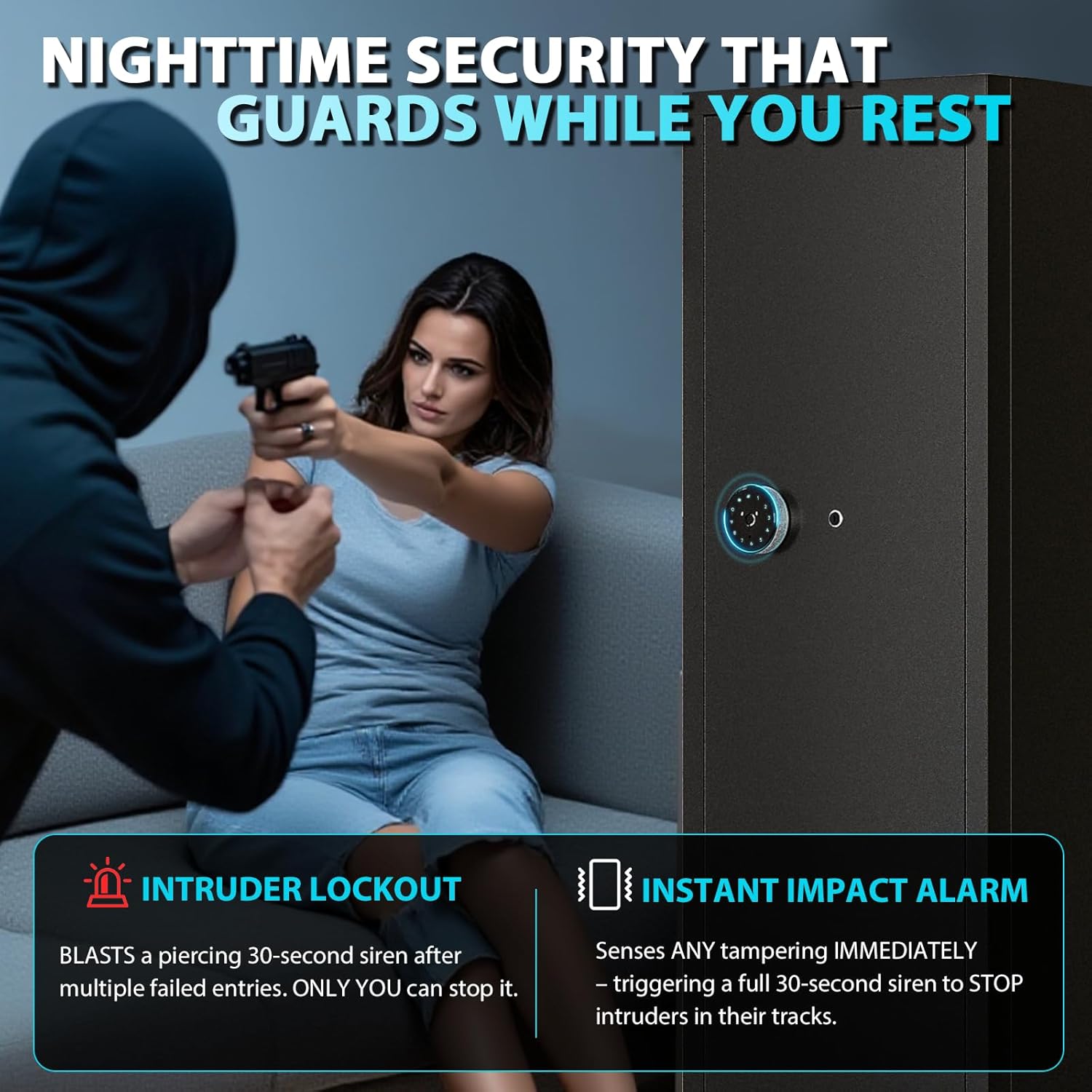
- Alarm System: The safe features an anti-tamper alarm that triggers after multiple incorrect entry attempts or if the safe is subjected to impact.
- Emergency Access: Familiarize yourself with all access methods, including the emergency key, to ensure access during power failure or electronic lock malfunction.
3. Package Contents
Verify that all components are present before beginning assembly:
- Unassembled Gun Safe Panels
- 2 Removable Gun Racks
- Emergency Keys
- External Battery Box
- Mounting Bolts
- Instruction Manual
- Gloves
- Screwdriver
4. Assembly Instructions
The KAER 13-15 Biometric Gun Safe is shipped unassembled. Follow these steps carefully for proper assembly. It is recommended to have two people for assembly.
- Unpack all components and verify against the package contents list.
- Connect the back plate (B) and the left side plate (C), screwing in the screws (N) in order.
- Connect the left and right side panels (C) to the door panel (E) and screw in the screws (N) in turn.
- Install the top plate (D), screwing in the screws (N).
- Install the bottom plate (A), paying attention to the narrow front and wide back.
- Install the partition board (F) using the adjustment buckle (Q).
- Install the hole plate and screw in the bottom screws to fix.
- Insert the butt plate into the gun rack.
- Once assembled, choose a secure location and bolt the safe to the wall or floor using the provided mounting hardware.
Assembly Video Guide
Video 4.1: Detailed assembly instructions for the KAER 13-15 Biometric Gun Safe, including panel connections and internal setup.
5. Operating the Safe
Your KAER gun safe offers multiple secure access options.

Initial Setup (Password & Fingerprint)
- Install Batteries: Open the safe using the emergency key. Install 4 AA batteries into the external battery box.
- Set Initial Password: Enter the initial password (e.g., 123456) on the digital keypad and turn the knob to open.
- Modify Password: With the door open, press the 'Setting Button' inside the door. Enter your new personal password (3-12 digits) on the keypad, then press '#'.
- Fingerprint Setting: Press the 'Setting Button' inside the door. Place your finger on the fingerprint scanner, lift and lower it 4 times until the green/yellow light indicates successful setup. The safe can store up to 30 fingerprints.
Access Methods
- Biometric Fingerprint: Place your registered finger on the scanner. The safe will unlock in approximately 0.1 seconds.
- Digital Keypad: Enter your personal password on the keypad, then press '#'. Turn the knob to open.
- Emergency Key: In case of battery failure or forgotten password, use the emergency key to manually open the safe.
Alarm System
- Anti-Tamper Alarm: The alarm will sound after 3-5 incorrect password or fingerprint attempts. It will also activate if the safe experiences significant impact.
- Alarm Off: To turn off the alarm, enter the correct password or use a registered fingerprint.
- Mute Setting: To turn the alarm sound on/off, press "11#" on the keypad.
Operating Video Guide
Video 5.1: Instructions for setting up the digital password, fingerprint, and managing alarm modes.
6. Features and Customization
The KAER 13-15 Biometric Gun Safe offers flexible storage solutions to meet your needs.
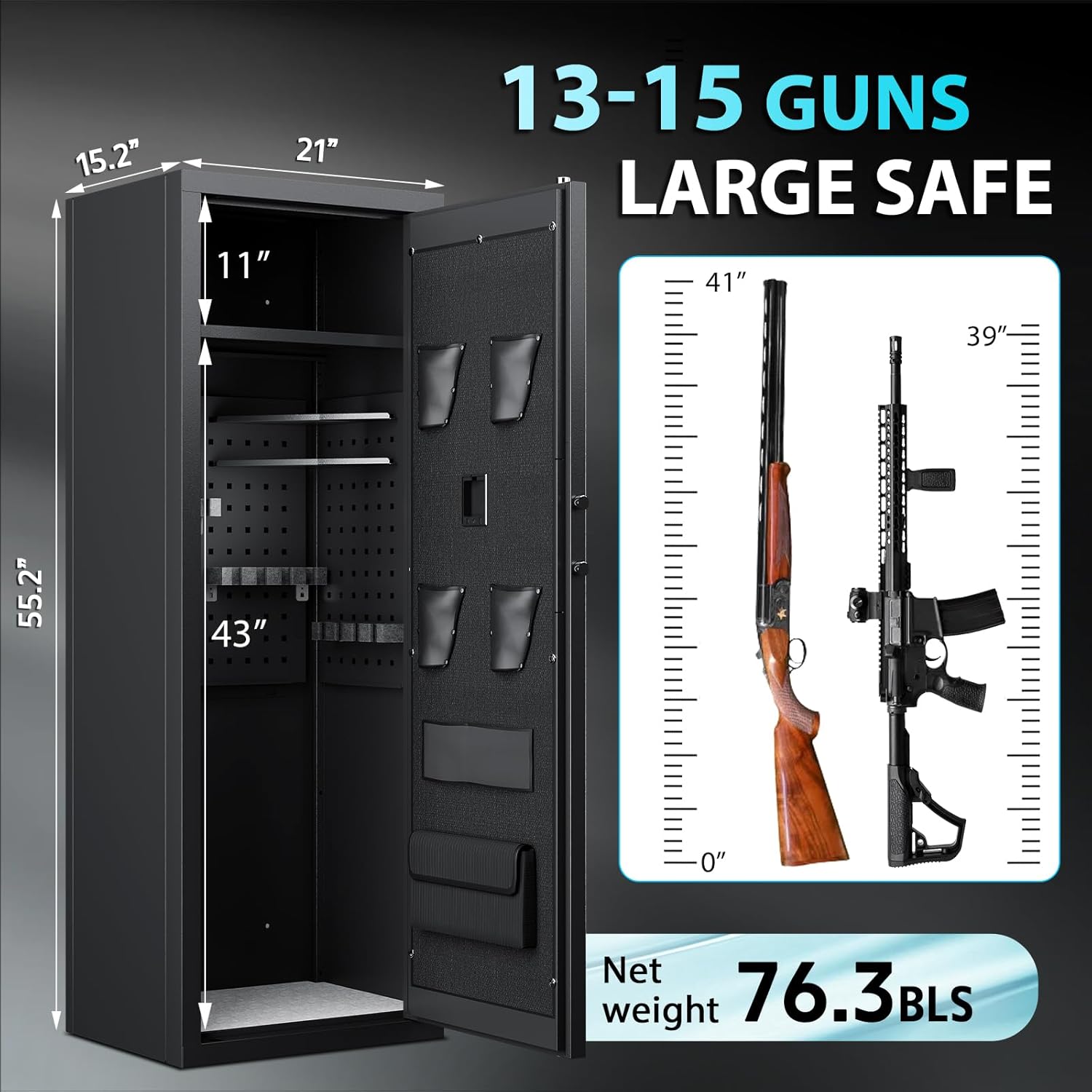
- Spacious Interior: Designed to securely hold 13-15 rifles, pistols, and ammunition.
- Customizable Storage: Features removable shelves and adjustable partitions to accommodate various firearm sizes, including scoped rifles, AR15s, and shotguns.
- Door Storage: Integrated pistol pockets and additional storage compartments on the inside of the door provide convenient access to smaller items.
- LED Lighting: Interior LED lighting illuminates the safe's contents for easy visibility.

7. Maintenance
Regular maintenance ensures the longevity and reliable operation of your safe.
- Battery Replacement: Replace the 4 AA batteries in the external battery box when the low battery indicator appears or if the electronic lock becomes unresponsive.
- Cleaning: Clean the exterior and interior of the safe with a soft, dry cloth. Avoid abrasive cleaners or solvents.
- Security Check: Periodically check the mounting bolts to ensure they are tight and secure.
- Fingerprint Sensor: Keep the fingerprint sensor clean and dry for optimal performance.
8. Troubleshooting
Refer to this section for solutions to common issues.
- Electronic Lock Not Responding: Check the batteries in the external battery box. Replace if necessary. Use the emergency key for immediate access.
- Fingerprint Not Recognized: Ensure your finger is clean and dry. Try re-registering your fingerprint if the issue persists.
- Alarm Triggering Unexpectedly: Verify that no unauthorized attempts have been made. Check for any impacts to the safe. If the alarm continues without cause, contact customer support.
- Door Not Closing Properly: Ensure no items are obstructing the door or locking bolts. Check for any damage to the hinges or frame.
9. Specifications
| Feature | Specification |
|---|---|
| Brand | KAER |
| Product Dimensions | 15.2"D x 21"W x 55.2"H |
| Lock Type | Biometric, Electronic Combination Lock, Key |
| Color | BLACK |
| Capacity | 6 Cubic Feet (Holds 13-15 guns) |
| Material | Alloy Steel |
| Special Feature | Alarm System |
| Mounting Type | Wall Mount (bolts included) |
| Item Weight | 76.3 Pounds |
| Item Model Number | 1400LI-NEW |
10. Warranty and Support
For warranty information, technical support, or any questions regarding your KAER 13-15 Biometric Gun Safe, please contact the manufacturer or your retailer. Keep your purchase receipt for warranty claims.


