
1. Introduction
Thank you for choosing the GE Portable Dehumidifier 25 Pint. This appliance is designed to efficiently remove excess moisture from your indoor environment, creating a more comfortable and healthier living space. Ideal for areas up to 1500 sq ft, such as bedrooms, basements, and garages, this dehumidifier features Smart Dry Technology, continuous drainage options, and user-friendly digital controls.
Please read this manual thoroughly before operating your new dehumidifier to ensure safe and optimal performance. Keep this manual for future reference.
2. Safety Information
WARNING: To reduce the risk of fire, electric shock, or injury, always follow basic safety precautions.
- Ensure the unit is plugged into a properly grounded electrical outlet. Do not use extension cords.
- Do not operate the dehumidifier with a damaged power cord or plug.
- Keep the unit upright during operation and transport.
- Do not block air intake or exhaust vents. Maintain at least 8 inches (20 cm) clearance from walls and furniture.
- This appliance contains flammable refrigerant. Servicing should only be performed by trained service personnel.
- Always unplug the unit before cleaning or performing any maintenance.
3. Product Features
- 25 Pint Moisture Removal: Capable of removing up to 25 pints of moisture per day, suitable for rooms up to 1500 sq ft.
- Smart Dry Technology: Automatically adjusts fan speed based on room humidity for efficient operation.
- Digital LED Display: Provides clear readings and easy control with three fan speeds and adjustable humidistat (30-70%).
- Multiple Drainage Options: Features a removable water bucket with a 10-second full bucket alarm and a continuous drain option for hassle-free water removal.
- Easy Mobility: Equipped with built-in pocket handles and easy-roll wheels for convenient relocation.
- Filter Reminder: Alerts you when it's time to clean the washable and removable slide-out filter for optimal performance.
- Auto Restart & Auto Defrost: Ensures uninterrupted operation by resuming settings after power outages and preventing frost buildup.

Image 1: The GE Portable Dehumidifier 25 Pint, showcasing its compact and modern design.
4. Setup
- Unpacking: Carefully remove the dehumidifier from its packaging. Ensure all packing materials are removed.
- Placement: Place the unit on a level surface in the desired location. Ensure there is at least 8 inches (20 cm) of space around the unit for proper air circulation. Avoid placing it near heat sources or in direct sunlight.
- Power Connection: Plug the dehumidifier into a grounded 120V AC outlet.
- Drainage Options:
- Water Bucket (Manual Emptying): The unit will collect water in the internal bucket. When full, the unit will alert you and shut off.
- Continuous Drain (Hose Connection): For continuous operation without emptying the bucket, connect a standard garden hose (not included) to the continuous drain port located on the side of the unit. Ensure the hose is sloped downwards to allow gravity drainage into a floor drain or sink.
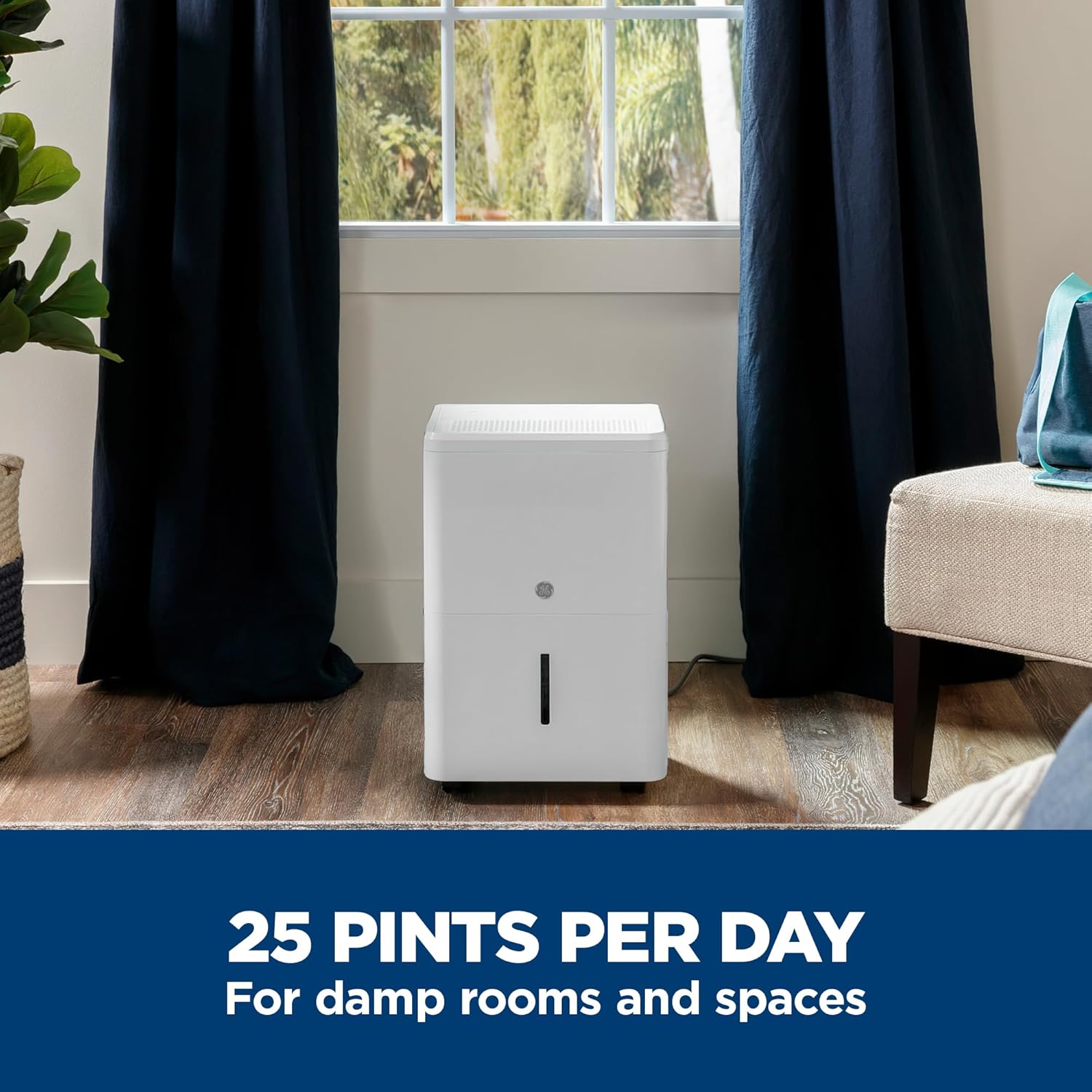
Image 2: A woman easily moving the GE Dehumidifier using its built-in pocket handles and easy-roll wheels.

Image 3: Illustration of the multiple drainage options, including connecting a hose for continuous draining and removing the water bucket.
5. Operating Instructions
The control panel on top of your dehumidifier allows for easy adjustment of settings.

Image 4: Close-up of the digital LED control panel with various buttons and humidity display.
- Power On/Off: Press the Power button to turn the unit on or off.
- Setting Desired Humidity: Use the + or - buttons to set your desired humidity level between 30% and 70%. The unit will operate until the set humidity is reached.
- Fan Speed Selection: Press the Speed button to cycle through High, Medium, and Low fan speeds.
- Smart Dry Mode: Select Smart Dry mode for automatic fan speed adjustment based on the ambient humidity. This optimizes energy efficiency and comfort.
- Nonstop Operation: Choose Nonstop mode for continuous dehumidification, regardless of the humidity level. This is useful for very damp conditions or when using continuous drainage.
- Delay Timer: Use the Delay button to set a delayed start or stop time for up to 24 hours.

Image 5: Visual representation of the Smart Dry feature, indicating automatic fan speed adjustment based on room humidity.
Video 1: Official GE Appliances video demonstrating the moisture control features of GE Dehumidifiers.
6. Maintenance
- Emptying the Water Bucket: When the water bucket is full, the unit will beep and display an "Empty" indicator. Carefully pull out the bucket using the handle, empty the collected water, and slide it back into place. Ensure the bucket is properly seated to resume operation.
- Cleaning the Air Filter: The "Filter" indicator will illuminate when it's time to clean the air filter. Remove the filter from the back of the unit, wash it with warm, soapy water, rinse thoroughly, and let it air dry completely before reinserting. Press and hold the Filter button for 3 seconds to reset the filter reminder.
- Auto Defrost: The unit is equipped with an Auto Defrost feature that automatically melts frost buildup on the evaporator coils, ensuring efficient operation in cooler environments.

Image 6: A hand removing the washable and removable slide-out filter from the side of the dehumidifier for easy cleaning.
7. Troubleshooting
If your dehumidifier is not operating correctly, please check the following common issues before contacting customer support:
- Unit does not turn on: Ensure the power cord is securely plugged into a grounded outlet. Check the circuit breaker.
- No water collected: Verify the desired humidity level is set lower than the current room humidity. Check if the water bucket is properly installed. Ensure the continuous drain hose (if used) is not clogged or kinked.
- Unit runs continuously: The room humidity might be higher than the set level, or the unit is in Nonstop mode.
- Unusual noise: Check for any obstructions in the fan or if the unit is placed on an uneven surface.
- Error codes: Refer to the full owner's manual for specific error code meanings and solutions.
Video 2: Official GE Appliances video providing a walkthrough of the features of the GE Portable Dehumidifier, which may assist in troubleshooting.
8. Specifications
| Feature | Specification |
|---|---|
| Brand | GE |
| Model Number | ADHE25BWF |
| Dehumidification Capacity | 25 Pints per Day |
| Floor Area Coverage | Up to 1500 Square Feet |
| Tank Volume | 8.5 Pints |
| Product Dimensions (D x W x H) | 9.9"D x 13.2"W x 19.4"H |
| Number of Fan Speeds | 3 |
| Operation Mode | Automatic |
| Special Features | Adjustable Humidity Control, Continuous Draining, Digital Display, Portable, Removable Tank |
| UPC | 084691973607 |
9. Warranty and Support
Your GE Portable Dehumidifier is backed by GE's commitment to quality. For specific warranty details, please refer to the warranty card included with your product or visit the official GE Appliances website. Extended protection plans are also available for purchase.
For technical assistance, troubleshooting, or to order replacement parts, please contact GE Appliances customer support. You can find contact information on the GE Appliances website or in your product registration materials.


