
1. Overview
This manual provides comprehensive instructions for the installation, operation, and maintenance of your ACEBELL 1080P WiFi Wireless Video Doorbell system. This system includes a wireless video doorbell and a 7-inch HD touchscreen monitor, offering enhanced home security and convenience.

Image 1.1: Overview of the ACEBELL Wireless Video Doorbell System components.
2. Package Contents
Please verify that all items listed below are included in your package:
- 1 x Video Doorbell Camera
- 1 x 7-inch HD Touch Screen Monitor
- 1 x Memory Card (TF card)
- 1 x Dual Charging Cable
- 1 x Charger
- 1 x Unlock Module
- 1 x Accessories Bag (screws, anchors, etc.)
- 1 x User Manual (in 5 languages)
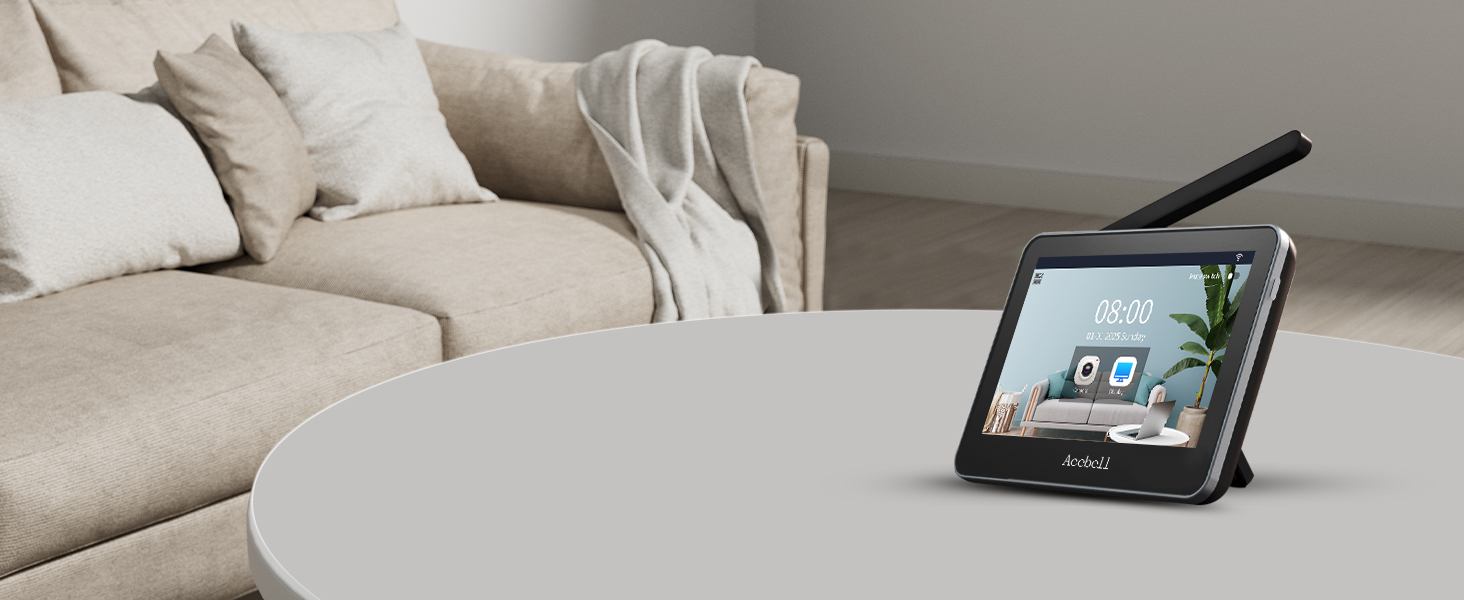
Image 2.1: All components included in the package.
3. Setup
3.1 Wireless Installation
The ACEBELL video doorbell system is designed for true wireless operation, requiring no wiring after unboxing. It utilizes a private 868MHz transmission protocol for robust signal penetration, capable of passing through approximately two walls. The system can function with or without Wi-Fi connectivity.
Important: Do not install the video doorbell on a metal door or metal wall, as metal is a significant source of interference for wireless signals. The actual signal performance may vary depending on your environment.

Image 3.1: Wireless installation diagram showing signal coverage.
3.2 Power Modes
The doorbell supports two power modes:
- Rechargeable Battery: The doorbell is equipped with a 5000 mAh rechargeable battery, providing approximately 30 to 45 days of autonomy on a full charge. Battery life depends on usage frequency (doorbell presses, PIR detection, monitoring mode activation, and ambient temperature). Ensure the battery is securely fixed using the provided screws to prevent loosening or slipping.
- External Power Supply: For permanent operation, you can connect the doorbell to your existing electrical network. Ensure the voltage is between 12V and 24V (12V recommended). The battery must still be installed as the speaker is integrated into it.

Image 3.2: Doorbell power modes: battery and external power.
3.3 Unlock Module Connection
An unlock module is included to connect to an electronic lock. Once connected, you can remotely unlock the door via the monitor or the mobile application.
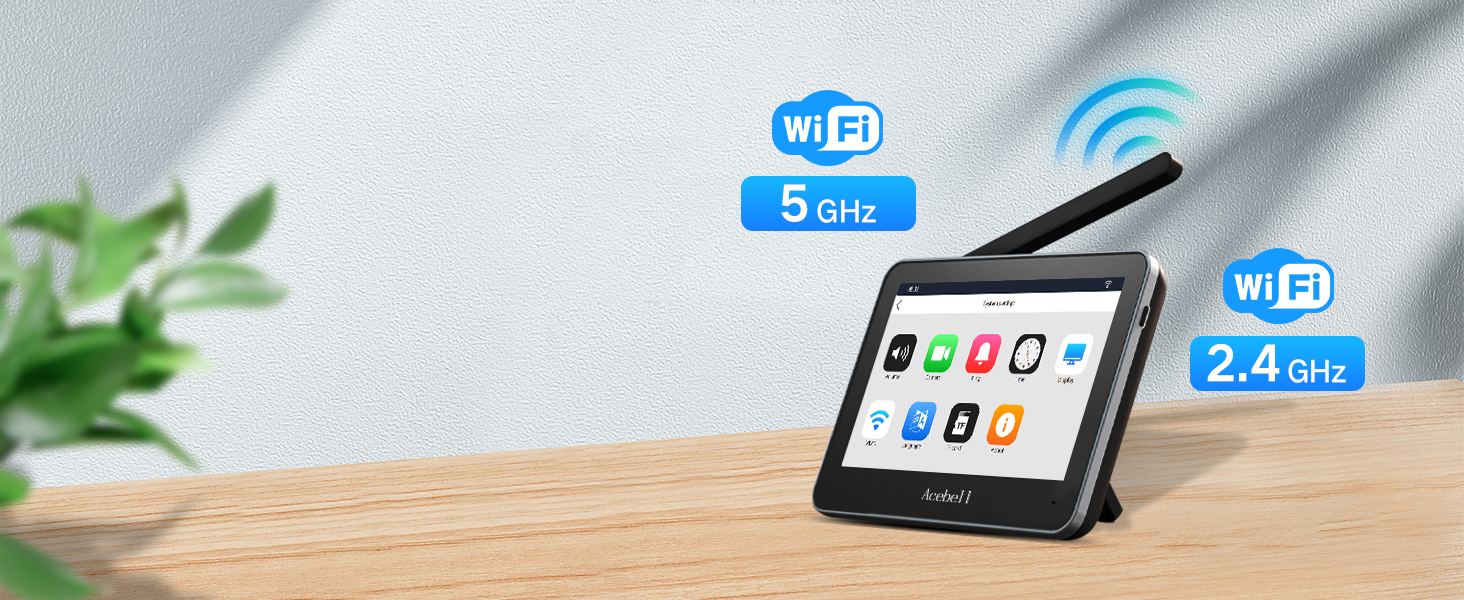
Image 3.3: Unlock module wiring diagram.
3.4 Installation Considerations
For optimal signal strength and performance, consider the following:
- Avoid installing the doorbell on metal surfaces.
- Position the monitor in an area with good signal reception from the doorbell.
- Signal strength can be affected by obstacles such as thick walls (stone) or multiple barriers.

Image 3.4: Recommended installation locations and signal strength indicators.

Image 3.5: Doorbell installation methods.
4. Operating Instructions
4.1 Monitor Functions
The 7-inch HD touchscreen monitor features a minimalist system, making it as simple to use as a smartphone. All essential functions are integrated for complete control, including answering calls, unlocking the door (if connected to an unlock module), and monitoring the outdoor area. The maximum surveillance duration for indoor and outdoor units is 1 minute.

Image 4.1: 7-inch HD touchscreen monitor interface.

Image 4.2: Monitor ease of use for all users.
4.2 App Control
The system is compatible with the TuyaSmart application, allowing for remote control. You can monitor your door, answer calls, and unlock the door from anywhere. The system can also be shared with family members for multi-user access. The indoor monitor supports both 2.4G and 5G Wi-Fi connections, eliminating concerns about router compatibility.

Image 4.3: Remote unlock via the TuyaSmart app.
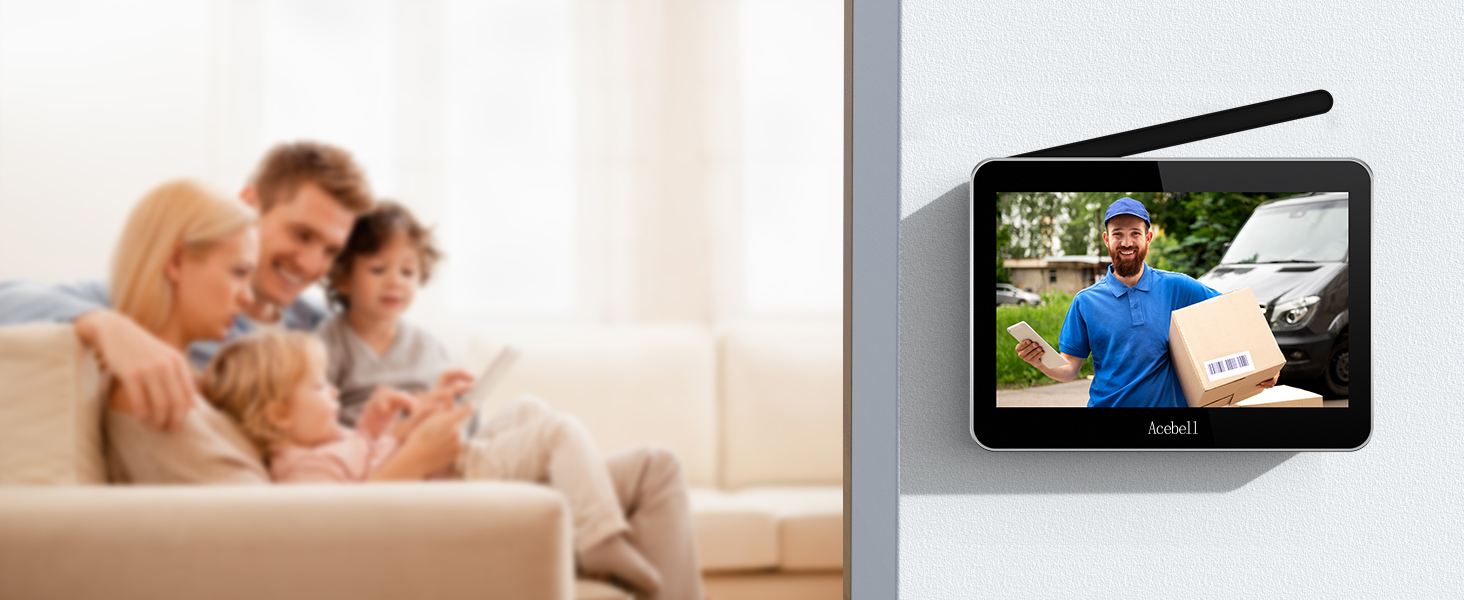
Image 4.4: App control and family sharing.
4.3 Motion Detection
The doorbell features PIR motion detection. As soon as movement is detected, an alert is sent to your phone and the indoor monitor. A video is automatically recorded to the included TF card, which can be viewed on your monitor or smartphone. PIR sensitivity is adjustable to three levels: high, medium, and low.

Image 4.5: PIR motion detection in action.
4.4 Two-Way Audio
The two-way audio feature allows you to communicate simultaneously with your visitor through the monitor or the mobile application.

Image 4.6: Two-way audio communication.
4.5 Video Recording & Playback
Recorded videos are stored locally on the included TF card (installed in the monitor) and can be viewed directly on the monitor. Videos are also uploaded to the TuyaSmart application for viewing on your smartphone. There are no subscription fees or monthly charges for storage. Storing the TF card in the monitor, not the doorbell, protects your data in case the doorbell is stolen or damaged.

Image 4.7: Video recording and playback features.
4.6 Night Vision
The video doorbell provides 1080p resolution for clear, high-quality images. It is equipped with 4 advanced infrared lights that automatically switch to night vision mode based on ambient light, allowing you to clearly see outside your home at night.

Image 4.8: 1080P HD and Night Vision.
5. Maintenance
5.1 Battery Charging
The doorbell's 5000 mAh rechargeable battery provides extended use. When the battery level is low, recharge it using the provided dual charging cable and charger. The monitor can also be kept plugged in for continuous operation.
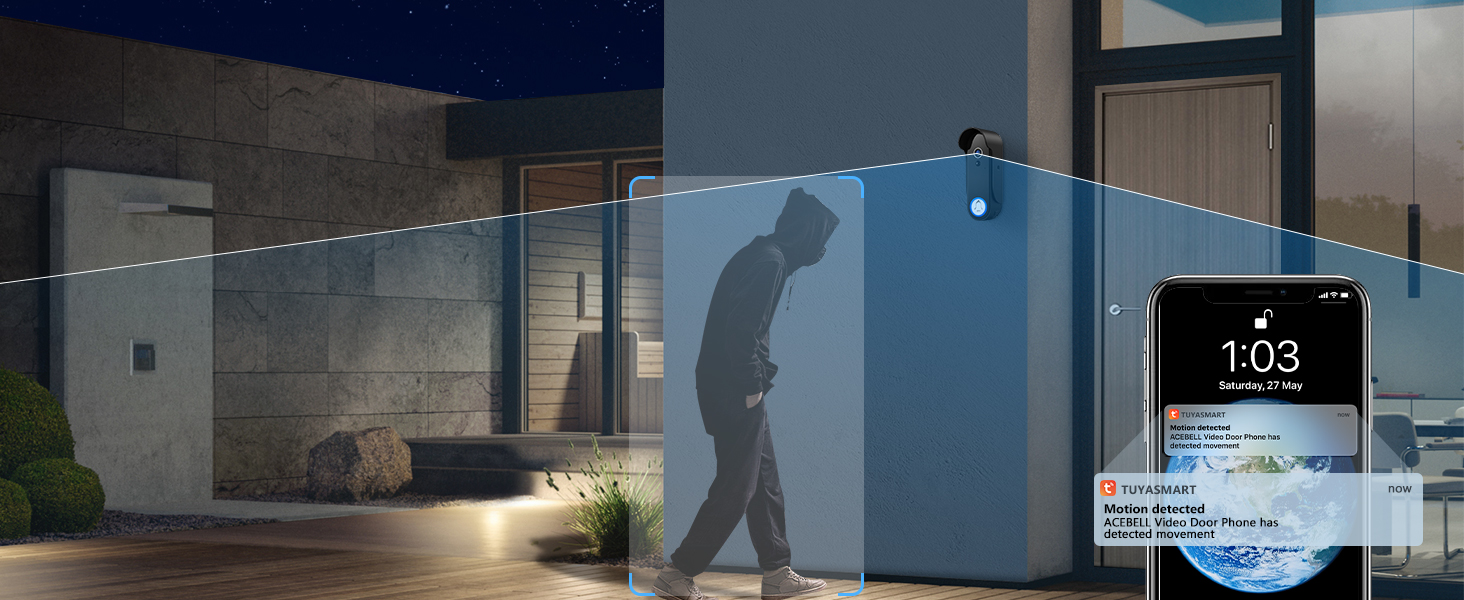
Image 5.1: Monitor charging.
5.2 Waterproof Rating
The doorbell has an IP55 waterproof rating, ensuring its functionality in various weather conditions.

Image 5.2: Doorbell with IP55 waterproof rating.
6. Troubleshooting
If you encounter any issues with your ACEBELL video doorbell system, please consider the following common solutions:
- No Signal/Poor Signal: Ensure the doorbell is not installed on a metal surface. Try repositioning the monitor closer to the doorbell or away from thick walls.
- Battery Drains Quickly: Check the frequency of motion detection alerts and live view activations. Reduce PIR sensitivity if necessary. Consider connecting the doorbell to an external power supply for continuous power.
- App Connectivity Issues: Verify that your indoor monitor is connected to a stable 2.4G or 5G Wi-Fi network. Ensure the TuyaSmart app is updated to the latest version.
- Motion Detection Not Triggering: Adjust the PIR sensitivity settings (high, medium, low) on the monitor. Ensure the detection area is clear of obstructions.
- No Video Recording: Check if the TF card is properly inserted into the monitor. Ensure there is sufficient storage space on the TF card.
For further assistance, please refer to the Warranty and Support section.
7. Specifications
| Feature | Specification |
|---|---|
| Brand | ACEBELL |
| Model Name | Wireless Video Doorbell |
| Video Recording Resolution | 1080p |
| Effective Video Resolution | 1080 |
| Viewing Angle | 160 Degrees |
| Night Vision Range | 50 Meters |
| Wireless Communication Technology | Wi-Fi |
| Connectivity Protocol | Wi-Fi |
| Special Features | Two-way audio, Motion detector, Local recording, HD resolution, Night vision |
| Power Source | Battery powered/External power |
| Battery Type | Lithium-ion (5000 mAh) |
| Waterproof Rating | IP55 |
| Material | Plastic |
| Item Dimensions (L x W x H) | 18 x 13 x 2.5 cm |
| Recommended Use | Outdoor Security |
| Installation Type | Self-adhesive / Door mounting |
| Compatible Devices | Smartphone, Tablet |
| Controller Type | iOS/Android |
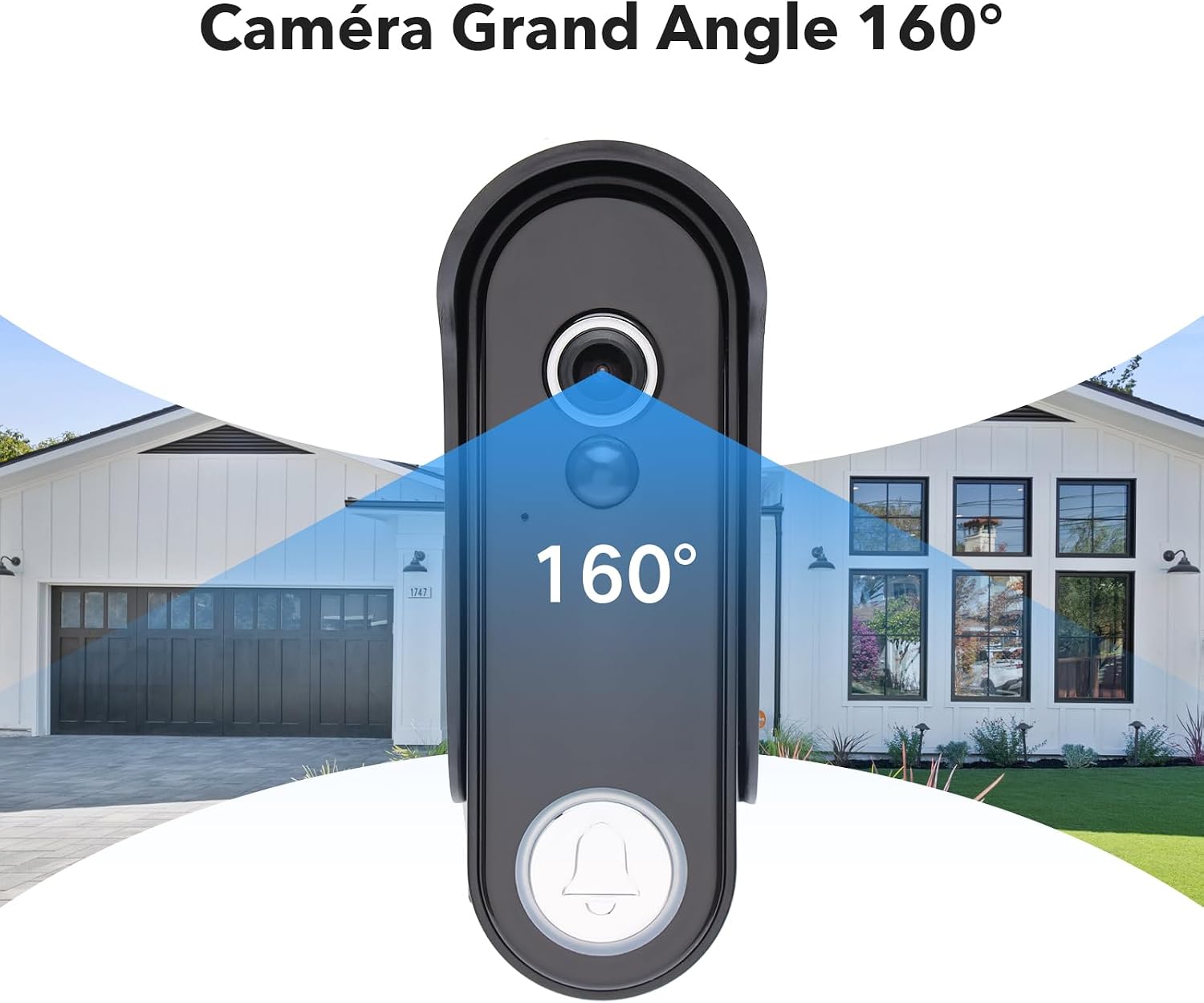
Image 7.1: 160-degree wide-angle view.
8. Warranty and Support
ACEBELL offers a 2-year quality guarantee for this product. We are committed to providing excellent customer service. If you encounter any issues or require assistance, please do not hesitate to contact our professional after-sales team. We are available 24/7 to help resolve your concerns promptly.
You can typically find our contact information within the product menu or on our official website.


