
Introduction
Thank you for choosing the ApeStellar Smart Fingerprint Door Knob. This manual provides detailed instructions for the installation, operation, and maintenance of your new smart lock. Please read this manual thoroughly before installation and use to ensure proper function and security.
Product Overview
Key Features
- Keyless Entry: Supports up to 50 stored fingerprints with an unlocking time under 0.3 seconds.
- Code Access: Supports up to 50 customizable user passwords.
- Programming Flexibility: A single programming password allows editing or deleting user passwords and fingerprints.
- Backup Access: Includes 2 physical keys for alternative unlocking.
- Durable Construction: Crafted from commercial-grade zinc alloy for superior sturdiness and anti-tamper protection.
- Weather Resistance: IP66 waterproof and dustproof rating, engineered for temperatures from -35°F to 167°F.
- Voice Feedback: Built-in voice prompts simplify setup and daily operations, providing real-time status and instructions.
- Modes of Operation: Easily switch between Auto-Lock and Passage Modes for various access needs.
- Easy Installation: Compatible with standard left-opening or right-opening doors, adjustable latch (2-3/8" or 2-3/4" backset), suitable for 2-1/8" (54mm) door holes. Requires only a Phillips screwdriver.
Package Contents
The ApeStellar Smart Fingerprint Door Knob package includes:
- Apestellar Fingerprint Door Lock (Exterior and Interior Assemblies)
- Backup Keys (2)
- Adjustable Latch
- Strike Plate
- Mounting Plate
- Installation Instructions
- Programming Instructions
- Mounting Screws
Specifications
| Feature | Detail |
|---|---|
| Brand | ApeStellar |
| Model Number | AS-FPSKMB-1 |
| Lock Type | Biometric, Combination Lock, Keypad |
| Material | Zinc Alloy |
| Color | Matte Black |
| Item Dimensions (L x W x H) | 7.95 x 3.82 x 8.9 inches |
| Door Hole Diameter | 2-1/8 inches (54mm) |
| Door Thickness | 1-3/8 to 1-3/4 inches (35-45mm) |
| Backset | Adjustable 2-3/8 inches or 2-3/4 inches (60mm or 70mm) |
| Fingerprint Capacity | Up to 50 |
| Passcode Capacity | Up to 50 |
| Operating Temperature | -35°F to 167°F |
| Waterproof Rating | IP66 |
Setup and Installation
The ApeStellar Smart Fingerprint Door Knob is designed for easy installation. A Phillips screwdriver is the only tool required. For a visual guide, please refer to the installation video below.
Pre-Installation Checks
Before beginning installation, ensure your door meets the following specifications:
- Door Hole Diameter: 2-1/8 inches (54mm)
- Door Thickness: 1-3/8 to 1-3/4 inches (35-45mm)
- Backset: Adjustable to 2-3/8 inches or 2-3/4 inches (60mm or 70mm)

This diagram shows the required door dimensions for installation, including the door hole diameter, door thickness, and backset measurement. Ensure your door matches these specifications for proper fit.
Installation Steps Overview
Follow the detailed instructions provided in your package. Key steps include:
- Prepare the door and frame, ensuring the existing holes match the lock's requirements.
- Install the latch into the door edge. Adjust the backset if necessary.
- Install the exterior assembly, routing the control wire through the door hole.
- Attach the interior mounting plate, ensuring the mounting post and control wire are correctly positioned.
- Connect the control wire to the interior assembly.
- Install the interior assembly and secure all components.
- Insert 4 AA batteries into the interior assembly.
- Test the lock's functionality.

This image provides a visual guide to the installation process, detailing how to assemble the lock components onto the door.
Installation Video Guide
For a comprehensive visual walkthrough of the installation process, please watch the official seller video below:
Official installation video for the ApeStellar Smart Fingerprint Door Lock, provided by the seller XYKJ-Direct. This video demonstrates each step of the installation process.
Operating Instructions
Your ApeStellar Smart Fingerprint Door Knob offers multiple ways to access and manage your door.
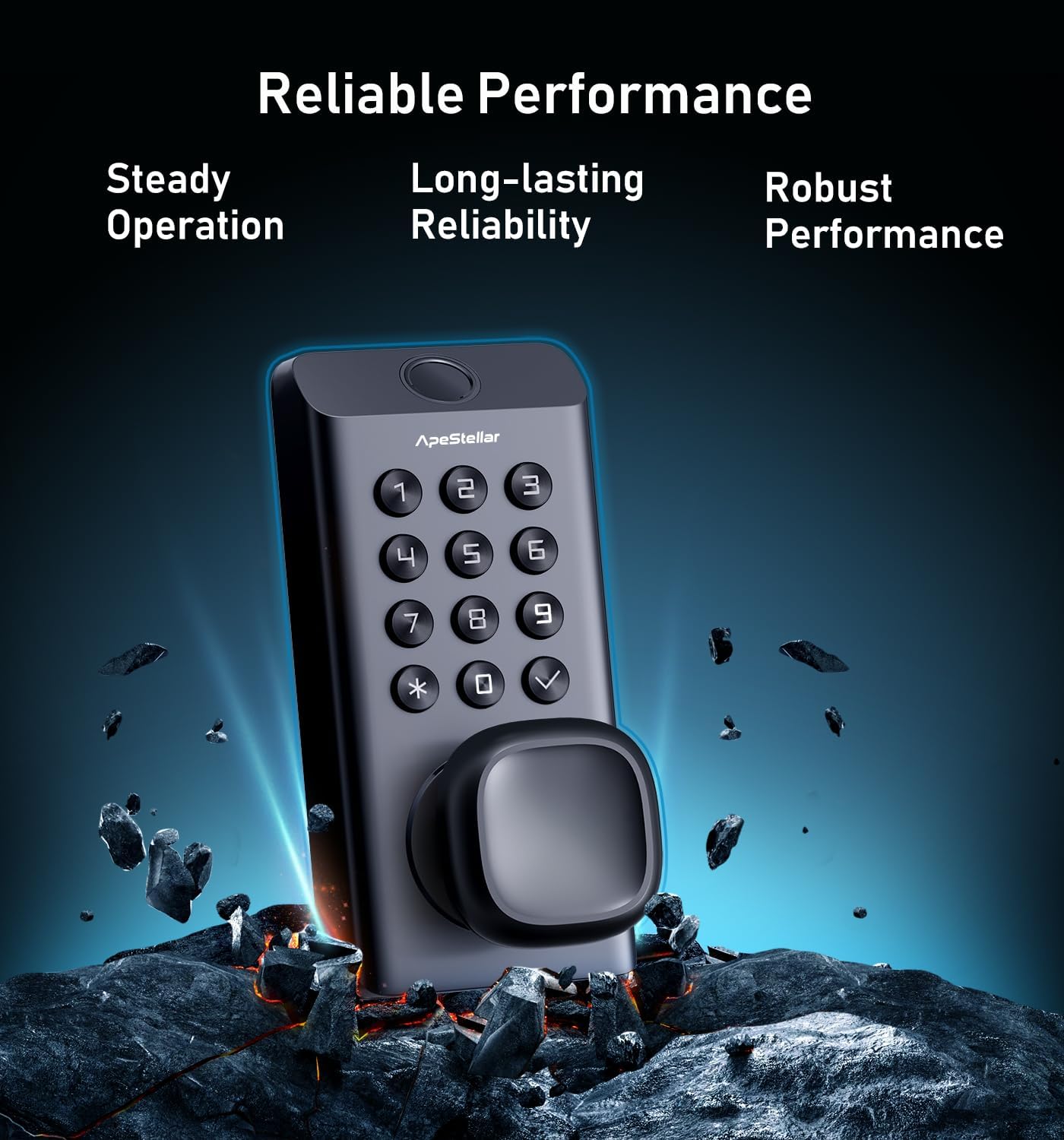
This image displays the exterior of the smart door knob, featuring the numerical keypad and the fingerprint sensor at the top.
Setting Up Administrator and User Access
Upon first use, you will need to set up an administrator passcode and fingerprint. Follow the voice prompts for guidance. The administrator can then add or delete up to 50 user fingerprints and 50 user passcodes.

This image shows the smart lock's capability to store multiple user profiles, indicating support for 50 fingerprints, 50 user codes, and includes 2 physical keys.
Unlocking Methods
- Fingerprint: Place your registered finger on the sensor. The lock will unlock in under 0.3 seconds upon successful recognition.
- Passcode: Enter your registered 4-6 digit passcode on the keypad, then press the checkmark button.
- Physical Key: Use one of the provided backup keys in the keyhole located on the exterior assembly.

A close-up of a hand activating the fingerprint sensor, illustrating one of the multiple access methods available for the smart door knob.
Voice Feedback Feature
The lock provides clear voice prompts for setup, operation, and status updates. This feature guides you through processes and confirms actions like "Ready to lock," "Passage Mode On," or "Success."
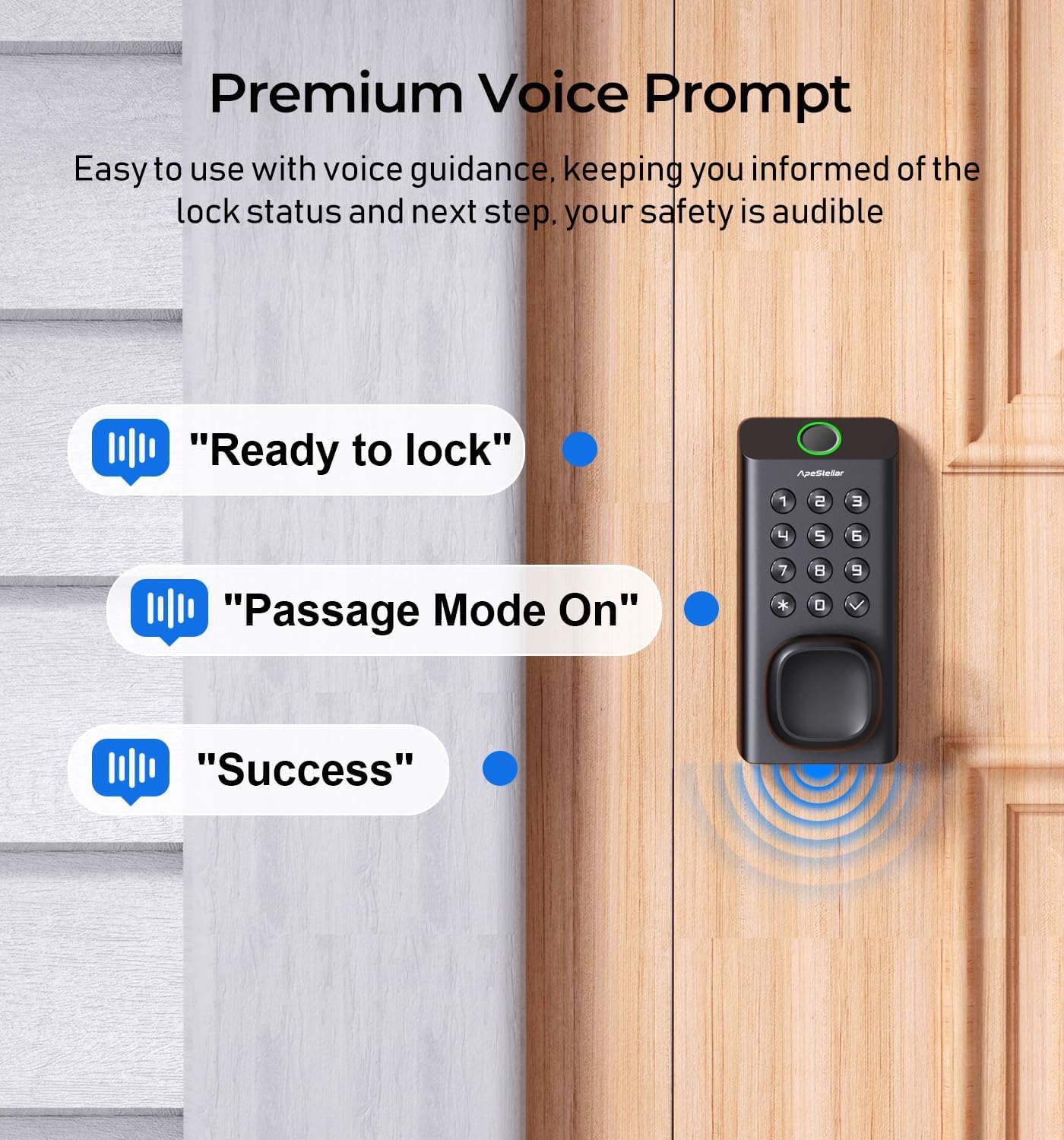
This image illustrates the voice feedback feature of the lock, showing speech bubbles with phrases like "Ready to lock," "Passage Mode On," and "Success" next to the device.
Auto-Lock and Passage Modes
Easily switch between these modes using the dedicated button on the interior assembly:
- Auto-Lock Mode: The lock will automatically re-lock after a set period (e.g., 5 seconds) following entry or exit. This ensures security without manual locking.
- Passage Mode: The lock remains unlocked, allowing free entry and exit without requiring a fingerprint, passcode, or key. This is ideal for periods of high traffic or when the door needs to remain open.

This diagram visually explains the Auto-Lock and Passage Modes, showing the lock's behavior in each setting and the button used to toggle between them.
Maintenance
Battery Replacement
The lock operates on 4 AA batteries. When the battery level is low, the lock will provide a "Low power, replace battery" voice prompt. Replace all four batteries promptly to ensure continuous operation. The lock retains all programmed settings during battery replacement.

This image depicts the smart lock displaying a low battery warning, accompanied by a voice prompt to replace the batteries.
Cleaning
Wipe the lock's exterior with a soft, damp cloth. Avoid using abrasive cleaners or solvents, as these can damage the finish and electronic components. Ensure the fingerprint sensor and keypad are clean for optimal performance.
Troubleshooting
If you encounter issues with your ApeStellar Smart Fingerprint Door Knob, refer to the following common problems and solutions:
- Lock not responding or not powering on:
- Check if the batteries are correctly installed and fully charged. Replace with new AA batteries if necessary.
- Ensure the power cable connection inside the interior assembly is secure.
- Fingerprint not recognized:
- Ensure your finger is clean and dry.
- Try different angles or positions of your finger on the sensor.
- Re-register your fingerprint if recognition issues persist.
- Keypad not responding or passcode not working:
- Ensure you are entering the correct passcode followed by the checkmark button.
- Check for low battery warnings.
- If multiple incorrect attempts are made, the keypad may temporarily lock out. Wait a few minutes before trying again.
- Lock mechanism jams or does not retract fully:
- Check for any obstructions in the door frame or strike plate.
- Ensure the lock is installed correctly and aligned with the strike plate.
- In extreme heat, the internal mechanism may expand, causing temporary issues. Allow the lock to cool down.
- Voice prompts are too loud or too quiet:
- Refer to the programming instructions for adjusting the volume or enabling/disabling silent mode.
Warranty and Support
Warranty Information
The ApeStellar Smart Fingerprint Door Knob comes with a lifetime warranty covering both the finish and mechanical operation. This warranty reflects the product's quality and durability.
Customer Support
For further assistance, technical support, or warranty claims, please contact ApeStellar customer service. Refer to the contact information provided in your product packaging or visit the official ApeStellar website.