
Important Safety Instructions
Please read and understand all safety instructions before using the DeMoce Cordless Ankle Massager. Failure to follow these instructions may result in injury or damage to the device.
- Avoid use on injured or inflamed areas.
- Do not expose skin to heat for extended periods to prevent burns.
- Always unplug and allow the device to cool before storing.
- Keep out of reach of children and pets.
- Do not submerge the device in water.
- Consult a healthcare professional before use if you have any medical conditions or concerns.
Product Overview
The DeMoce Cordless Ankle Massager is designed to provide targeted heat and vibration massage for the ankles and feet. It features a wearable design, adjustable settings, and a rechargeable battery for convenient use.
Components
- Ankle Massager Unit (with integrated control panel)
- USB Charging Cable
- User Manual
Control Panel
The control panel is located on the exterior of the massager unit and features a digital display and several buttons for operation.
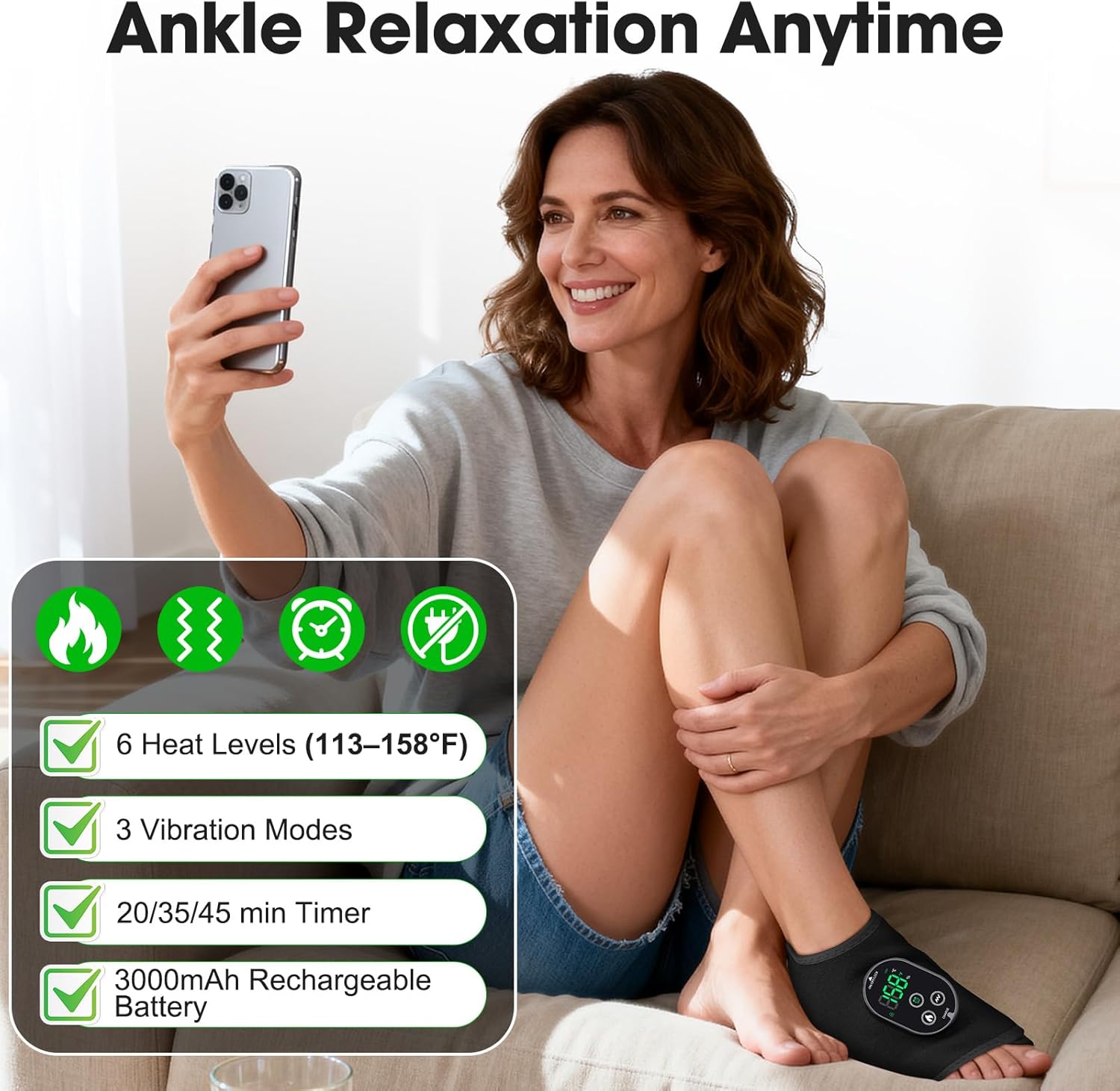
Image: Control panel with digital display and function buttons.
The display shows current temperature, vibration mode, and remaining time. Buttons include Power/Lock, Heat, Vibration, and Timer.
Setup
Charging the Device
Before first use, fully charge the massager for approximately 2 hours. A full charge provides up to 14.2 hours of massage-only use or 1.5-2 hours of combined heat and vibration therapy.
Video: Demonstrates charging the DeMoce Cordless Ankle Massager using the provided USB cable. The display shows the charging progress.
Connect the USB charging cable to the charging port on the massager unit and a suitable USB power source. The display will indicate charging status.
Wearing the Massager
The massager is designed for versatile wear on either the ankle or the arch of the foot. The soft, stretchy material and adjustable straps ensure a secure and comfortable fit for various sizes.

Image: Demonstrates wearing the massager on the ankle and foot arch.
- Wrap the massager around your ankle or foot arch.
- Secure the straps using the Velcro closures to achieve a snug, yet comfortable fit. Ensure the control panel is easily accessible.

Image: Details of the adjustable straps and soft fabric for ergonomic fit.
Operating Instructions
Power On/Off
Press and hold the 'ON/OFF/LOCK' button on the control panel to power on or power off the device. The digital display will illuminate when powered on.
Adjusting Heat Settings
The massager offers 6 heat levels, ranging from 113°F (45°C) to 158°F (70°C).

Image: Illustration of heated zones and vibration motors.
- Press the 'Heat' button (flame icon) to cycle through the available heat levels.
- The current temperature will be displayed on the screen.
- Select a heat level that provides comfortable warmth without causing discomfort.
Selecting Vibration Modes
Choose from 3 vibration modes for personalized massage intensity.
- Press the 'Vibration' button (wave icon) to switch between the three vibration modes.
- The display will indicate the active vibration mode.
Setting the Timer
The massager includes a timer function for sessions of 20, 35, or 45 minutes.
- Press the 'Timer' button (clock icon) to select your desired session duration.
- The device will automatically shut off once the selected time has elapsed.
Maintenance
Cleaning
- Ensure the device is powered off and unplugged before cleaning.
- Wipe the surface of the massager with a soft, damp cloth.
- Do not use abrasive cleaners or submerge the device in water.
- Allow the massager to air dry completely before storing or next use.
Storage
- Store the massager in a cool, dry place away from direct sunlight.
- Keep it out of reach of children and pets.
Troubleshooting
If you encounter any issues with your DeMoce Cordless Ankle Massager, please refer to the following common solutions:
- Device not turning on: Ensure the battery is fully charged. Connect the massager to a power source and allow it to charge for at least 30 minutes before attempting to power on again.
- No heat or vibration: Check that the device is powered on and not in lock mode. Ensure the heat and vibration settings are activated via their respective buttons.
- Inconsistent performance: Make sure the massager is securely fitted to your ankle or foot. A loose fit may reduce the effectiveness of the heat and vibration.
- Charging issues: Verify that the USB cable is properly connected to both the massager and the power source. Try using a different USB cable or power adapter.
If the problem persists after attempting these solutions, please contact customer support for further assistance.
Specifications
| Feature | Detail |
|---|---|
| Model Number | 10240102 |
| Product Dimensions | 5 x 2 x 8 inches |
| Item Weight | 10.58 ounces (300 Grams) |
| Battery | 1 Nonstandard Battery (included), 3000mAh |
| Heat Levels | 6 (113°F – 158°F / 45°C – 70°C) |
| Vibration Modes | 3 |
| Timer Options | 20, 35, 45 minutes |
| Material Type | Neoprene |
| Additional Features | Automatic Shut Off |
Warranty and Support
The DeMoce Cordless Ankle Massager comes with a 2-Year Warranty that includes free replacement for manufacturing defects. For warranty claims, product support, or any inquiries, please contact DeMoce customer service through the retailer where the product was purchased or visit the official DeMoce website.