
1. Introduction
The Ikarao Shell S3 is an all-in-one portable karaoke system designed for adults and families. It features a built-in lyrics display screen, two wireless microphones with advanced sound processing, an 80W speaker, and multiple connectivity options. This manual provides essential information for setting up, operating, maintaining, and troubleshooting your device to ensure optimal performance and enjoyment.
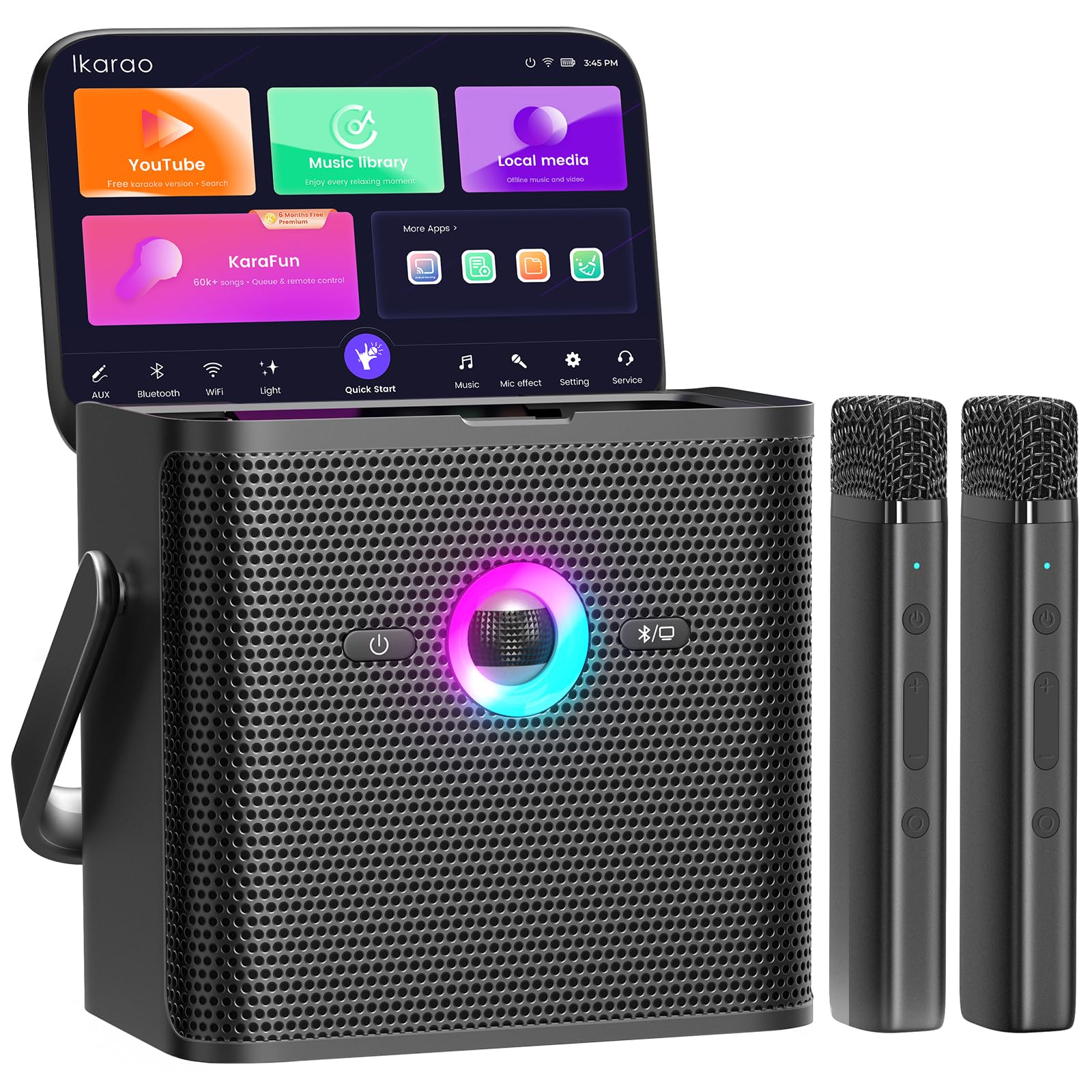
Figure 1: Ikarao Shell S3 Karaoke Machine in use at an outdoor gathering.
2. What's in the Box
Carefully unpack the box and ensure all items are present:
- Ikarao Shell S3 PRO Smart Karaoke Machine
- 2 Bluetooth Wireless Microphones
- Type-C Cable (Charger not included)
- Quick Start Guide
3. Setup
3.1 Initial Charging
Before first use, fully charge the Ikarao Shell S3 using the provided Type-C cable and a compatible USB power adapter (not included). The device has a 7-hour battery life when fully charged.
3.2 Powering On
Press and hold the power button on the device to turn it on. The built-in screen will illuminate, displaying the user interface.
3.3 Microphone Connection
The two wireless microphones are designed for automatic pairing with the Shell S3. Simply power on the microphones, and they should connect to the main unit automatically. If connection issues occur, refer to the troubleshooting section.
3.4 Connecting to a TV via HDMI
For a larger display, connect the Shell S3 to your television using an HDMI cable (not included). This allows lyrics and video content to be displayed on your TV screen.

Figure 2: Connecting the Ikarao Shell S3 to a TV for an enhanced karaoke experience.
3.5 Network Connectivity
The Shell S3 supports both Wi-Fi and Bluetooth 5.4 connectivity. Access network settings on the device's screen to connect to your home Wi-Fi network for online content or pair with other Bluetooth devices for audio playback.
Video 1: An overview of the Ikarao Shell S3 PRO Karaoke Machine, demonstrating its features and connectivity.
4. Operating Instructions
4.1 Lyrics Display and Content Access
The integrated screen provides a clear display for lyrics. The system supports various applications for accessing karaoke content, including YouTube, Spotify, and KaraFun. Navigate through the intuitive interface to select your preferred platform.

Figure 3: The built-in lyrics display provides a KTV-style experience.
4.2 Sound Features and Adjustments
The 80W speaker delivers powerful and clear audio. Utilize the EQ adjustments to customize the sound profile. The system also features advanced DSP chips for dynamic vocal optimization, noise suppression, and howling reduction.
- Autotune Pitch Correction: Enhances vocal accuracy.
- Echo Effects: Adds depth to your singing.
- Bass Boost: Provides deeper, punchier low-end sound.

Figure 4: The 80W speaker fills the room with clear and powerful sound.
4.3 Wireless Microphones
The two wireless microphones offer freedom of movement. They feature auto-pairing and are equipped with DSP chips for superior vocal quality, minimizing noise and feedback.

Figure 5: Wireless microphones provide superior vocal performance with smart noise canceling and pitch correction.
4.4 KaraFun Prime Integration
The Shell S3 includes 6 months of KaraFun Prime access, providing a library of over 50,000 songs. Key features include:
- Multiple Lyrics Modes: Choose how lyrics are displayed.
- Custom Key & Tempo: Adjust songs to fit your vocal range.
- Remote Control via QR: Use your smartphone to control song selection and settings.
- Offline Sync: Download songs for use without an internet connection.

Figure 6: Access to a massive song library with 6 months of KaraFun Prime.

Figure 7: Remote control functionality via the KaraFun app on a smartphone.
4.5 Portability
The Shell S3 features a foldable handle and a 7-hour battery, making it suitable for both home and outdoor use.
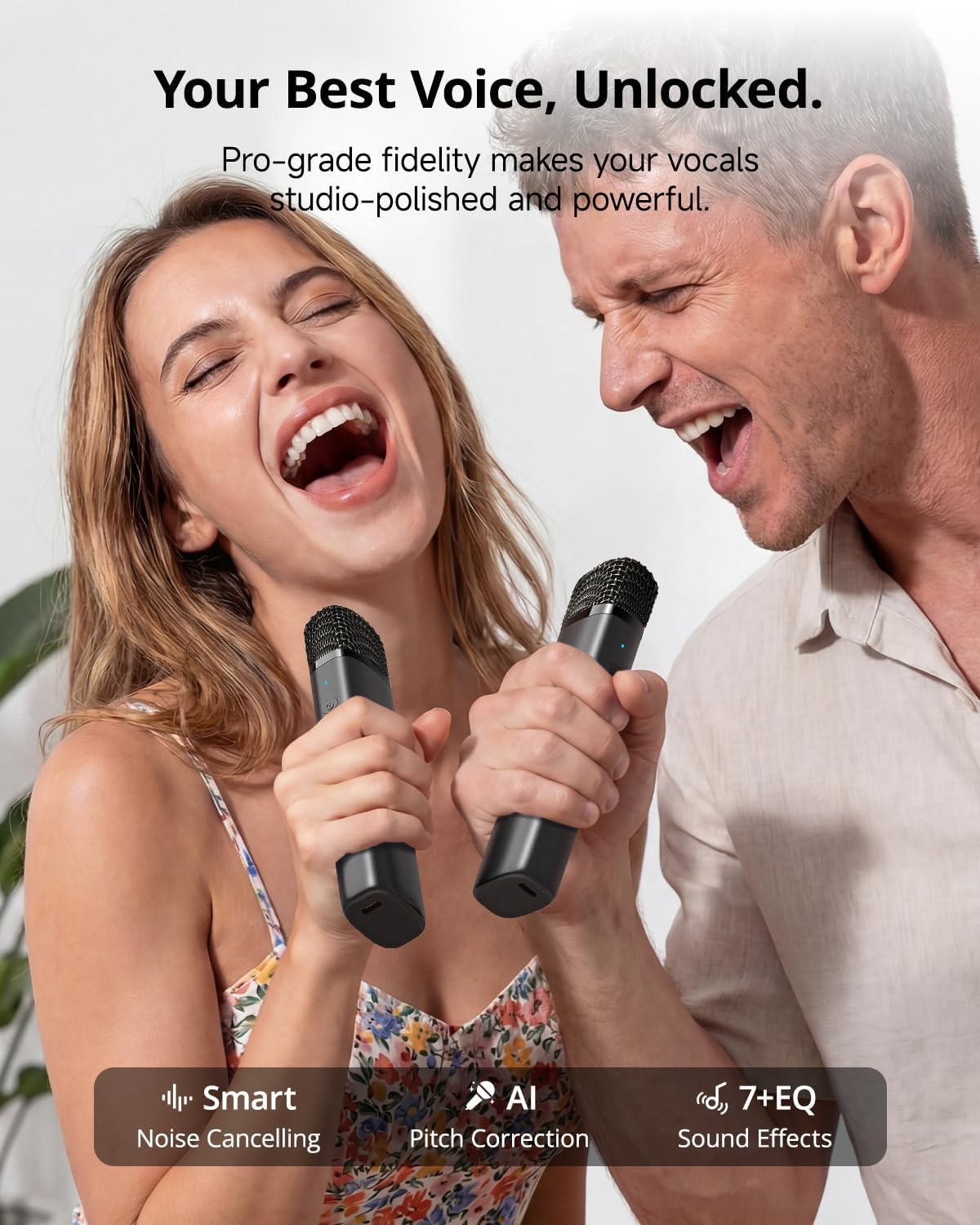
Figure 8: The portable design and long battery life allow for karaoke on the go.
5. Maintenance
To ensure the longevity and optimal performance of your Ikarao Shell S3, follow these maintenance guidelines:
- Cleaning: Use a soft, dry cloth to clean the exterior of the device and microphones. Avoid using abrasive cleaners or solvents.
- Storage: Store the device in a cool, dry place away from direct sunlight and extreme temperatures.
- Battery Care: For extended storage, charge the battery to approximately 50% every three months to prevent deep discharge.
- Microphone Care: Keep microphones dry and clean. Avoid dropping them to prevent damage.
6. Troubleshooting
If you encounter issues with your Ikarao Shell S3, refer to the following common problems and solutions:
| Problem | Possible Cause | Solution |
|---|---|---|
| Device does not power on | Low battery; Power button not pressed correctly | Charge the device fully; Press and hold the power button for a few seconds. |
| Microphones not connecting | Microphones off; Out of range; Interference | Ensure microphones are powered on; Move closer to the main unit; Restart both devices. |
| No sound from speaker | Volume too low; Muted; Incorrect audio source selected | Increase volume; Check mute settings; Select the correct input source on the device. |
| No display on TV via HDMI | Loose HDMI cable; Incorrect TV input; TV not compatible | Check HDMI cable connection; Select correct HDMI input on your TV; Ensure TV supports HDMI input. |
| KaraFun Prime access issues | No internet connection; Subscription expired; Account issues | Verify Wi-Fi connection; Check KaraFun subscription status; Contact KaraFun support if account issues persist. |
Video 2: A detailed review of the Ikarao Shell S3, providing insights into its features and potential considerations.
7. Specifications
Key technical specifications for the Ikarao Shell S3 Karaoke Machine:
- Brand: Ikarao
- Model Name: Shell S3
- Color: Black
- Power Source: Battery Powered
- Speaker Output: 80W Peak Power
- Number of Speakers: 1 (4" Speaker)
- Connectivity Technology: Auxiliary, Bluetooth 5.4, HDMI, USB, Wi-Fi
- Connector Type: HDMI, USB Type C
- Total USB Ports: 2
- Item Dimensions (D x W x H): 7.4" x 5" x 7.32"
- Special Features: TV Karaoke, Karaoke Tablet, Free Karaoke Prime, Lyrics Display, Karaoke Games, Massive Music Library, Key & Tempo Adjustment, Portable Handle, Fast Charging, Echo Effect, Voice Changer, PA System, Autotune EQ
- Included Components: Ikarao Shell S3 PRO Smart Karaoke Machine, 2 Bluetooth Wireless Microphones, Type-C Cable (No Charger), Quick Start Guide
- UPC: 860013704131
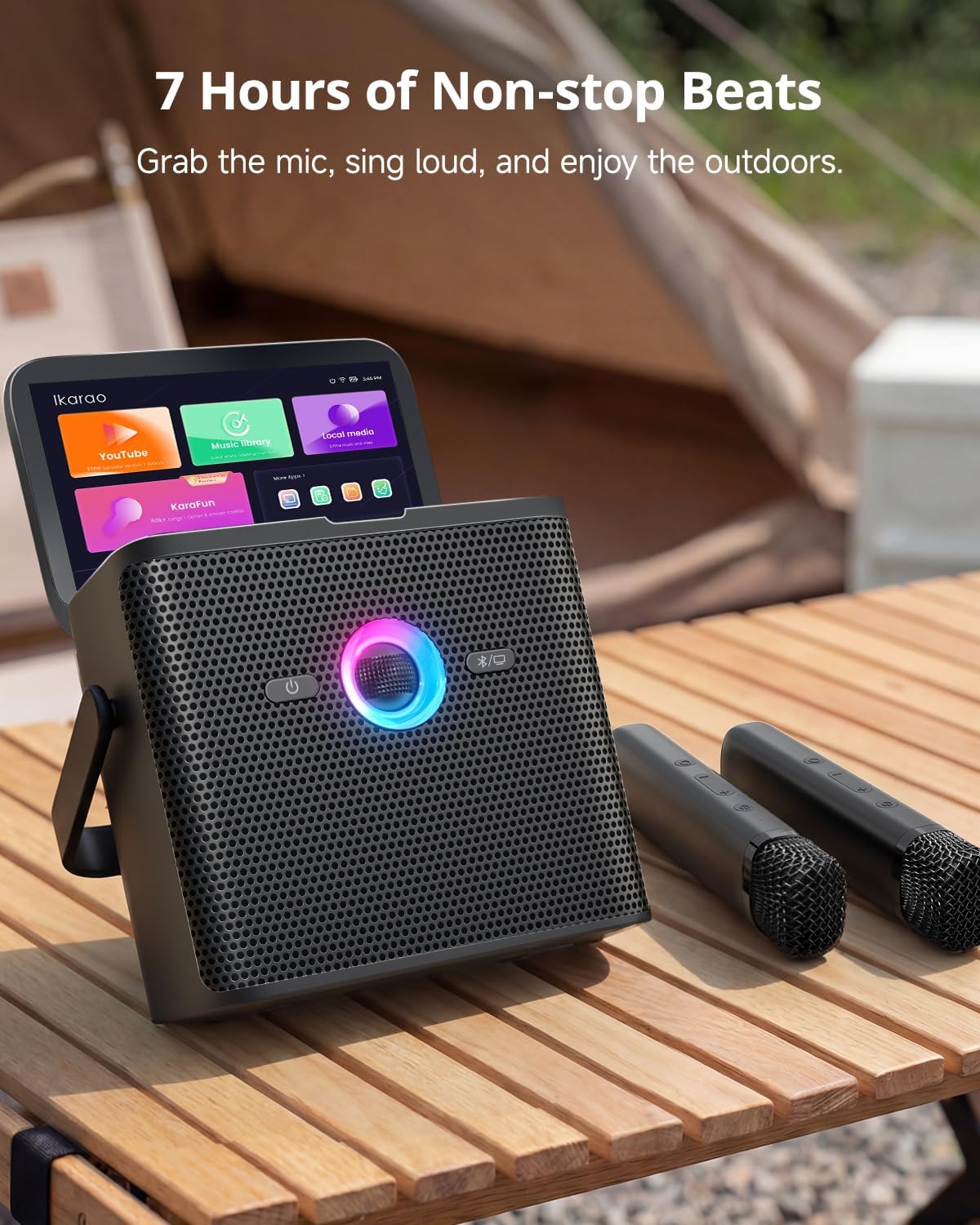
Figure 9: Rear panel of the Ikarao Shell S3 with connectivity ports.
8. Warranty and Support
8.1 Warranty Information
The Ikarao Shell S3 Karaoke Machine comes with a 1-Year Limited Warranty from the date of purchase. This warranty covers manufacturing defects and workmanship under normal use. Please retain your proof of purchase for warranty claims.
8.2 Customer Support
For technical assistance, troubleshooting, or warranty inquiries, please contact Ikarao Customer Support:
- Email: Support@ikarao.com
- Online: Visit the official Ikarao store on Amazon: Ikarao Store


