
1. Introduction
This manual provides essential information and instructions for the QONBINK M91 Smart Watch. Please read this manual thoroughly before using your device to ensure proper operation and to maximize its features. Keep this manual for future reference.
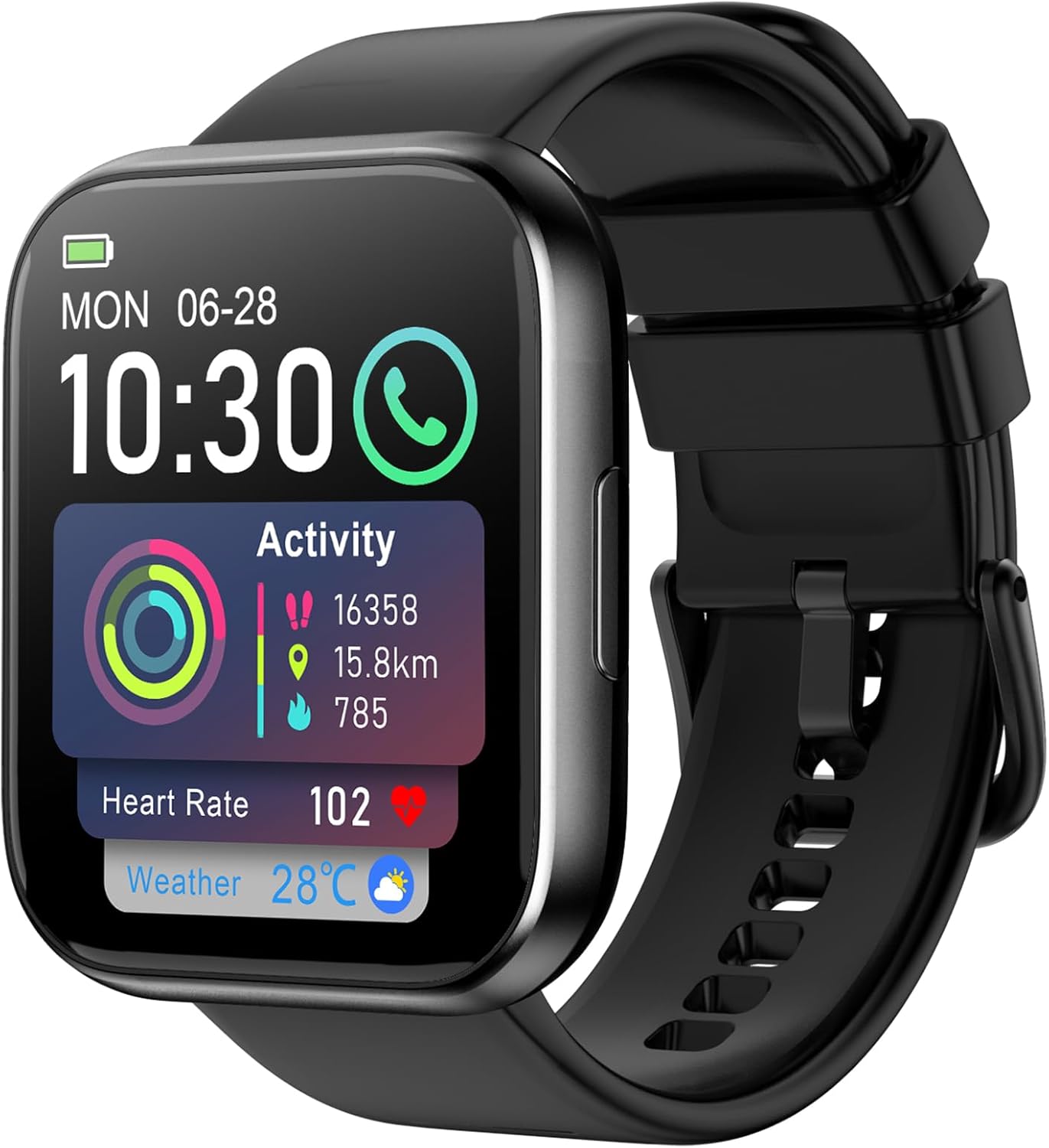
Image: The QONBINK M91 Smart Watch, displaying its main interface with various health and activity metrics.
2. What's in the Box
Upon opening your QONBINK M91 Smart Watch package, you should find the following items:
- QONBINK M91 Smart Watch
- User Manual (this document)
- Charging Cable
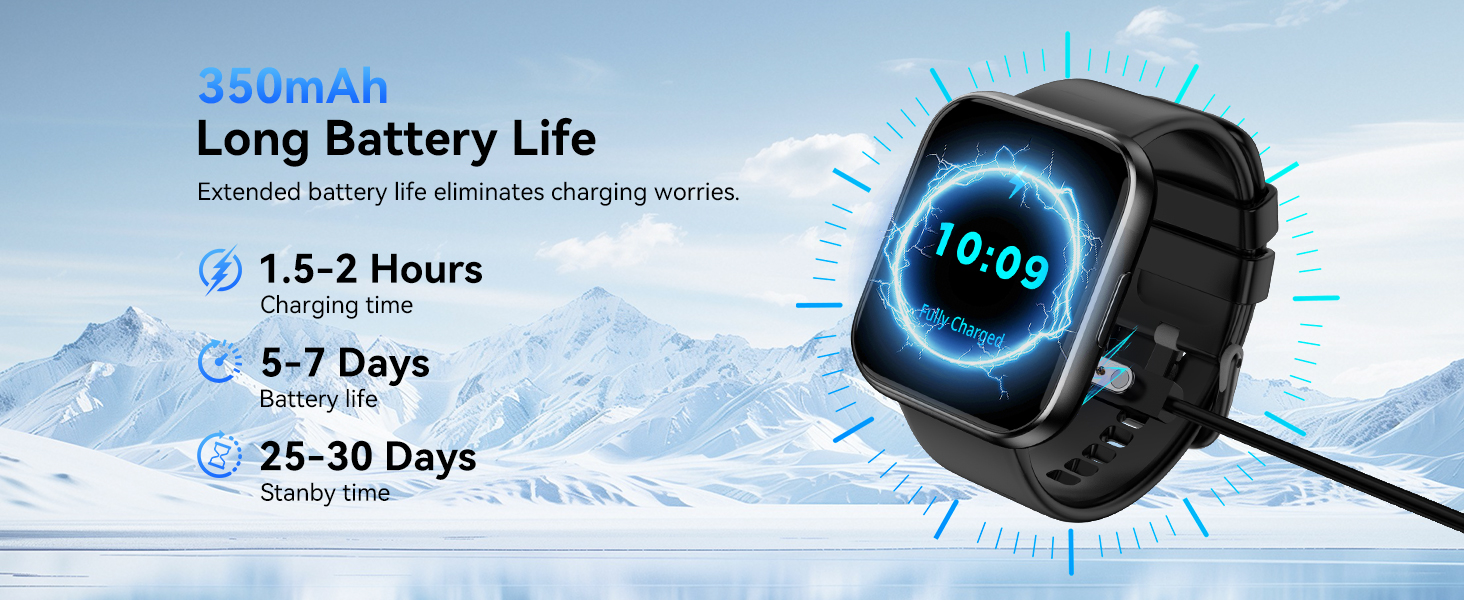
Image: Visual representation of the QONBINK M91 Smart Watch package contents, including the watch, charging cable, and user manual.
3. Product Overview
The QONBINK M91 Smart Watch features a 1.85-inch HD full-touch display and a durable design suitable for daily wear and various activities.
Key Components:
- Display: 1.85-inch HD full-touch color screen.
- Side Button: Used for power on/off, screen wake/sleep, and menu navigation.
- Sensors: Located on the back for heart rate, blood oxygen, and sleep monitoring.
- Charging Contacts: Magnetic contacts on the back for charging.
- Speaker/Microphone: Integrated for Bluetooth calling.

Image: The 1.85-inch full-touch screen of the QONBINK M91 Smart Watch, highlighting its display capabilities and customizable watch faces.
4. Setup
4.1 Charging the Device
Before first use, fully charge your QONBINK M91 Smart Watch.
- Connect the magnetic charging cable to the charging contacts on the back of the watch.
- Plug the USB end of the cable into a standard USB power adapter (not included) or a computer's USB port.
- The watch display will indicate charging status.
A full charge typically takes 1.5-2 hours. The watch offers 5-7 days of typical use and up to 25-30 days of standby time.
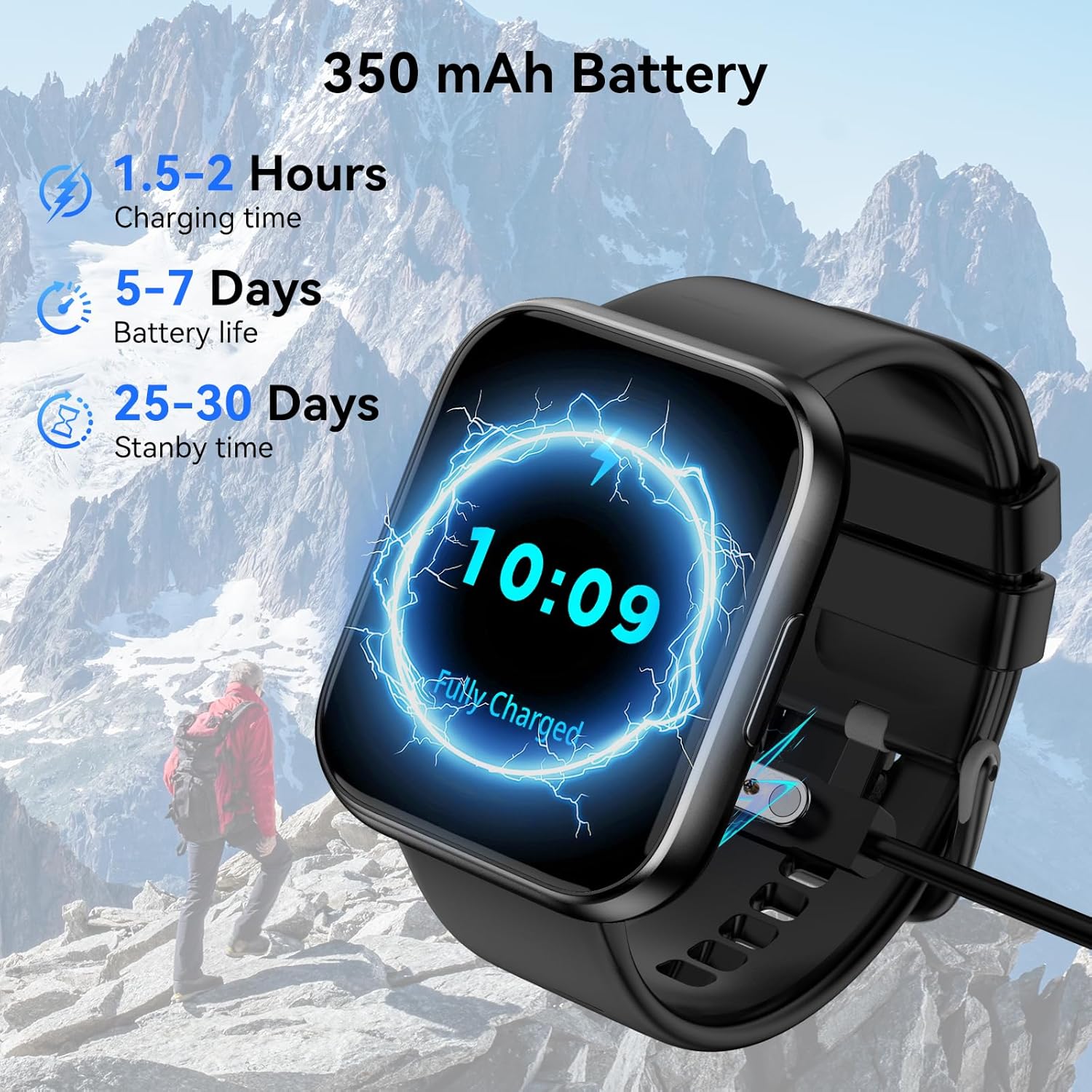
Image: The QONBINK M91 Smart Watch being charged, illustrating its battery capacity and charging specifications.
4.2 App Installation
To unlock the full potential of your smart watch, download and install the 'Da Fit' app on your smartphone.
- Scan the QR code provided in the watch's interface or the quick start guide, or visit http://plus.crrepa.com/app-download/dafit to download the 'Da Fit' app.
- The app is compatible with iOS 10.0 or higher and Android 4.4 or higher.
4.3 Pairing with Your Smartphone
Follow these steps to pair your QONBINK M91 Smart Watch with the 'Da Fit' app:
- Ensure your watch is charged and powered on.
- Enable Bluetooth on your smartphone.
- Open the 'Da Fit' app and follow the on-screen instructions to add a new device.
- Select 'M91' from the list of available devices.
- Confirm the pairing request on both your phone and the watch.
- Allow necessary permissions for notifications and data synchronization.
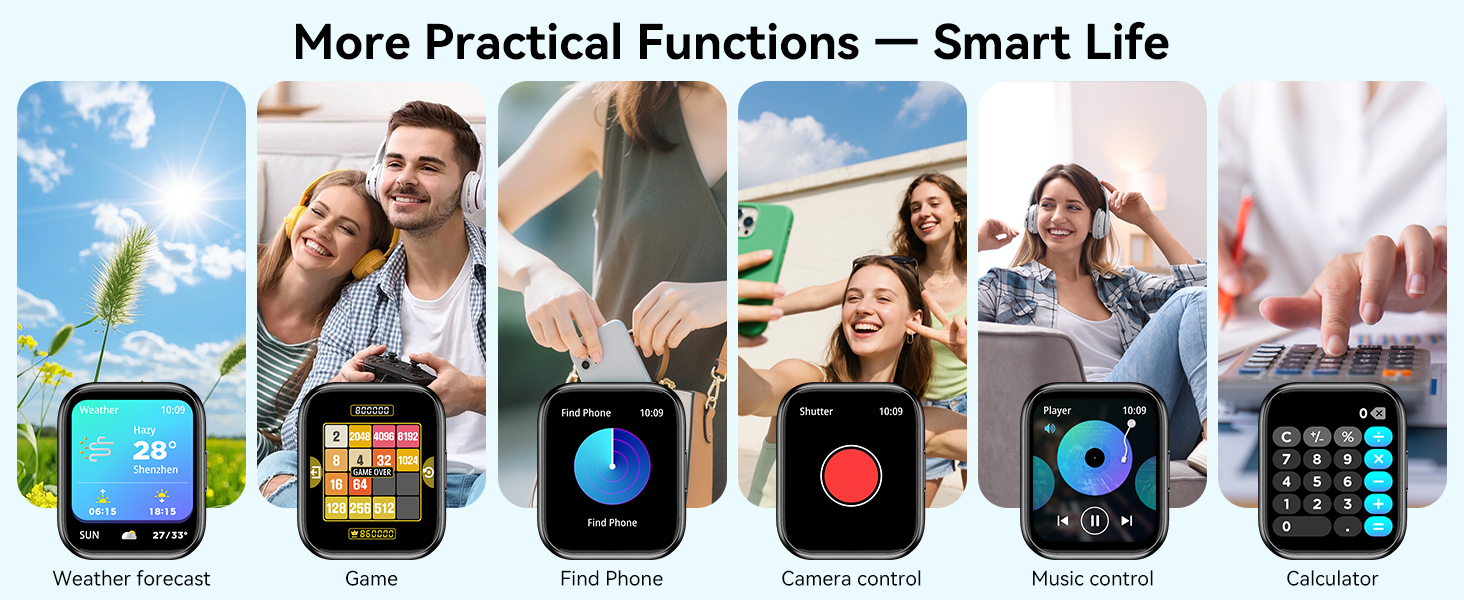
Image: A visual guide demonstrating the process of connecting the QONBINK M91 Smart Watch to a smartphone via the Da Fit application.
5. Operating Instructions
5.1 Basic Navigation
- Swipe Up/Down: Scroll through menus and notifications.
- Swipe Left/Right: Access quick functions or widgets.
- Tap: Select an item or confirm an action.
- Press Side Button: Return to the home screen or power on/off.
5.2 Customizing Watch Faces
The QONBINK M91 Smart Watch offers over 200 built-in watch face designs. You can also upload custom images via the 'Da Fit' app for personalization.
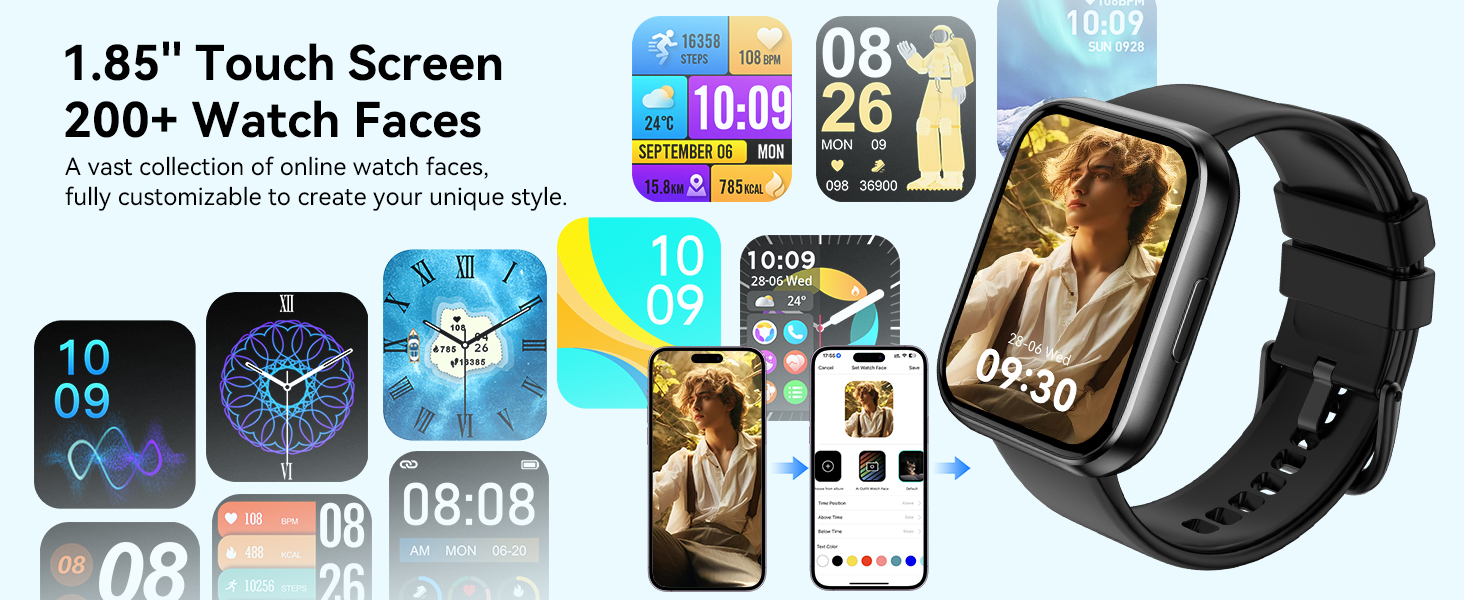
Image: A collection of watch faces available for the QONBINK M91 Smart Watch, demonstrating customization options through the Da Fit app.
5.3 Bluetooth Calling and Notifications
Once paired, the watch allows you to make and receive calls directly from your wrist using its built-in speaker and microphone. You will also receive notifications for SMS, social media messages, and other app alerts (replying to messages is not supported).

Image: The QONBINK M91 Smart Watch showing an incoming call and a text message, highlighting its Bluetooth communication capabilities.
5.4 Voice Assistant
Utilize the intelligent voice assistant for hands-free commands such as checking weather, making calls, playing music, or setting alarms.
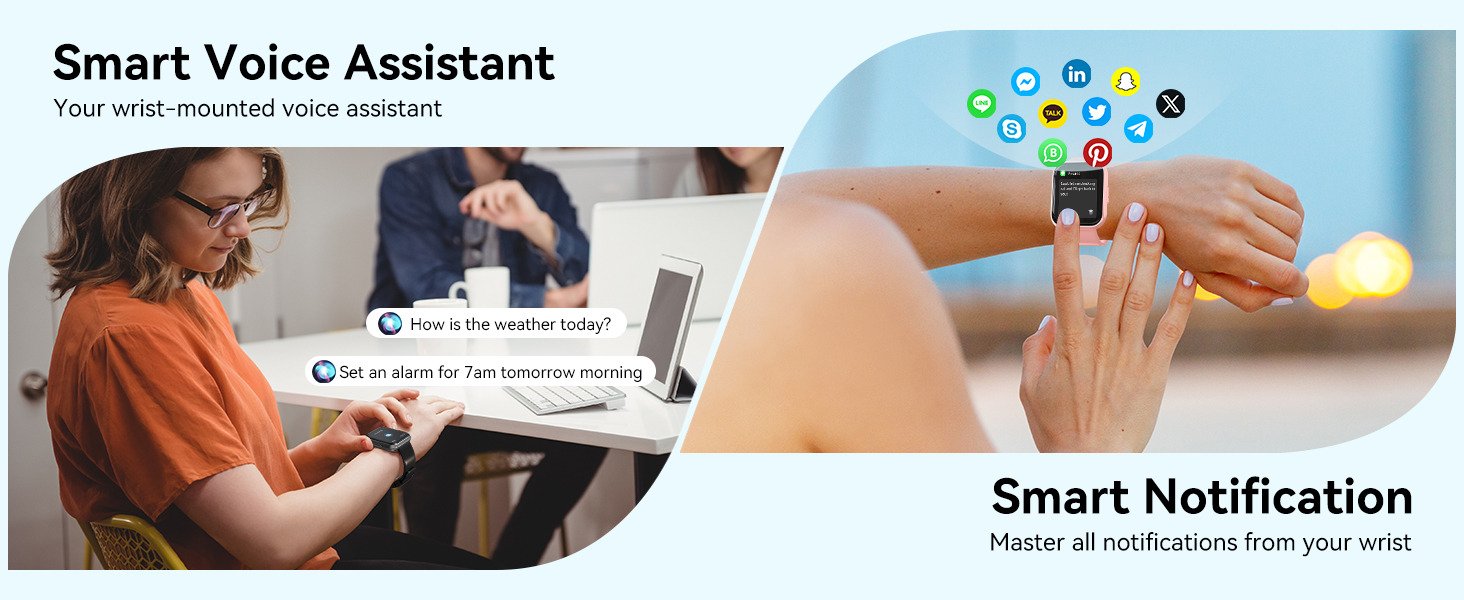
Image: The QONBINK M91 Smart Watch demonstrating its smart voice assistant and notification features.
5.5 Sport Modes
The watch supports over 120 sport modes, including walking, hiking, yoga, and more. Real-time data such as calories burned, distance, and duration are recorded and synchronized with the 'Da Fit' app.

Image: The QONBINK M91 Smart Watch showcasing its extensive range of over 120 sport modes.
5.6 Health Monitoring
The M91 Smart Watch provides 24/7 health monitoring for key indicators.
- Heart Rate: Continuous measurement of heart rate, with data synchronized to the mobile app.
- Sleep Quality: Monitors sleep patterns, including restful, light, and REM sleep, providing a sleep quality score.
- Blood Oxygen: Precise real-time monitoring of blood oxygen levels.
- Women's Health: Features for tracking menstrual cycles and physiological periods.

Image: The QONBINK M91 Smart Watch displaying 24/7 health monitoring data for heart rate, blood oxygen, and sleep.
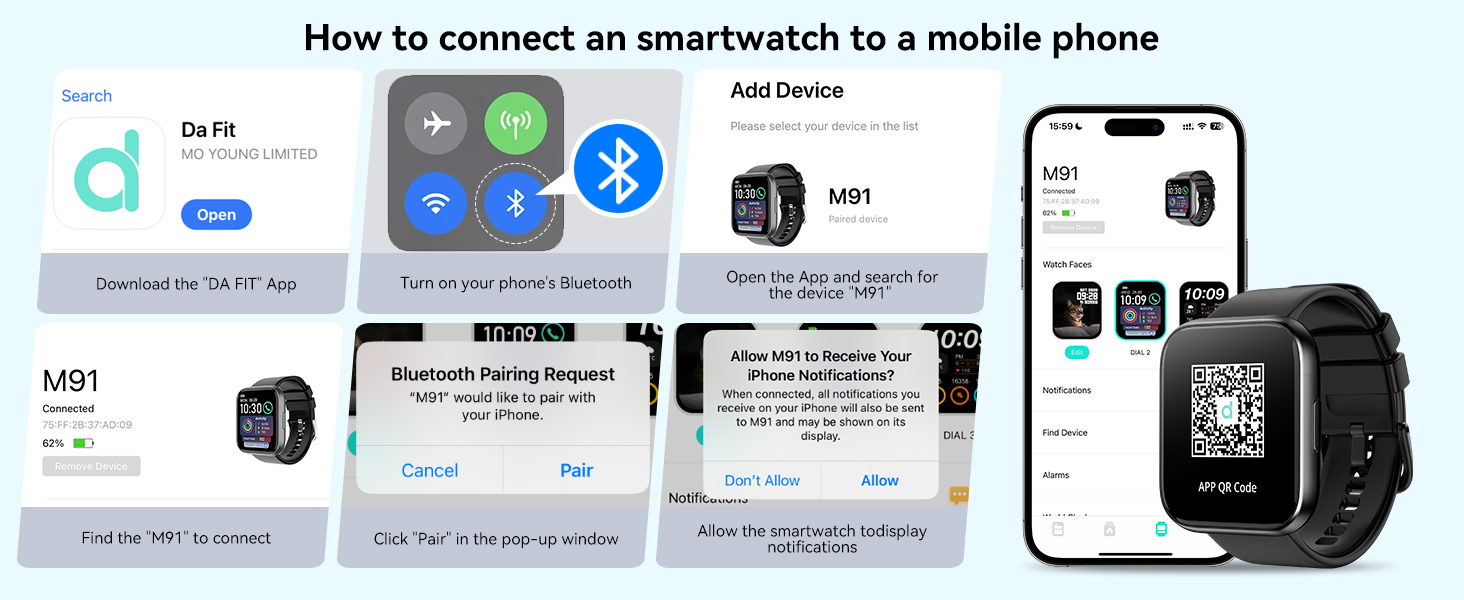
Image: The QONBINK M91 Smart Watch monitoring heart rate during physical activity.
Image: The QONBINK M91 Smart Watch providing scientific sleep monitoring and analysis.
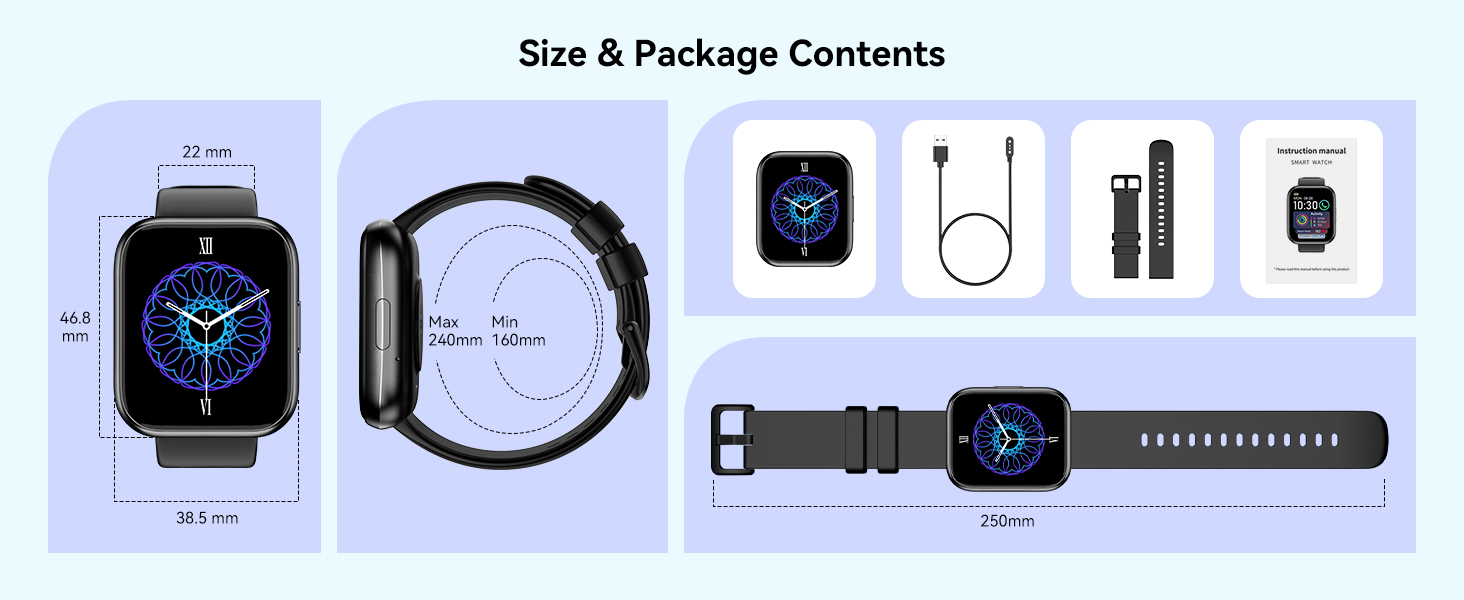
Image: The QONBINK M91 Smart Watch performing blood oxygen monitoring.

Image: The QONBINK M91 Smart Watch assisting with women's health tracking.
5.7 Other Functions
The QONBINK M91 Smart Watch includes a variety of practical features:
- Alarm Clock
- Stopwatch
- Timer
- Weather Display
- Camera Control (remote shutter)
- Music Control
- Find Phone function
- Sedentary Reminder
- Calculator
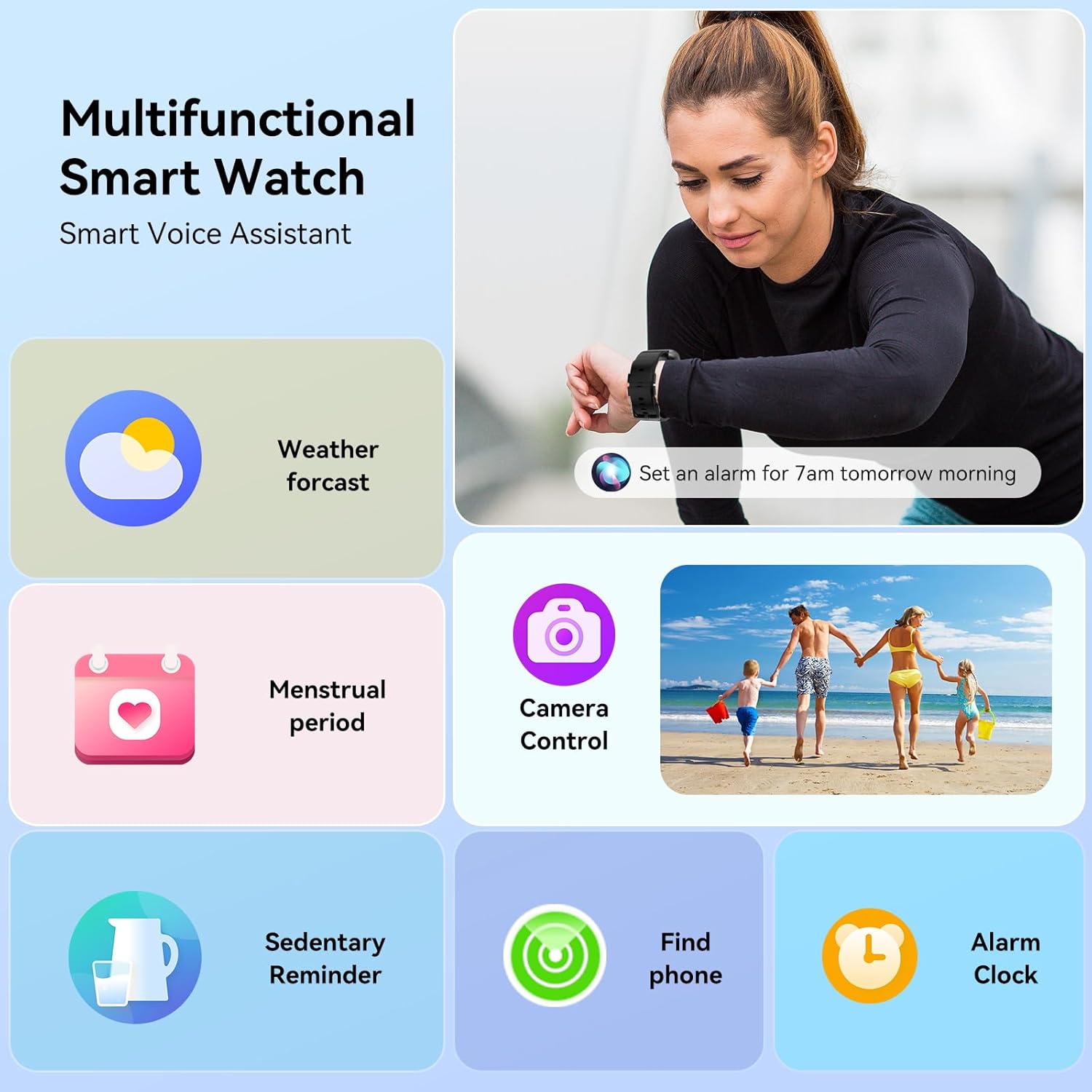
Image: The QONBINK M91 Smart Watch showcasing its multifunctional capabilities.
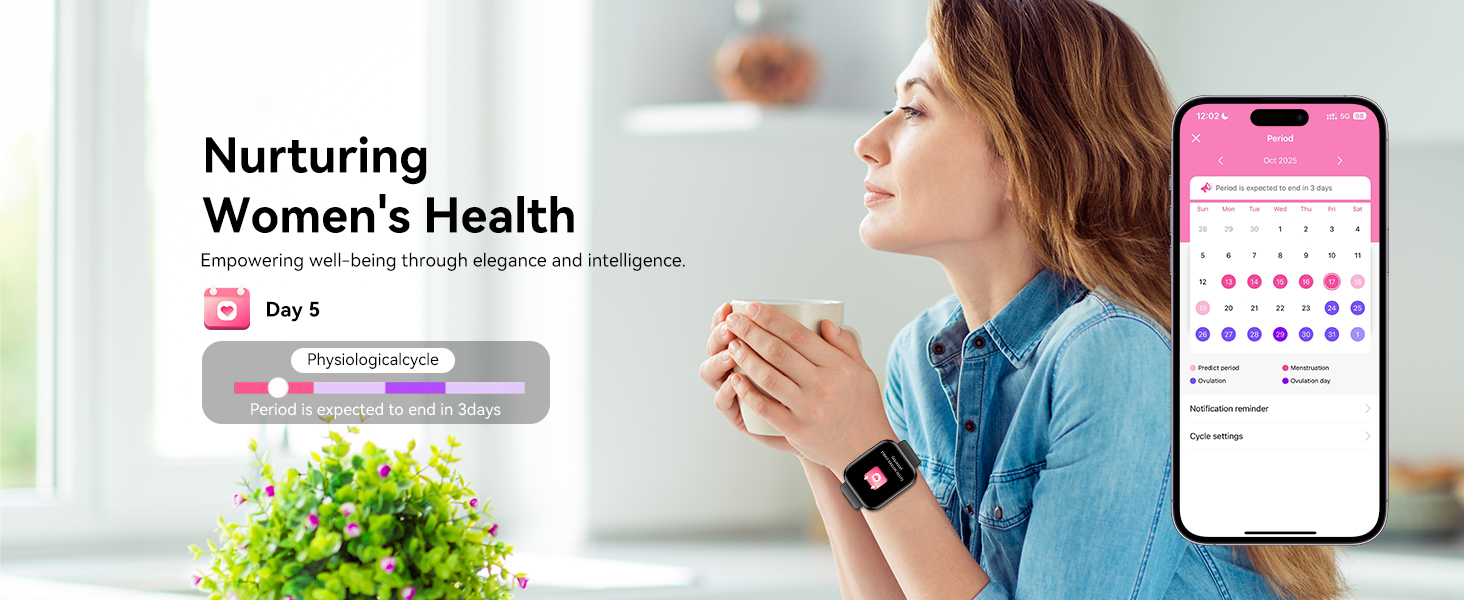
Image: A visual overview of additional practical functions available on the QONBINK M91 Smart Watch.
6. Maintenance
6.1 Waterproofing (IP68)
The QONBINK M91 Smart Watch is IP68 waterproof, meaning it is resistant to dust and can withstand immersion in water up to 1.5 meters for 30 minutes. It is suitable for daily use, including hand washing, rain, and swimming. However, it is not recommended for hot showers, saunas, or diving due to steam and high-pressure water which may compromise the seal.
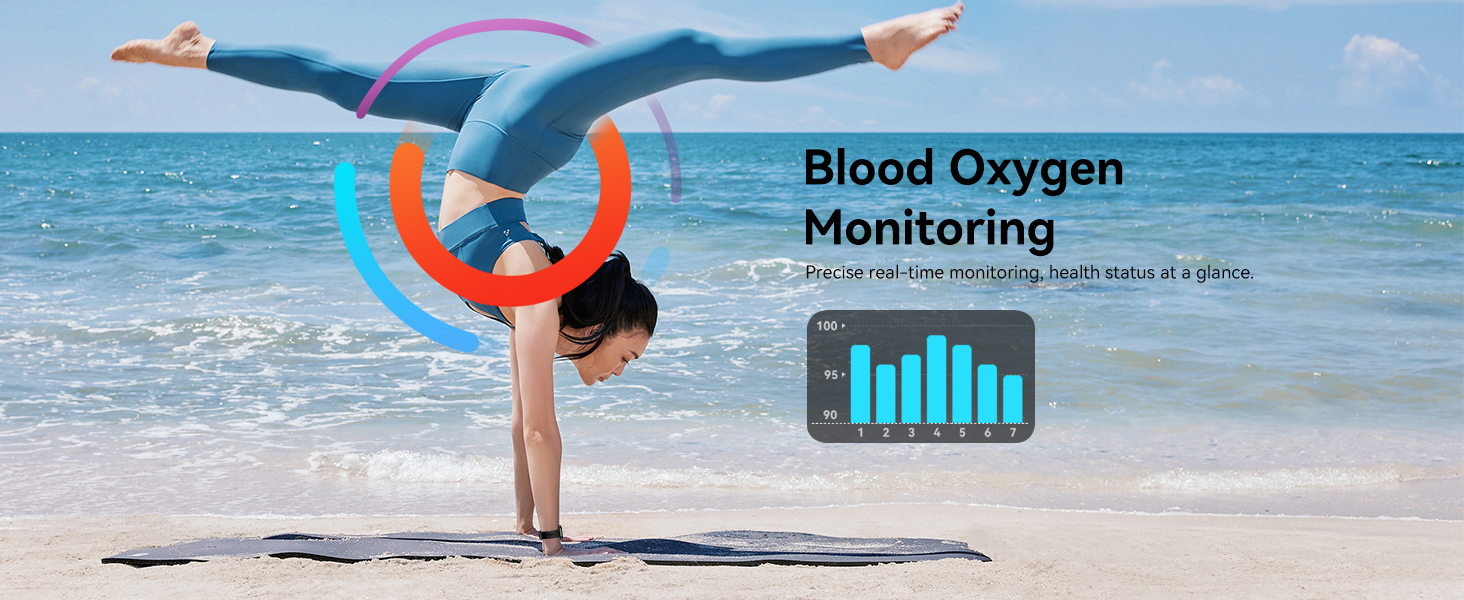
Image: The QONBINK M91 Smart Watch demonstrating its IP68 waterproofing capabilities during water activities.
6.2 Cleaning
To maintain the watch's appearance and sensor accuracy:
- Wipe the watch and strap regularly with a soft, damp cloth.
- Ensure the charging contacts are clean and dry before charging.
- Avoid using harsh chemicals or abrasive materials.
6.3 Storage
Store the watch in a cool, dry place when not in use. Avoid extreme temperatures and direct sunlight.
7. Troubleshooting
If you encounter issues with your QONBINK M91 Smart Watch, please refer to the following common solutions:
- Watch not turning on: Ensure the watch is fully charged. Connect it to the charging cable and a power source.
- Unable to pair with phone:
- Ensure Bluetooth is enabled on your phone.
- Make sure the watch is within Bluetooth range (typically 10 meters).
- Restart both your phone and the watch.
- Clear the Bluetooth cache on your phone (if applicable) and try pairing again.
- Ensure the 'Da Fit' app has all necessary permissions.
- Notifications not received:
- Check if notifications are enabled in the 'Da Fit' app settings.
- Ensure your phone's notification settings allow the 'Da Fit' app to display alerts.
- Verify that the watch is connected via Bluetooth.
- Inaccurate health data:
- Ensure the watch is worn snugly on your wrist, not too tight or too loose.
- Keep the sensor area on the back of the watch clean.
- Note that smart watch health data is for reference only and not intended for medical diagnosis.
- Short battery life:
- Reduce screen brightness.
- Limit frequent screen wake-ups.
- Turn off continuous heart rate monitoring if not needed.
- Close unused background apps on the watch (if applicable).
If problems persist, please contact customer support.
8. Specifications
| Feature | Specification |
|---|---|
| Model Number | M91 |
| Display Size | 1.85 Inches |
| Operating System Compatibility | Android 4.4+, iOS 10.0+ |
| Connectivity Technology | Bluetooth 5.3 |
| Battery Capacity | 350 mAh |
| Battery Life (Typical Use) | 5-7 Days |
| Standby Time | 25-30 Days |
| Charging Time | 1.5-2 Hours |
| Waterproof Rating | IP68 |
| Health Monitoring | Heart Rate, Sleep Quality, Blood Oxygen |
| Sport Modes | 120+ |
| Voice Assistant | Yes |
| GPS | Via Smartphone |
| Item Weight | 3.52 ounces |
| Package Dimensions | 7.24 x 3.31 x 0.75 inches |
9. Warranty and Support
QONBINK is committed to providing quality products and customer service. Your M91 Smart Watch comes with the following support:
- Customer Service: Inquiries are typically responded to within 24 hours.
- Return Policy: 30-day no-reason return policy.
- Warranty: 1-year free replacement for manufacturing defects.
For any questions, concerns, or support needs, please contact QONBINK customer service through your purchase platform.

Image: Overview of QONBINK's customer service commitments, including response time, return policy, and warranty.