1. Introduction
Thank you for choosing the KIM HOST BC3 Pro Open Ear Bone Conduction Headphones. These headphones are designed to provide a comfortable and immersive audio experience while keeping you aware of your surroundings. This manual will guide you through the features, setup, and usage to ensure optimal performance and longevity of your device.
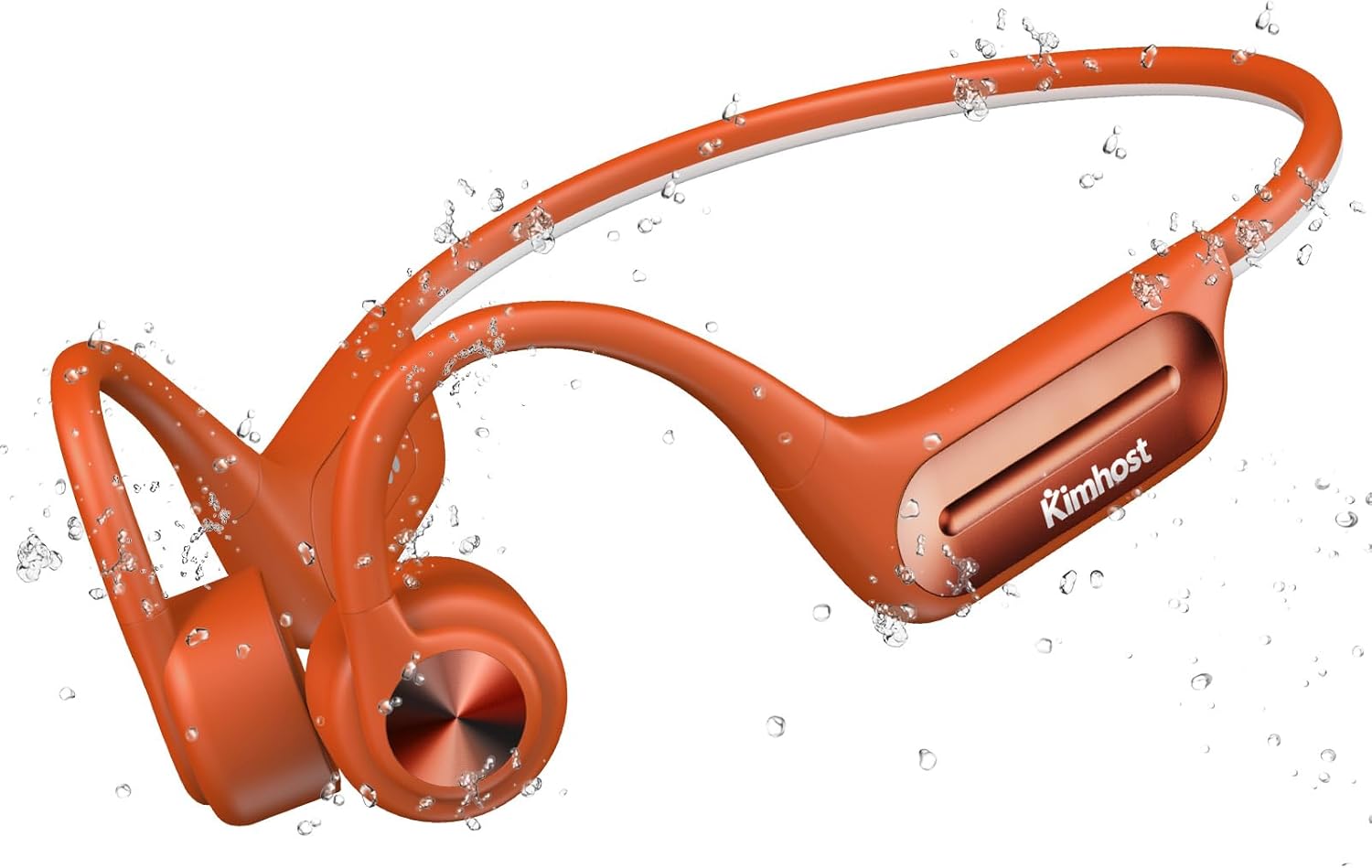
Image: The KIM HOST BC3 Pro headphones, showcasing their waterproof design with water droplets.
2. Package Contents
Please verify that all items are present in your package:
- KIM HOST BC3 Pro Bone Conduction Headphones
- User Manual
- Pair of Earplugs
- Charging Cable
- Stable Rope (Adjusting Belt)
- Storage Bag
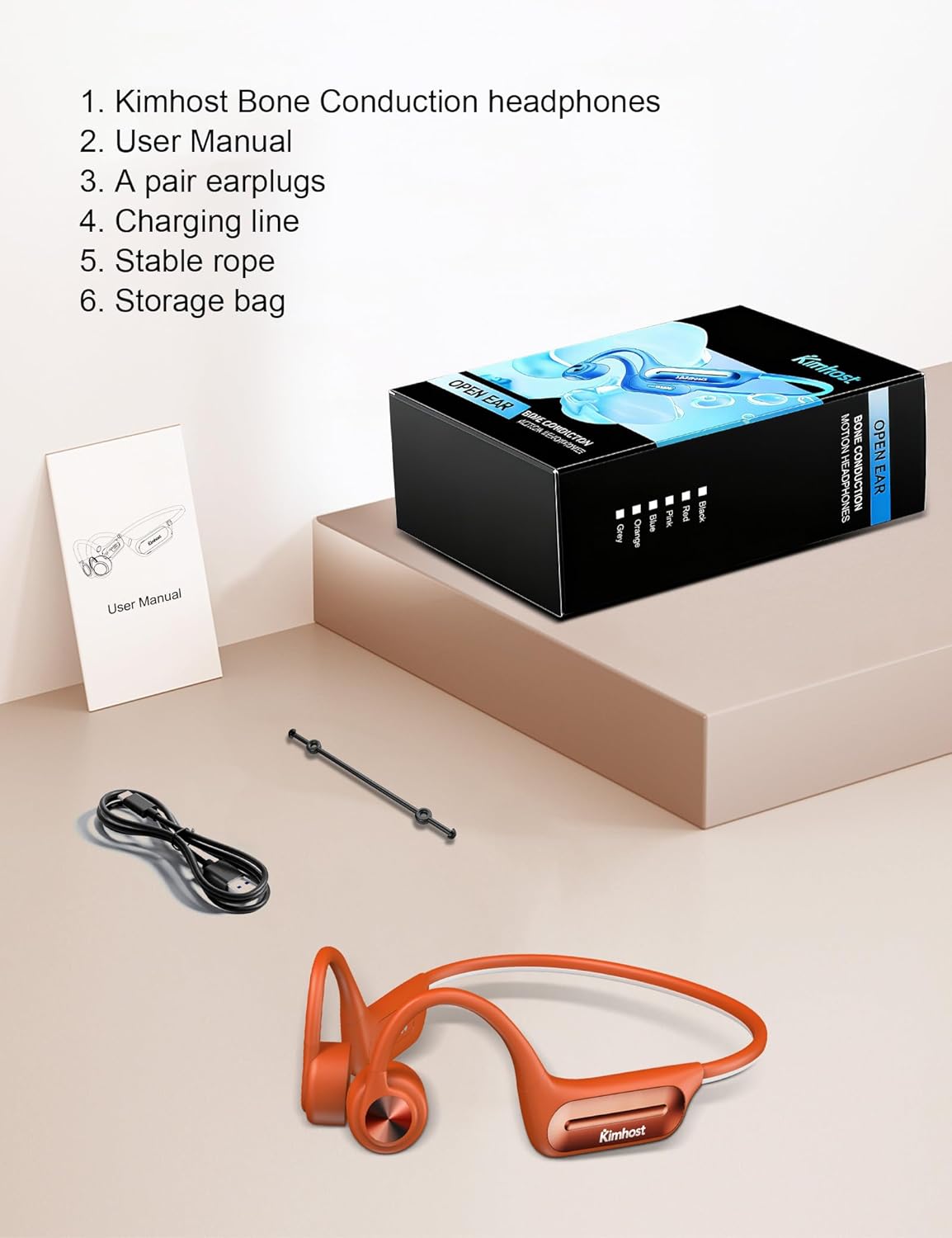
Image: All components included in the KIM HOST BC3 Pro package, neatly arranged.
3. Product Features
3.1 Open-Ear Design for Comfort and Awareness
The open-ear design rests outside your ear canals, providing comfort for extended wear and allowing you to remain aware of your surroundings, which is crucial for outdoor activities.

Image: A person cycling, illustrating how the open-ear design allows for environmental awareness.
3.2 IP68 Waterproof Rating
With an IP68 rating, these headphones are completely sweat and waterproof, making them suitable for intense workouts, fitness, running, and even swimming (refer to specific model's IP rating for swimming suitability).
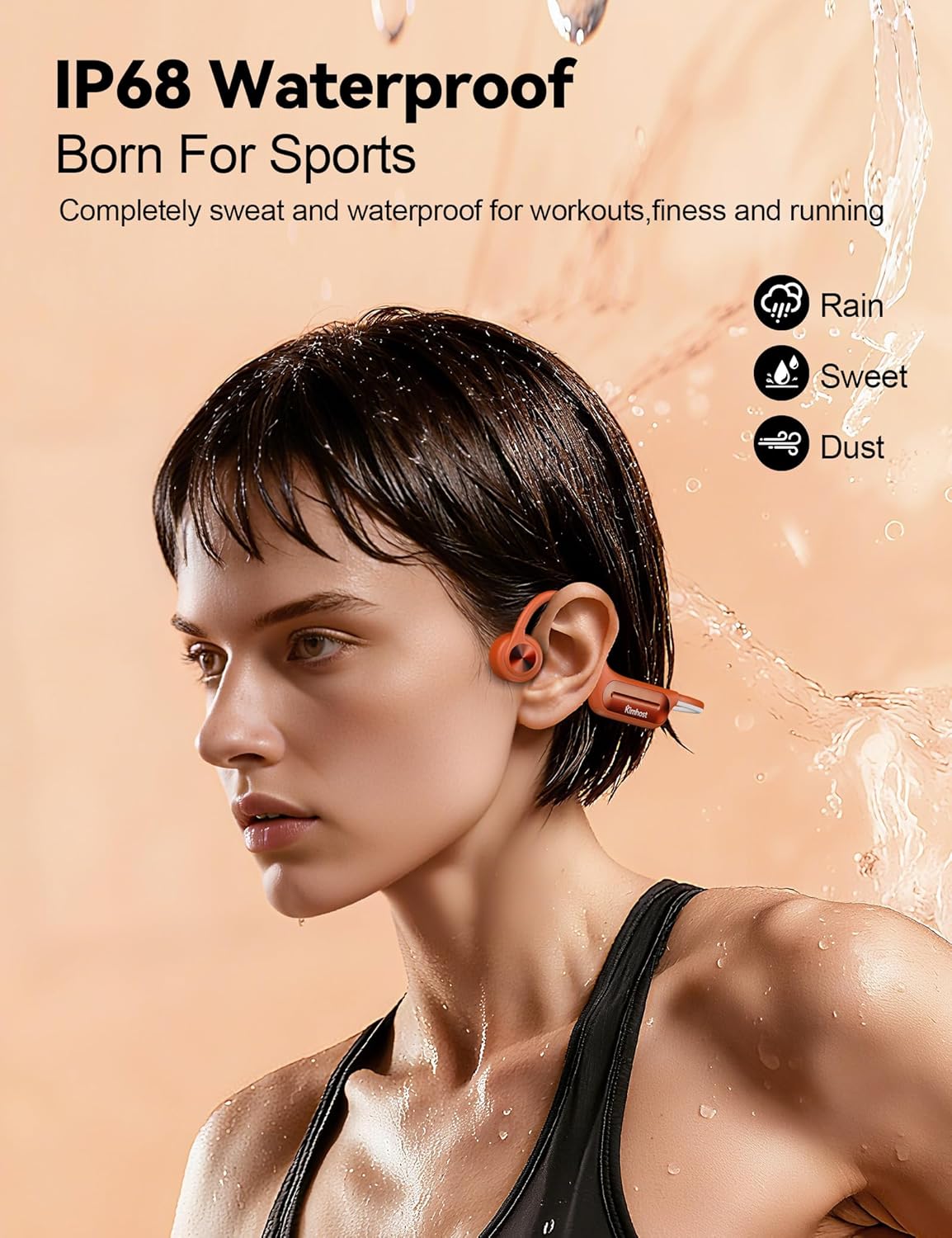
Image: A woman wearing the headphones, emphasizing their IP68 waterproof capability for active use.
3.3 Advanced Bluetooth 5.3 Connectivity
Equipped with Bluetooth 5.3, the headphones offer a faster, more stable, and energy-efficient connection, ensuring uninterrupted audio and clear calls within a 10-meter range.
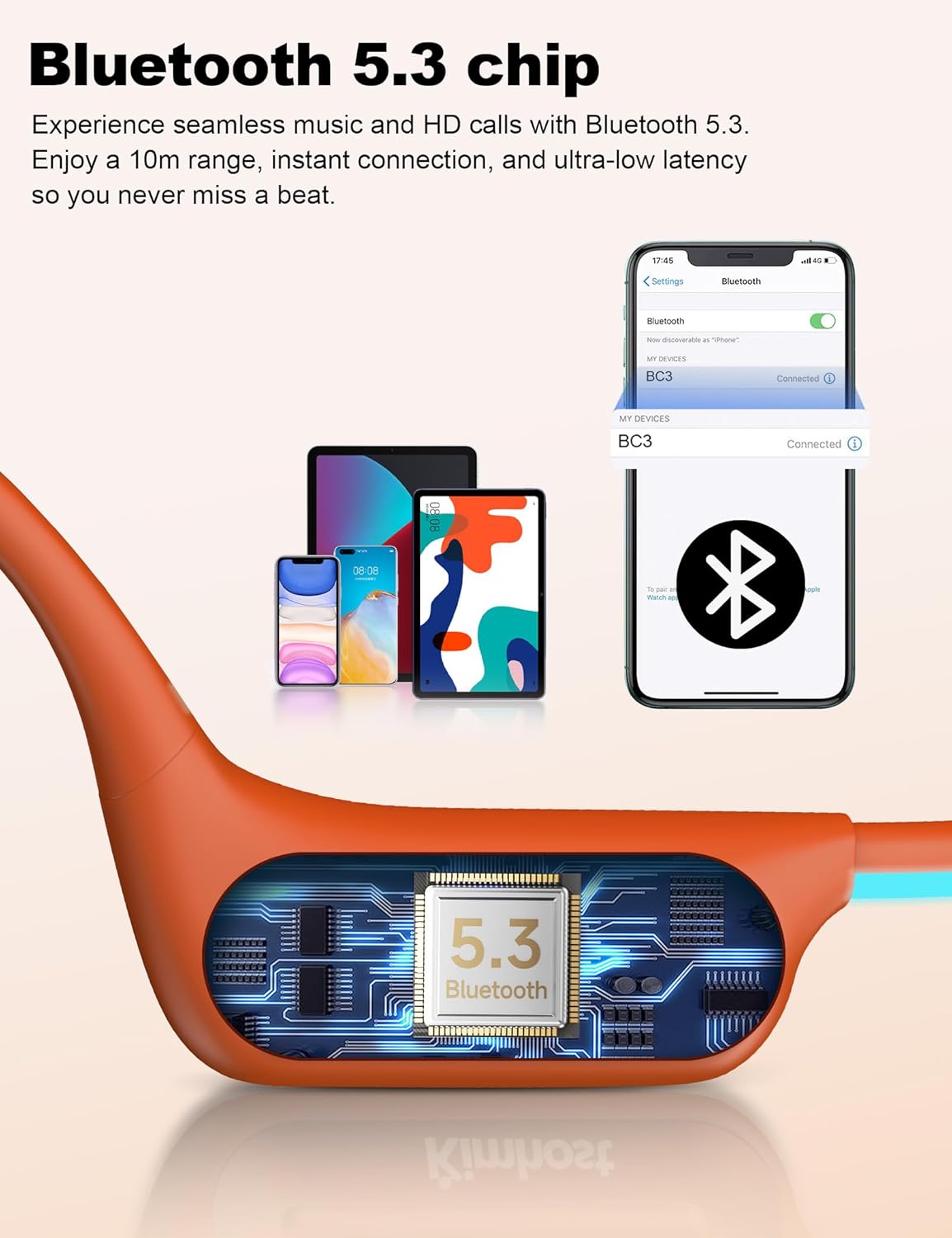
Image: A detailed view of the headphones' internal Bluetooth 5.3 chip and a smartphone displaying successful pairing.
3.4 15mm Ring-Shaped Bone Conduction Speaker
The newly upgraded 15mm ring-shaped bone conduction speaker delivers ultra-wide frequency range and enhanced bass and treble for clear, immersive sound.
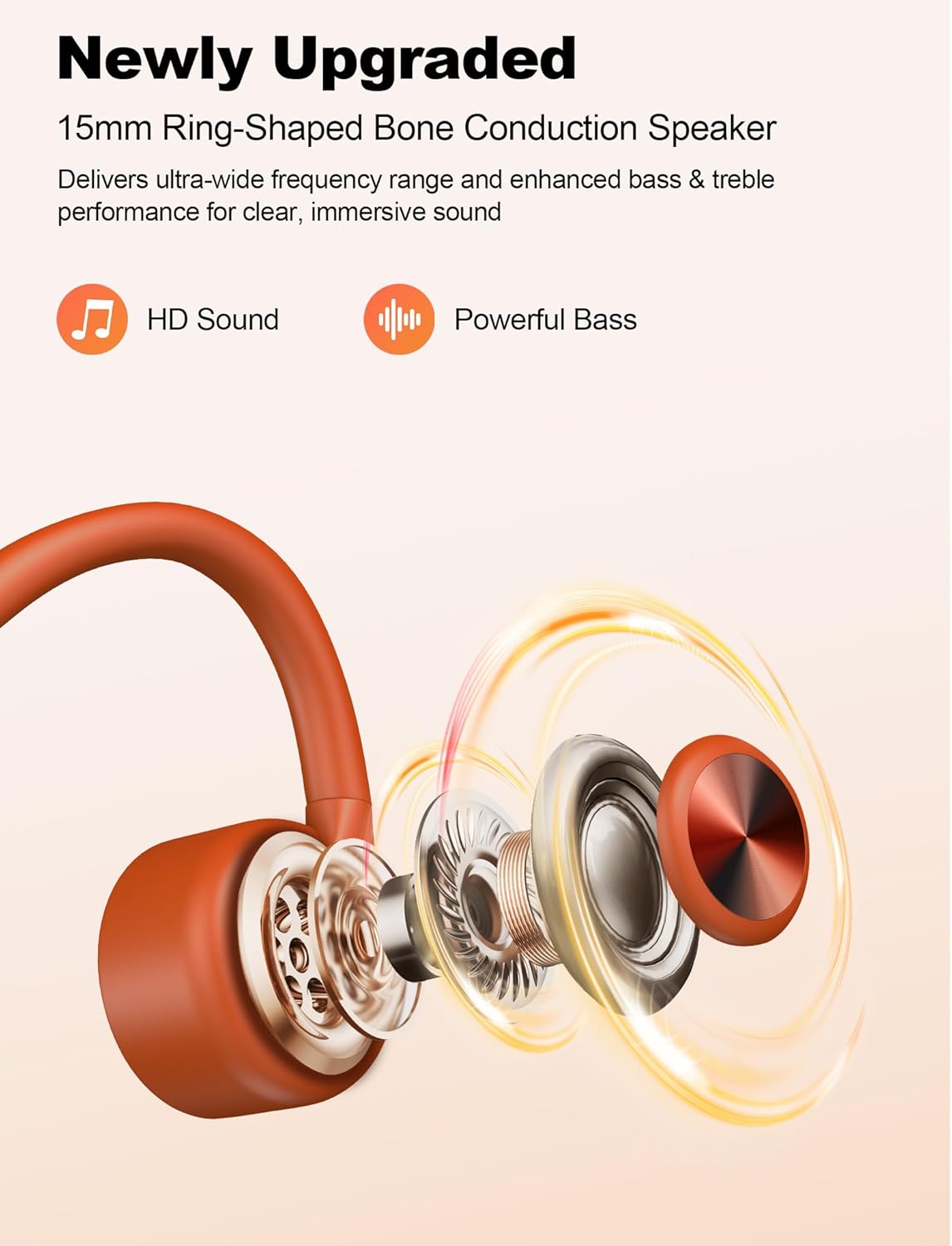
Image: An exploded view illustrating the advanced 15mm bone conduction speaker technology.
4. Setup Instructions
4.1 Charging the Headphones
Before first use, fully charge the headphones. Connect the magnetic charging cable to the charging port on the headphones and the other end to a USB power source (e.g., computer, wall adapter). The LED indicator will show charging status.

Image: Illustration of the magnetic charging port and cable connection.
4.2 Power On/Off
- Power On: Press and hold the Power button for 3 seconds.
- Power Off: Press and hold the Power button for 3 seconds.
4.3 Bluetooth Pairing
- Ensure the headphones are powered off.
- Press and hold the Power button until the LED indicator flashes red and blue, indicating pairing mode.
- On your device (smartphone, tablet, computer), enable Bluetooth and search for available devices.
- Select "BC3 Pro" from the list of devices.
- Once connected, the LED indicator will turn solid blue, and you will hear a confirmation tone.
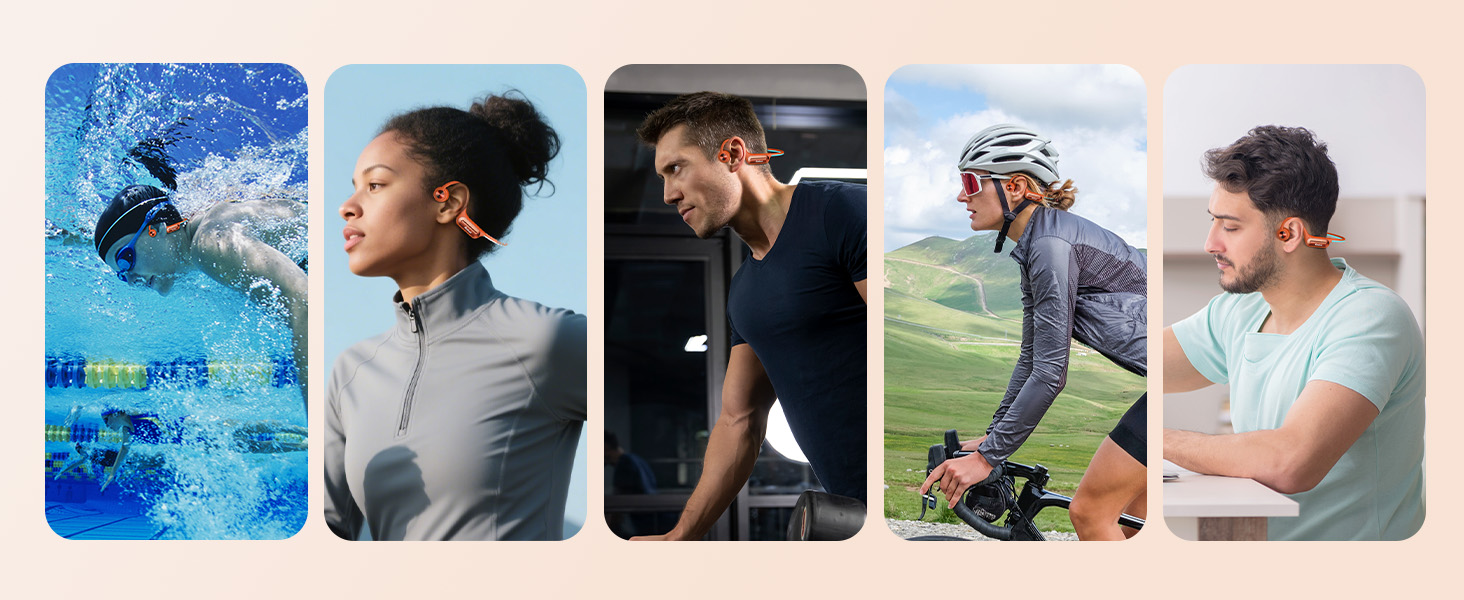
Image: A smartphone and laptop displaying successful Bluetooth connection to the BC3 Pro headphones.
5. Operating Instructions
5.1 Wearing the Headphones
- Gently pull the headphones open with your hands to widen the headband.
- Hang the ear hooks over your earbones, ensuring the transducers rest comfortably in front of your ears.
- Adjust the size with the included adjusting belt (stable rope) to ensure a proper and stable fit around the back of your head.
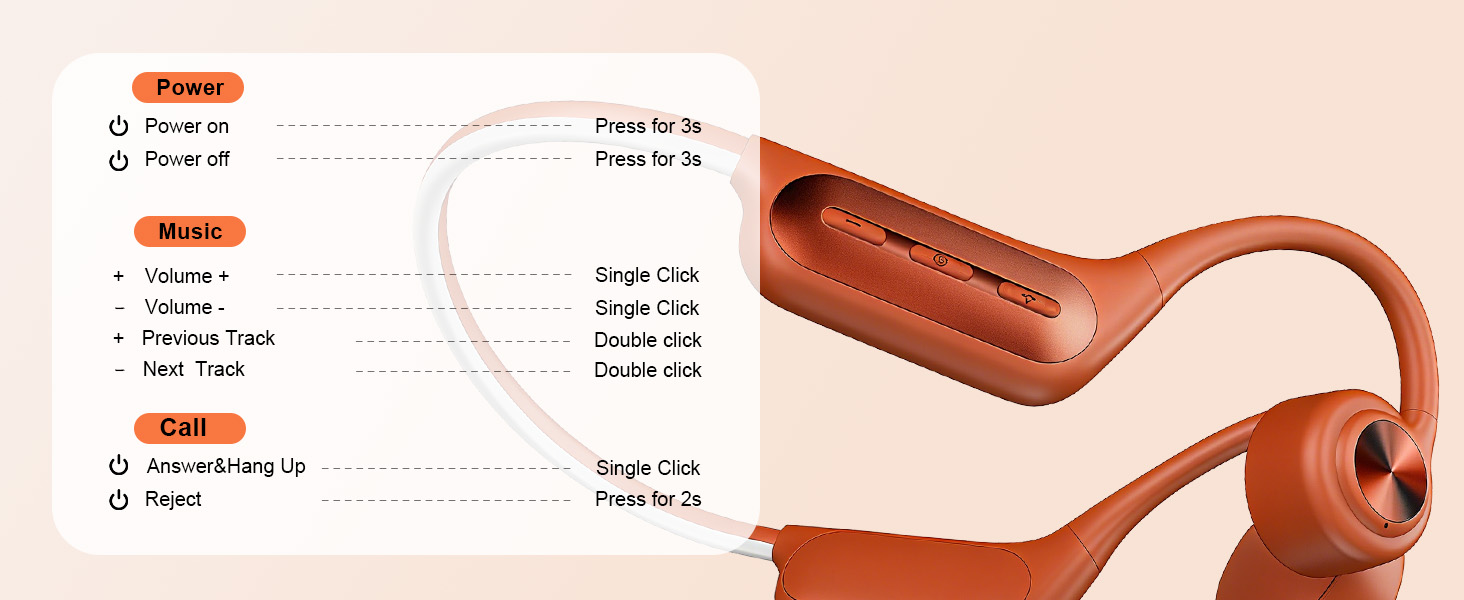
Image: Step-by-step guide on how to correctly wear the headphones for optimal comfort and sound.
5.2 Button Functions
The headphones feature intuitive physical buttons for easy control:
| Function | Action |
|---|---|
| Power On/Off | Press for 3 seconds |
| Volume + | Single Click |
| Volume - | Single Click |
| Previous Track | Double Click |
| Next Track | Double Click |
| Answer/Hang Up Call | Single Click |
| Reject Call | Press for 2 seconds |

Image: Visual guide to the headphone button controls and their corresponding actions.
5.3 Internal Music Storage (32GB)
The headphones feature built-in 32GB music storage, allowing you to load your favorite playlists and listen without needing a connected phone. This is ideal for workouts or activities where you prefer to leave your phone behind.
- Connect the headphones to a computer using the charging cable.
- The headphones will appear as a removable drive.
- Drag and drop your audio files (e.g., MP3) into the headphone's storage folder.
- Safely eject the device from your computer.

Image: Headphones connected to a laptop, illustrating the process of transferring music to the internal 32GB storage.
6. Maintenance
- Cleaning: Wipe the headphones with a soft, damp cloth. Avoid using harsh chemicals or abrasive materials.
- Storage: Store the headphones in the provided storage bag when not in use to protect them from dust and damage. Avoid extreme temperatures.
- Battery Care: To prolong battery life, avoid fully discharging the headphones frequently. Charge them regularly, even if not used for extended periods.
- Water Exposure: While IP68 waterproof, always ensure the charging port is dry before connecting the charging cable. Rinse with fresh water after exposure to saltwater or chlorinated water.
7. Troubleshooting
7.1 Cannot Power On
- Ensure the headphones are fully charged.
- Press and hold the Power button for 3 seconds.
7.2 Cannot Pair with Device
- Ensure the headphones are in pairing mode (LED flashing red and blue).
- Turn off and on Bluetooth on your device.
- Move the headphones closer to your device.
- Clear previous Bluetooth connections on your device and try pairing again.
7.3 No Sound
- Check the volume level on both the headphones and your connected device.
- Ensure the headphones are properly connected to your device via Bluetooth.
- If using internal storage, ensure music files are loaded correctly and playback is initiated.
7.4 Charging Issues
- Ensure the magnetic charging cable is securely connected to both the headphones and the power source.
- Try a different USB port or power adapter.
- Ensure the charging contacts on the headphones and cable are clean and dry.
8. Specifications
| Feature | Detail |
|---|---|
| Model Name | BC3 Pro |
| Brand | KIM HOST |
| Connectivity Technology | Bluetooth, Wireless |
| Bluetooth Version | 5.3 |
| Water Resistance Level | IP68 Waterproof |
| Ear Placement | Open Ear |
| Control Type | Button Control |
| Playtime | Up to 11 hours (on 1-hour charge) |
| Internal Storage | 32GB (for music files) |
| Item Weight | 5.6 ounces |
| Compatible Devices | Smartphones, Laptops, Tablets, PCs, Macs |
9. Warranty and Support
9.1 Manufacturer's Warranty
KIM HOST provides a 48-month manufacturer's warranty from the date of purchase. If any issue occurs within this period, please contact our customer service for assistance.
9.2 Return Policy
A 30-day return policy is available for this product. Please refer to your purchase platform's return guidelines for detailed information.
9.3 Customer Support
For any questions, concerns, or support needs, please contact KIM HOST customer service. You can typically reach us via your purchase platform:
- Go to "Your Account" > "Your Orders" > "Contact Seller" or "Ask a Question".
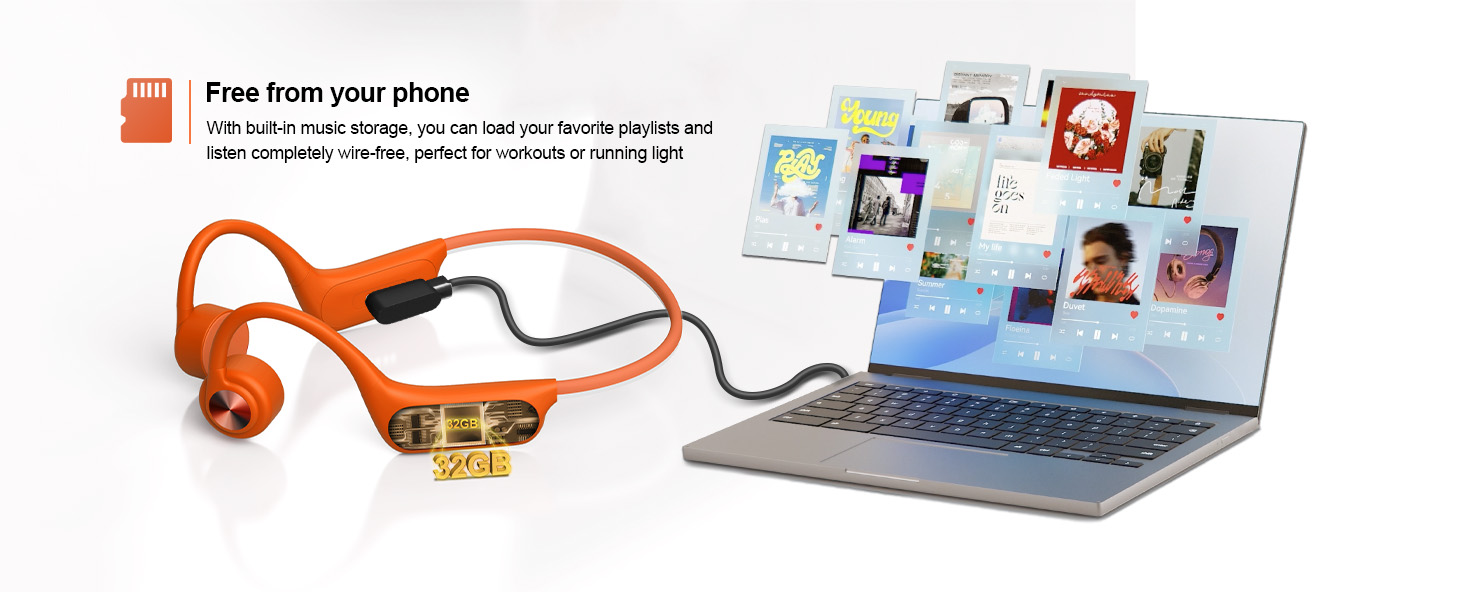
Image: Information regarding the product's warranty and return policy, along with customer support contact methods.


