
Maledan iPhone 17 Pro 6.3 inch
Maledan Aramid Fiber Magnetic Case for iPhone 17 Pro 6.3 inch - User Manual
Model: iPhone 17 Pro 6.3 inch
1. Introduction
Product Overview
The Maledan Aramid Fiber Magnetic Case is designed to provide robust protection and enhanced functionality for your iPhone 17 Pro 6.3 inch. Crafted from 1500D aramid fiber and a flexible TPU bumper, this case offers superior scratch resistance, corrosion protection, and shock absorption while maintaining a slim profile.

Image: Maledan Aramid Fiber Magnetic Case for iPhone 17 Pro in Sunset color, showcasing its design and camera protection.
Compatibility
This case is exclusively designed for the iPhone 17 Pro 6.3 inch. It is not compatible with iPhone 17 Air 6.5 inch, iPhone 17 6.3 inch, or iPhone 17 Pro Max 6.9 inch.

Image: Visual guide indicating compatibility specifically for iPhone 17 Pro 6.3 inch (3 lenses).
2. Key Features
2.1 Real Aramid Fiber & TPU Bumper
The case features a genuine 1500D aramid fiber back panel, known for its strength and lightweight properties, integrated with a flexible TPU bumper for enhanced grip and drop protection. This material is resistant to scratches and corrosion, maintaining its color over time.

Image: Exploded diagram illustrating the hybrid design with aramid fiber and TPU frame for maximum protection.
2.2 Reliable Military-Grade Protection
Tested to MIL-STD-810H standards, the case combines aramid fiber and shock-absorbing TPU to protect against drops and impacts. Raised bezels around the screen and camera lenses provide additional scratch protection.

Image: Illustration of the case's military-grade drop protection features, including air pockets and multilayer bumper.
2.3 1:1 Perfect Fit & Slim Profile
Precision cutouts and ergonomic edges ensure a snug fit, keeping dust out and maintaining a minimalist, lightweight feel. The ultra-thin design allows for easy pocket storage.
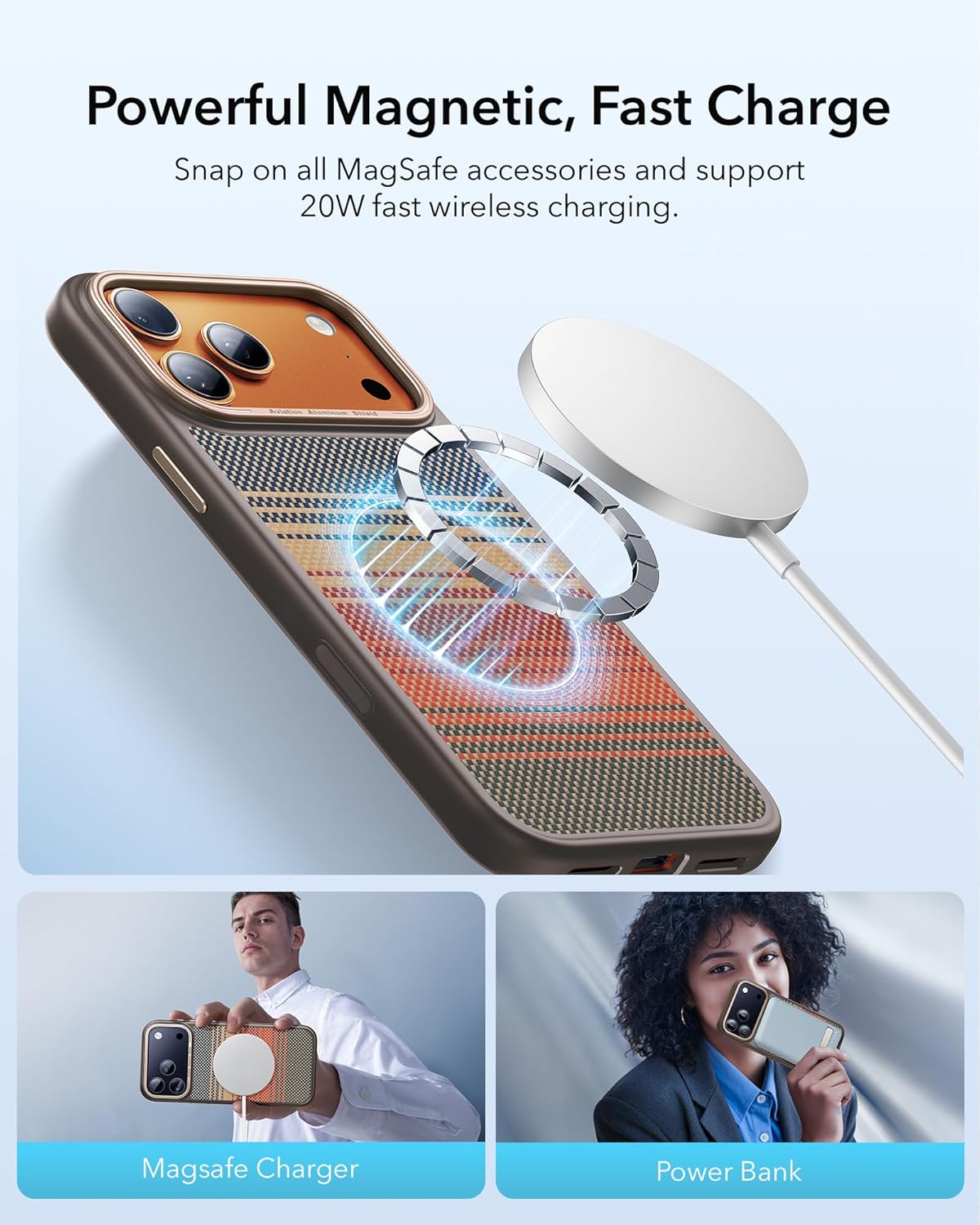
Image: The case demonstrating its slimness and light weight on an iPhone 17 Pro.
2.4 Fully Compatible with MagSafe
Integrated ultra-strength magnets ensure firm attachment to all MagSafe accessories, even on bumpy surfaces. The design supports 20W fast wireless charging without case removal.
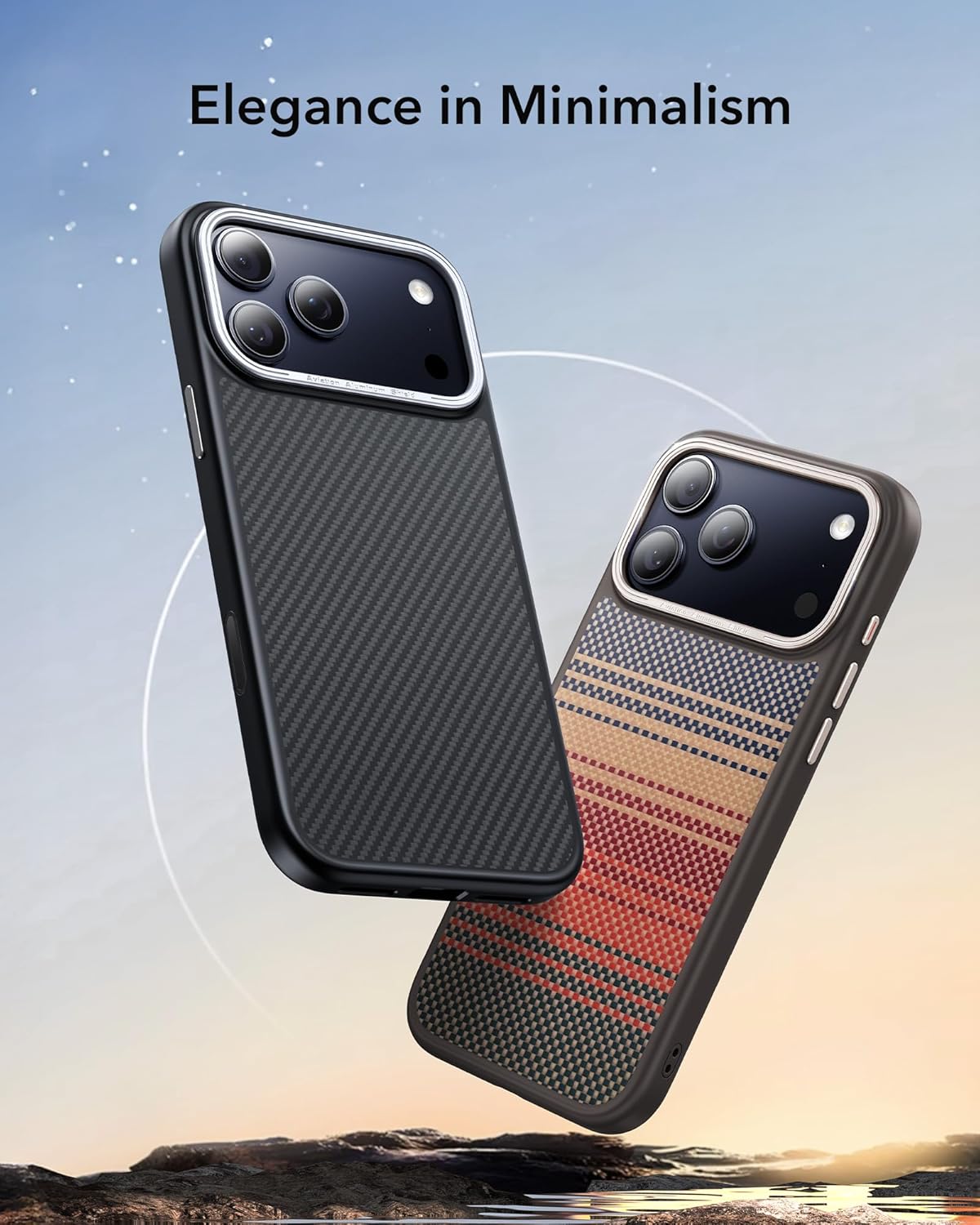
Image: The case demonstrating strong magnetic hold with MagSafe accessories.
2.5 Camera Control Button
The case features a covered camera control button, providing protection while maintaining full functionality for photo and video capture.

Image: Detail of the integrated camera control button on the case.
3. Setup (Installation & Removal)
3.1 Installing the Case
- Ensure your iPhone 17 Pro is clean and free of dust or debris.
- Align the top edge of your iPhone with the top of the case, ensuring the camera module fits correctly into the case's cutout.
- Gently press the phone into the case, working your way around the edges until all sides are securely seated.
- Verify that all buttons (volume, power, camera control) are aligned and functional.
3.2 Removing the Case
- Start by gently peeling back one of the bottom corners of the case.
- Work your way up the side, carefully disengaging the phone from the case.
- Once one side is loose, the phone should easily lift out of the case.
3.3 Installation & Removal Video Guide
Video: A visual demonstration of how to properly install and remove the case from your iPhone 17 Pro.
Video: Another guide on installing and removing an aramid fiber case, showing the flexibility and fit.
4. Operating Instructions
4.1 Using the Camera Control Button
The integrated camera control button on the side of the case allows for seamless operation of your iPhone's camera functions. Press the button to take photos or start/stop video recording, just as you would without a case.
4.2 MagSafe Functionality
The case's strong magnetic array ensures full compatibility with MagSafe chargers, wallets, and other accessories. Simply align your MagSafe accessory with the back of the case for a secure connection and efficient wireless charging.
Video: Overview of the Maledan Magnetic Carbon Fiber Case for iPhone 17 series, highlighting its magnetic features and design.
5. Maintenance
5.1 Cleaning Your Case
To clean your Maledan case, gently wipe it with a soft, damp cloth. Avoid using harsh chemicals or abrasive materials, as these may damage the aramid fiber or TPU. Ensure the case is completely dry before reattaching it to your iPhone.
6. Troubleshooting
6.1 Case Not Fitting Properly
If the case does not fit snugly, ensure you have the correct model (iPhone 17 Pro 6.3 inch). Re-attempt installation, making sure all corners and edges are properly aligned and snapped into place.
6.2 Buttons Not Responsive
Check for any debris or misalignment around the buttons. Re-install the case to ensure proper button alignment. The case's buttons are designed to be highly tactile and responsive.
6.3 MagSafe Connection Issues
Ensure there are no foreign objects between the case and the MagSafe accessory. Verify that the accessory itself is functional. The case's magnets are strong and should provide a reliable connection.
7. Specifications
| Feature | Detail |
|---|---|
| Brand | Maledan |
| Compatible Phone Models | iPhone 17 Pro 6.3 inch |
| Material | 1500D Aramid Fiber Woven, Shockproof TPU Edges |
| Color | Sunset |
| Item Weight | 2.89 ounces |
| Package Dimensions | 7.44 x 3.98 x 0.75 inches |
| Special Features | Slim Fit, MagSafe Compatible, Camera Control Button, Military-Grade Protection |
8. Warranty and Support
Maledan products are designed for quality and durability. For any warranty claims, technical support, or inquiries regarding your Maledan Aramid Fiber Magnetic Case, please refer to the contact information provided with your purchase or visit the official Maledan website. Please retain your proof of purchase for warranty services.
Ask a question about this manual
Ask about setup, troubleshooting, compatibility, parts, safety, or missing instructions. Manuals+ will review the question and use this page’s manual context to help answer it.