
Introduction
This manual provides detailed instructions for the FAHREN M5 2-in-1 Wireless CarPlay and Android Auto Adapter. This device converts your car's wired CarPlay or Android Auto system into a wireless connection, enhancing your driving experience with seamless smartphone integration.

Image: The FAHREN M5 adapter enables wireless CarPlay, eliminating the need for a physical phone connection to the car's screen.
The FAHREN M5 adapter is designed to be compact and lightweight, minimizing clutter in your vehicle. It supports both USB-A and USB-C ports for broad compatibility and features an upgraded A9 chip for stable and fast performance.
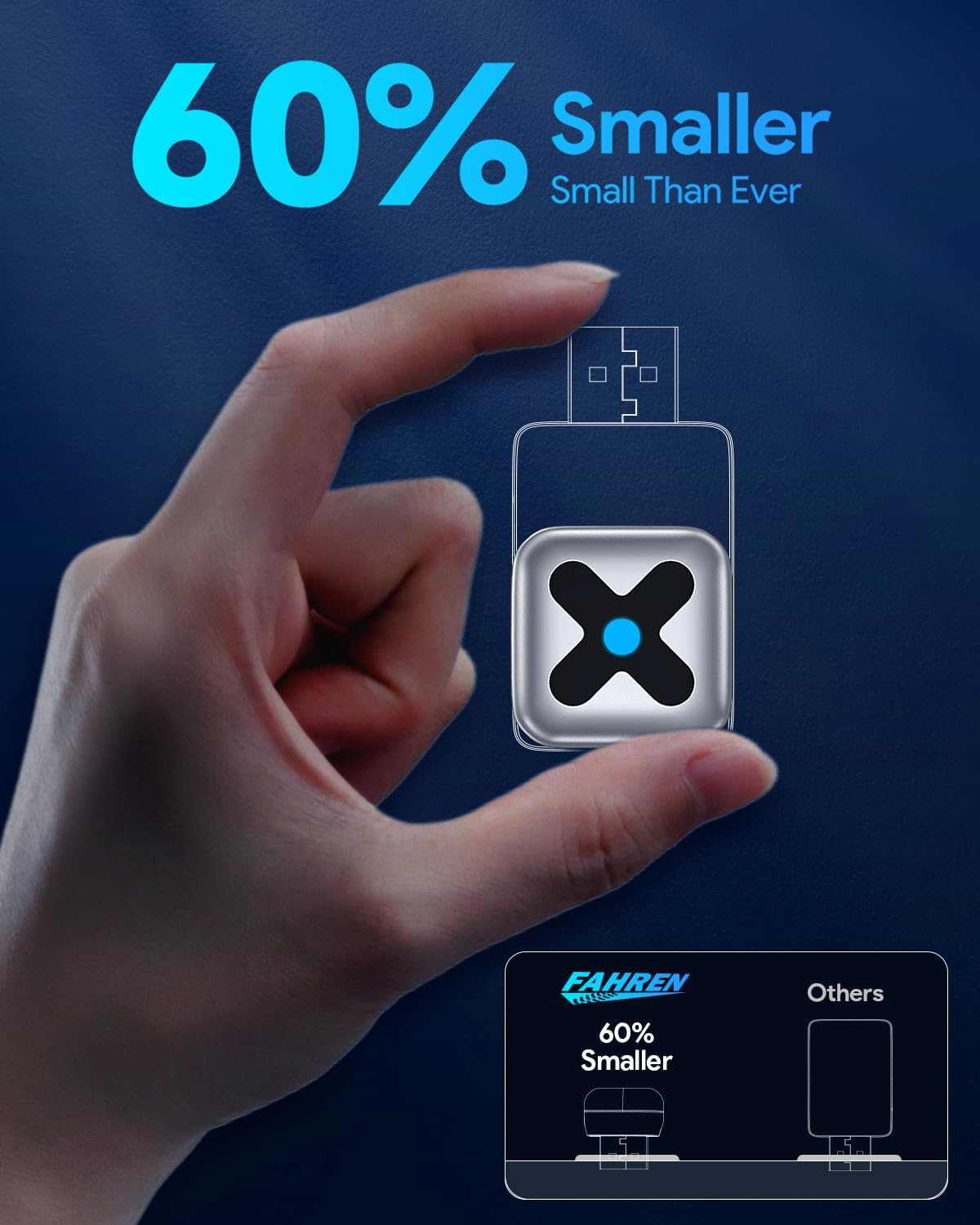
Image: The FAHREN M5 adapter is significantly smaller than previous models, promoting a tidy car interior.
Setup Instructions
Follow these steps to set up your FAHREN M5 Wireless Adapter:
- Ensure Compatibility: Your vehicle must have a factory-installed wired CarPlay or Android Auto system (manufactured after 2016). Your smartphone must be iOS 10+ or Android 11+.
- Connect the Adapter: Plug the FAHREN M5 adapter into your car's USB-A or USB-C port that supports wired CarPlay/Android Auto.
- Pair via Bluetooth: On your smartphone, enable Bluetooth and search for the adapter's Bluetooth name (e.g., 'SmartBox-XXXX' or similar). Pair your phone with the adapter.
- Connect to CarPlay/Android Auto: Once paired, a prompt will appear on your phone or car screen to connect to CarPlay or Android Auto. Confirm the connection.
- Wi-Fi Connection: The adapter will automatically establish a 5.8GHz Wi-Fi connection for data transfer, ensuring stable performance.
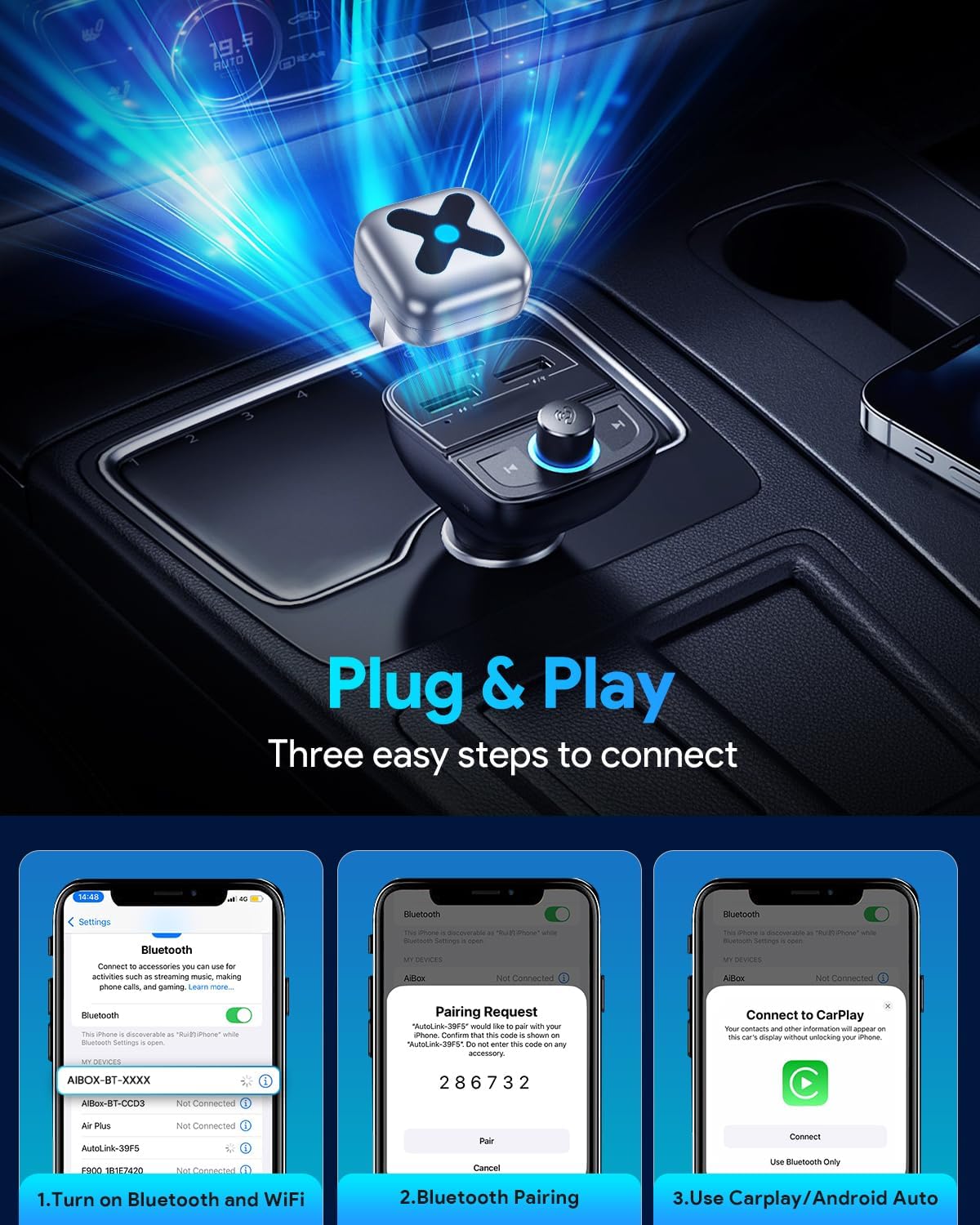
Image: Visual guide for the three-step plug-and-play connection process.
Video: This video demonstrates how to transform wired CarPlay to wireless using an adapter similar to the FAHREN M5.
Video: A guide on setting up wireless CarPlay adapter connections.
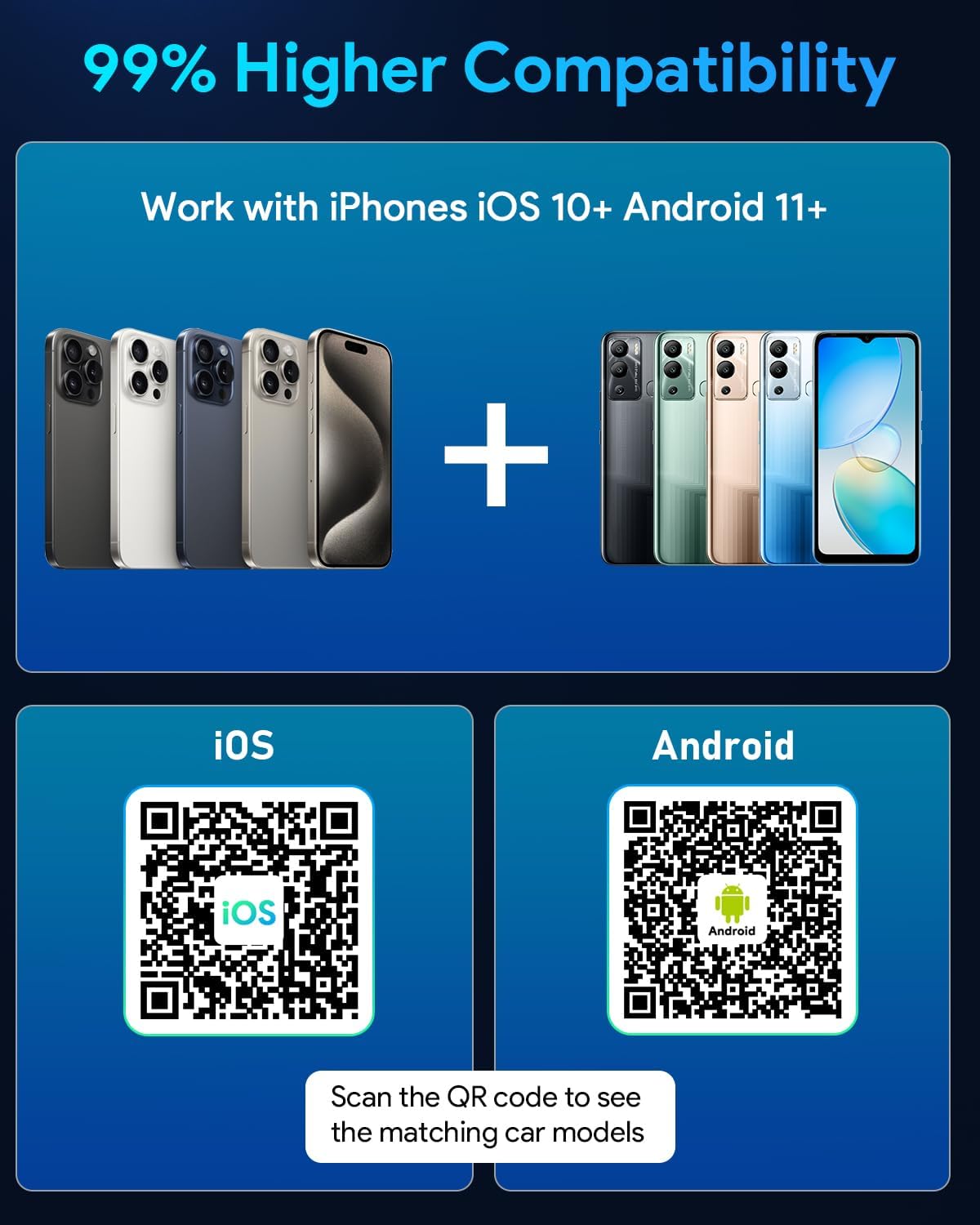
Image: The FAHREN M5 adapter offers broad compatibility with iOS 10+ and Android 11+ devices. Scan the QR codes for matching car models: Apple CarPlay Models and Android Auto Models.
Operating Instructions
Once connected, the FAHREN M5 adapter provides a seamless wireless experience for CarPlay and Android Auto. You can control functions using voice commands, steering wheel controls, or the car's touchscreen.
- Navigation: Access your preferred navigation apps (e.g., Apple Maps, Google Maps, Waze) directly on your car's display.
- Music Streaming: Play music from your favorite streaming services (e.g., Apple Music, Spotify) through your car's audio system.
- Hands-Free Calls: Make and receive calls safely using your car's microphone and speakers.
- Voice Assistant: Utilize Siri or Google Assistant for various tasks, such as sending messages, getting directions, or controlling music, all hands-free.
Video: This video demonstrates the functionality of a 2-in-1 Wireless CarPlay and Android Auto adapter, showcasing navigation, music, and call features.
Important Note:
For driving safety, this adapter does not support video streaming applications such as YouTube or Netflix. Its primary function is to provide a stable and safe wireless connection for essential driving features.
Maintenance
The FAHREN M5 adapter is designed for durability and requires minimal maintenance.
- Cleaning: Use a soft, dry cloth to wipe the adapter. Avoid using liquid cleaners or abrasive materials.
- Storage: When not in use for extended periods, store the adapter in a cool, dry place away from direct sunlight and extreme temperatures.
- Durability: The adapter features an aerospace-grade aluminum alloy body, providing resistance to wear, heat, and impact. It is engineered to function reliably in temperatures ranging from -20°C to 70°C.
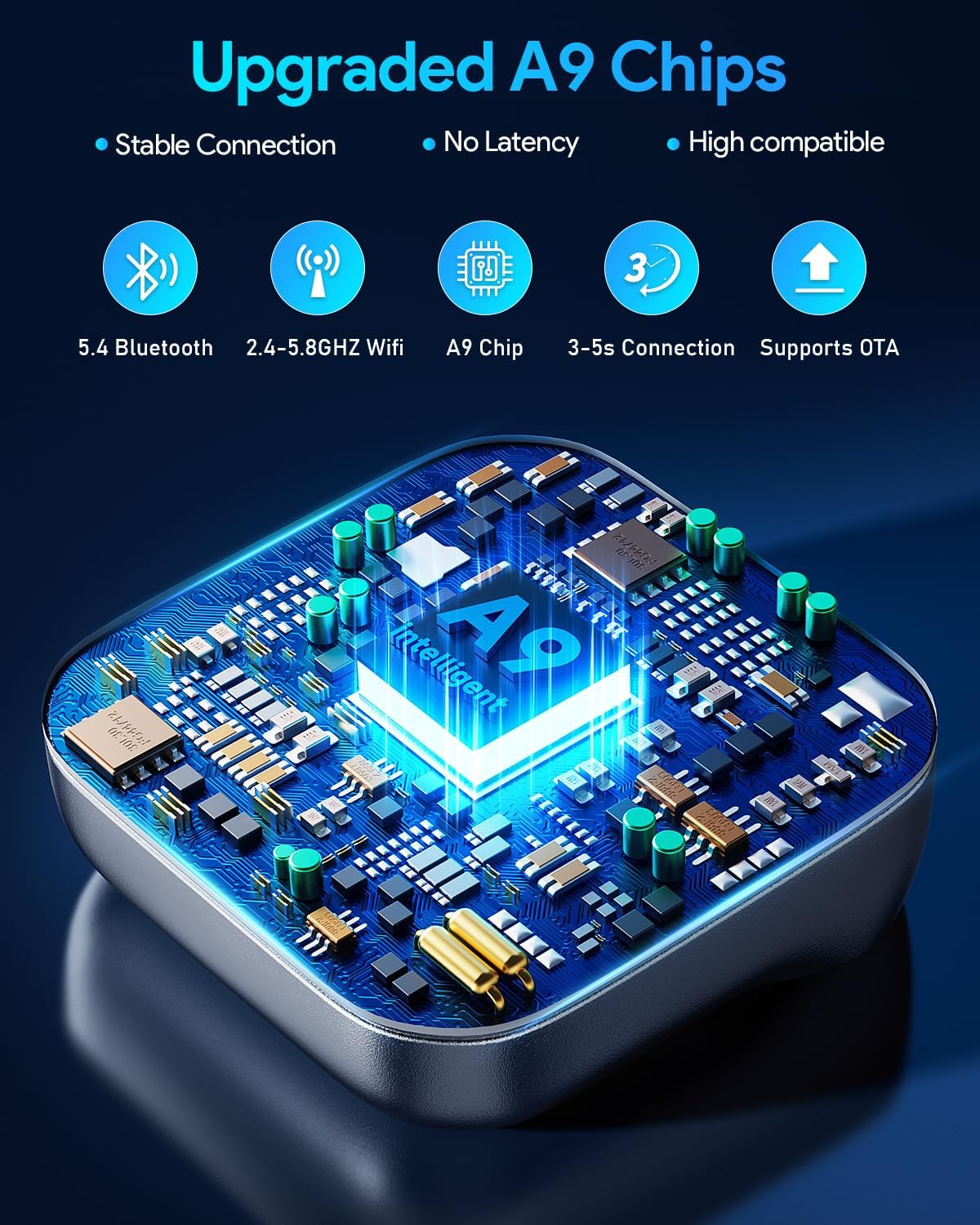
Image: The FAHREN M5 is powered by an upgraded A9 chip for fast and stable performance.
Troubleshooting
If you encounter issues with your FAHREN M5 adapter, please refer to the following common solutions:
| Problem | Possible Cause | Solution |
|---|---|---|
| Adapter not connecting or frequently disconnecting. | Incorrect pairing, weak signal, or car system issue. |
|
| Audio quality issues or lag during calls/music. | Interference, outdated firmware, or phone settings. |
|
| CarPlay/Android Auto not launching automatically. | System settings or temporary glitch. |
|
| Cannot access video streaming apps (Netflix, YouTube). | Feature not supported for safety reasons. | This adapter is designed for driving safety and does not support video streaming applications. This is normal operation. |
Specifications
- Model Number: M5
- Brand: FAHREN
- Compatible Devices: iPhone (iOS 10+), Android (Android 11+)
- Compatible Car Systems: Vehicles with factory-installed wired CarPlay & Android Auto (manufactured after 2016)
- Connector Type: USB Type A, USB Type C
- Number of Ports: 1
- Wireless Connectivity: 5.8GHz WiFi, Bluetooth 5.4
- Chip: Upgraded A9 chip
- Material: Aerospace-grade aluminum alloy
- Operating Temperature: -20°C to 70°C
- Dimensions: 8.89 x 6.4 x 3.4 cm
- Weight: 41 g
- Color: Silver
Warranty and Support
The FAHREN M5 Wireless CarPlay and Android Auto Adapter comes with a 24-month warranty from the date of purchase. This warranty covers manufacturing defects and ensures reliable performance under normal use.
For technical support, warranty claims, or any inquiries regarding your FAHREN M5 adapter, please contact our customer service team through the retailer where you purchased the product or visit the official FAHREN website for contact information.
Please retain your proof of purchase for warranty validation.