
Introduction
Thank you for choosing the KMMKGG 15-inch Rechargeable Atomic Digital Wall Clock. This clock features a large, easy-to-read display, automatic time synchronization via radio wave, a built-in rechargeable battery, and a backlight for visibility in low light conditions. It also displays indoor temperature and date. This manual provides detailed instructions to help you set up and operate your new clock effectively.
Product Features
- 15-inch Large Digital Display: Features 4.6-inch tall numbers for excellent readability from a distance.
- Automatic Backlight: An ambient light sensor automatically illuminates the screen in dark environments.
- Adjustable Brightness: Offers 2 levels of backlight brightness, with an option to turn it off.
- Rechargeable Battery: Built-in lithium polymer battery eliminates the need for frequent battery replacements. Includes a 9.8-foot USB charging cable.
- Atomic Time Synchronization: Automatically sets and adjusts time daily via radio wave signals (WWVB).
- Time Zone Selection: Supports PST, MST, CST, EST time zones.
- 12/24 Hour Display: Easily switch between 12-hour and 24-hour time formats.
- Temperature Display: Shows indoor temperature in Celsius (℃) or Fahrenheit (℉).
- Date Display: Displays the current month and day.
- Multiple Alarms: Features 3 sets of alarm clocks.
- Timer Function: Includes both count-up and count-down timer capabilities.
- Daylight Saving Time (DST): Automatic DST adjustment.
- Versatile Placement: Designed for both wall mounting and table-top use.
Package Contents
Please check the package for the following items:
- KMMKGG 15-inch Rechargeable Atomic Digital Wall Clock
- USB Charging Cable (9.8 feet)
- Mounting Hardware (e.g., screws, wall anchors, double-sided tape, bubble spirit level)
- User Manual (this document)
Setup
1. Initial Charging
Before first use, fully charge the clock. Connect the provided USB charging cable to the charging port on the back of the clock and to a 5V2A USB charging adapter (not included). The clock features a battery low display indicator to notify you when charging is needed.

Image: The back of the KMMKGG clock showing the USB charging port and the included USB cable. The image highlights that the clock is USB powered and rechargeable.
2. Mounting Options
The clock can be placed on a table or mounted on a wall.
- Table-top Placement: Simply place the clock on any flat, stable surface.
- Wall Mounting: Use the integrated hanging holes and stable bracket on the back of the clock. The package includes mounting hardware such as double-sided tape and a bubble spirit level for accurate installation. Three small holes are reserved for wall studs.

Image: The back panel of the KMMKGG clock illustrating the hanging holes, stable bracket, charging port, and power switch. Instructions for using double-sided tape and a bubble spirit level for wall mounting are also shown.
3. Atomic Time Synchronization
The clock automatically searches for radio wave signals (WWVB) to set the correct time. Ensure the clock is placed in an area with good signal reception. The clock supports PST, MST, CST, and EST time zones; only one can be displayed at a time.

Image: The KMMKGG clock displaying time, day, and temperature, with an overlay illustrating radio wave signal transmission and the four supported time zones (PST, MST, CST, EST).
Operating Instructions
The clock features intuitive setting buttons for easy operation.

Image: The KMMKGG clock display showing its dimensions and icons representing key features: 12/24 hour clock time, 3 sets of alarm clocks, auto DST, 4 time zones, and date/temperature auto switch.
1. Time, Date, and Temperature Settings
- 12/24 Hour Format: Press the "+/12/24" button to switch between 12-hour and 24-hour time display.
- Temperature Unit: Press the "-/℃/℉" button to change the temperature unit between Celsius (℃) and Fahrenheit (℉).
- Date Display Cycle: The clock can cycle through date and temperature display every 5 seconds.
2. Backlight Adjustment
The clock has an automatic backlight feature that activates in dark conditions. You can adjust its brightness or turn it off.
- Refer to the clock's physical buttons or on-screen menu (if applicable) for specific backlight control. There are typically two levels of brightness (Low Light, High Light) and an off option.
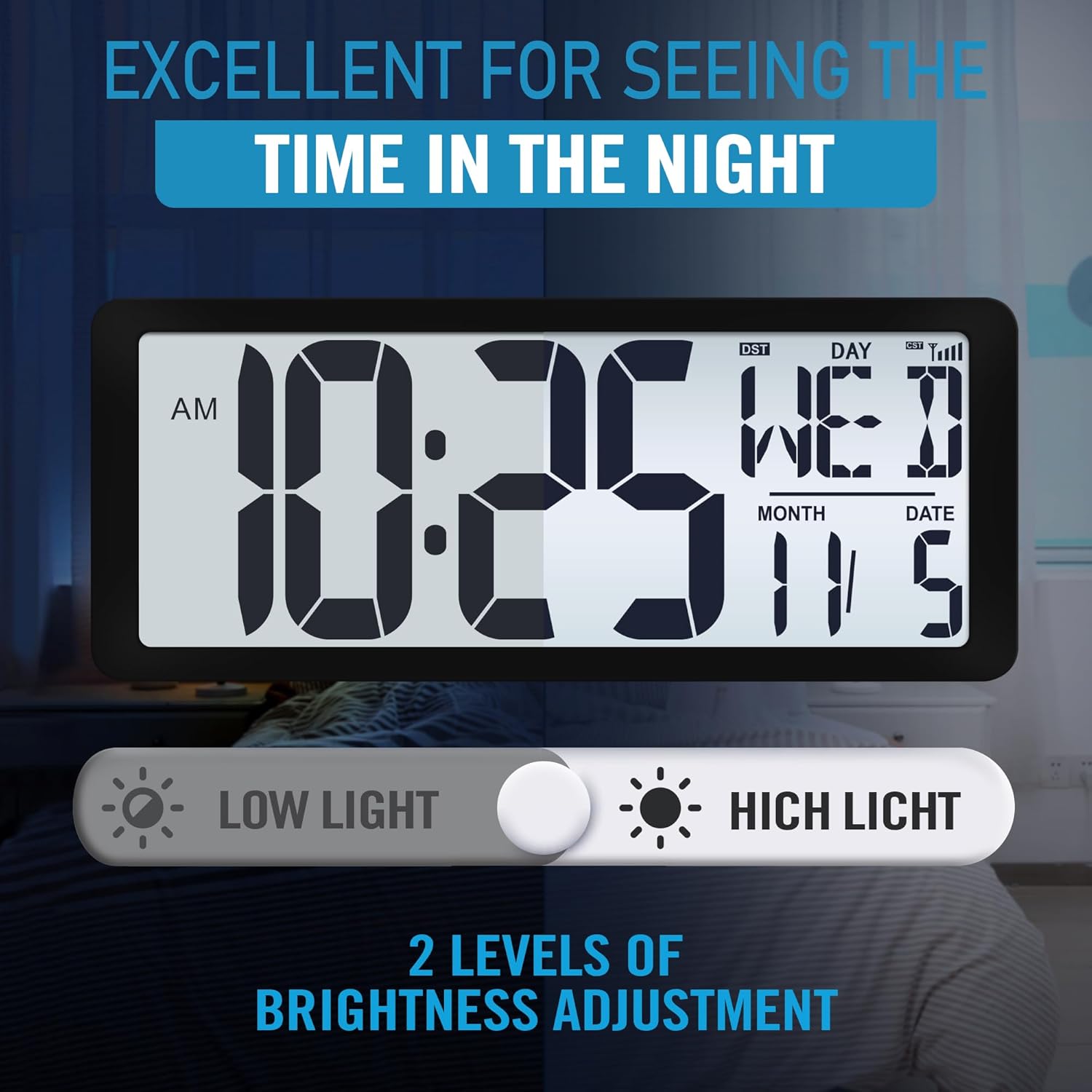
Image: The KMMKGG clock display showing the time, day, and date, with an illustration of two brightness levels: 'Low Light' and 'High Light'.
3. Alarm Settings
The clock supports up to 3 independent alarm settings.
- Locate the 'Alarm' button or setting on the clock.
- Follow the on-screen prompts to set the desired alarm time for each of the 3 alarms.
- Ensure the alarm is activated once set.
4. Timer Function
The clock includes both count-up and count-down timer functions.
- Locate the 'Timer' button or setting.
- Select either count-up or count-down mode.
- For count-down, set the desired duration.
- Start, pause, and reset the timer as needed.

Image: The KMMKGG clock demonstrating its three primary modes: Timer (showing a countdown), Clock (showing current time and date), and Alarm (showing an alarm time). This highlights its multifunctionality.

Image: The KMMKGG clock displaying a large digital timer, indicating its suitability for use as a timer in various settings.
5. Daylight Saving Time (DST)
The clock is designed to automatically adjust for Daylight Saving Time. Ensure the DST feature is enabled in the settings if you reside in an area that observes DST.
Maintenance
1. Charging the Battery
Recharge the clock when the low battery indicator appears. Use the provided USB cable and a 5V2A USB charging adapter. A full charge can last for several months depending on backlight usage.
2. Cleaning
To clean the clock, gently wipe the display and casing with a soft, dry, or slightly damp cloth. Avoid using abrasive cleaners or solvents, as these can damage the surface.
Troubleshooting
- Clock not charging: Ensure the USB cable is securely connected to both the clock and a working 5V2A USB charging adapter. Try using a different USB cable or adapter to rule out a faulty component.
- Atomic time not syncing: Place the clock near a window or in an open area away from electronic interference. The atomic signal (WWVB) is strongest at night. If synchronization fails, you may need to set the time manually. Note that atomic signals may not be available in all regions (e.g., outside North America).
- Display segments missing or incomplete: If parts of the numbers or letters on the display are not showing correctly, try restarting the clock by turning it off and on using the power switch on the back. If the issue persists, contact customer support.
- Backlight too bright or too dim: Adjust the backlight brightness settings as described in the 'Operating Instructions' section.
- Incorrect temperature reading: Ensure the clock is not placed near heat sources or in direct sunlight, which can affect the accuracy of the internal temperature sensor.
Specifications
| Feature | Detail |
|---|---|
| Brand | KMMKGG |
| Model | B0FN4TQ73G |
| Display Type | Digital, Multi-display |
| Screen Size | 15 Inches |
| Product Dimensions | 14.2"W x 5.9"H |
| Item Weight | 1.8 Pounds |
| Power Source | Lithium Polymer Battery Powered (Rechargeable) |
| Operation Mode | Atomic |
| Special Features | Adjustable Brightness, Daylight Saving, Large Display, Temperature Display, Cordless |
| Mounting Type | Wall Mount/Table top |
| Material Type | Plastic |
| Indoor/Outdoor Usage | Indoor |
Warranty Information
For specific warranty details, please refer to the documentation included with your purchase or contact the retailer/manufacturer directly. Warranty terms typically cover manufacturing defects for a specified period from the date of purchase.
Support
If you encounter any issues or have questions not covered in this manual, please contact KMMKGG customer support through the retailer's platform or the manufacturer's official website for assistance.