
taopodo S7
taopodo Portable Bluetooth Speaker S7 Instruction Manual
Model: S7 | Brand: taopodo
1. Introduction
This manual provides essential information for the safe and efficient operation of your taopodo Portable Bluetooth Speaker S7. Please read it thoroughly before using the product and retain it for future reference.
2. What's in the Box
- 1 x taopodo Portable Bluetooth Speaker S7
- 1 x Type-C Charging Cable
- 1 x Quick Start Guide
- 1 x Warranty Guide
3. Product Overview
Familiarize yourself with the speaker's components and controls.
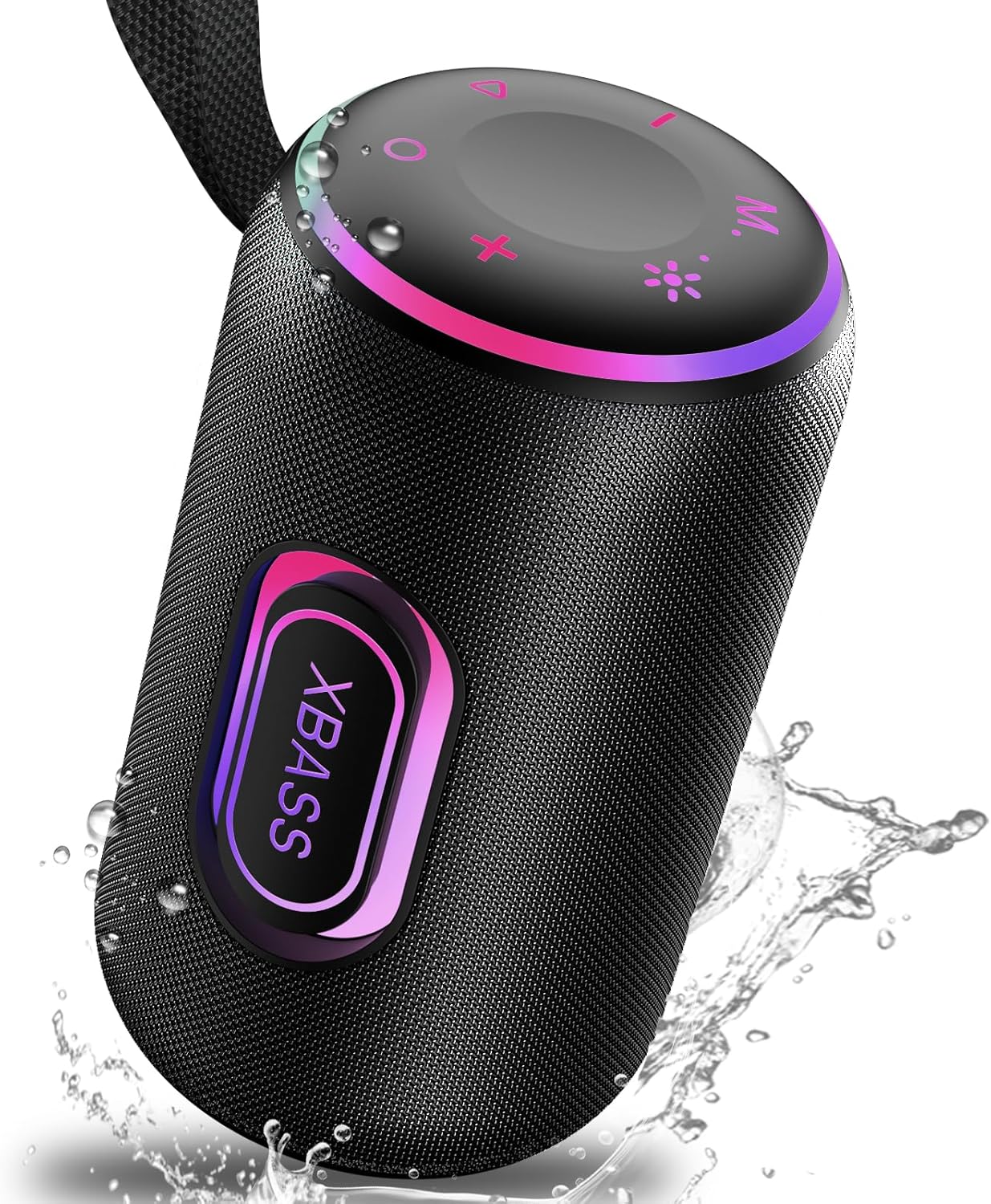
Figure 1: Front view of the taopodo Portable Bluetooth Speaker S7, showcasing its cylindrical design, fabric mesh, and illuminated XBass button.
Control Buttons (Top Panel)
- Power Button (Circle): Press and hold to power on/off.
- Mode Button (M): Short press to switch between Bluetooth, SD card, and AUX modes. Long press for TWS pairing.
- Play/Pause Button (Triangle): Play or pause music. Answer/end calls.
- Volume Up (+): Increase volume.
- Volume Down (-): Decrease volume.
- Light Mode Button (Sun icon): Cycle through RGB light modes.
- EQ Button (Asterisk): Cycle through equalizer sound modes.
Ports (Under protective flap)
- Type-C Charging Port: For charging the speaker.
- TF Card Slot: Insert a Micro SD card (up to 128GB) for direct music playback.
- USB Port: Can be used as a power source to charge mobile devices.
- AUX Input: For connecting external audio devices via a 3.5mm audio cable.
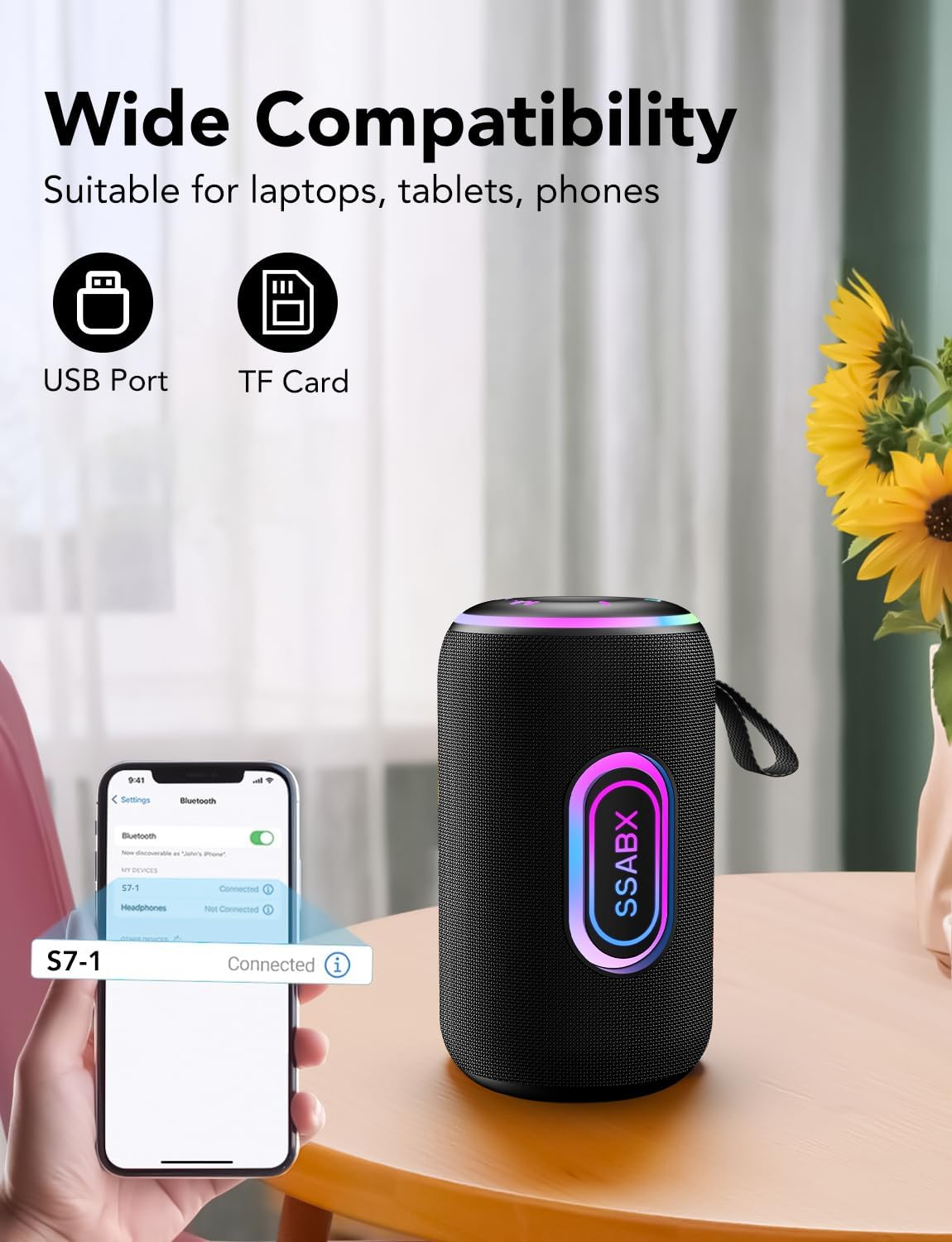
Figure 2: Close-up of the speaker's connectivity ports, including USB, TF card, and Type-C charging.
4. Setup
4.1 Charging the Speaker
- Connect the provided Type-C charging cable to the speaker's charging port.
- Connect the other end of the cable to a compatible USB power adapter (not included).
- The charging indicator light will illuminate. Once fully charged, the light will change or turn off (refer to quick start guide for specific behavior).
4.2 Bluetooth Pairing
- Press and hold the Power Button (Circle) to turn on the speaker. The speaker will enter Bluetooth pairing mode automatically, indicated by a flashing blue light.
- On your mobile device (smartphone, tablet, etc.), enable Bluetooth and search for available devices.
- Select "S7-1" from the list of devices.
- Once connected, the speaker will emit an audible confirmation, and the blue light will become solid.
4.3 TWS (True Wireless Stereo) Pairing
To achieve true wireless stereo sound, you can pair two S7 speakers together.
- Ensure both S7 speakers are powered on and not connected to any other Bluetooth device.
- On one of the speakers, press and hold the Mode Button (M) for approximately 2 seconds. You will hear a beep.
- The second speaker will also emit a beep, indicating successful TWS pairing.
- Now, connect your mobile device to one of the paired speakers via Bluetooth (as described in 4.2). Both speakers will play audio in stereo.

Figure 3: Illustration of two S7 speakers connected via TWS for an immersive stereo experience.
Video 1: Demonstrates the TWS pairing process and stereo sound capabilities of the taopodo Portable Bluetooth Speaker S7.
4.4 SD Card Playback
- Open the protective flap on the side of the speaker.
- Insert a Micro SD card (TF card) with supported audio files (WAV, FLAC, APE, MP3) into the TF Card Slot.
- The speaker will automatically switch to SD card mode and begin playing music. If not, short press the Mode Button (M) to switch modes.
4.5 Auxiliary Input (AUX)
- Connect a 3.5mm audio cable (not included) from your external audio device to the AUX Input port on the speaker.
- The speaker will automatically switch to AUX mode. If not, short press the Mode Button (M) to switch modes.
5. Operating Instructions
5.1 Power On/Off
- To turn on: Press and hold the Power Button (Circle) until the indicator lights illuminate.
- To turn off: Press and hold the Power Button (Circle) until the indicator lights turn off.
5.2 Volume Control
- To increase volume: Short press the Volume Up (+) button.
- To decrease volume: Short press the Volume Down (-) button.
5.3 Music Playback
- To Play/Pause: Short press the Play/Pause Button (Triangle).
- To skip to next track: Long press the Volume Up (+) button.
- To go to previous track: Long press the Volume Down (-) button.
5.4 RGB Light Modes
The speaker features colorful RGB lights with multiple modes.
- To change light mode: Short press the Light Mode Button (Sun icon) to cycle through Rhythm, Rainbow, Breathing, Gradient, and Off modes.

Figure 4: The S7 speaker showcasing its dynamic RGB lighting effects.
5.5 EQ Sound Modes
Adjust the audio profile to your preference.
- To change EQ mode: Short press the EQ Button (Asterisk) to cycle through available sound profiles (e.g., enhanced bass, balanced).

Figure 5: Visual representation of the speaker's Enhanced BASS 3.0 system.
5.6 Answering Calls
The speaker features a built-in microphone for hands-free calling.
- To answer a call: Short press the Play/Pause Button (Triangle) when a call comes in.
- To end a call: Short press the Play/Pause Button (Triangle) during a call.
- To reject a call: Press and hold the Play/Pause Button (Triangle) when a call comes in.
6. Maintenance
6.1 Waterproof and Dustproof Care (IPX7)
The speaker is IPX7 rated, meaning it can be submerged in up to 1 meter of water for 30 minutes. However, proper care is still essential.
- Ensure the protective flap covering the ports is securely closed before exposing the speaker to water or dust.
- Do not submerge the speaker in saltwater or other liquids.
- After exposure to water, wipe the speaker dry with a soft, clean cloth before charging or opening the port flap.
- Avoid extreme temperatures, as this can affect the waterproof seals.
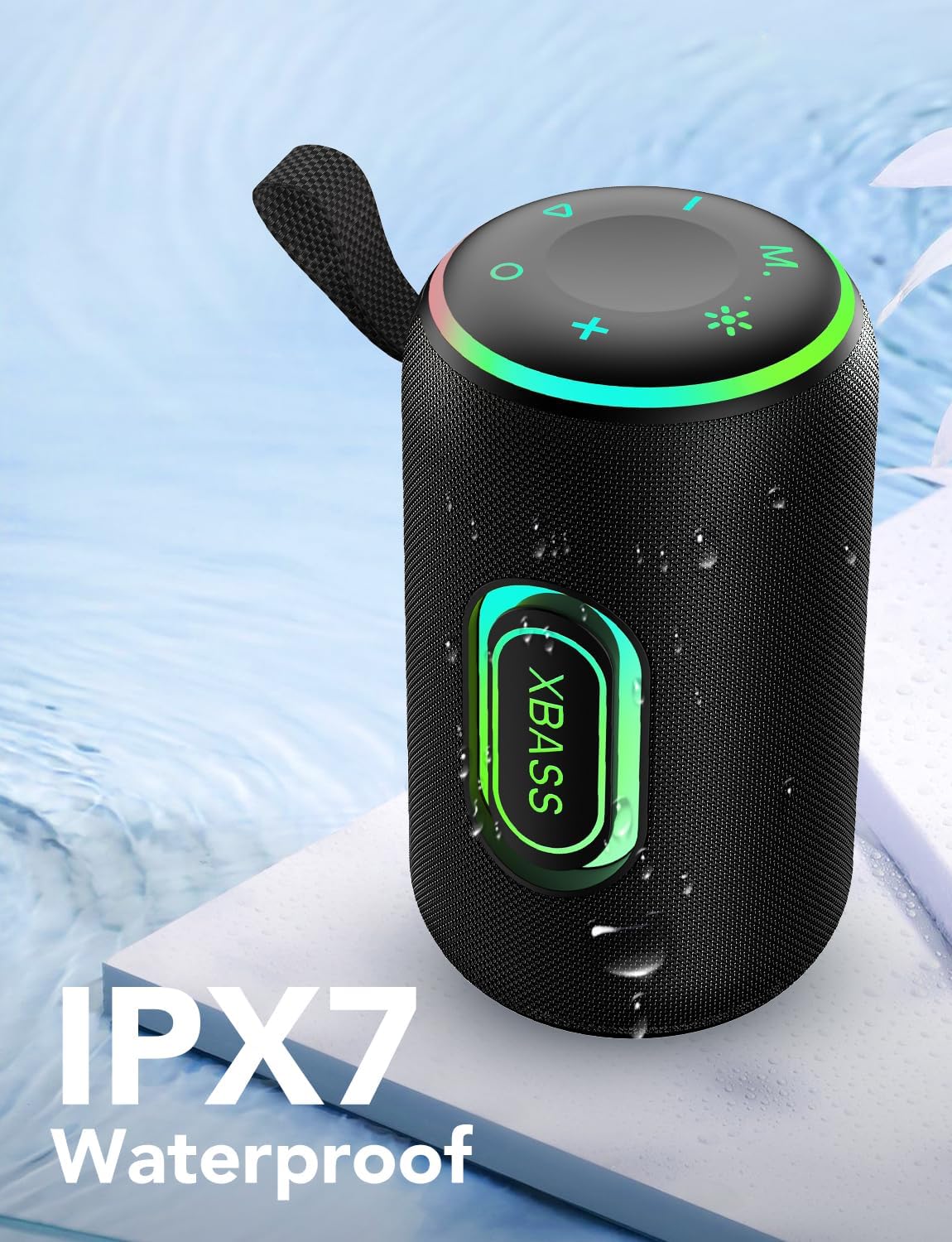
Figure 6: The S7 speaker demonstrating its IPX7 waterproof capability.
Video 2: Showcases the taopodo Portable Bluetooth Speaker S7's waterproof design and features.
6.2 General Cleaning
- Use a soft, dry cloth to clean the surface of the speaker.
- Do not use abrasive cleaners, alcohol, or chemical solvents.
7. Troubleshooting
| Problem | Possible Cause | Solution |
|---|---|---|
| Speaker does not turn on. | Low battery. | Charge the speaker using the provided Type-C cable. |
| Cannot pair via Bluetooth. | Bluetooth is off on your device, speaker is too far, or already connected to another device. | Ensure Bluetooth is enabled on your device. Move speaker closer. Disconnect from other devices. Restart speaker and device. |
| No sound from speaker. | Volume too low, paused, or incorrect mode. | Increase volume. Press Play/Pause. Check mode (Bluetooth, SD, AUX). |
| TWS pairing fails. | Speakers are too far apart, or one is already connected to a device. | Ensure speakers are close to each other. Disconnect both from any Bluetooth devices before initiating TWS pairing. |
8. Specifications
| Feature | Detail |
|---|---|
| Model Name | S7 |
| Brand | taopodo |
| Speaker Type | 3D |
| Connectivity Technology | Bluetooth 5.4 |
| Speaker Maximum Output Power | 30 Watts (Dual Speaker) |
| Surround Sound Channel Configuration | 2.0 |
| Playtime | Up to 30 hours (4000mAh battery) |
| Waterproof Rating | IPX7 |
| Product Dimensions | 4"D x 7"W x 4"H |
| Item Weight | 2.23 pounds |
| Supported Media | Micro SD (TF Card up to 128GB), AUX |
| Special Features | RGB Lights, Enhanced BASS 3.0, TWS Pairing, Built-in Microphone, USB Power Output |
9. Warranty & Support
Your taopodo Portable Bluetooth Speaker S7 comes with a limited warranty. Please refer to the included Warranty Guide for detailed terms and conditions.
For technical support, troubleshooting assistance, or warranty claims, please contact taopodo customer service through the retailer where the product was purchased or visit the official taopodo website.
Related documentsS7

Ask a question about this manual
Ask about setup, troubleshooting, compatibility, parts, safety, or missing instructions. Manuals+ will review the question and use this page’s manual context to help answer it.