
Baseus EH10 NC
Baseus EH10 Adaptive Active Noise Cancelling Headphones User Manual
Model: EH10 NC
Introduction
Thank you for choosing the Baseus EH10 Adaptive Active Noise Cancelling Headphones. This manual provides essential information for setting up, operating, and maintaining your headphones to ensure optimal performance and longevity. Please read this manual thoroughly before using the product.
What's in the Box
The Baseus EH10 package includes the following items:
- Baseus EH10 NC Headphones
- USB-C Data Cable
- User Manual

Image: Contents of the Baseus EH10 headphone box.
Product Overview
Familiarize yourself with the physical components and controls of your Baseus EH10 headphones.
Headphone Components
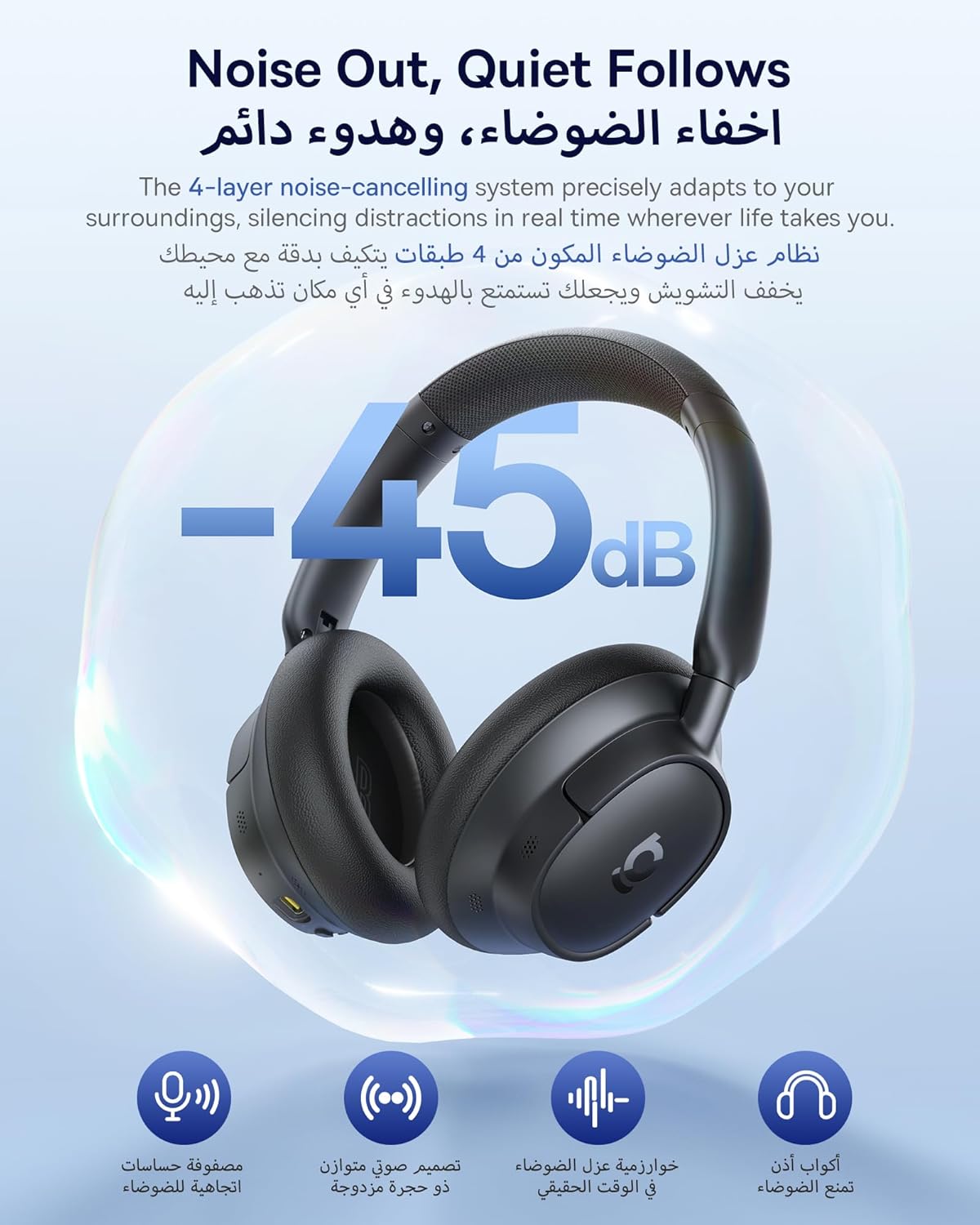
Image: Overall view of the Baseus EH10 headphones.
Controls and Ports
The headphones feature intuitive buttons and ports for easy operation:
- Power Button: For turning the headphones on/off, playing/pausing music, and managing calls.
- Volume Up/Down Buttons: To adjust audio volume.
- ANC Button: To cycle through Active Noise Cancellation modes.
- USB-C Port: For charging the headphones.
- 3.5mm Audio Jack: For wired audio connection.

Image: Detailed view of the headphone controls.
Setup
Power On/Off
- Power On: Press and hold the power button for 2 seconds until the indicator light shows a solid blue light for 1 second.
- Power Off: Press and hold the power button for 4 seconds until the indicator light flashes red once and turns off.
Bluetooth Pairing
To connect your Baseus EH10 headphones to a device:
- Ensure the headphones are powered off.
- Press and hold the power button for 4 seconds to enter pairing mode. The indicator light will flash red and blue alternately.
- On your device (smartphone, tablet, computer), enable Bluetooth and search for available devices.
- Select "Baseus EH10 NC" from the list of devices to connect.
- Once connected, the indicator light will turn solid blue or off, depending on the model.
Video: Demonstrates generic headphone pairing. Note: This video is a general guide and may not feature the exact Baseus EH10 model.
Auto-Reconnection
After the initial pairing, the headphones will automatically reconnect to the last paired device when powered on again, provided the device's Bluetooth is active and within range.
Switching Devices / Forced Pairing
To disconnect from the current device and enter pairing mode for a new device, press and hold both the Volume "+" and Volume "-" buttons for 5 seconds. The indicator light will flash red and blue three times, indicating the headphones have disconnected and re-entered pairing mode.
Operating Instructions
Music Control
- Play/Pause: Single-click the Power button.
- Next Track: Press and hold the Volume Up button for 1 second.
- Previous Track: Press and hold the Volume Down button for 1 second.
- Volume Up: Single-click the Volume Up button.
- Volume Down: Single-click the Volume Down button.
Call Control
- Answer/End Call: Single-click the Power button.
- Reject Call: Press and hold the Power button for 1 second.
Active Noise Cancellation (ANC) Modes
The Baseus EH10 features adaptive ANC technology. Use the dedicated ANC button to switch between modes:
- ANC On: Reduces background noise by up to -45dB.
- Transparency Mode: Allows you to hear your surroundings while listening to audio.
- ANC Off: Disables noise cancellation.
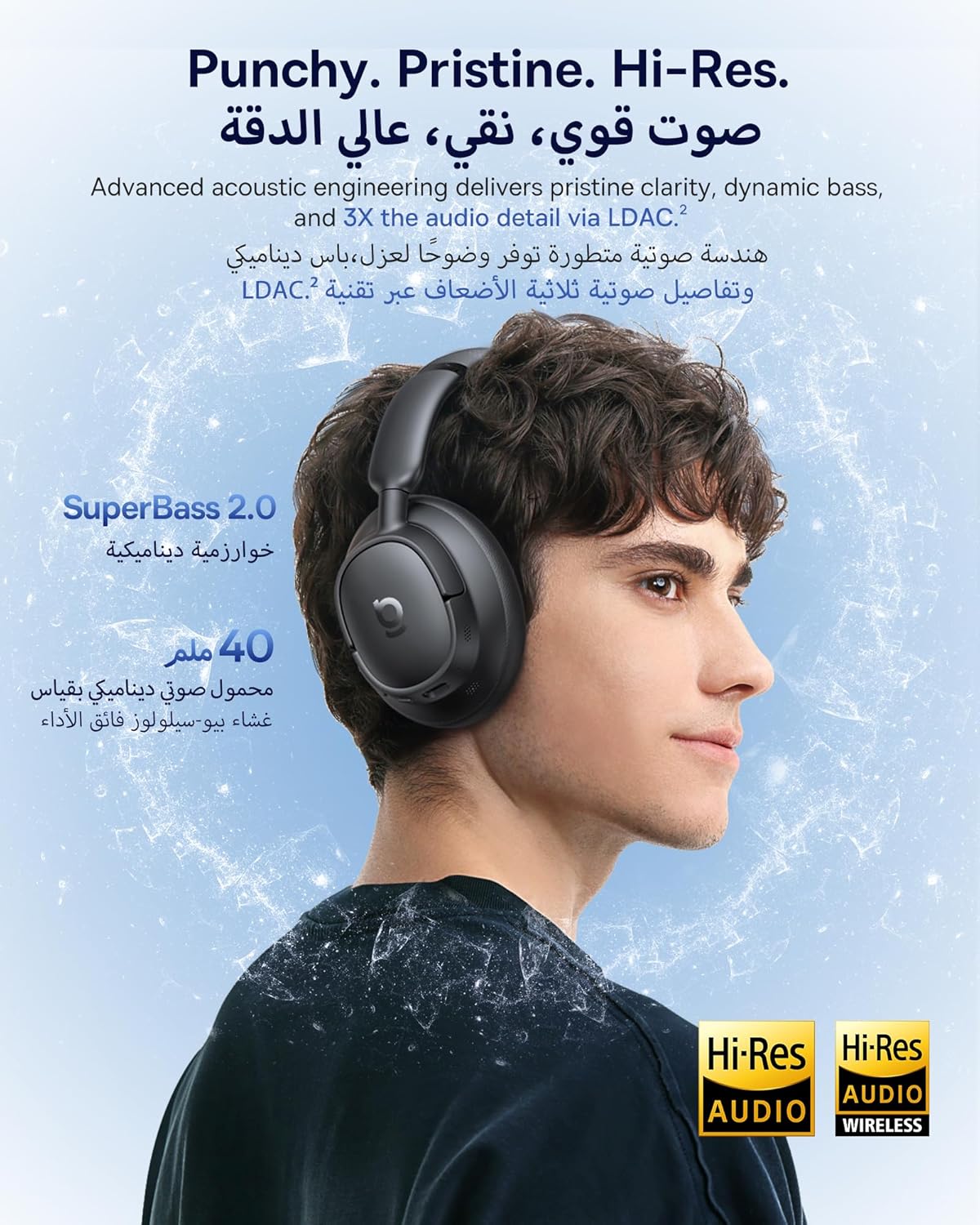
Image: Illustration of the -45dB Adaptive ANC feature.
Voice Assistant
Triple-click the Power button to activate or deactivate your device's voice assistant (e.g., Siri, Google Assistant).
Low-Latency Mode (Gaming/Movie Mode)
Double-click the ANC button to toggle Movie Mode on/off. Double-click the Power button to toggle Game Mode on/off. These modes optimize audio for reduced latency during gaming or video playback.
Video: Demonstrates generic smart button controls for music, calls, and modes. Note: This video is a general guide and may not feature the exact Baseus EH10 model.
Charging
The Baseus EH10 headphones offer extended playtime and fast charging capabilities:
- Battery Life: Up to 80 hours with ANC off, and 55 hours with ANC on.
- Fast Charging: A 10-minute charge provides approximately 10 hours of playtime.
To charge your headphones, connect the provided USB-C cable to the charging port on the headphones and a compatible USB power source.

Image: Baseus EH10 headphones showcasing week-long playtime.
Specifications
| Feature | Detail |
|---|---|
| Model Name | EH10 NC |
| Brand | Baseus |
| Color | Black |
| Connectivity Technology | Wireless (Bluetooth) |
| Wireless Communication Technology | Bluetooth |
| Noise Control | Adaptive Noise Cancellation |
| Headphone Form Factor | Over-Ear |
| Ear Placement | Over Ear |
| Impedance | 32 Ohm |
| Control Method | Button |
| Charging Time | 10 minutes (for 10 hours playtime) |
| Specific Uses For Product | Travel, Work, Daily Life |
| Compatible Devices | Phones, Tablets, Desktop Computers, Laptops, Mobile Phones, Smart Speakers |
| Item Dimensions | 29 x 22 x 6 cm; 410 grams |
| Country of Origin | China |
Maintenance
To ensure the longevity and optimal performance of your Baseus EH10 headphones, follow these maintenance guidelines:
- Cleaning: Use a soft, dry cloth to clean the headphones. Avoid using harsh chemicals or abrasive materials.
- Storage: Store the headphones in a cool, dry place away from direct sunlight and extreme temperatures.
- Avoid Moisture: Do not expose the headphones to water or excessive moisture.
- Handle with Care: Avoid dropping or subjecting the headphones to strong impacts.

Image: Baseus EH10 headphones designed for cloud-like comfort.
Troubleshooting
If you encounter any issues with your Baseus EH10 headphones, refer to the following common solutions:
- No Power: Ensure the headphones are fully charged.
- Cannot Pair: Make sure the headphones are in pairing mode (indicator light flashing red and blue). Turn off and on your device's Bluetooth. Try clearing previous pairings on your device.
- No Sound: Check the volume levels on both the headphones and your connected device. Ensure the headphones are properly connected via Bluetooth or the 3.5mm audio cable.
- Poor Sound Quality: Ensure there are no obstructions between the headphones and your device. Move closer to your device to avoid interference. Check if the audio source quality is high.
- ANC Not Working: Ensure the ANC mode is activated.
Factory Reset
If issues persist, you can perform a factory reset:
- Press and hold both the Volume "+" and Volume "-" buttons for 10 seconds.
- The LED indicator will blink 3 times once the reset is complete.
Warranty and Support
For warranty information and customer support, please refer to the warranty card included in your product packaging or visit the official Baseus website. Keep your purchase receipt as proof of purchase for warranty claims.
Related documentsEH10 NC


Ask a question about this manual
Ask about setup, troubleshooting, compatibility, parts, safety, or missing instructions. Manuals+ will review the question and use this page’s manual context to help answer it.