
CURRENT Satellite Color
CURRENT USA Satellite Color RGBW LED Aquarium Light (Model 4511) Instruction Manual
For 24-36 inch Freshwater Tanks
1. Introduction
The CURRENT USA Satellite Color RGBW Full-Spectrum LED Aquarium Light (Model 4511) is designed to provide comprehensive lighting for freshwater aquariums ranging from 24 to 36 inches. This light features advanced RGBW LEDs, allowing for a wide spectrum of colors to enhance the visual appeal of your aquatic environment and support plant growth. It includes an intuitive remote control for adjusting colors, selecting preset modes, and creating dynamic lighting effects. This manual will guide you through the installation, operation, and maintenance of your new aquarium light.
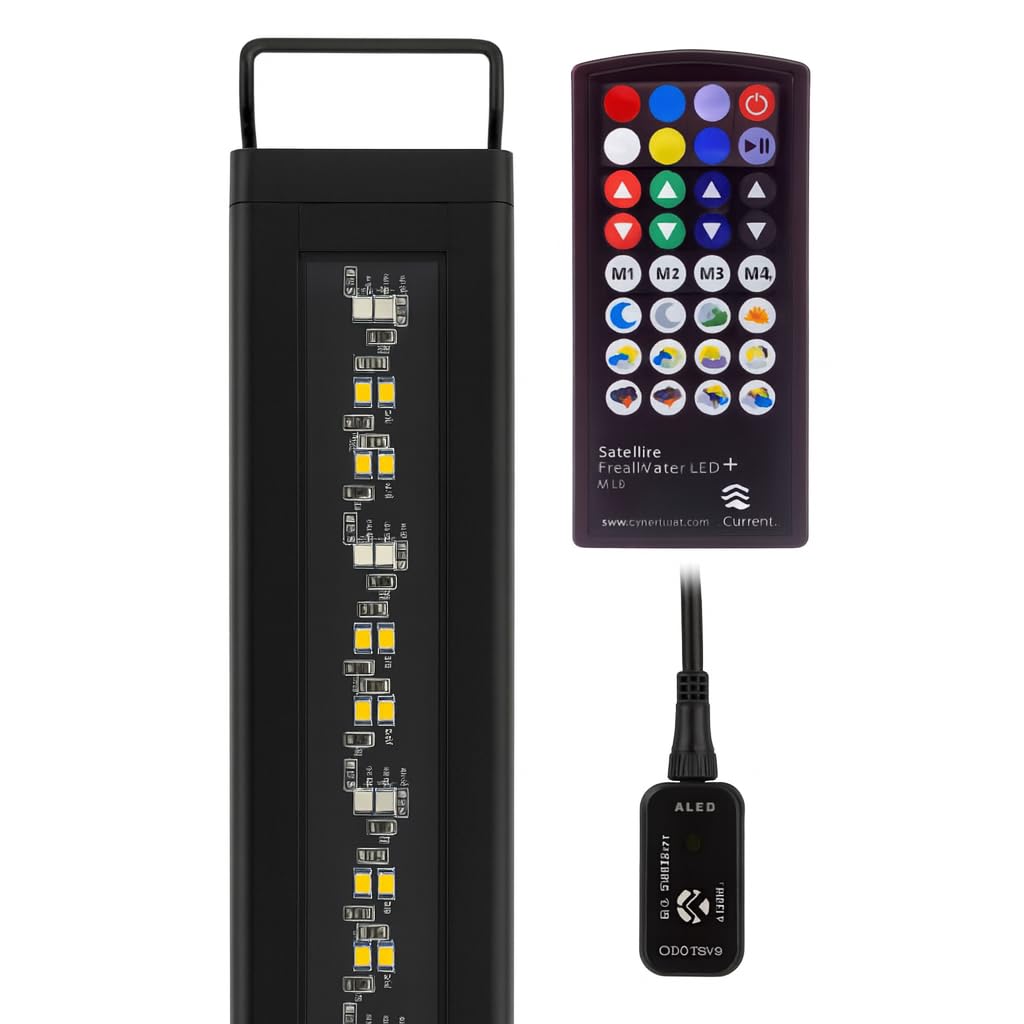
Image: The CURRENT USA Satellite Color RGBW LED Aquarium Light, showcasing its sleek design.
2. Important Safety Instructions
- Read all instructions before using this product.
- Do not operate any appliance if it has a damaged cord or plug, or if it malfunctions or has been dropped or damaged in any manner.
- To avoid the possibility of the appliance plug or receptacle getting wet, position the aquarium stand and tank to one side of a wall-mounted receptacle to prevent water from dripping onto the receptacle or plug.
- A "drip loop" should be arranged by the user for each cord connecting an aquarium appliance to a receptacle. The drip loop is the part of the cord below the level of the receptacle, or the connector if an extension cord is used, to prevent water from traveling along the cord and coming into contact with the receptacle.
- Always unplug the appliance from the outlet when not in use, before putting on or taking off parts, and before cleaning. Never yank cord to pull plug from outlet. Grasp the plug and pull to disconnect.
- Do not install or store the appliance where it will be exposed to the weather or to temperatures below freezing.
- Ensure the light fixture is securely mounted to prevent accidental submersion.
- This product is for indoor use only.
3. What's in the Box
Upon unpacking your CURRENT USA Satellite Color RGBW LED Aquarium Light, please ensure all components are present:
- Satellite Color RGBW LED Light Fixture
- Adjustable Docking Legs (pre-attached or separate)
- IR Remote Control (with battery and spare battery)
- Power Supply (AC Adapter and DC connector with IR receiver)
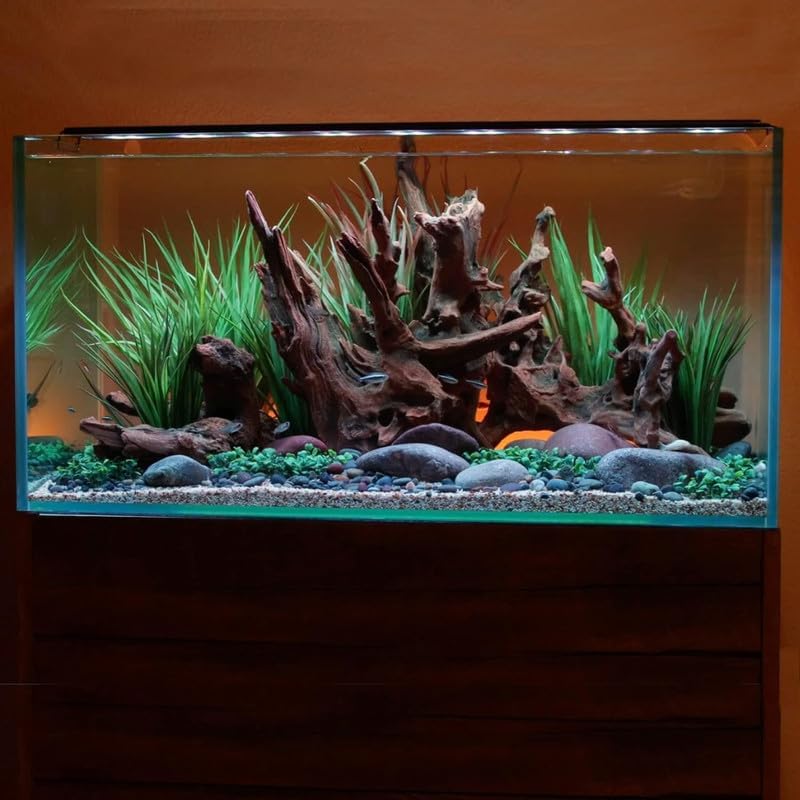
Image: Overview of the light fixture and its components.
4. Setup and Installation
- Unpack the Light: Carefully remove all components from the packaging. Inspect for any damage.
- Attach/Adjust Docking Legs: If the docking legs are not pre-attached, slide them into the channels on each end of the light fixture. Adjust the legs to fit the width of your aquarium. The light is designed for tanks between 24 and 36 inches.
- Mount the Light: Place the light fixture securely on the rim of your aquarium. Ensure the light is stable and centered over the tank.
- Connect Power Supply:
- Connect the DC connector from the light fixture to the power supply's IR receiver module.
- Plug the AC adapter into a standard electrical outlet. Create a drip loop with the power cord to prevent water from reaching the outlet.
- Initial Power On: The light should illuminate once connected to power. Use the remote control to turn it on/off and adjust settings.
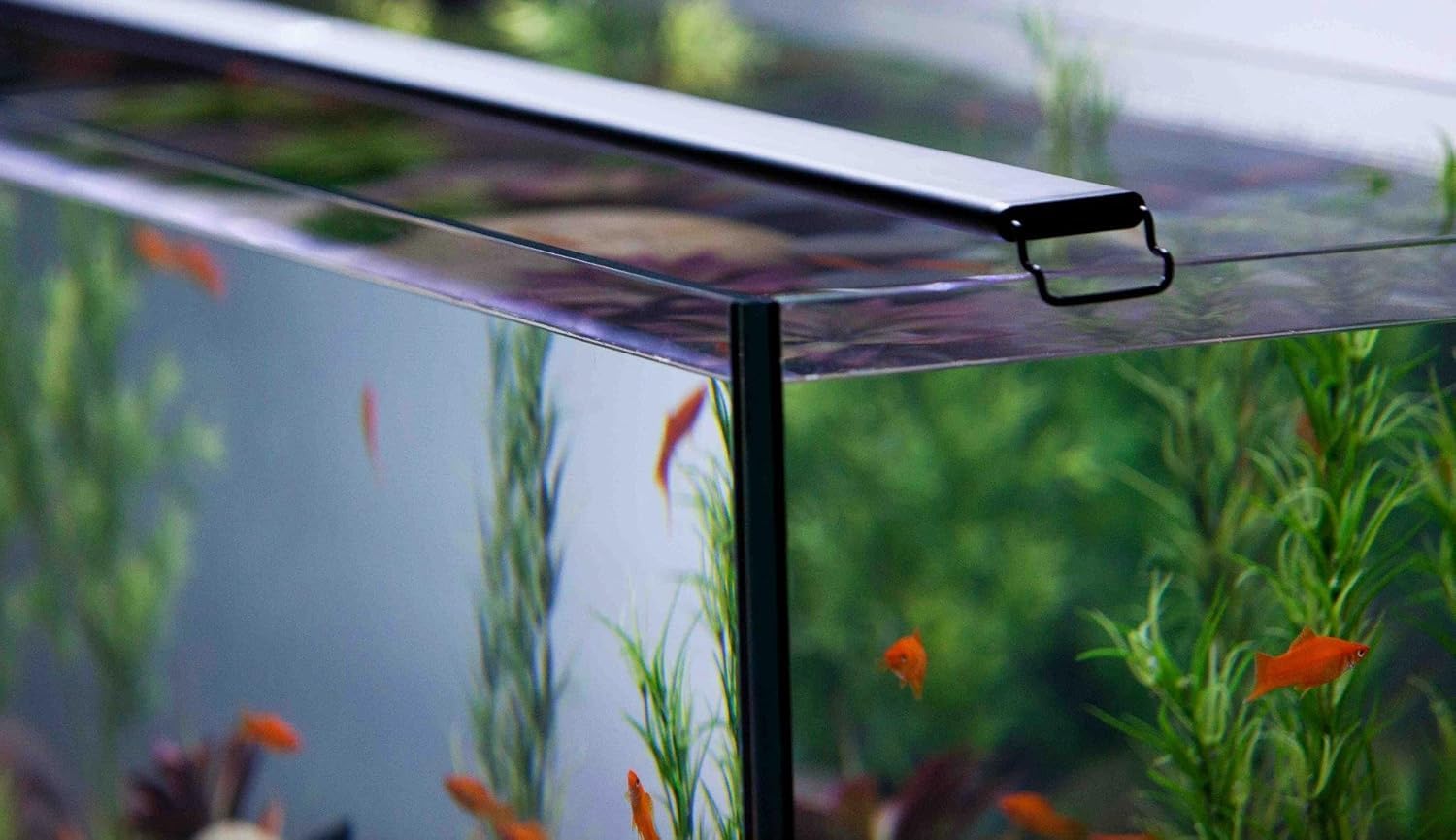
Image: The light fixture securely mounted on the edge of an aquarium.

Image: Close-up of the adjustable docking leg for tank mounting.
5. Operation
The Satellite Color LED light is controlled using the included IR remote. Ensure the remote is pointed towards the IR receiver module on the power cord for optimal response.
5.1 Remote Control Functions

Image: The remote control for the Satellite Color LED light.
- Power Button (⬤): Turns the light on or off.
- Color Selection Buttons: Directly select various colors (Red, Green, Blue, White, Yellow, Cyan, Magenta, etc.).
- Brightness Adjustment (▲ / ▼): Adjust the intensity of the selected color or overall brightness.
- Custom Color Buttons (M1, M2, M3, M4): Save and recall your preferred custom color settings. To save a custom color, adjust the light to your desired color and brightness, then press and hold one of the M buttons until the light flashes. To recall, simply press the corresponding M button.
- Dynamic Fade Modes: Buttons with sun, moon, and cloud icons activate pre-programmed lighting scenarios such as:
- Sunrise/Sunset simulations
- Moonlight effects
- Cloud cover simulations
- Storm effects (with lightning simulation)
5.2 Full Spectrum Color Options
The RGBW LEDs allow for a broad range of colors. Experiment with different combinations to highlight your fish and plants, or to create specific moods within your aquarium.
Video: Demonstrates the full spectrum color options available with the Freshwater Aquarium LED light. This video shows various color changes and effects.
6. Maintenance
Regular maintenance ensures the longevity and optimal performance of your LED aquarium light.
- Cleaning the Fixture: Periodically wipe the light fixture with a soft, damp cloth to remove dust, water spots, and algae buildup. Ensure the light is unplugged before cleaning. Do not use abrasive cleaners or solvents.
- Checking Connections: Routinely inspect all electrical connections (power cord, DC connector) for any signs of wear, corrosion, or loose fittings.
- LED Array: Avoid touching the LED diodes directly. If cleaning is necessary, use a soft, dry cloth.
7. Troubleshooting
| Problem | Possible Cause | Solution |
|---|---|---|
| Light does not turn on. | No power, loose connection, remote battery dead. | Check power outlet. Ensure all connections are secure. Replace remote battery. |
| Remote control is unresponsive. | Remote battery dead, IR receiver obstructed, remote too far or not aimed correctly. | Replace remote battery. Ensure clear line of sight to the IR receiver module. Point remote directly at the receiver. |
| Colors are not changing or dynamic modes do not activate. | Remote issue, internal malfunction. | Verify remote functionality (see above). Unplug the light for 30 seconds and plug back in to reset. If problem persists, contact customer support. |
| Light flickers or dims unexpectedly. | Unstable power supply, loose connection. | Check power connections. Ensure the power outlet is stable. |
8. Specifications
- Model Number: Satellite Color (4511)
- Tank Size Compatibility: 24" - 36" Tanks
- Light Source Type: RGBW LED
- Power Source: Corded Electric
- Switch Type: Remote
- Material Type: Metal, Plastic
- Color: Black
- Indoor/Outdoor Usage: Indoor
- Included Components: LED Light Fixture, Power Supply, Remote Control
- GTIN (UPC): 842959045110
9. Warranty and Support
9.1 Manufacturer's Warranty
This CURRENT USA Satellite Color RGBW LED Aquarium Light (Model 4511) is covered by a 1-year manufacturer's warranty from the date of purchase. This warranty covers defects in materials and workmanship under normal use. It does not cover damage resulting from misuse, accident, modification, or unauthorized repair.
Please retain your proof of purchase for warranty claims.
9.2 Customer Support
For technical assistance, warranty inquiries, or replacement parts, please contact CURRENT USA Customer Support:
- Website: www.current-usa.com
- Email: support@current-usa.com
- Phone: (Toll-Free Number, if available)
When contacting support, please have your product model number (4511) and proof of purchase readily available.
Related documentsSatellite Color


Ask a question about this manual
Ask about setup, troubleshooting, compatibility, parts, safety, or missing instructions. Manuals+ will review the question and use this page’s manual context to help answer it.