
Introduction
Welcome to the user manual for your RCA Wave-88 AI Translation Earbuds. These earbuds are designed to provide real-time language translation, high-definition audio for music and calls, and a comfortable open-ear listening experience. This manual will guide you through the setup, operation, maintenance, and troubleshooting of your device.
Package Contents
- 2 x RCA Wave-88 AI Translation Earbuds
- 1 x Charging Case
- 1 x USB Charging Cable
- 1 x User Manual (this document)
Product Overview

Image: The RCA Wave-88 AI Translation Earbuds resting inside their white charging case, which is open to reveal the earbuds. The case features an LED display on the front.
The RCA Wave-88 earbuds are designed for versatile use, combining real-time translation, audio playback, and call management. They feature an open-ear design for comfort and situational awareness. The charging case includes an LED display to indicate battery status.
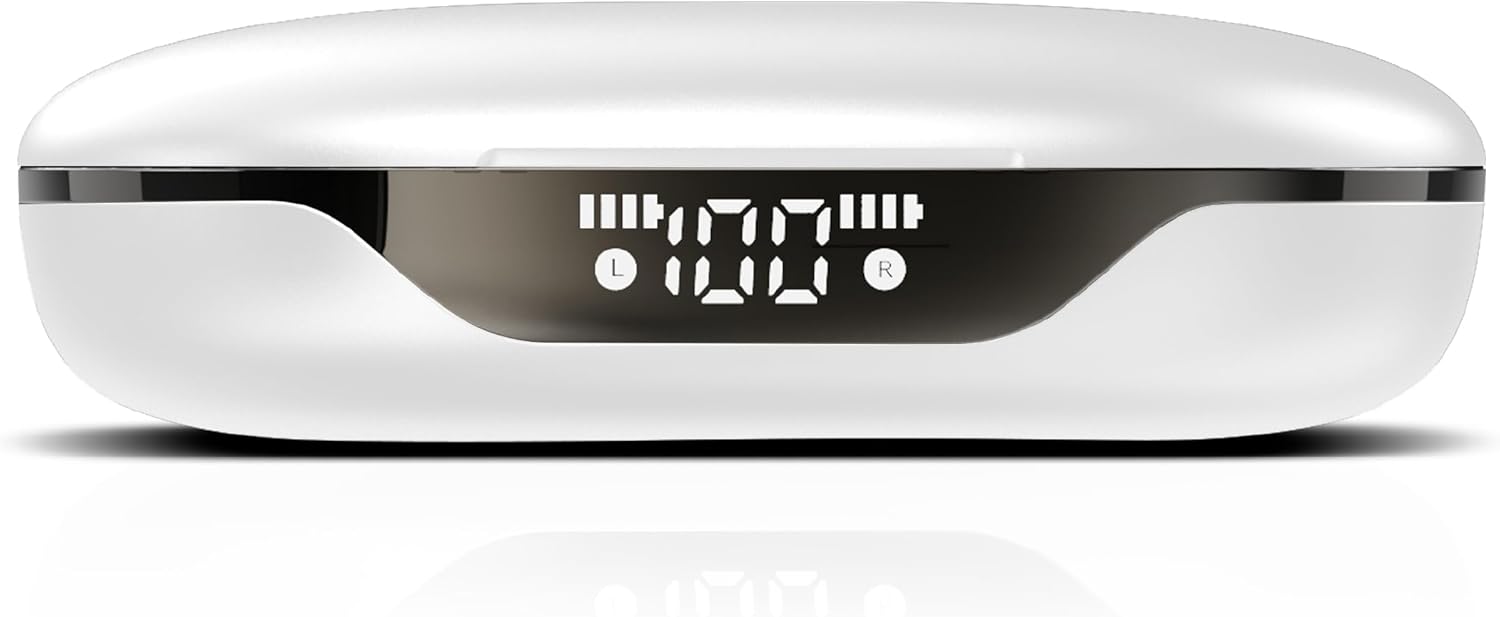
Image: A close-up view of the RCA Wave-88 charging case, highlighting its front LED display which shows battery levels for both the case and individual earbuds (L and R).
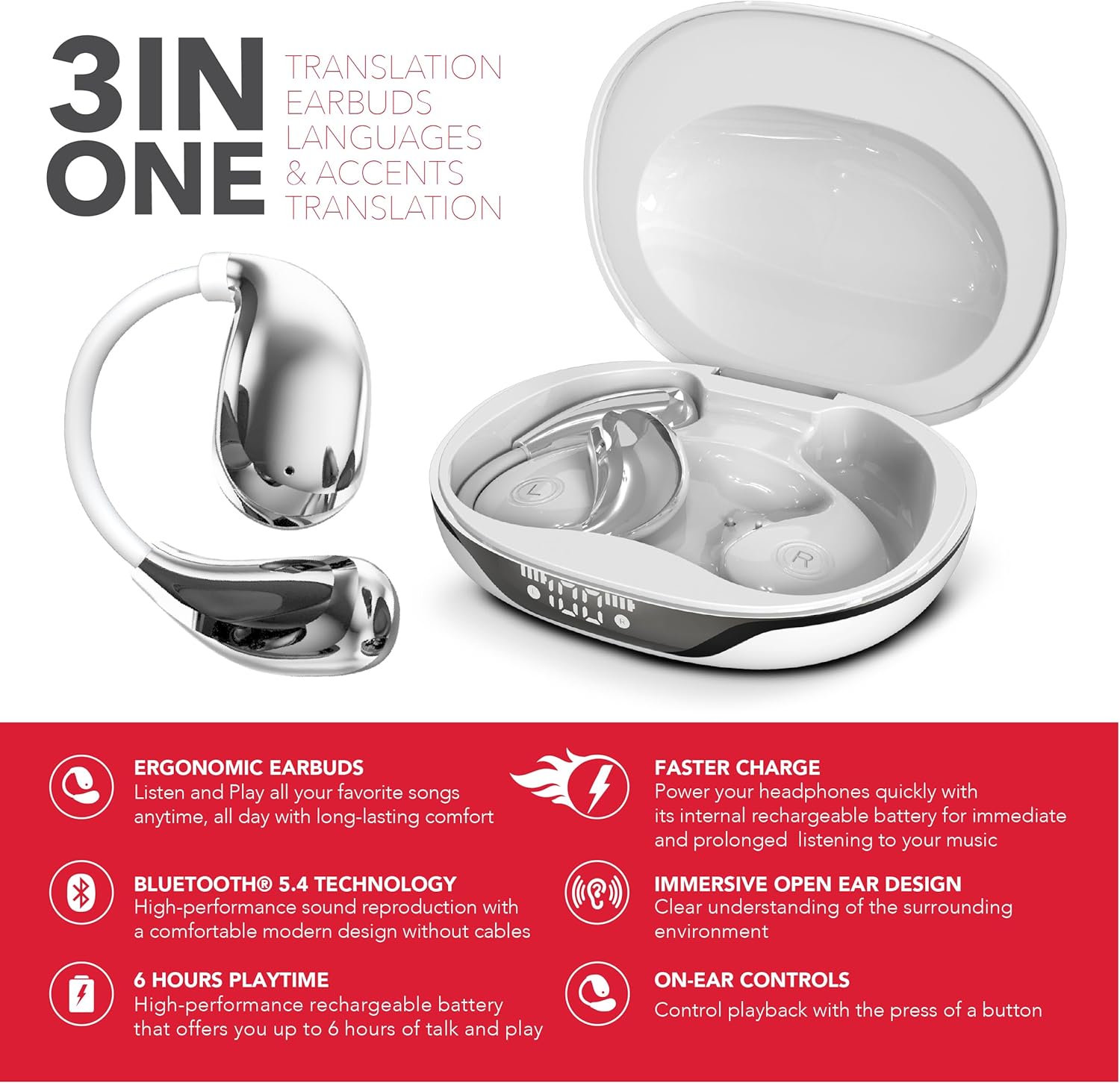
Image: A graphic highlighting the "3-in-1" functionality of the RCA Wave-88 earbuds, emphasizing their capabilities for translation, music, and calls.
Key Features:
- Real-Time AI Translation (144 languages & accents)
- 3-in-1 Functionality: Translation, Music, Calls
- Open-Ear Ergonomic Design with Silicone Hooks
- Bluetooth 5.4 Connectivity
- HD Audio with Noise Cancelling
- IPX7 Waterproof Rating
- Extended Battery Life (up to 60 hours with charging case)
- Smart Touch Controls
Setup
1. Charging the Earbuds and Case
- Place the earbuds into the charging case. Ensure they are correctly seated.
- Connect the charging case to a power source using a USB charging cable.
- The LED display on the case will indicate the charging status. A full charge provides up to 10 hours of earbud use, with the case offering an additional 50 hours.
- A quick 5-minute charge can provide approximately 1 hour of use.
2. Pairing with Your Device
- Open the charging case. The earbuds will automatically power on and enter pairing mode.
- On your smartphone, tablet, or laptop (iOS, Android, etc.), navigate to the Bluetooth settings.
- Search for available devices and select "RCA Wave-88" from the list.
- Once connected, you will hear an audio confirmation, and the earbuds will be ready for use.
3. App Installation
For full translation functionality, download the companion application.
- Search for "NebulaBuds" in the Google Play Store (for Android devices) or the Apple App Store (for iOS devices).
- Install the application and follow the on-screen instructions to connect your earbuds.

Image: The RCA Wave-88 earbuds and charging case displayed alongside logos for NebulaBuds, Google Store, and App Store, indicating app compatibility.
Operating Instructions
1. Power On/Off
- Power On: Open the charging case, and the earbuds will automatically power on.
- Power Off: Place the earbuds back into the charging case and close the lid. They will automatically power off and begin charging.
2. Wearing the Earbuds
The Wave-88 earbuds feature an open-ear design with soft silicone hooks for a secure and comfortable fit.
- Identify the left (L) and right (R) earbuds.
- Gently place each earbud over your ear, ensuring the silicone hook rests securely behind your ear.
- Adjust for optimal comfort and sound.
3. Smart Touch Controls
The earbuds are equipped with intuitive touch controls for managing various functions. Specific gestures may vary slightly; refer to the NebulaBuds app for detailed customization.
- Play/Pause Music: Single tap on either earbud.
- Next Track: Double tap on the right earbud.
- Previous Track: Double tap on the left earbud.
- Answer/End Call: Single tap on either earbud.
- Reject Call: Press and hold on either earbud.
- Activate Voice Assistant: Triple tap on either earbud (e.g., Siri, Google Assistant).
- Volume Control: Specific gestures for volume control may be available or customizable via the app.

Image: A diagram illustrating various features of the RCA Wave-88 earbud, such as touch control, built-in microphones, hands-free calling, and volume control.
4. Translation Functionality
The RCA Wave-88 earbuds offer 3-in-1 functionality, allowing seamless switching between music, calls, and real-time translation.
- Activate Translation Mode: Open the NebulaBuds app on your connected device.
- Select Languages: Within the app, choose your native language and the target language for translation (supports 144 languages and accents).
- Real-Time Translation:
- Earbud Mode: Speak into your earbud's microphone. Your words will be translated and played through the other person's phone speaker, or vice-versa if they are also using an earbud.
- Phone Mode: Hold your phone to the other person, and their speech will be translated and played through your earbuds. Your speech will be translated and played through your phone's speaker.
- Speaker Mode: Both parties can hear translations through the phone's speaker.
- The AI-driven translation provides ultra-low latency for smoother conversations.

Image: An illustration demonstrating the translation capability of the RCA Wave-88 earbuds, showing a person speaking English into the earbud and the translation appearing in Spanish on a phone screen.

Image: A detailed view of a smartphone screen displaying the translation interface, showing English input being translated into Spanish, with the RCA Wave-88 charging case visible below.

Image: A person wearing RCA Wave-88 earbuds, looking at a smartphone displaying a translation, suggesting use in a real-world conversation or meeting.
Maintenance
1. Cleaning
- Gently wipe the earbuds and charging case with a soft, dry, lint-free cloth.
- Do not use abrasive cleaners, alcohol, or chemical solvents.
- Ensure charging contacts on both earbuds and case are clean and free of debris.
2. Storage
- When not in use, store the earbuds in their charging case to protect them and ensure they remain charged.
- Store in a cool, dry place away from direct sunlight and extreme temperatures.
3. Water Resistance (IPX7)
The RCA Wave-88 earbuds have an IPX7 waterproof rating, meaning they are protected against temporary immersion in water (up to 1 meter for 30 minutes).
- This rating protects against sweat and splashes, making them suitable for workouts and outdoor activities.
- Do not intentionally submerge the earbuds or charging case in water.
- The charging case is not waterproof.
- Ensure earbuds are completely dry before placing them back in the charging case to prevent damage.
Troubleshooting
| Problem | Possible Cause | Solution |
|---|---|---|
| Earbuds not powering on. | Low battery. | Place earbuds in the charging case and charge fully. |
| Cannot pair with device. | Bluetooth is off; earbuds not in pairing mode; device too far. | Ensure Bluetooth is enabled on your device. Open the charging case to activate pairing mode. Keep earbuds within Bluetooth range (up to 33 feet). |
| No sound or poor sound quality. | Earbuds not properly connected; volume too low; debris in earbud speaker. | Check Bluetooth connection. Adjust volume on your device. Clean earbud speakers gently. |
| Translation not working correctly. | App not connected; incorrect language selection; poor internet connection. | Ensure the NebulaBuds app is open and connected. Verify correct source and target languages. Translation requires an active internet connection. |
| Earbuds not charging. | Charging cable faulty; charging contacts dirty; case battery depleted. | Try a different USB cable and power adapter. Clean charging contacts. Charge the case fully. |
Specifications
| Model Name | Wave-88 |
| Brand | RCA |
| Connectivity Technology | Wireless (Bluetooth 5.4) |
| Ear Placement | On Ear (Open-Ear Design) |
| Form Factor | True Wireless |
| Translation Languages | 144 languages & accents |
| Waterproof Rating | IPX7 |
| Earbud Playtime | Up to 10 hours per charge |
| Total Playtime (with case) | Up to 60 hours |
| Quick Charge | 1 hour use from 5 minutes charge |
| Item Weight | 5 ounces |
| UPC | 810185790357 |
Warranty and Support
For warranty information and customer support, please refer to the official RCA website or contact their customer service directly. Specific warranty terms and conditions may vary by region and retailer.
Keep your proof of purchase for any warranty claims.


