
1. Introduction
The Anyloop AMOLED Fitness Tracker Watch is designed to help you monitor your health and fitness activities. Featuring a vibrant AMOLED display, comprehensive health tracking, and various smart functions, this device is a versatile companion for your daily life and workouts.
2. What's in the Box
- Anyloop AMOLED Fitness Tracker Watch
- Charging Cable
- Quick Start Guide
3. Setup
3.1. Charging the Device
Before first use, fully charge your Anyloop Fitness Tracker. Connect the magnetic charging cable to the charging points on the back of the watch. Connect the USB end of the cable to a power adapter (not included) or a computer's USB port. A full charge typically takes 1.5 hours and supports 10-12 days of daily use or 21 days of standby time.
3.2. Pairing with Your Smartphone
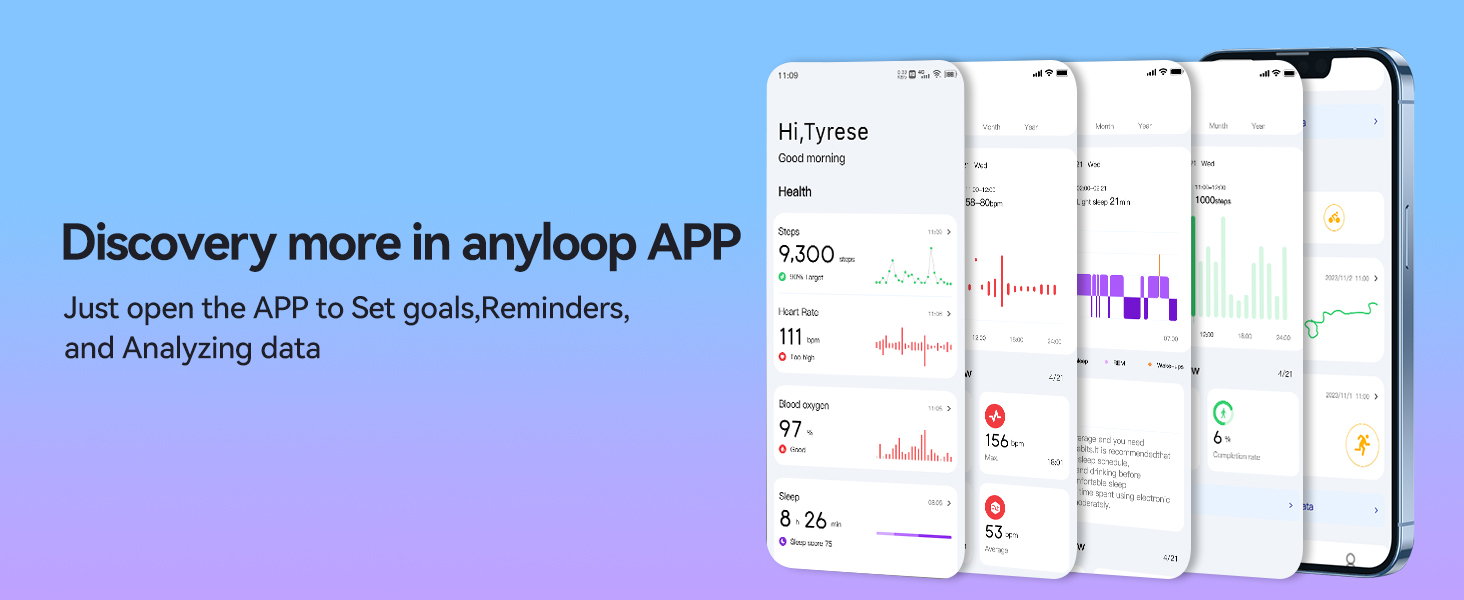
- Scan the QR code provided in the Quick Start Guide or on the product packaging to download and install the 'anyloop' app. The app is compatible with iOS 9.0+ and Android 5.0+ devices.
- Ensure your phone's Bluetooth is turned on.
- Open the 'anyloop' app and register your account as instructed.
- In the app, navigate to 'More settings' and select 'Add Device'.
- Click on the watch's Bluetooth name (e.g., 'anyloop Band 2') to initiate pairing.
- Confirm the binding request on your watch by tapping the checkmark. Once paired, the watch face will appear automatically.

Video: This video demonstrates the unboxing and initial setup process, including how to attach the band and power on the device.
4. Operating Instructions
4.1. Navigation
The watch features a 1.58" AMOLED full touch screen. Swipe left, right, up, or down to navigate through different menus and functions. Use the side button to return to the home screen or activate certain features.
4.2. Health Monitoring
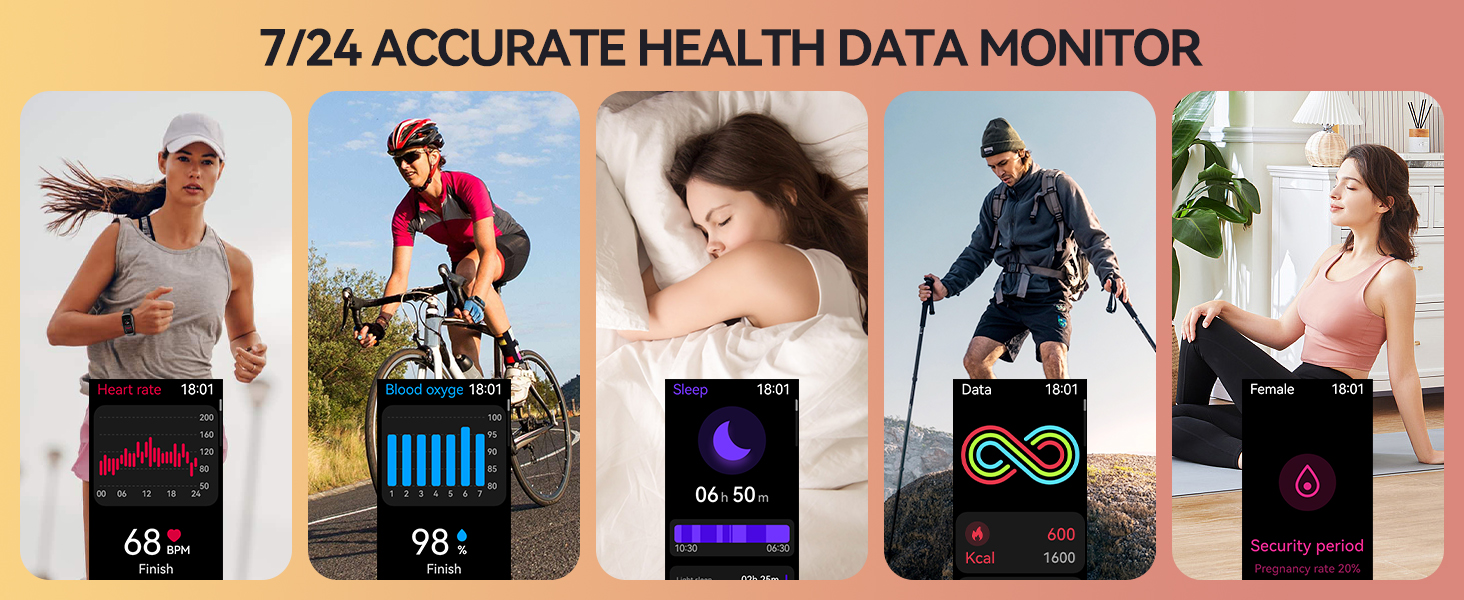
- 24/7 Heart Rate Tracking: The watch continuously monitors your heart rate. Access real-time data on your wrist or view detailed all-day records in the 'anyloop' app. An alarm will sound if your heart rate saturation is high.
- SpO2 Monitoring: Manually measure your blood oxygen levels at any time.
- Advanced Sleep Tracking: Accurately measures sleep quality, including deep sleep, light sleep, and awake periods. It also supports nap tracking to help improve sleep habits.
- Stress Monitoring: Manually assess your physical and mental well-being.
4.3. Sports Modes & Activity Tracking
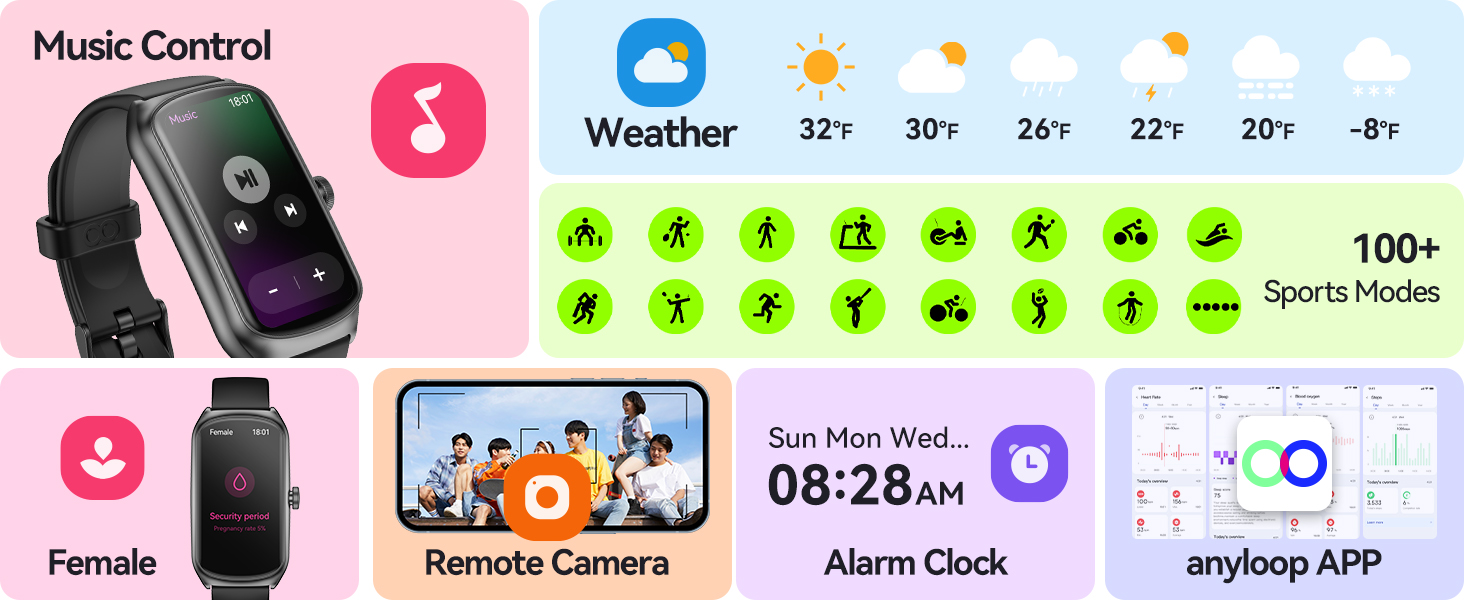
The fitness tracker offers over 100 sports modes to accurately record all-day activities and provide professional analysis. Modes include Walking, Running, Treadmill, Hiking, Cycling, Basketball, Swimming, Badminton, Elliptical, Yoga, Table Tennis, Rope Skipping, and more.

4.4. Intelligent Notifications & Multifunctional Assistance
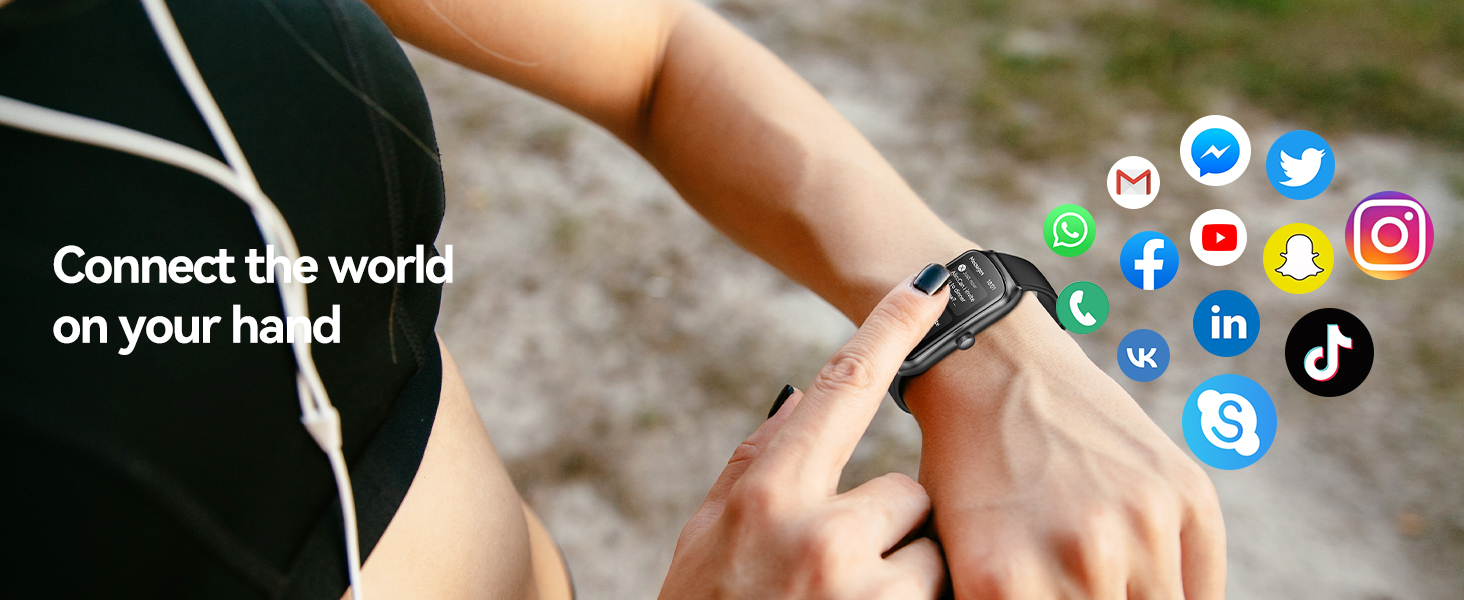
- Smart Notifications: Receive timely alerts for calls, messages, emails, and social media notifications (e.g., Facebook, X, Instagram, WhatsApp, TikTok) through vibrations and on-screen displays when connected to your smartphone.
- Additional Functions: Access weather updates, menstrual cycle reminders, camera and music control, sedentary reminders, drink water reminders, alarm clock, stopwatch, calculator, and 'Find Phone' feature.
Video: This video highlights various features of the Anyloop Fitness Tracker, including heart rate monitoring, sleep tracking, sports modes, and smart notifications.
5. Maintenance
5.1. Waterproofing
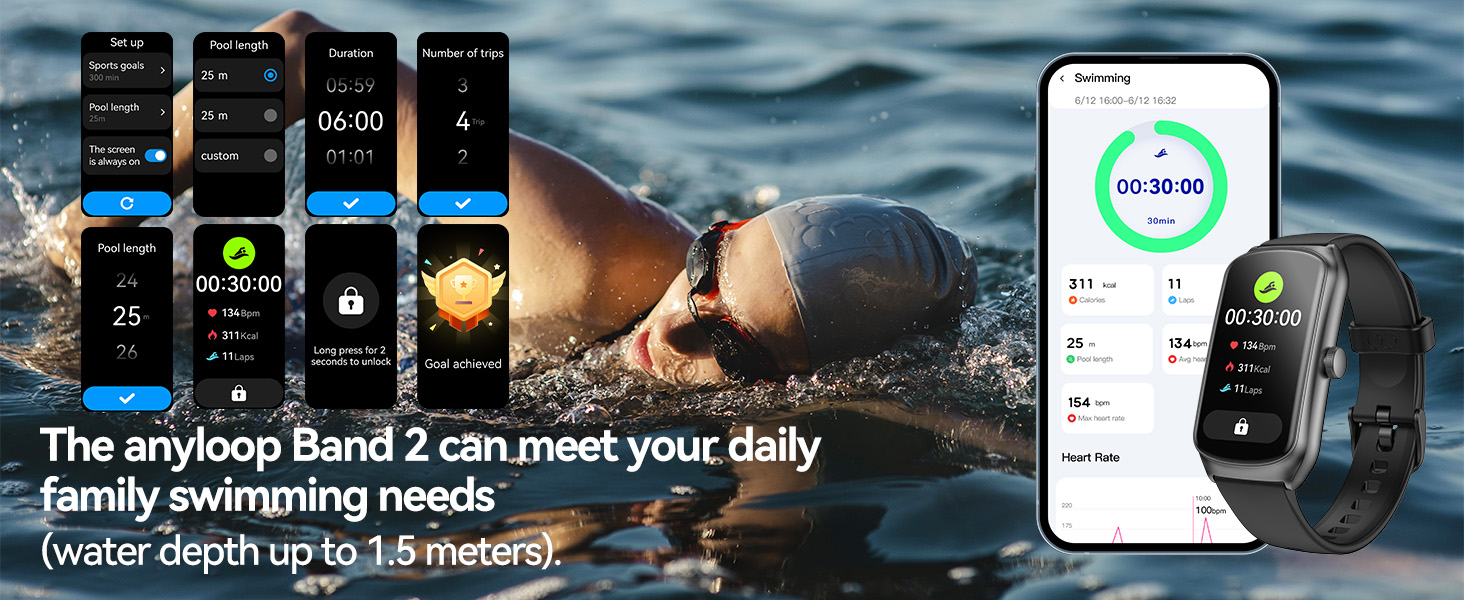
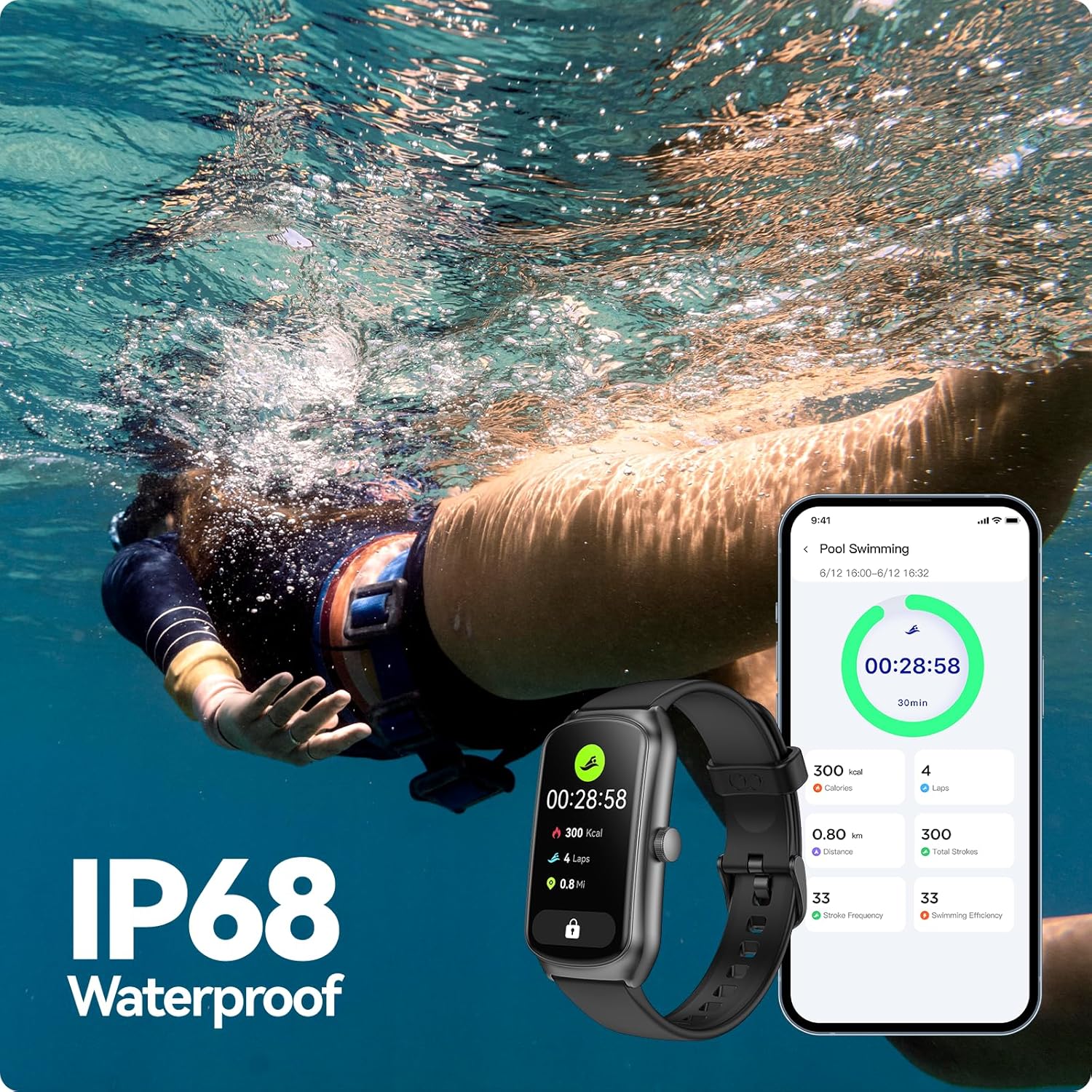
The Anyloop Fitness Tracker features IP68 waterproofing. This makes it suitable for daily activities such as handwashing, showering, and use in rainy weather. It is also designed with a super swimming algorithm to calculate swimming trips, time, calories, and heart rate, allowing you to set swimming goals and pool length.
5.2. Cleaning and Care
Regularly clean your watch and strap with a soft, damp cloth. Avoid using harsh chemicals or abrasive materials. Ensure the charging contacts are clean and dry before charging.
6. Troubleshooting
6.1. Device Not Pairing
- Ensure Bluetooth is enabled on your smartphone.
- Make sure the watch is sufficiently charged.
- Restart both your smartphone and the fitness tracker.
- Ensure the 'anyloop' app is updated to the latest version.
- If the issue persists, try unpairing the device from your phone's Bluetooth settings and re-attempt the pairing process.
6.2. Inaccurate Health Data
- Ensure the watch is worn snugly on your wrist, but not too tight.
- Clean the sensors on the back of the watch.
- Avoid excessive movement during measurements for heart rate and SpO2.
7. Specifications
| Screen Size | 1.58 Inches AMOLED |
| Resolution | 228×460 pixels |
| Brightness | 450 nits |
| Waterproof Rating | IP68 |
| Battery Capacity | 250mAh |
| Charging Time | Approx. 1.5 hours |
| Daily Use Time | 10-12 days |
| Standby Time | Up to 21 days |
| Connectivity | Bluetooth |
| Operating System | anyloop APP |
| GPS | GPS Via Smartphone |
| Item Weight | 2.82 ounces |
8. Warranty and Support
For warranty information, technical support, or customer service inquiries, please refer to the contact details provided in your product packaging or visit the official Anyloop website. Keep your purchase receipt for warranty claims.


