
TAGRY H08
TAGRY H08 Hybrid Active Noise Cancelling Headphones User Manual
Model: H08 | Brand: TAGRY
Introduction
Thank you for choosing the TAGRY H08 Hybrid Active Noise Cancelling Headphones. This manual provides detailed instructions for setting up, operating, and maintaining your headphones to ensure optimal performance and longevity. Please read this manual thoroughly before use.
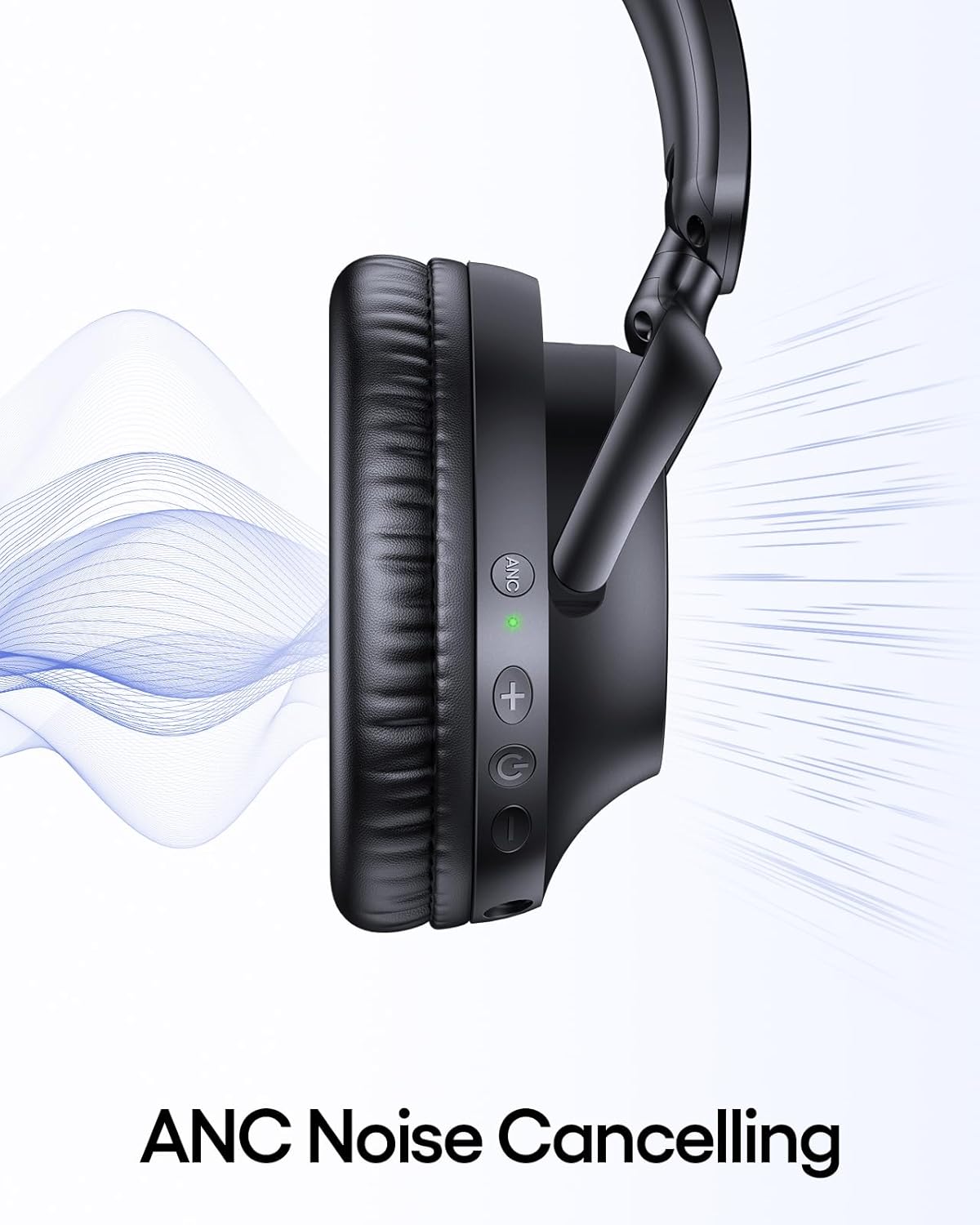
Image: The TAGRY H08 Hybrid Active Noise Cancelling Headphones in black, showcasing their over-ear design.
What's Included
Verify that all items are present in your package:
- TAGRY H08 Headphones
- User Manual
- AUX 3.5mm Audio Cable
- Travel Pouch
- Type C Charging Cable
Key Features
- Hybrid Active Noise Cancellation (ANC): Reduces up to 95% of ambient noise for an immersive listening experience.
- Extended Playtime: Up to 100 hours of music playback on a single charge.
- Fast Charging: A 5-minute charge provides approximately 10 hours of listening time.
- Hi-Res Audio: Delivers high-quality audio with deep, punchy bass through 40mm dynamic drivers.
- Dual Connectivity: Supports both wireless Bluetooth 5.0 and wired 3.5mm AUX connections.
- Comfort Design: Lightweight (0.54 lbs) with ultra-soft protein leather ear cups for prolonged comfort.
- Portable: Foldable design and included travel pouch for easy transport.
- Adjustable Fit: Ear cups rotate up to 105 degrees, and the headband is adjustable for various head sizes.
- Waterproof: IPX7 rating provides protection against water immersion.
Setup
1. Charging the Headphones
Before first use, fully charge your headphones. Connect the supplied Type C charging cable to the charging port on the headphones and to a 5V power source (e.g., a USB wall adapter or computer USB port).
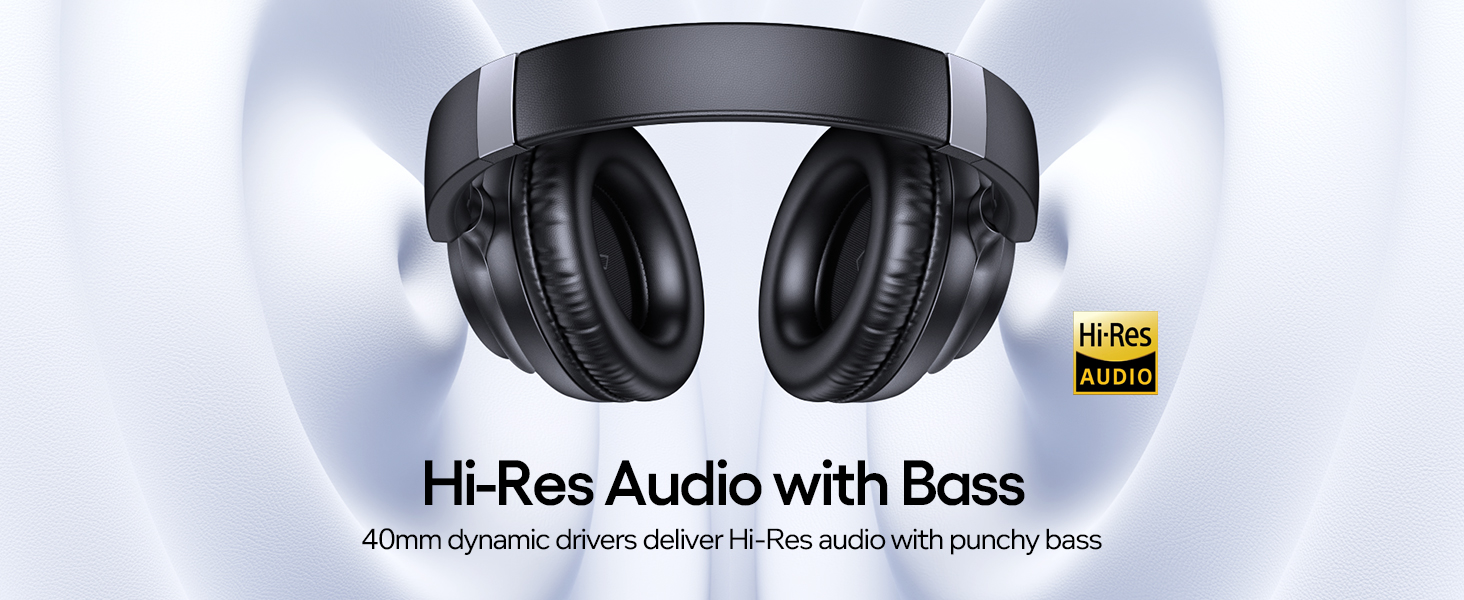
Image: TAGRY H08 headphones connected to a Type C charging cable, highlighting the fast charging feature that provides 10 hours of playtime from a 5-minute charge.
A full charge takes approximately 1 hour. The LED indicator will change to show charging status. A 5-minute charge provides approximately 10 hours of playtime, and a full charge offers up to 100 hours.
2. Powering On/Off
To power on, press and hold the Power button for approximately 2 seconds until the indicator light illuminates. To power off, press and hold the Power button again until the indicator light turns off.
3. Bluetooth Pairing
When powered on for the first time, the headphones will automatically enter pairing mode. The LED indicator will flash, indicating it's ready to connect.
- Ensure Bluetooth is enabled on your device (smartphone, tablet, PC).
- Search for "H08" in the list of available Bluetooth devices.
- Select "H08" to connect. Once connected, the LED indicator will stop flashing and remain solid blue.

Image: Visual guide demonstrating Bluetooth pairing for the H08 headphones, showing the device list on a smartphone screen and a reset option.
The headphones will automatically reconnect to the last paired device when powered on, if the device is within range and has Bluetooth enabled.
Operating Instructions
Button Controls
The TAGRY H08 headphones feature intuitive button controls located on the earcups:

Image: Detailed diagram illustrating the function of each button on the H08 headphones, including power, volume, track control, call management, and ANC toggle.
- Power Button (G): Press and hold for 2 seconds to Power On/Off. Short press to Play/Pause music or Answer/End calls. Double press to Redial last number.
- Volume Up (+): Short press to increase volume. Long press for Next Track.
- Volume Down (-): Short press to decrease volume. Long press for Previous Track.
- ANC Button: Short press to toggle Active Noise Cancellation On/Off.
- Microphone: Integrated for calls.
Active Noise Cancellation (ANC)
The ANC feature reduces ambient noise. To activate or deactivate ANC, press the dedicated ANC button on the earcup. An indicator light will confirm the ANC status.
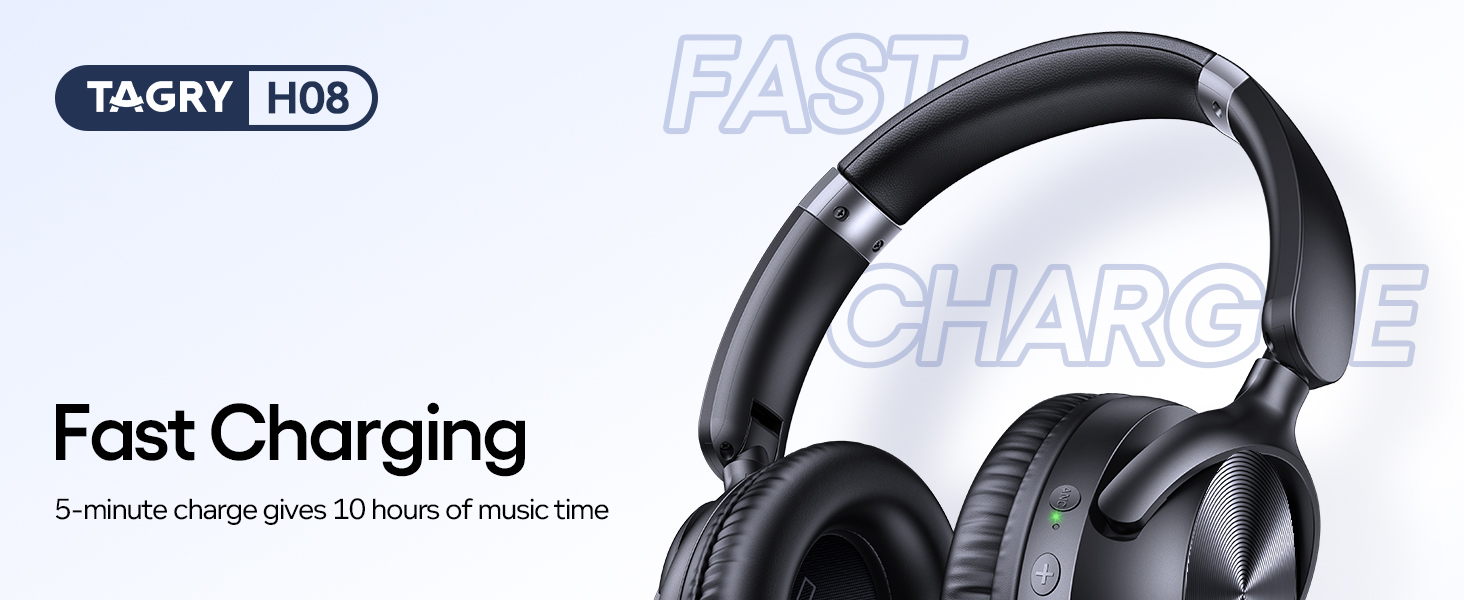
Image: A close-up view of the headphone earcup highlighting the ANC button and its green indicator light, with sound waves illustrating noise cancellation.
Wired Connection (3.5mm AUX)
For devices without Bluetooth or when battery is low, use the included 3.5mm AUX audio cable. Connect one end to the headphone's 3.5mm jack and the other to your audio source.
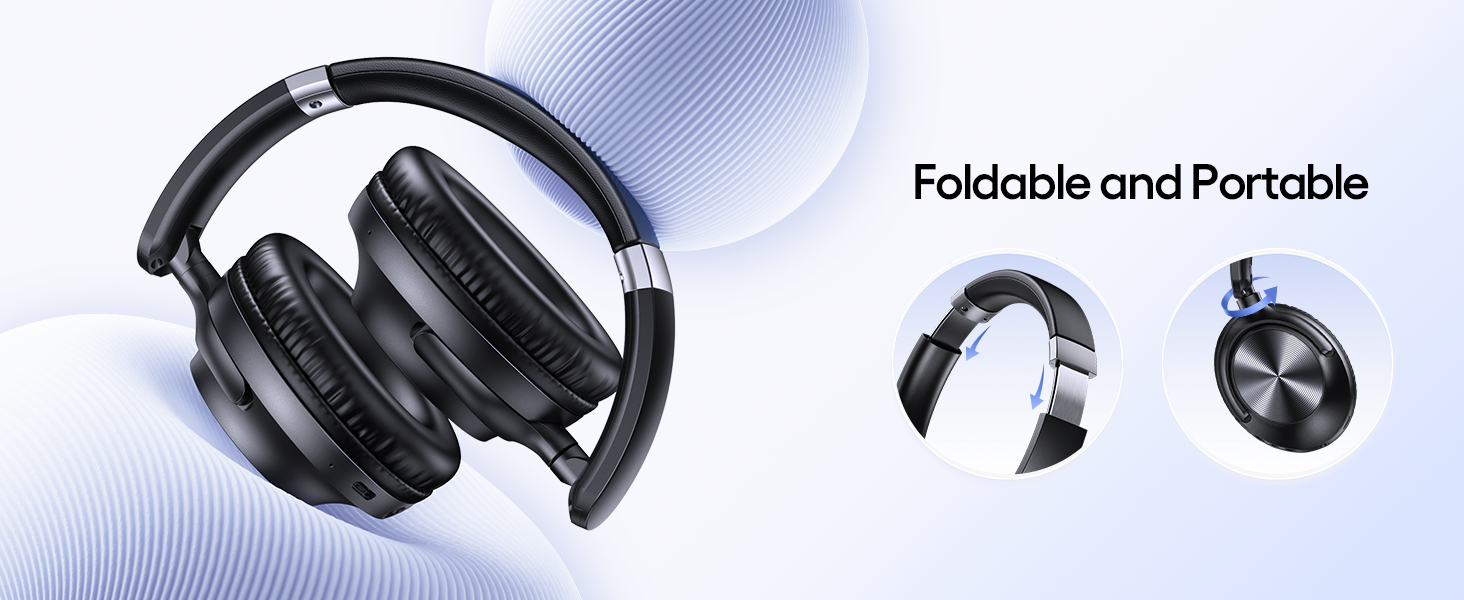
Image: The H08 headphones demonstrating both wireless Bluetooth connectivity and the option to use a 3.5mm AUX wired connection.
Note: Some headphone functions, like button controls, may be limited when using a wired connection.
Maintenance
- Clean the headphones regularly with a soft, dry cloth.
- Avoid exposing the headphones to extreme temperatures or direct sunlight for extended periods.
- Store the headphones in the provided travel pouch when not in use to protect them from dust and damage.
- Do not attempt to disassemble or modify the headphones, as this will void the warranty.
Troubleshooting
If you encounter issues with your TAGRY H08 headphones, refer to the following common solutions:
| Problem | Solution |
|---|---|
| Headphones do not power on. | Ensure the headphones are fully charged. Press and hold the Power button for 2 seconds. |
| Cannot pair with device. |
|
| No sound or low volume. |
|
| ANC not working. | Press the ANC button to ensure it is activated. Check for any obstructions around the ANC microphones. |
Specifications
| Feature | Detail |
|---|---|
| Model Name | H08 |
| Noise Control | Active Noise Cancellation |
| Connectivity Technology | Wireless (Bluetooth), Wired (3.5mm AUX) |
| Wireless Communication Technology | Bluetooth 5.0 |
| Battery Life | Up to 100 Hours |
| Charging Time | 1 Hour (for full charge) |
| Fast Charging | 5 minutes charge for 10 hours playtime |
| Headphones Jack | 3.5 mm Jack |
| Frequency Response | 20000 Hz |
| Material | Acrylonitrile Butadiene Styrene (ABS), Plastic |
| Item Weight | 0.54 lbs (approx. 245g) |
| Water Resistance Level | Waterproof (IPX7) |
| Control Type | Button Control |
| Earpiece Shape | Over-Ear |
Warranty and Support
TAGRY products are designed for reliability and performance. For warranty information or technical support, please refer to the contact details provided on the product packaging or visit the official TAGRY website. Keep your purchase receipt as proof of purchase.
Ask a question about this manual
Ask about setup, troubleshooting, compatibility, parts, safety, or missing instructions. Manuals+ will review the question and use this page’s manual context to help answer it.