
Introduction
This manual provides detailed instructions for the installation, operation, and maintenance of your PHYSEN Wireless Doorbell Kit. Please read this manual thoroughly before use to ensure proper function and longevity of the product.
Package Contents
- 1 x Wireless Doorbell Transmitter (Push Button)
- 3 x Wireless Doorbell Receivers (Plug-in Chime)
- Mounting Hardware (Screws, Anchors, Double-sided Adhesive Tape)
- 1 x 12V 23A Alkaline Battery (Pre-installed in Transmitter)
- 1 x User Manual

Image 1: The PHYSEN Wireless Doorbell Kit components, including the push button transmitter and three plug-in receivers. This image illustrates the complete set of devices included in the package.
Product Features
- 58 Selectable Melodies & 5 Volume Levels: Choose from 58 distinct chimes and adjust volume from 0 dB (mute) to 110 dB. The system retains your last selected melody and volume setting after power cycles.
- IP55 Waterproof Transmitter: The push button is designed for outdoor use, resistant to water and various weather conditions, operating effectively between -4°F and 140°F.
- Extended Wireless Range: Operates up to 1300 feet (400 meters) in open areas, suitable for large homes, apartments, offices, and classrooms.
- Expandable System: Supports additional PHYSEN transmitters and receivers, allowing for customized configurations and multiple entry points.
- LED Strobe Indicator: Provides a visual alert for visitors, useful in noisy environments or for individuals with hearing impairments.
Setup
1. Unpacking and Initial Check
Carefully remove all components from the packaging. Verify that all items listed in the "Package Contents" section are present and undamaged.
2. Installing the Transmitter (Push Button)
The transmitter is powered by a pre-installed 12V 23A alkaline battery. Ensure the battery's insulating strip is removed if present.
- Choose a Location: Select a flat, vertical surface near your door. Ensure the surface is clean and dry.
- Mounting Options:
- Adhesive Tape (Recommended for smooth surfaces): Peel off one side of the double-sided adhesive tape and attach it to the back of the transmitter. Peel off the other side and firmly press the transmitter onto the desired location for at least 30 seconds.
- Screws (Recommended for uneven surfaces or enhanced security): Open the back cover of the transmitter. Mark the positions for the screw holes on the wall. Drill pilot holes if necessary and insert wall anchors. Secure the transmitter's back cover to the wall using the provided screws. Reattach the front cover.
3. Installing the Receivers (Plug-in Chimes)
- Plug each receiver into a standard electrical outlet in your desired locations within your home, office, or classroom.
- Ensure the outlets are easily accessible and not obstructed.

Image 2: A PHYSEN doorbell receiver plugged into a standard wall outlet, demonstrating its compact design that does not obstruct adjacent sockets.

Image 3: This image displays the compact dimensions of both the receiver and the transmitter, highlighting that the receiver is designed not to block other wall outlets.
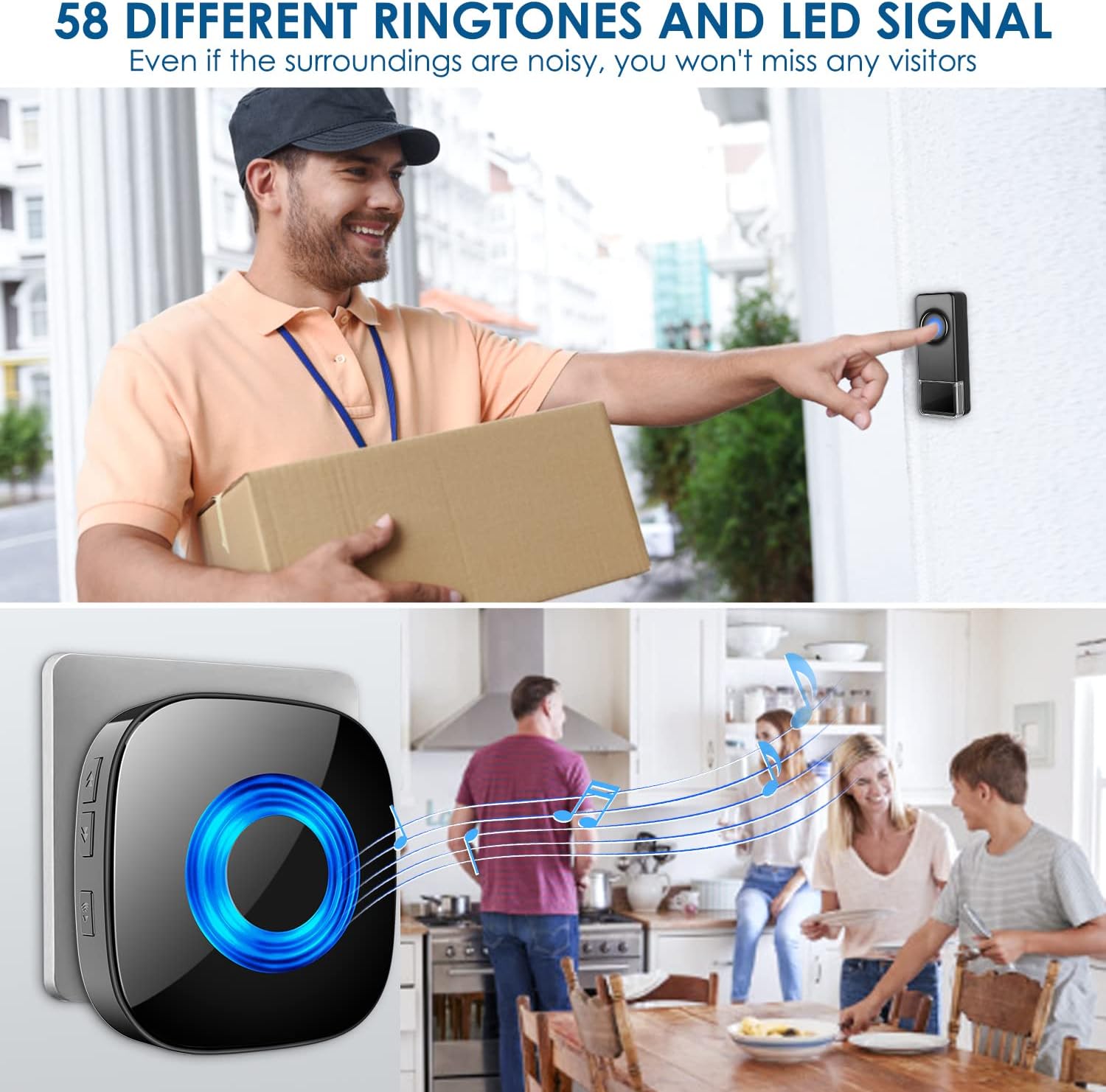
Image 4: A floor plan illustrating the effective 1300ft working range of the wireless doorbell system, showing how multiple receivers can be strategically placed throughout a home to ensure coverage.
Operating Instructions
1. Pairing (If necessary)
The transmitter and receivers are pre-paired at the factory. If they do not ring when the push button is pressed, or if you wish to add more transmitters/receivers, follow these steps:
- Plug the receiver into an outlet.
- Press and hold the Volume button on the receiver for 5 seconds until you hear a "ding" sound and the LED indicator flashes rapidly. This indicates the receiver is in pairing mode.
- Immediately press the transmitter (push button) once.
- You will hear the selected chime, confirming successful pairing.
- If pairing fails, repeat the steps. Pairing mode lasts for approximately 5 seconds.
2. Changing Melodies
Each receiver can have a different melody assigned.
- Press the "Forward" or "Backward" button on the side of the receiver to cycle through the 58 available melodies.
- Once you hear a melody you like, stop pressing the buttons. The receiver will automatically save this melody.
- To assign this melody to a specific transmitter, follow the pairing steps above while the desired melody is playing.

Image 5: A visual representation of the doorbell in use, with a person pressing the outdoor transmitter and a receiver chiming inside a home, indicating a visitor's arrival.
3. Adjusting Volume
The receiver has 5 adjustable volume levels, including a mute mode.
- Press the "Volume" button on the side of the receiver repeatedly to cycle through the volume levels.
- The LED indicator will flash to confirm the volume change.
- The mute mode (0 dB) is indicated by no sound and only the LED flashing when the doorbell is pressed.
4. Mute Mode
To activate mute mode, press the "Volume" button until the sound is off. In this mode, the receiver's LED indicator will still flash when the doorbell is pressed, providing a visual alert without sound.

Image 6: This graphic highlights key features of the PHYSEN doorbell system, including the selection of 58 ringtones, a wide volume range from 0 to 110 dB, an eye-catching LED indicator, and a memory function that saves settings.
Maintenance
1. Cleaning
Wipe the transmitter and receivers with a soft, dry cloth. Do not use abrasive cleaners or solvents, as these may damage the surface or internal components.
2. Battery Replacement (Transmitter)
The transmitter uses a 12V 23A alkaline battery. When the LED indicator on the transmitter no longer lights up when pressed, or the range decreases significantly, it's time to replace the battery.
- Carefully open the back cover of the transmitter.
- Remove the old battery and dispose of it properly according to local regulations.
- Insert a new 12V 23A alkaline battery, ensuring the correct polarity (+/-).
- Close the back cover securely.

Image 7: This image emphasizes the IP55 waterproof and weatherproof capabilities of the doorbell transmitter, detailing its operating temperature range (-4°F to 140°F) and an estimated 3-year battery lifespan.
Troubleshooting
| Problem | Possible Cause | Solution |
|---|---|---|
| Doorbell does not ring. |
|
|
| Shortened wireless range. |
|
|
| Receiver LED flashes but no sound. | Receiver is in mute mode. | Press the "Volume" button to increase the volume level. |
Specifications
- Model: B0FMK6RTLY
- Wireless Range: Up to 1300 ft (400 m) in open area
- Melodies: 58 selectable chimes
- Volume Levels: 5 levels (0 dB to 110 dB)
- Transmitter Power: 1 x 12V 23A Alkaline Battery (included)
- Receiver Power: AC 110-240V (Plug-in)
- Waterproof Rating (Transmitter): IP55
- Operating Temperature: -4°F to 140°F (-20°C to 60°C)
- Certifications: FCC, CE, RoHS
Warranty and Support
PHYSEN offers an 18-month warranty for this product. For any questions, technical support, or warranty claims, please contact PHYSEN customer service. Contact information can typically be found on the product packaging or the official PHYSEN website.
Please retain your purchase receipt as proof of purchase for warranty purposes.


