1. Introduction
Thank you for choosing the Lexar ES3 Portable SSD. This manual provides essential information for setting up, operating, maintaining, and troubleshooting your device. The Lexar ES3 is a high-speed external solid-state drive designed for efficient data transfer and reliable storage across various compatible devices.

Figure 1.1: Lexar ES3 Portable SSD
The Lexar ES3 Portable SSD features a sleek, durable design and offers high-speed data transfer capabilities, making it ideal for professionals and everyday users alike.
2. Package Contents
Please verify that all items are present in your product package:
- Lexar ES3 Portable SSD
- USB Type-C to USB Type-C/USB-A 2-in-1 Data Cable
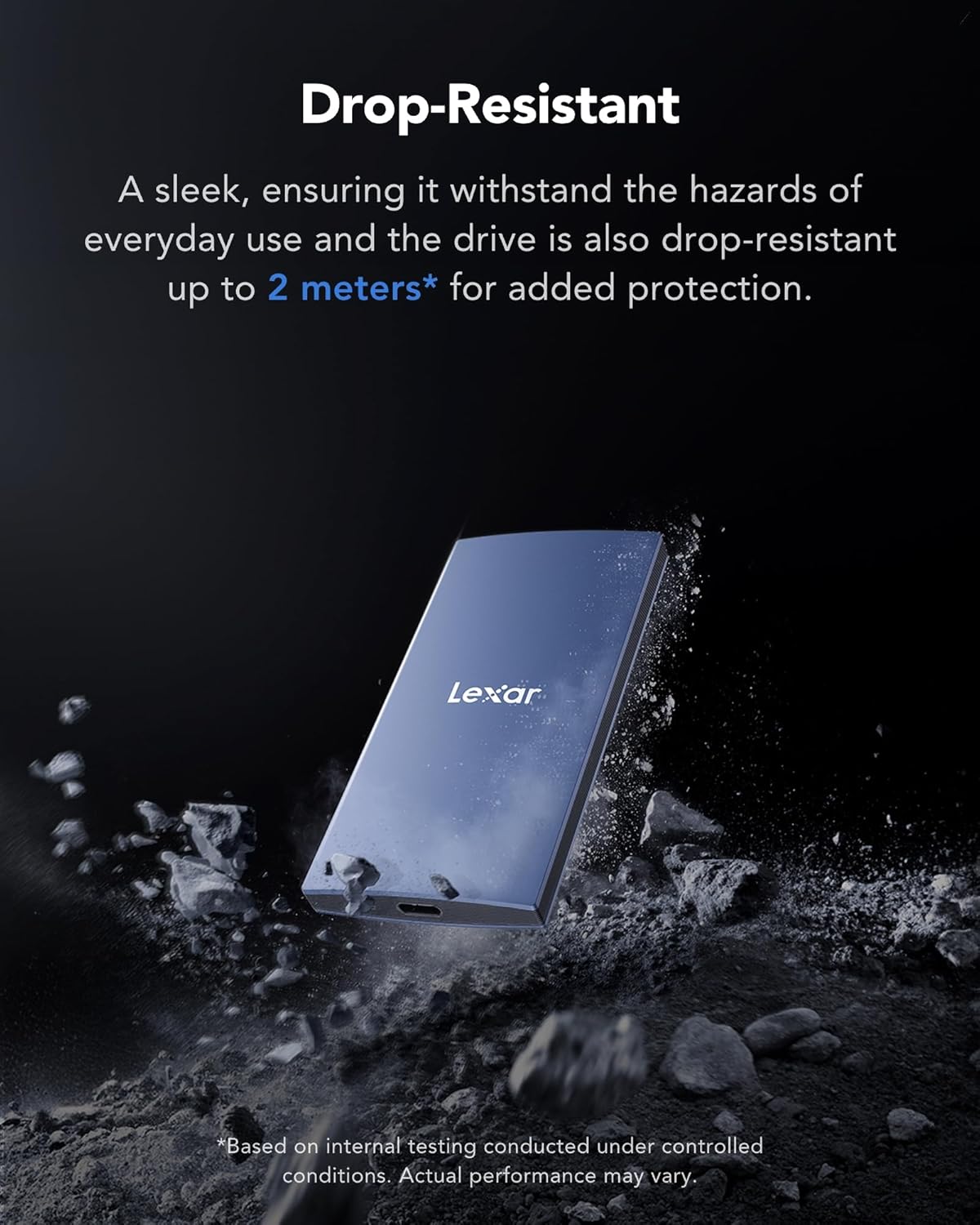
Figure 2.1: Lexar ES3 Portable SSD and USB Cable
The package includes the Lexar ES3 SSD and a versatile 2-in-1 USB cable for broad compatibility.
3. Setup and Connection
Follow these steps to connect and prepare your Lexar ES3 Portable SSD for use:
- Connect the Cable: Use the provided 2-in-1 USB cable. Connect the USB Type-C end to the Lexar ES3 SSD.
- Connect to Device: Connect the other end of the cable to your host device. The cable supports both USB Type-C and USB Type-A ports.
- Device Recognition: Your operating system (Windows, macOS, Android, iOS 15+, PlayStation, Xbox) should automatically detect the Lexar ES3 SSD.
- Initial Formatting (if needed): For optimal performance and compatibility, especially if using with a new operating system or for specific applications, you may need to format the drive. Refer to your operating system's disk management tools for formatting instructions. Note: Formatting will erase all data on the drive.

Figure 3.1: Connecting the ES3 SSD to various devices
The Lexar ES3 offers extensive compatibility, connecting seamlessly to laptops, smartphones (iPhone 15 series and Android), and tablets.
4. Operating the SSD
4.1 Data Transfer
Once connected, the Lexar ES3 SSD functions like any other external storage device. You can drag and drop files, copy and paste, or use your system's file management software to transfer data. The USB 3.2 Gen 2 interface supports read speeds up to 1050MB/s and write speeds up to 1000MB/s for rapid file transfers.
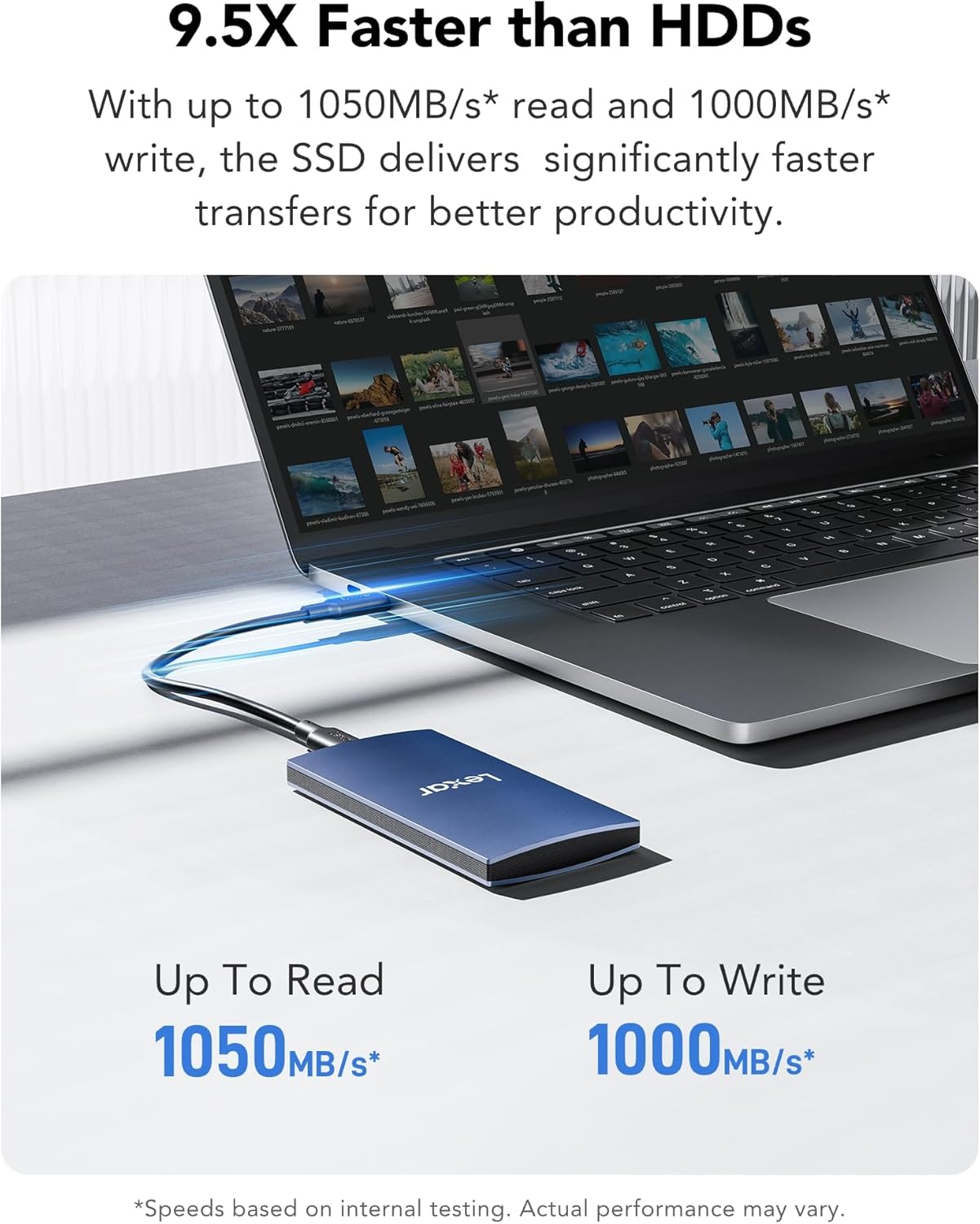
Figure 4.1: High-speed data transfer with Lexar ES3
Experience fast data transfers, significantly improving productivity compared to traditional hard disk drives.
4.2 Data Security with Lexar DataShield
The Lexar ES3 includes Lexar DataShield 256-bit AES encryption software to help protect your sensitive files. This software provides an additional layer of security for your data. Please refer to the Lexar website for detailed instructions on downloading, installing, and using the DataShield software.

Figure 4.2: Lexar DataShield Encryption Software
Lexar DataShield software helps secure your files with 256-bit AES encryption.
5. Maintenance and Best Practices
5.1 Safe Disconnection
Always safely eject or unmount the Lexar ES3 SSD from your operating system before physically disconnecting it. This prevents data corruption and ensures the longevity of the drive.
5.2 Physical Care
The Lexar ES3 features a durable metal design and is drop-resistant up to 2 meters, providing enhanced protection against accidental drops. While robust, avoid exposing the drive to extreme temperatures, moisture, or strong impacts to ensure optimal performance and lifespan.

Figure 5.1: Drop-Resistant Design
The ES3 is designed to withstand drops up to 2 meters, offering added protection for your data on the go.
5.3 Heat Dissipation
The Lexar ES3 incorporates built-in, double-layer graphite sheets to effectively conduct and dissipate heat. This design helps keep the drive cool during heavy usage and high-speed transfers, maintaining stable performance.
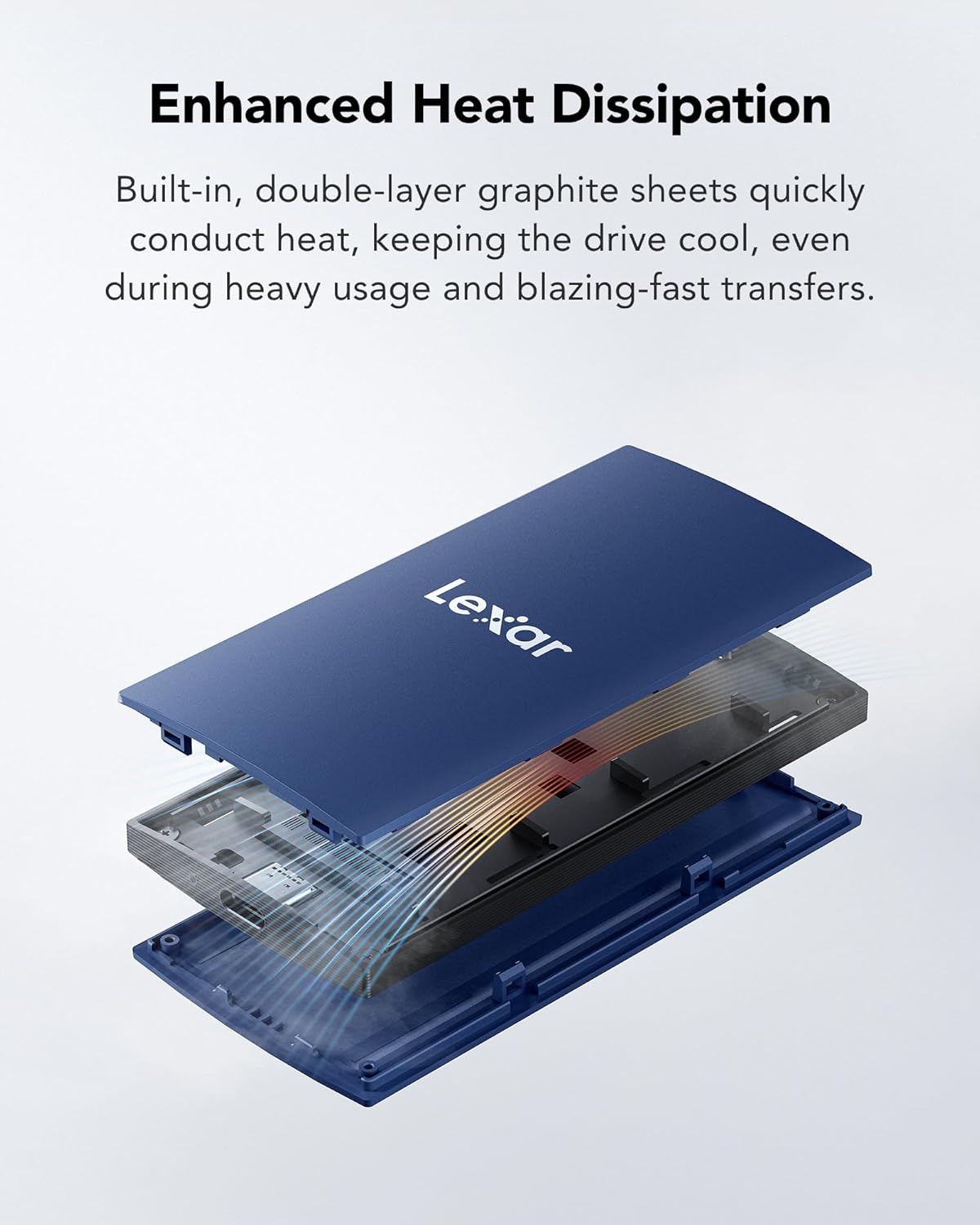
Figure 5.2: Enhanced Heat Dissipation
Internal graphite sheets efficiently manage heat, ensuring consistent performance.
6. Troubleshooting
If you encounter issues with your Lexar ES3 Portable SSD, please refer to the following common problems and solutions:
- Drive Not Detected:
- Ensure the USB cable is securely connected to both the SSD and your device.
- Try connecting to a different USB port on your device.
- Test with a different compatible USB cable if available.
- Restart your computer or host device.
- Check your operating system's disk management utility to see if the drive is listed but uninitialized or unformatted.
- Slow Data Transfer Speeds:
- Ensure your device's USB port supports USB 3.2 Gen 2 (or higher) for optimal speeds. Connecting to a USB 2.0 port will result in significantly lower speeds.
- Verify that your operating system and drivers are up to date.
- Avoid transferring many small files simultaneously, as this can reduce overall transfer rates.
- Close other applications that might be using system resources or the USB bus.
- Data Corruption or Errors:
- Always safely eject the drive before disconnecting it.
- Run a disk check utility (e.g., CHKDSK on Windows, Disk Utility on macOS) to scan for and repair errors.
- Ensure the drive is not exposed to physical shock or extreme conditions during operation.
7. Specifications
| Feature | Specification |
|---|---|
| Model Number | LES3XXX002T-RNLNG-GL |
| Digital Storage Capacity | 2 TB |
| Connectivity Technology | USB 3.2 Gen 2 |
| Read Speed | Up to 1050 MB/s |
| Write Speed | Up to 1000 MB/s |
| Compatible Devices | iPhone 15 series, Android mobile devices, Laptops, Cameras, Xbox X|S, PS4, PS5, Gaming Consoles, PC, Mac |
| Special Feature | Portable, Drop-Resistant (up to 2 meters), 256-bit AES Encryption (via DataShield software) |
| Color | Blue |
| Item Weight | 3.87 ounces (approx. 110 grams) |
| Dimensions | Approximately 5.83 x 3.94 x 1.34 inches (Package Dimensions) |
8. Warranty and Support
8.1 Limited Warranty
The Lexar ES3 Portable SSD comes with a 3-year limited warranty. Please retain your proof of purchase for warranty claims. For full warranty terms and conditions, please visit the official Lexar website.
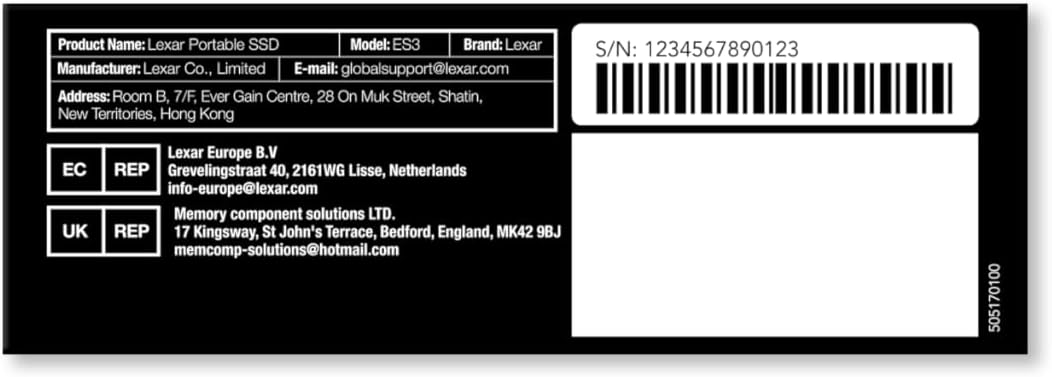
Figure 8.1: Product Information Label
This label provides key product details and contact information for support.
8.2 Customer Support
For technical assistance, product inquiries, or warranty service, please contact Lexar Customer Support:
- Email: globalsupport@lexar.com
- Website: Visit www.lexar.com/support for FAQs, drivers, and additional resources.


