
Introduction
This manual provides detailed instructions for the proper use and maintenance of your Baseus BH1 NC Wireless Headphones. Please read this manual thoroughly before using the product to ensure optimal performance and longevity.
Package Contents
Verify that all items are present in your package:
- Baseus BH1 NC Headphone Unit
- USB-C Charging Cable
- Instruction Manual

Image: The Baseus BH1 NC headphones, a USB-C cable, and the quick start guide are included in the package.
Product Overview
Headphone Components
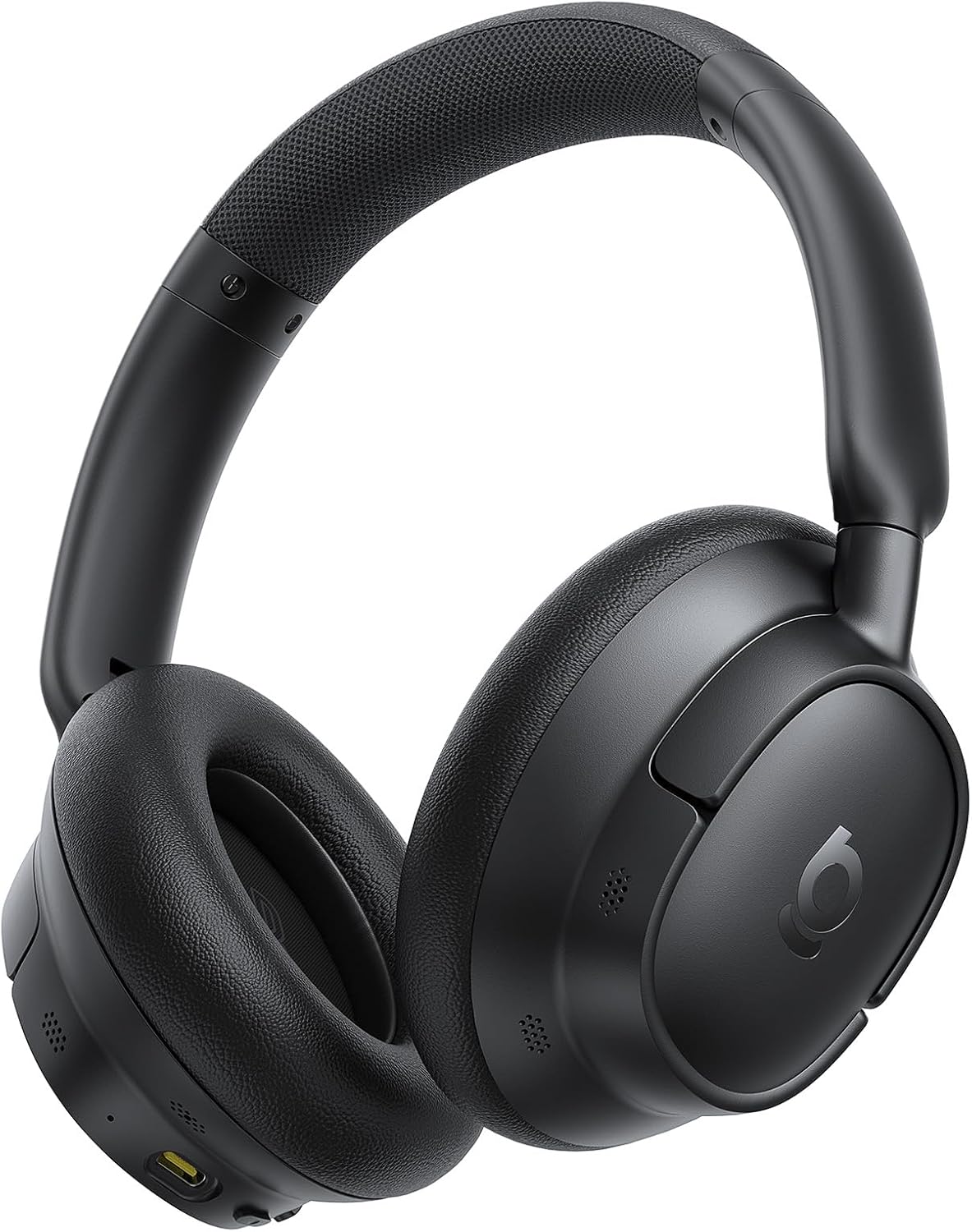
Image: A front-side view of the Baseus BH1 NC Wireless Headphones in black, showcasing the earcups and headband.
Controls
The headphones feature intuitive physical buttons for easy operation:
- Volume Buttons (+/-): Short press to adjust volume. Long press (2s) to skip tracks.
- Multi-function Button: Single press for Play/Pause, Answer/End Call. Long press (2s) to activate Voice Assistant or reject a call. Double press to switch between music/movie modes.
- ANC Button: Short press to cycle through ANC On, Ambient Sound Mode, and ANC Off.

Image: A diagram illustrating the easy and precise button operations on the headphones, including volume, power, and ANC controls.
Setup
Charging the Headphones
Before first use, fully charge the headphones. Connect the supplied USB-C cable to the charging port on the headphones and the other end to a USB power source (e.g., wall adapter, computer USB port).
- A full charge takes approximately 1.5 hours.
- A 10-minute quick charge provides up to 10 hours of playback.
Power On/Off
- Power On: Press and hold the Power button for 2 seconds until the indicator light illuminates.
- Power Off: Press and hold the Power button for 3 seconds until the indicator light turns off.
Bluetooth Pairing
- Ensure the headphones are powered off.
- Press and hold the Power button for 5 seconds until the indicator light flashes blue and red, indicating pairing mode.
- On your device (smartphone, tablet, computer), enable Bluetooth and search for available devices.
- Select "Baseus BH1 NC" from the list of devices.
- Once connected, the indicator light will turn solid blue.
App Installation
For enhanced features and customization, download the dedicated Baseus app from your device's app store. The app allows for fine-tuning EQ, managing noise cancellation modes, and more.

Image: Screenshots of the dedicated Baseus app, showing options for noise reduction settings, sound control, and EQ customization.
Operating Instructions
Music Playback
- Play/Pause: Press the Multi-function button once.
- Volume Up/Down: Press the '+' or '-' buttons.
- Next Track: Long press the '+' button for 2 seconds.
- Previous Track: Long press the '-' button for 2 seconds.
Call Management
- Answer/End Call: Press the Multi-function button once.
- Reject Call: Long press the Multi-function button for 2 seconds.
Noise Cancellation Modes
The Baseus BH1 NC headphones feature Adaptive Hybrid ANC, which automatically adjusts to your environment, reducing ambient noise by up to 45dB. You can cycle through different modes using the ANC button:
- ANC On: Activates active noise cancellation to minimize external sounds.
- Ambient Sound Mode (Transparency): Allows you to hear your surroundings without removing the headphones. Useful for conversations or announcements.
- ANC Off: Disables noise cancellation.
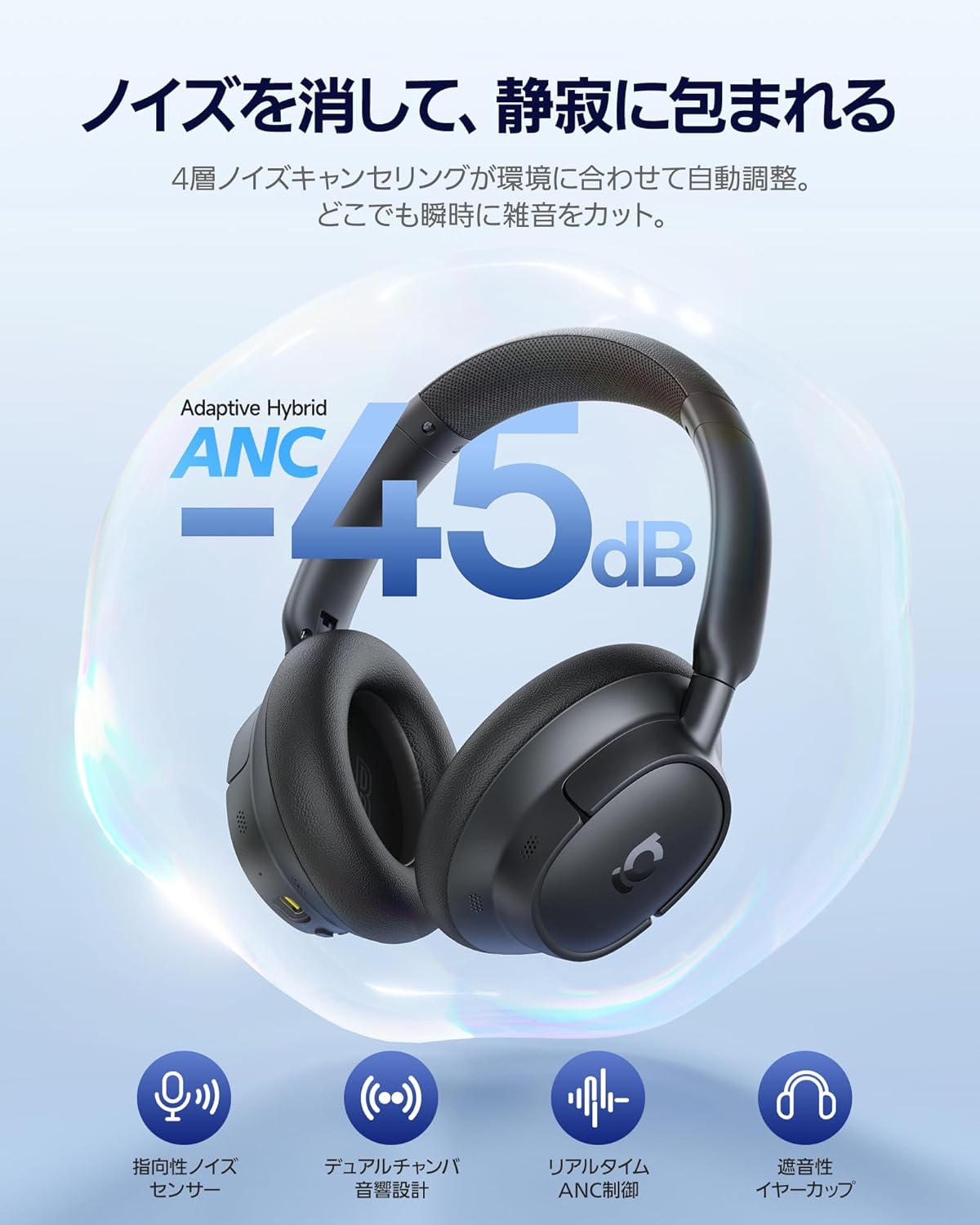
Image: The Baseus BH1 NC headphones with a visual representation of noise cancellation, indicating a reduction of up to 45dB.

Image: Illustrations of individuals using the headphones in different environments (airplane, outdoor, office, train), demonstrating the ability to choose silence according to the scene with up to 5 noise cancelling modes.
Multipoint Connection
With Baseus Smart-Connect (BSC) technology, you can instantly switch between two connected devices. This provides a low-latency, stress-free, and seamless audio experience without interruptions.

Image: The Baseus BH1 NC headphones connected simultaneously to a laptop and a smartphone, illustrating the instant multipoint connection feature.
Maintenance
- Clean the headphones regularly with a soft, dry cloth.
- Avoid using harsh chemicals or abrasive materials.
- Store the headphones in a cool, dry place when not in use.
- Do not expose the headphones to extreme temperatures or humidity.
- Keep the charging port free of dust and debris.
Troubleshooting
| Problem | Solution |
|---|---|
| Headphones do not power on. | Ensure the headphones are charged. Connect to a power source and try again. |
| Cannot pair with device. | Ensure headphones are in pairing mode (flashing blue/red light). Turn off and on Bluetooth on your device. Move closer to the device. |
| No sound or low volume. | Check headphone and device volume levels. Ensure headphones are properly connected. Try restarting both devices. |
| Noise cancellation is not effective. | Ensure ANC is turned on. Adjust the fit of the earcups to ensure a good seal around your ears. |
| Call quality is poor. | Ensure the microphones are not obstructed. Move to an area with less background noise. |
Specifications
| Feature | Detail |
|---|---|
| Model Name | BH1 NC |
| Manufacturer Model Number | A02037 |
| Connectivity Technology | Wireless Bluetooth (Bluetooth 6.0) |
| Headphone Style | Over-Ear |
| Noise Cancellation | Adaptive Hybrid ANC (up to -45dB) |
| Audio Quality | Hi-Res Audio, Hi-Res Wireless, LDAC support, SuperBass 2.0 |
| Drivers | 40mm Dynamic Drivers with Biocellulose Diaphragm |
| Microphones | 5-Mic AI Clear Call with ENC |
| Battery Life (ANC Off) | Up to 80 hours |
| Battery Life (ANC On) | Up to 55 hours |
| Quick Charge | 10 minutes charge for 10 hours playback |
| Control Method | App, Physical Buttons |
| Weight | 420 g (Package Weight) |
Image: A visual representation of the product specifications, including model, materials, Bluetooth version, audio codecs, communication distance, playback time, input, charging time, frequency characteristics, and operating temperature range.
Safety Information
- Do not use the headphones at high volume for extended periods to prevent hearing damage.
- Do not use the headphones while driving or in situations where you need to hear ambient sounds for safety.
- Keep the product away from water and moisture.
- Do not attempt to disassemble or modify the headphones.
- Dispose of the product and its battery responsibly according to local regulations.
Warranty and Support
Baseus offers a 24-month warranty for the BH1 NC Wireless Headphones. We also provide 24x7 customer support. For any inquiries regarding returns, exchanges, technical assistance, or product consultations, please contact our support team. We are committed to providing prompt and courteous assistance for all your needs.
For further assistance, please visit the official Baseus website or contact your local dealer.


