
1. Introduction
The Ocoopa UT5 Nano rechargeable hand warmers provide portable warmth with smart temperature control. Designed for comfort and convenience, these slim electric pocket heaters are suitable for various activities in cold environments. This manual provides essential information for the safe and effective use of your device.

Image: Two Ocoopa UT5 Nano hand warmers, one showing an illuminated heating surface, indicating active warmth.
Key Features:
- Slim and Portable Design: Measuring 0.59 inches thin, these hand warmers are lightweight and designed to fit comfortably in pockets, gloves, or small bags.
- Instant Heat: Activates and warms up within 2 seconds.
- Adjustable Temperature Control: Features 3 adjustable temperature settings for personalized warmth.
- Long-Lasting Battery: Provides 3.5 to 7 hours of continuous heat, depending on the selected setting.
- UL Safety Certified: Ensures reliable and safe operation.
- Artists in Bloom Design: Features embossed designer prints for enhanced aesthetics and wear resistance.

Image: A hand placing an Ocoopa hand warmer into a small purse, highlighting its ultra-slim and portable design.

Image: Two Ocoopa hand warmers with text indicating 'Small But Mighty' and listing features like 14-hours warmth, 3 heat levels, Max temp 126°F, and UL safety certified.
2. Package Contents
Verify that all items are present in your package:
- 2 x Ocoopa UT5 Nano Rechargeable Hand Warmers
- 1 x Dual USB-C Charging Cable
- 1 x User Manual

Image: A pair of Ocoopa hand warmers with a floral design, a USB-C charging cable, and a power button visible, illustrating the product and its accessories.
3. Setup
Before first use, fully charge your Ocoopa UT5 Nano hand warmers.
- Connect the dual USB-C charging cable to the charging ports on both hand warmers.
- Plug the USB-A end of the cable into a compatible USB power adapter (not included) or a computer USB port.
- The indicator lights will show charging status. Once fully charged, the lights will change or turn off (refer to 'Charging' section for details).

Image: A hand holding an Ocoopa hand warmer with a USB-C cable plugged in, showing the charging port and indicator lights.
4. Operating Instructions
Power On/Off:
- To power on, press and hold the power button for approximately 2-3 seconds until the red indicator lights illuminate.
- To power off, press and hold the power button for approximately 2-3 seconds until the indicator lights turn off.
Adjusting Heat Settings:
Once powered on, short press the power button to cycle through the 3 heat settings:
- Level 1 (Low): One red indicator light.
- Level 2 (Medium): Two red indicator lights.
- Level 3 (High): Three red indicator lights.
Checking Battery Level:
- Double-tap the power button to display the battery level. Blue indicator lights will show the remaining charge.

Image: An Ocoopa hand warmer displaying three red indicator lights, signifying the highest heat setting, with a power button and USB-C port visible.
Video: A user demonstrates the unboxing, charging, and operation of the Ocoopa UT5 Nano hand warmers, including how to adjust heat settings and check battery life.
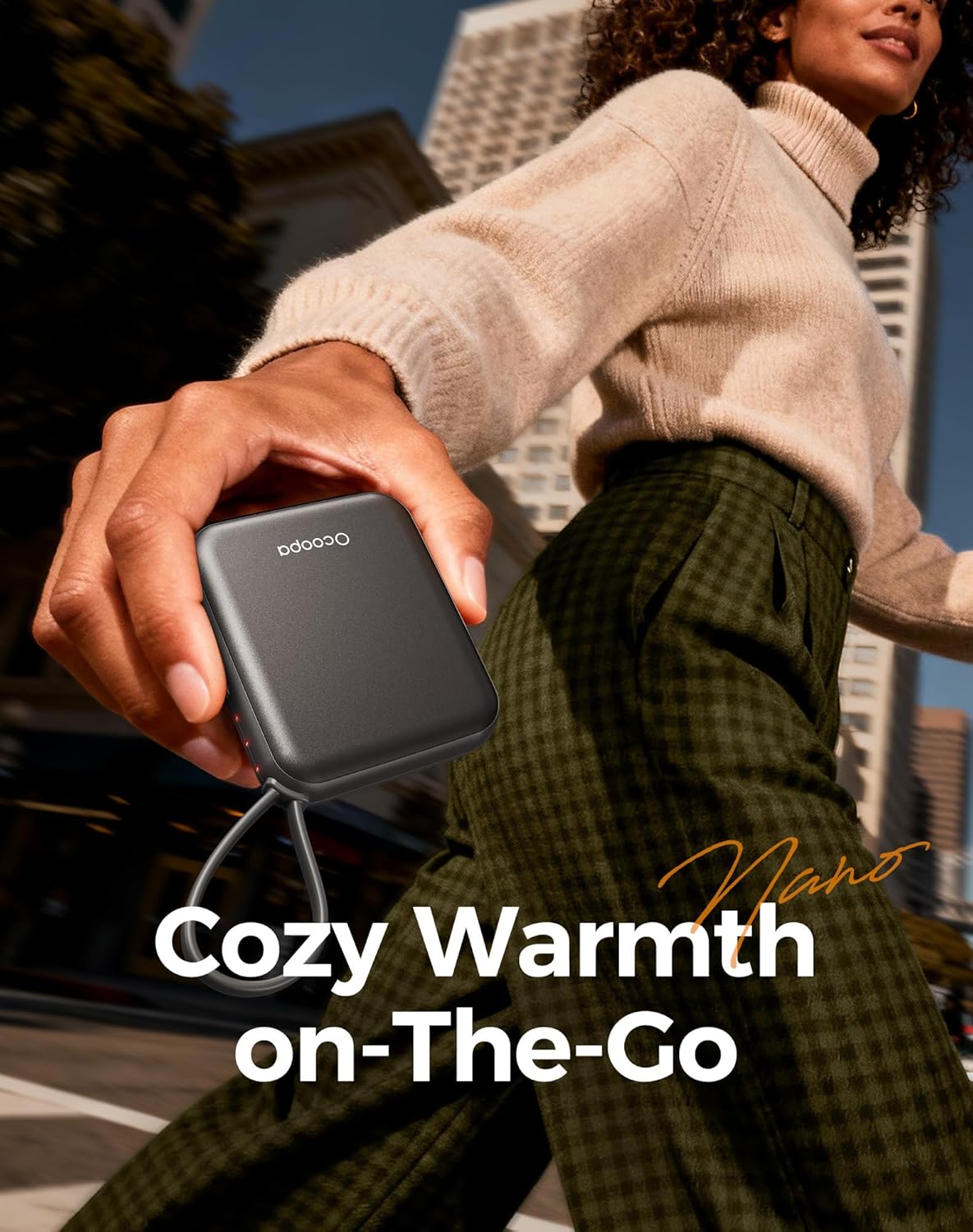
Image: A person walking outdoors, holding an Ocoopa hand warmer in their hand, demonstrating its use for warmth on the go.
5. Charging
The Ocoopa UT5 Nano hand warmers are equipped with a USB-C charging port and come with a dual USB-C cable, allowing both units to be charged simultaneously.
- Use the provided dual USB-C cable to connect the hand warmers to a USB power source.
- Charging time may vary depending on the power source.
- Avoid using damaged cables or chargers.
6. Maintenance
- Clean the device with a soft, dry cloth. Do not use abrasive cleaners or immerse in water.
- Store the hand warmers in a cool, dry place when not in use.
- Avoid dropping the device or exposing it to extreme temperatures.
7. Troubleshooting
Device Not Heating:
- Ensure the device is powered on by long-pressing the power button.
- Check the battery level. If low, recharge the device.
Device Not Charging:
- Verify that the charging cable is securely connected to both the hand warmer and the power source.
- Try using a different USB port or power adapter.
- Inspect the charging cable for any signs of damage.
Indicator Lights Not Working:
- If the device is functioning but lights are off, ensure it's not in a low-power state. If the device is unresponsive, contact support.
8. Specifications
| Feature | Detail |
|---|---|
| Model | UT5 Nano (UT3042-BK) |
| Brand | OCOOPA |
| Material | Aluminum |
| Size | Small palm-sized (1.89 x 0.55 x 2.2 inches) |
| Weight | 130 Grams |
| Battery Life | 3.5 - 7 Hours (depending on heat setting) |
| Temperature Range | 100°F - 126°F |
| Reusability | Rechargeable |
| Power Source | Battery Powered |

Image: Two individuals sitting on a couch, one holding an Ocoopa hand warmer, with text highlighting 'Up to 14 Hours Battery Life'.
9. Warranty and Support
Warranty:
The Ocoopa UT5 Nano Hand Warmers come with a 2-year warranty. Please retain your proof of purchase for warranty claims.
Customer Support:
For any questions, concerns, or technical assistance, please contact our support team:
- Email: support@ocoopa.com


