
OxyGear S5
OxyGear 3-In-1 Wireless Charging Station (Model S5) User Manual
Model: S5 | Brand: OxyGear
Introduction
This manual provides detailed instructions for the safe and efficient operation of your OxyGear 3-In-1 Wireless Charging Station. Please read this manual thoroughly before using the product and retain it for future reference.
Safety Information
- Do not expose the device to water or excessive moisture.
- Avoid extreme temperatures.
- Do not disassemble or attempt to repair the device yourself.
- Use only the provided 20W adapter and USB-C cable.
- Keep out of reach of children.
Package Contents
Verify that all items are present in the package:
- Multifunctional Wireless Charger
- 20W Adapter
- Metal Rings (for MagSafe compatibility)
- USB-C Cable (1.5m)
- User Manual (this document)
- TF Card (for photo album and music playback)

Image: Package contents including the charging station, adapter, cables, metal rings, and manual.
Product Overview
The OxyGear 3-In-1 Wireless Charging Station is a versatile device designed to streamline your charging and entertainment needs. It integrates a wireless charger for multiple devices, a Bluetooth 5.3 speaker, and a digital alarm clock with an LCD touch screen.
Key Features:
- 3-In-1 Wireless Charging: Simultaneously charges Qi-enabled smartphones (15W), Apple Watch (3W), and AirPods (5W).
- Bluetooth 5.3 Speaker: Built-in speaker with stable connection and clear sound, offering up to 3 hours of wireless playback on its 1000mAh battery.
- 2.4'' LCD Touch Screen: Intuitive touch interface for controlling functions like alarm clock, music playback, photo album, and settings.
- Digital Alarm Clock: Customizable alarm settings with various display options.
- MagSafe Compatibility: Supports MagSafe-compatible phones and cases up to 0.6" thick. Includes metal rings for enhanced magnetic strength.
- Multi-Protection: Features over-current, over-voltage, over-temperature, short-circuit, and foreign object detection for safe charging.
- Additional Wired Charging: Includes 3 additional ports for wired charging of other devices.
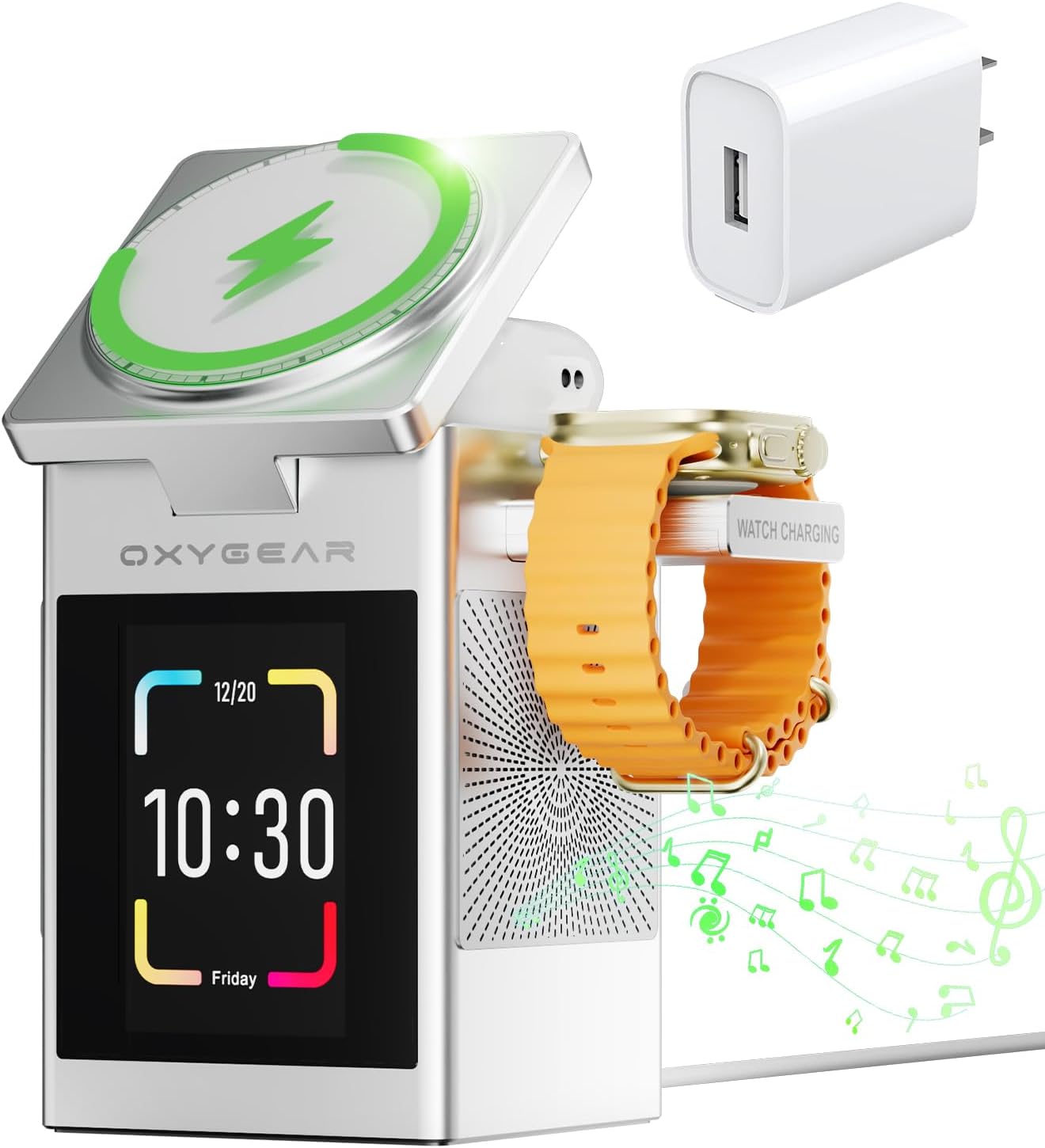
Image: The OxyGear 3-in-1 Wireless Charging Station in use, charging an iPhone, Apple Watch, and AirPods.
Setup Instructions
- Connect Power: Insert the provided USB-C cable into the charging port on the back of the station and connect the 20W adapter to a power outlet. The device will power on and display "hello" on the LCD screen.
Video: Demonstrates connecting the power cable and the initial "hello" display. This video is provided by OxyGear-US (Seller).
- Insert TF Card: If you wish to use the photo album or local music playback features, insert the provided TF card into the designated slot on the side of the device.
- Adjust Phone Charging Pad: The top phone charging pad can be adjusted to an angle of approximately 55 degrees for optimal viewing. It does not open to a full 90 degrees.
- Extend Watch Charging Arm: Gently push the watch charging arm on the side to extend it for charging your Apple Watch.
Operating Instructions
1. Wireless Charging
- Smartphone: Place your Qi-enabled smartphone on the top charging pad. Ensure it is centered for optimal charging. The magnetic connection will secure your device. Supports 15W charging for iPhones (12 series and newer) and Samsung Galaxy S/Note series.
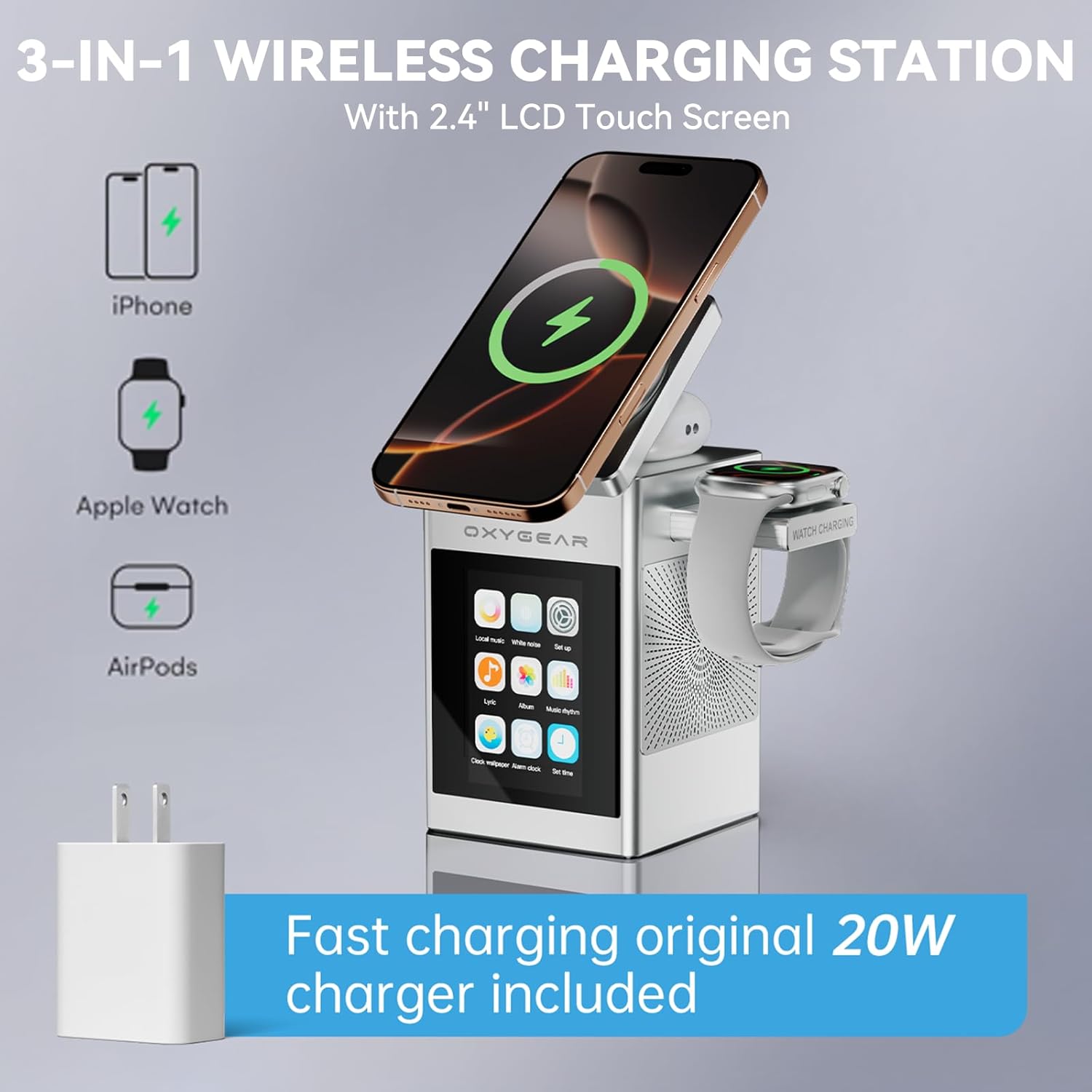
Image: The charging station simultaneously charging an iPhone, Apple Watch, and AirPods.
- Apple Watch: Place your Apple Watch on the extended charging arm. It supports 3W charging for all Apple Watch series. Note: Not compatible with Samsung Galaxy Watch series.
- AirPods/Earbuds: Place your Qi-enabled AirPods or other wireless earbuds on the designated charging area next to the phone pad. It supports 5W charging.
- MagSafe Cases: The charger works with phone cases up to 0.6" thick. If your phone case is not magnetic, use the included metal ring stickers to enhance magnetic strength.
2. Bluetooth Speaker (Bluetooth 5.3)
- Power On: Press the power button on the side of the device.
- Pairing: On your smartphone or other Bluetooth-enabled device, search for "OxyGear" in the Bluetooth settings and pair.
- Playback: Once paired, you can stream music directly to the speaker. Use the volume buttons on the device or your connected phone to adjust the sound. The speaker has a built-in 1000mAh battery for up to 3 hours of wireless playback when unplugged.
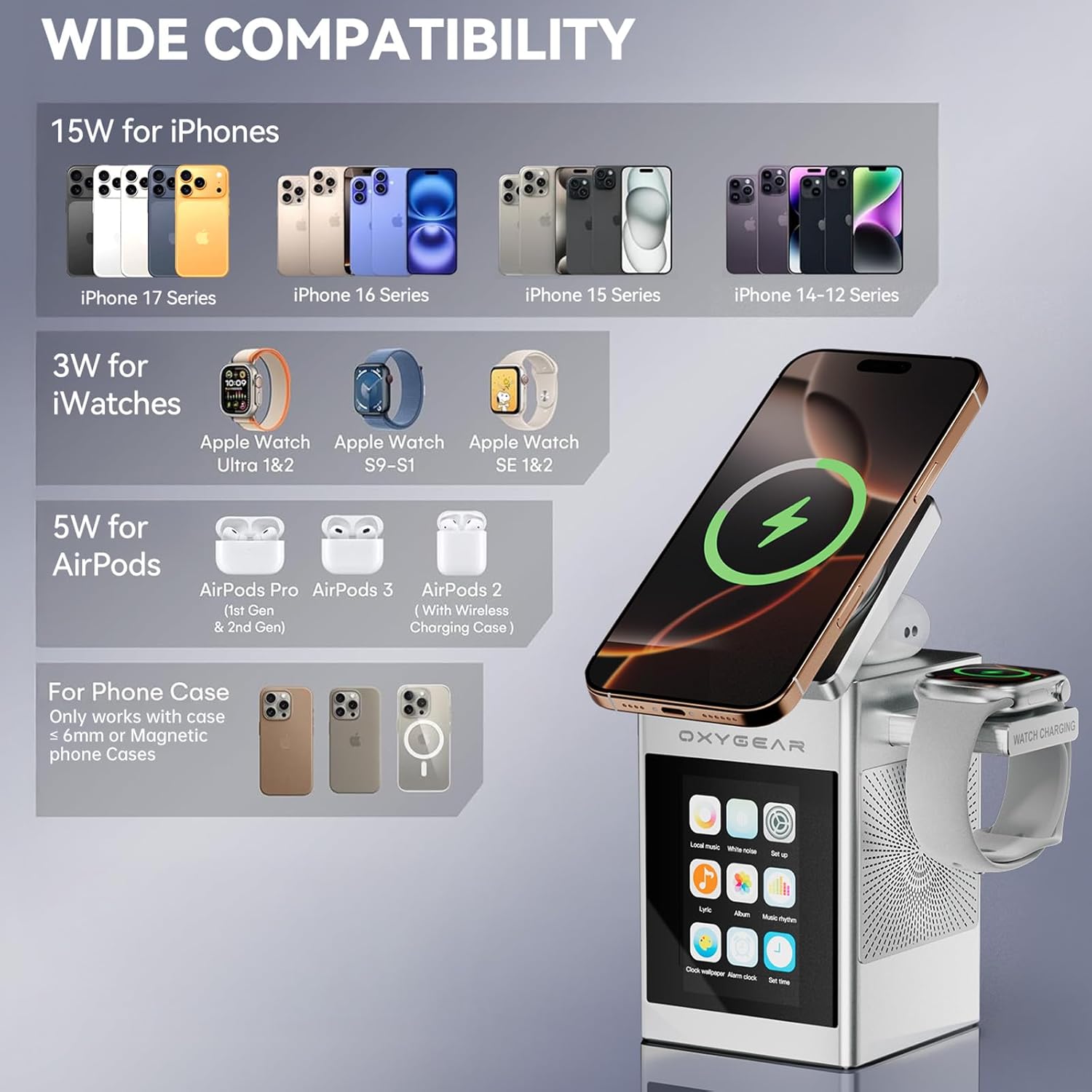
Image: The charging station functioning as a Bluetooth speaker in a social setting.
3. Digital Alarm Clock
- Access Alarm Settings: Tap the "Alarm" icon on the LCD touch screen.
- Set Time: Use the [+] and [-] buttons to adjust the alarm time.
- Select Days: Choose the days of the week for the alarm to be active.
- Choose Ringtone: Select your preferred ringtone.
- Delete Alarm: To delete an alarm, navigate to the alarm settings and press the 'Delete' button for the selected alarm.
Video: Demonstrates setting up the digital alarm clock. This video is provided by OxyGear-US (Seller).
4. LCD Touch Screen Functions
The 2.4'' LCD touch screen allows access to various functions:
- Local Music: Play music stored on the inserted TF card.
- White Noise: Access 9 original soothing sounds to improve sleep quality.
Video: Demonstrates the white noise function for improved sleep. This video is provided by OxyGear-US (Seller).
- Photo Album: Display photos stored on the TF card. Supports 250-300 photos.
- Settings: Adjust screen time, language, and other device preferences.
- Wallpaper: Customize the screen wallpaper.
Maintenance
- Cleaning: Use a soft, dry cloth to clean the device. Do not use liquid cleaners or aerosols.
- Storage: Store the device in a cool, dry place when not in use.
- Cable Care: Avoid bending or crimping the USB-C cable excessively to prevent damage.
Troubleshooting
| Problem | Possible Solution |
|---|---|
| Device not powering on. | Ensure the USB-C cable is securely connected to both the device and the 20W adapter, and the adapter is plugged into a working power outlet. |
| Wireless charging not working. |
|
| Apple Watch not charging. | Ensure the watch is correctly placed on the extended charging arm. Note that Samsung Galaxy Watch series are not compatible. |
| Bluetooth speaker not connecting. |
|
| LCD screen unresponsive. | Restart the device by unplugging and re-plugging the power cable. If the issue persists, contact customer support. |
Specifications
| Feature | Detail |
|---|---|
| Model Number | S5 |
| Product Dimensions | 2.6"L x 2.6"W x 4.3"H (67mm x 67mm x 109mm) |
| Item Weight | 14.4 ounces (0.9 Pounds) |
| Wireless Charging Output (Phone) | 15W (for iPhones 12 series and newer) |
| Wireless Charging Output (iWatch) | 3W (for Apple iWatch series) |
| Wireless Charging Output (AirPods) | 5W (for Apple AirPods/Galaxy Buds 2 Pro/Buds) |
| Input Voltage | 9 Volts |
| Wattage | 25 watts |
| Bluetooth Version | 5.3 |
| Speaker Battery Capacity | 1000mAh (for up to 3 hours wireless play) |
| LCD Screen Size | 2.4 inches |
| Compatible Devices | iPhone/Samsung Smart Phone, Apple AirPods/Galaxy Buds, Apple iWatch series |
| Manufacturer | Shenzhen Aodehong Electronic Technology Company |
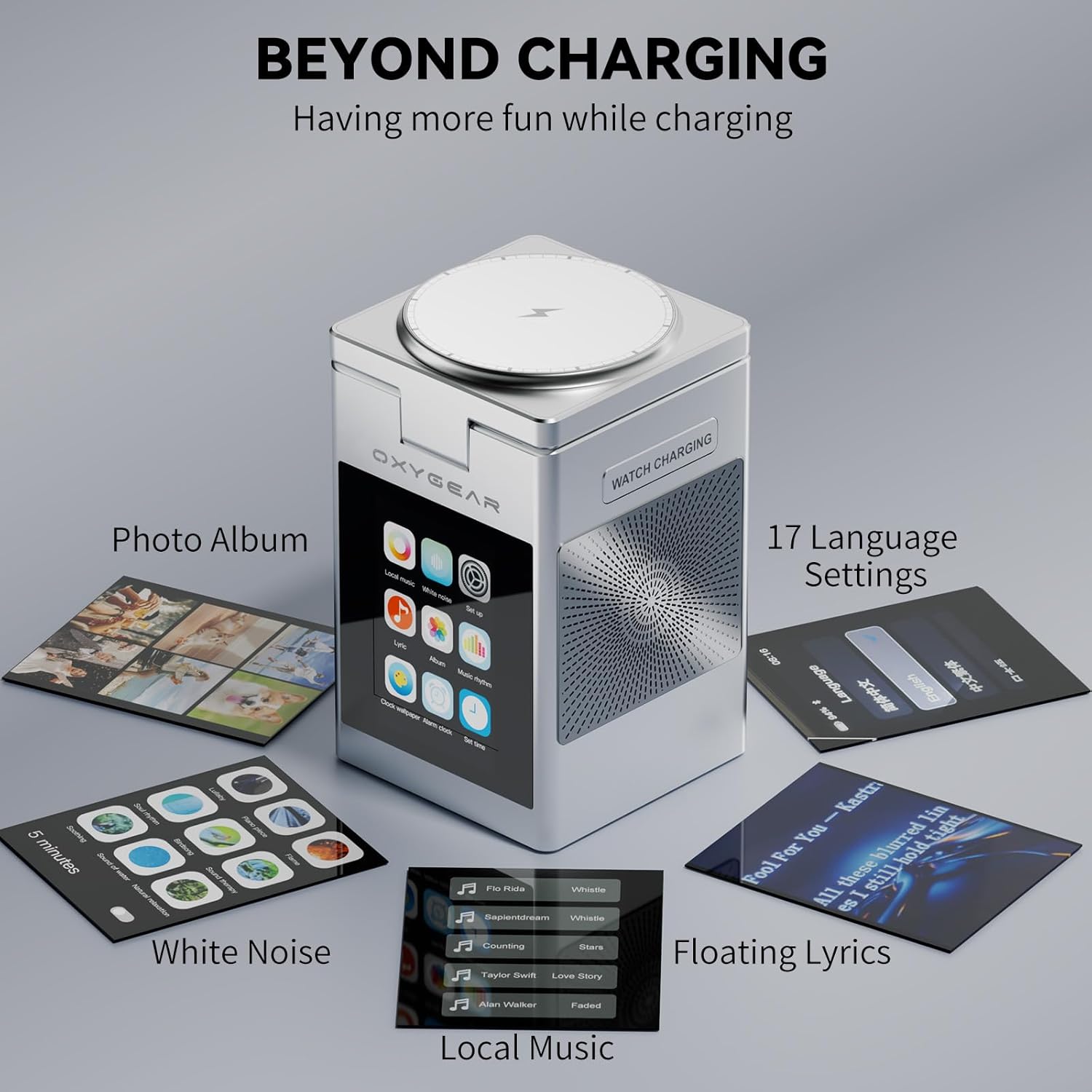
Image: Diagram illustrating the dimensions of the OxyGear 3-in-1 Wireless Charging Station.
Warranty and Support
For warranty information and customer support, please refer to the contact details provided on the product packaging or visit the official OxyGear website. Protection plans are available for extended coverage.
Ask a question about this manual
Ask about setup, troubleshooting, compatibility, parts, safety, or missing instructions. Manuals+ will review the question and use this page’s manual context to help answer it.