
1. Introduction
The BLACK+DECKER dustbuster Reveal Pet Handheld Vacuum (Model HLVD320BP07) is designed for efficient cleanup of pet hair and debris. This lightweight and portable cordless vacuum features powerful suction, an integrated LED light for improved visibility, and a specialized motorized brush for stubborn pet hair. It is suitable for use in various areas including homes, cars, stairs, and couches. The device is rechargeable and includes a washable dust bowl and filter for easy maintenance.
2. What's Included
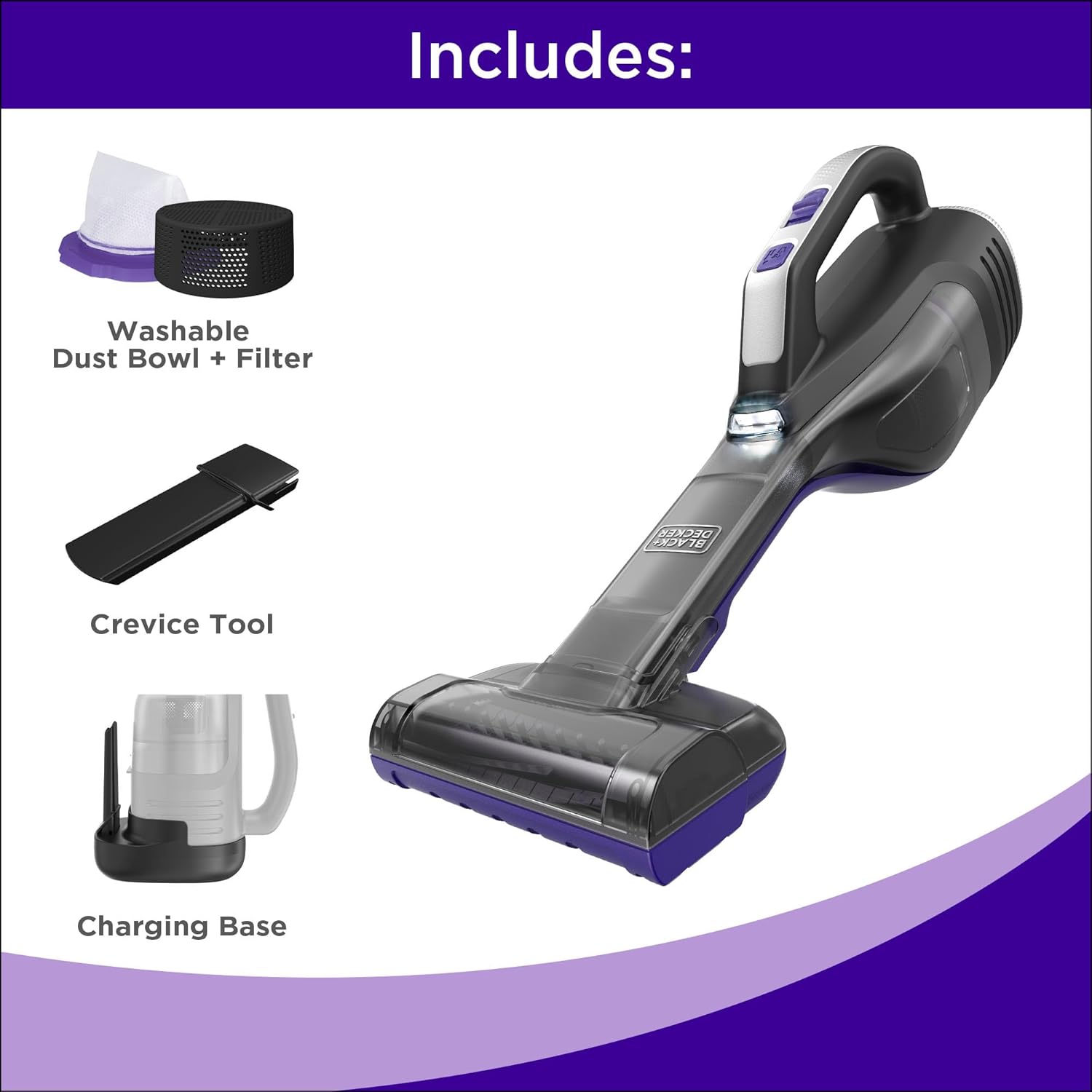
Your BLACK+DECKER dustbuster Reveal Pet Handheld Vacuum package includes the following components:
- (1) HLVD320BP07 Handheld Vacuum: The main unit with powerful suction.
- (1) Motorized Pet Brush: An attachment designed to lift stubborn pet hair from various surfaces.
- (1) Crevice Tool: An attachment for reaching tight spaces and corners.
- (1) Washable Dust Bowl and Filter: For easy debris collection and cleaning.
- (1) Charging Base: For convenient recharging and storage.
3. Setup
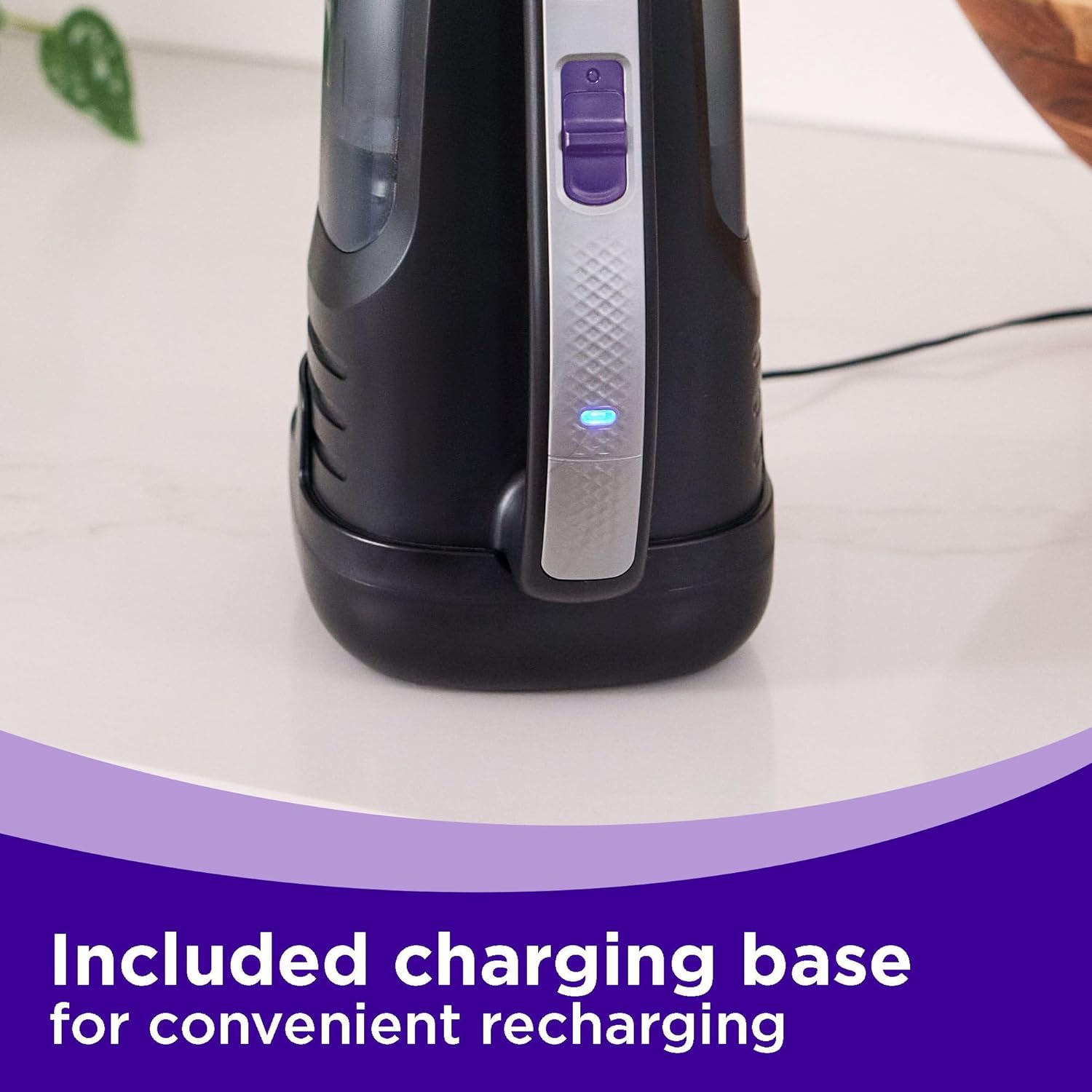
- Initial Charge: Before first use, fully charge the vacuum. Place the handheld vacuum onto the charging base. The indicator light on the vacuum will illuminate to show charging status. A full charge provides up to 16.5 minutes of runtime.
- Attach Accessories: Depending on your cleaning task, attach the desired accessory. The motorized pet brush is ideal for upholstered surfaces and pet hair, while the crevice tool is best for narrow gaps.

4. Operating Instructions
- Power On/Off: Press the power button once to turn on the vacuum at standard suction. Press again for boosted suction. Press a third time to turn off the vacuum.
- Using the Motorized Pet Brush: Attach the motorized pet brush for effective removal of embedded pet hair from carpets, upholstery, and pet beds. The brush actively lifts hair for thorough cleaning.
- Using the Crevice Tool: Extend the integrated crevice tool to clean tight spaces, corners, and between cushions in your home or car.
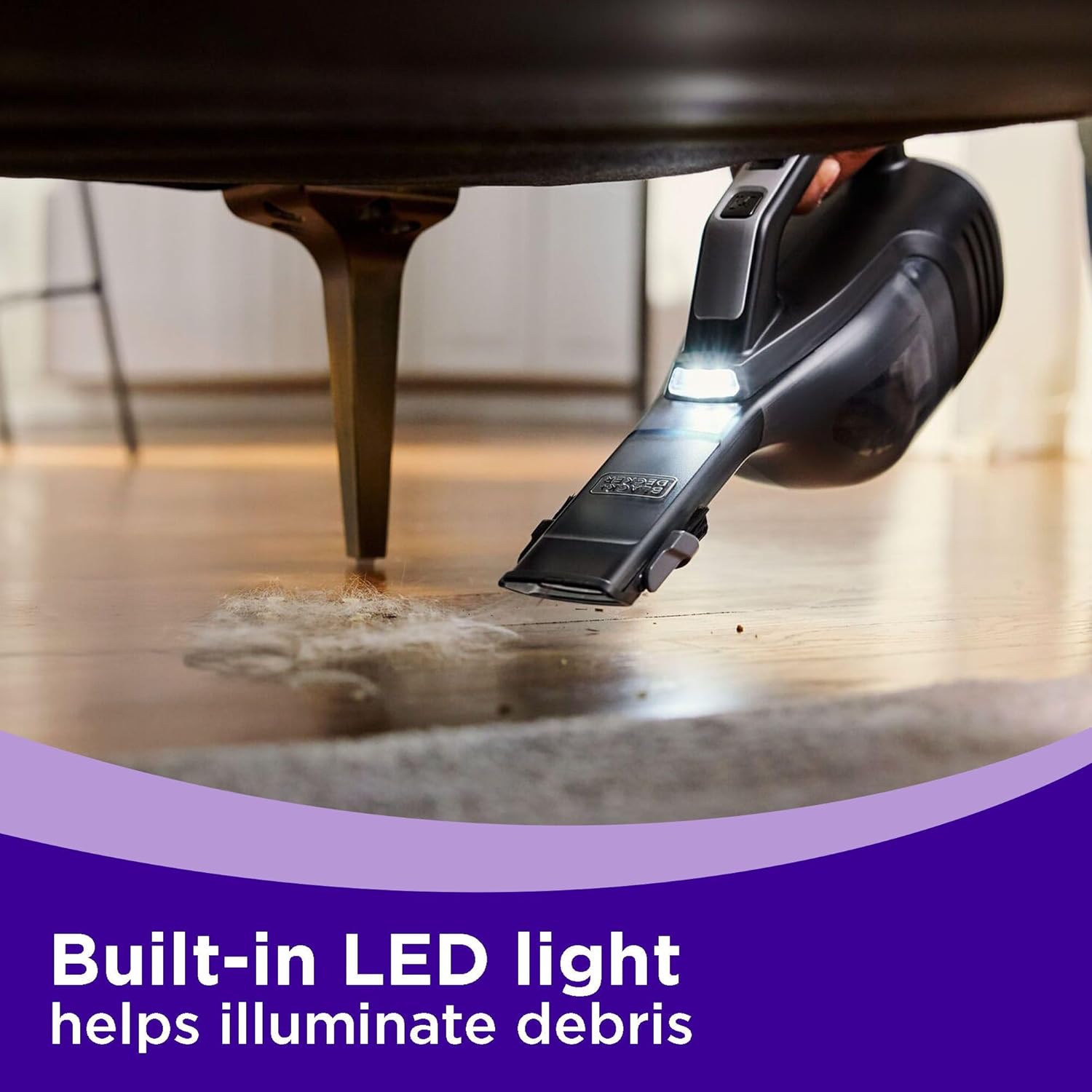
- LED Light: The onboard LED light automatically illuminates when the vacuum is in operation, helping to reveal hidden dust, dirt, and debris in dimly lit areas.


Operation Videos
Video 4.1: Official product demonstration of the BLACK+DECKER Pet Dustbuster Reveal Vacuum (HLVD320BP07), showcasing its features and use cases.
5. Maintenance
Regular maintenance ensures optimal performance of your dustbuster vacuum.
- Emptying the Dust Bowl: To empty the dust bowl, press the release button located on the underside of the vacuum. The dust bowl will hinge open, allowing you to easily discard collected debris into a trash receptacle.
- Cleaning the Filter: The dust bowl and filter are washable. Remove the filter from the dust bowl. Tap off any loose debris, then rinse both the dust bowl and filter under running water. Allow them to air dry completely before reassembling and reattaching to the vacuum.
- Cleaning the Motorized Brush: Periodically check the motorized brush for tangled hair or debris. Remove any obstructions to maintain effective performance.

6. Troubleshooting
If you encounter issues with your vacuum, refer to the following common troubleshooting steps:
- No Power/Not Charging: Ensure the vacuum is correctly seated on the charging base and the charging base is plugged into a working outlet. Check the indicator light for charging status.
- Reduced Suction: Check if the dust bowl is full and needs emptying. Inspect the filter for clogs and clean it if necessary. Ensure all attachments are securely fitted.
- Motorized Brush Not Spinning: Check for hair or debris tangled around the brush roll and remove any obstructions. Ensure the attachment is correctly connected.
7. Specifications
| Brand | BLACK+DECKER |
| Model Name | HLVD320BP07 |
| Special Feature | Cordless, LED Light, Motorized Brush |
| Filter Type | Disk (Washable) |
| Capacity | 605 Milliliters |
| Battery Life | Up to 16.5 minutes |
| Item Weight | 4.51 pounds |
| Product Dimensions | 8.54"L x 6.1"W x 17.52"H |
| Recommended Uses | Car, Carpet, Furniture, Hard Floor |
8. Warranty and Support
This BLACK+DECKER dustbuster Reveal Pet Handheld Vacuum (Model HLVD320BP07) comes with a 2-Year Limited Warranty. For warranty claims, technical support, or replacement parts, please contact BLACK+DECKER customer service. Refer to the product packaging or the official BLACK+DECKER website for the most current contact information.