
1. Introduction
This manual provides essential information for the safe and effective assembly, operation, and maintenance of your Arcade1Up Classic SE Riser. Please read all instructions carefully before beginning assembly or use.
2. Safety Information
Always follow basic safety precautions when assembling and using this product to reduce the risk of injury or damage. Keep all small parts and packaging materials away from children. Ensure the riser is placed on a stable, level surface before placing an arcade machine on it.
3. Package Contents
Verify that all components are present before beginning assembly.
- Arcade Machine Riser components
4. Setup
4.1 Assembly
The Arcade1Up Classic SE Riser is designed for quick and simple assembly. Follow the included graphical instructions for step-by-step guidance. Ensure all fasteners are securely tightened to provide stability.
4.2 Placement
Place the assembled riser on a flat, stable surface. Carefully lift your Arcade1Up Classic SE Machine and position it securely on top of the riser. Ensure the arcade machine is centered and stable before use.

Image: Arcade1Up Classic SE Riser with key dimensions indicated, showing its height of 14.25 inches and base measurements of 18.4 by 18.6 inches.

Image: An Arcade1Up Classic SE Riser shown with an Arcade1Up machine placed on top, illustrating how the riser elevates the machine for a comfortable playing height.

Image: A side view of the black Arcade1Up Classic SE Riser, highlighting its sturdy construction and design.
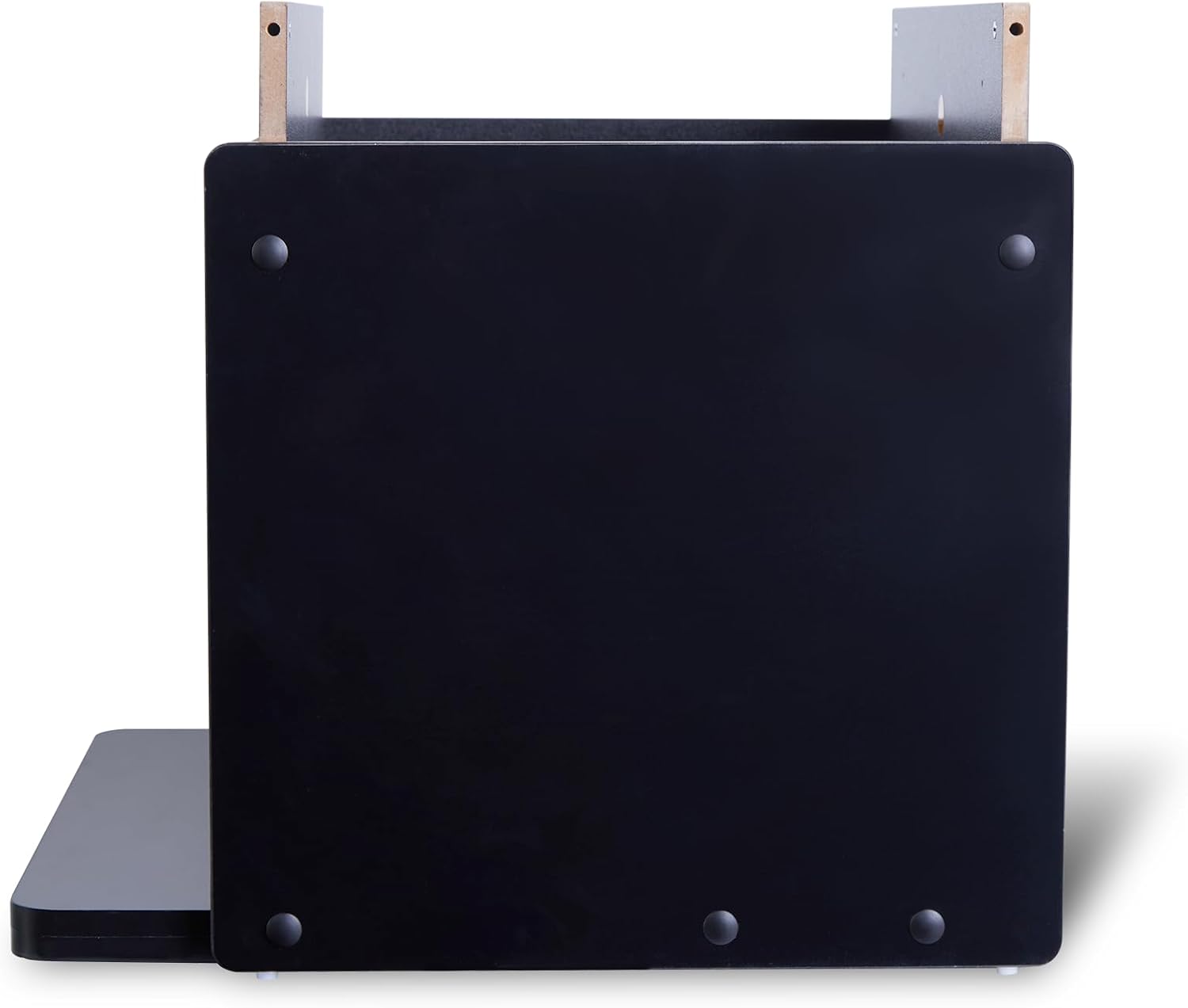
Image: A top-down view of the Arcade1Up Classic SE Riser, showing the flat surface designed to support an arcade machine.

Image: A front view of the Arcade1Up Classic SE Riser, showcasing its sleek black finish and simple design.
5. Operation
The Arcade1Up Classic SE Riser is a passive accessory designed to elevate your Arcade1Up machine. No active operation is required beyond proper setup.
5.1 Elevated Gameplay Experience
By raising your arcade machine by 14.25 inches, the riser provides a more comfortable playing height, suitable for both standing and sitting gameplay. This ergonomic enhancement allows for extended play sessions with improved posture.
5.2 Aesthetic Integration
The riser features a sleek, seamless design that complements your Arcade1Up cabinet, creating a polished and professional look in any game room.
6. Maintenance
To ensure the longevity and appearance of your Arcade1Up Classic SE Riser, follow these simple maintenance guidelines:
- Cleaning: Wipe surfaces with a soft, damp cloth. Avoid abrasive cleaners or solvents that may damage the finish.
- Inspection: Periodically check all assembly fasteners to ensure they remain tight. Re-tighten if necessary.
- Storage: If storing the riser, disassemble it carefully and keep all components in a dry, protected environment.
7. Troubleshooting
If you encounter any issues with your Arcade1Up Classic SE Riser, refer to the following common solutions:
- Instability: Ensure the riser is on a flat, level surface. Check that all assembly screws and bolts are fully tightened.
- Misalignment: If the arcade machine does not sit evenly on the riser, re-check the assembly steps to ensure all panels are correctly aligned.
- Missing Parts: If any parts were missing upon delivery, contact Arcade1Up customer support for assistance.
8. Specifications
| Feature | Detail |
|---|---|
| Form Factor | Riser |
| UPC | 195570021095 |
| Product Dimensions | 18.6 x 18.4 x 16.7 inches |
| Item Weight | 17.6 pounds |
| ASIN | B0FM8LCZWS |
| Item Model Number | GEN-R-406000 |
| Manufacturer Recommended Age | 10 years and up |
| Release Date | April 7, 2025 |
| Manufacturer | Solutions 2 Go |
9. Warranty and Support
For warranty information or customer support, please refer to the official Arcade1Up website or contact their customer service department directly. Keep your proof of purchase for any warranty claims.