
Introduction
This manual provides essential information for the safe and effective use of your Odoland OD0729P Rechargeable Camping Fan with LED Lantern. This versatile device combines a powerful fan with an integrated LED lantern, designed for various outdoor and indoor applications, including camping, picnics, power outages, and general personal cooling. Please read this manual thoroughly before operating the device.
Product Features
- Powerful and Lasting Wind: Features 4 fan speeds, providing 12 to 32 hours of cooling on a single charge.
- 3 Lighting Colors: Integrated LED lantern offers warm, cold, and mixed light settings for various ambient needs.
- Rechargeable Fan with Power Bank Function: Equipped with a 20000mAh battery, rechargeable via Type-C, and capable of reverse charging to power other devices like phones or GPS.
- Hanging Hook and Oscillating Design: Includes a 360° rotatable hook for hanging and a 270° oscillating fan head for adjustable airflow.
- Portable and Lightweight: Constructed from anti-drop PP material, making it durable and easy to transport.
Setup
1. Initial Charging
Before first use, fully charge the fan. Connect the provided Type-C charging cable to the fan's charging port and to a suitable USB power adapter. A full charge typically takes approximately 6 hours. The battery indicator lights will show the charging progress.

Image: The fan's base showing the charging port and battery indicator lights.
2. Placement and Positioning
The fan can be used in multiple configurations:
- Desk Fan: Place the fan on a flat surface. The adjustable stand allows you to angle the fan head as needed.
- Hanging Fan: Utilize the integrated 360° rotatable hook to hang the fan inside a tent, from a branch, or any suitable overhead support.

Image: The Odoland camping fan illustrating its four speed settings and corresponding battery life.

Image: The Odoland camping fan demonstrating its hanging hook and 270° oscillating design for versatile placement.
Operating Instructions
1. Fan Operation
- Locate the fan control button on the base of the unit.
- Press the button repeatedly to cycle through the 4 available fan speeds (Speed 1 to Speed 4).
- Pressing the button a fifth time will turn the fan off.
- The fan head can be manually adjusted 270° vertically to direct airflow.
2. LED Lantern Operation
- Locate the light control button on the base of the unit.
- Press the button repeatedly to cycle through the 3 light modes: Cold, Warm, and Mixed.
- Pressing the button a fourth time will turn the light off.

Image: The Odoland camping fan displaying its three LED brightness types: Warm, Cold, and a combination of both.
3. Power Bank Function
- To use the fan as a power bank, connect your device (e.g., smartphone, GPS) to the USB-A output port on the fan's base using a compatible charging cable.
- The fan's internal 20000mAh battery will provide emergency power to your connected device.
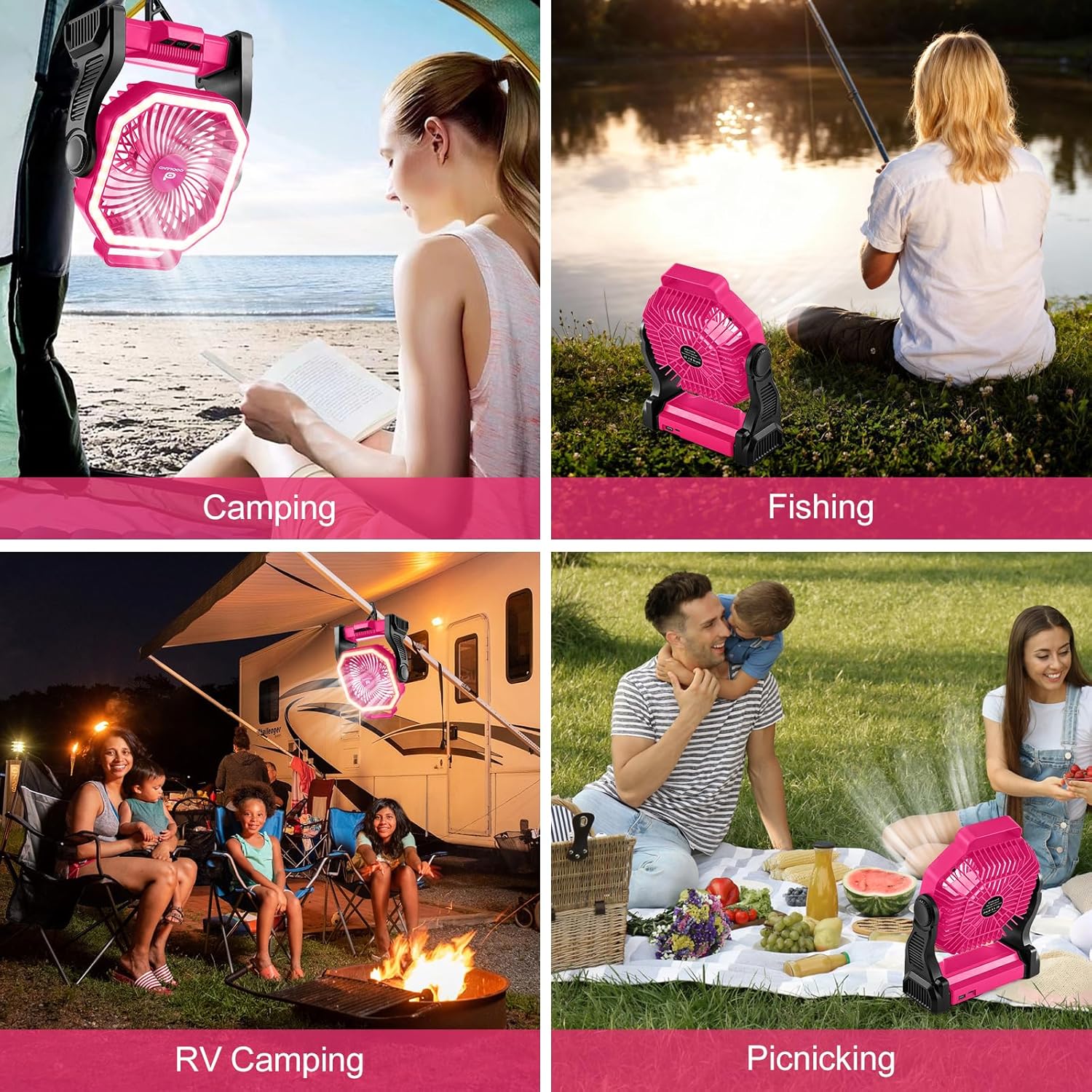
Image: The Odoland camping fan demonstrating its emergency power bank capability by charging a mobile phone.
4. Official Product Video
Video: An official product video from Odoland showcasing the LED Camping Lantern with Fan, highlighting its features and uses.
Maintenance
1. Cleaning
- Ensure the fan is turned off and disconnected from any power source before cleaning.
- Wipe the exterior of the fan with a soft, damp cloth. Do not use abrasive cleaners or solvents.
- For the fan blades, use a dry cloth or a soft brush to gently remove dust. Avoid getting water inside the fan motor.
2. Storage
- Store the fan in a cool, dry place away from direct sunlight and extreme temperatures.
- If storing for an extended period, ensure the battery is partially charged (around 50%) to prolong its lifespan. Recharge every 3-6 months if not in use.
Troubleshooting
- Fan not turning on: Check if the battery is charged. If not, connect to a power source and charge fully.
- Light not working: Ensure the light button is pressed correctly to cycle through modes. Check battery level.
- Device not charging via power bank function: Ensure the fan has sufficient battery charge. Verify the charging cable is securely connected to both the fan and your device.
- Reduced fan performance: Clean any dust or debris from the fan blades and grille.
If you encounter issues not covered here, please refer to the support section for assistance.
Specifications
| Brand | Odoland |
| Model Name | OD0729P-odoland |
| Color | Pink |
| Battery Capacity | 20000mAh |
| Fan Speeds | 4 |
| Fan Run Time | 12 to 32 hours (depending on speed) |
| LED Light Colors | 3 (Warm, Cold, Mixed) |
| Mounting Type | Table Mount, Freestanding, Hanging Hook |
| Material | Plastic |
| Included Components | Batteries included |
Warranty and Support
1. Warranty Information
This product comes with a 30-day warranty. Please retain your proof of purchase for any warranty claims.
2. Customer Support
For further assistance, product inquiries, or troubleshooting not covered in this manual, please visit the official Odoland Store on Amazon: