
Introduction
This manual provides detailed instructions for the setup, operation, and maintenance of your AOBOCAM W06 4K Mini Spy Camera. The W06 camera is designed for discreet indoor surveillance, offering 4K Ultra HD video, 150° wide-angle view, invisible night vision, and advanced AI motion detection. It supports multiple connection modes and flexible storage options to enhance your home security.
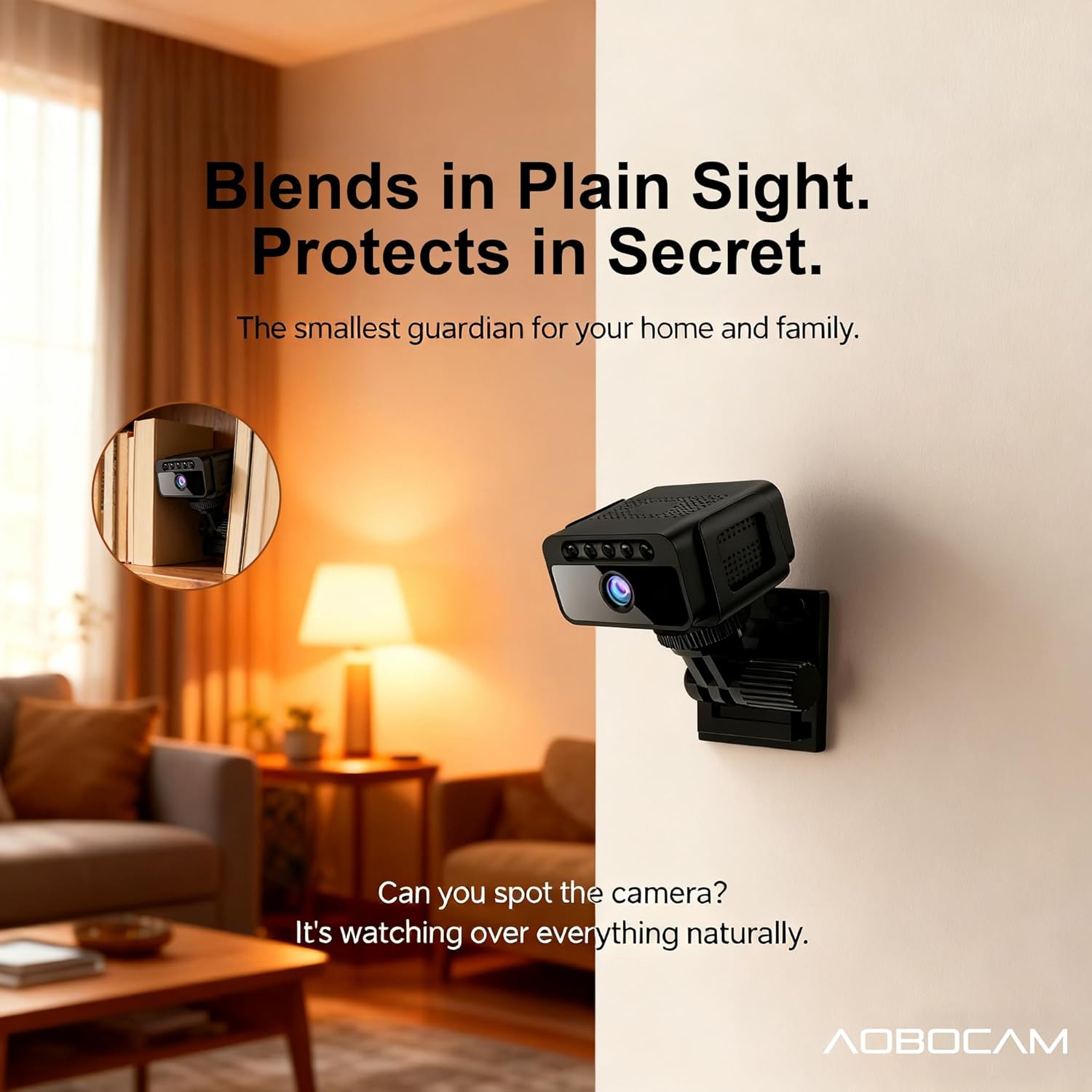
Image: AOBOCAM W06 camera highlighting its key features such as 4K Ultra HD, invisible night vision, multiple usage modes, and battery life.
What's in the Box
Please verify that all items are present in the package:
- Home mini camera
- USB Cable x1
- User Manual x1

Image: The AOBOCAM W06 mini camera, demonstrating its compact size and potential use with a smartphone app.
Setup
1. Charging the Camera
Before initial use, fully charge the camera using the provided USB cable. Connect the USB cable to the camera's charging port and a standard USB power adapter (not included). The camera has an 800mAh industrial-grade battery, supporting up to 5 hours of continuous operation. For 24/7 recording, keep the camera plugged in.
2. Inserting a Micro SD Card (Optional)
For local storage, insert a Micro SD card (up to 128GB, not included) into the designated slot. Ensure the card is inserted correctly. The camera supports continuous recording to the SD card.
3. App Installation and Connection
- Download the companion app (e.g., "O-KAM Pro" as seen in images) from your device's app store.
- Power on the camera.
- Open the app and follow the on-screen instructions to add your camera. You will typically scan a QR code on the camera or connect via Wi-Fi.
- Choose your preferred connection mode:
- Stable WiFi Mode: Connects to your home Wi-Fi network for continuous monitoring and remote access.
- Mobile Hot-spot Mode: Allows direct connection to your mobile device's hotspot for real-time remote access when a Wi-Fi network is unavailable.
- No-WiFi Standalone Mode: Records directly to the Micro SD card without an internet connection, ideal for areas without Wi-Fi.

Image: Visual representation of the three flexible connection modes supported by the camera.
Operating Instructions
Live View and Recording
Once connected, access the live video feed through the app. You can view 4K Ultra HD video with a 150° wide-angle perspective. The app typically provides options for:
- Switching between Super HD and other resolutions.
- Enabling/disabling sound.
- Accessing full-screen view.
- Reviewing recorded footage from the SD card or cloud.
Video: Demonstrates the camera's live view functionality and discreet placement for security monitoring.
Night Vision
The camera features premium 940nm no-glow infrared technology, providing completely invisible night vision up to 10 meters. This allows for 24/7 covert monitoring without any visible light emission from the camera.
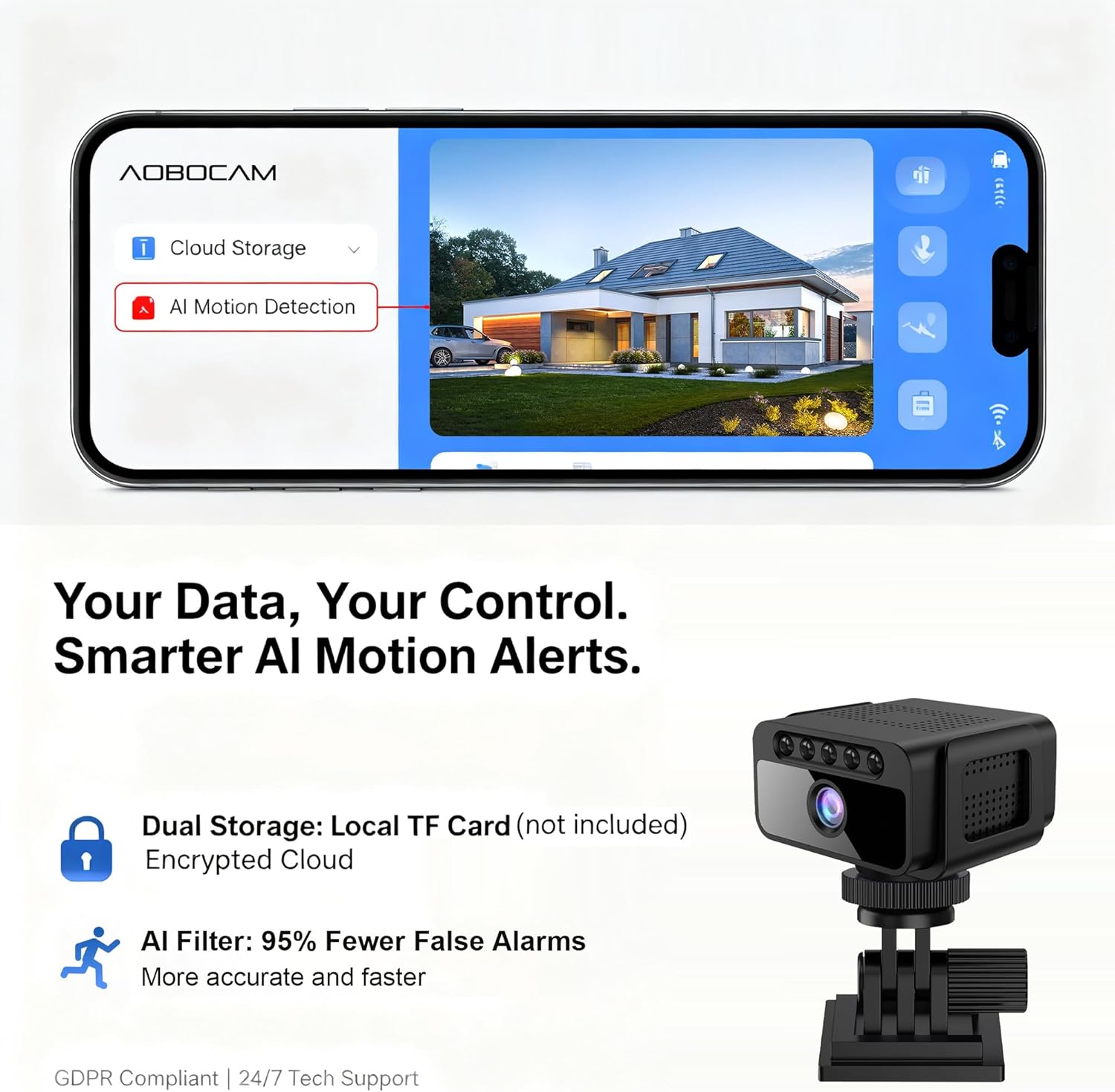
Image: Illustrates the superior clarity of the AOBOCAM W06's invisible night vision compared to standard night vision.
AI Motion Detection and Alerts
The camera's advanced AI algorithm and PIR sensor accurately distinguish between humans, pets, and vehicles, reducing false alerts by 95%. When motion is detected, you will receive instant notifications on your connected device. Configure alert settings within the app.
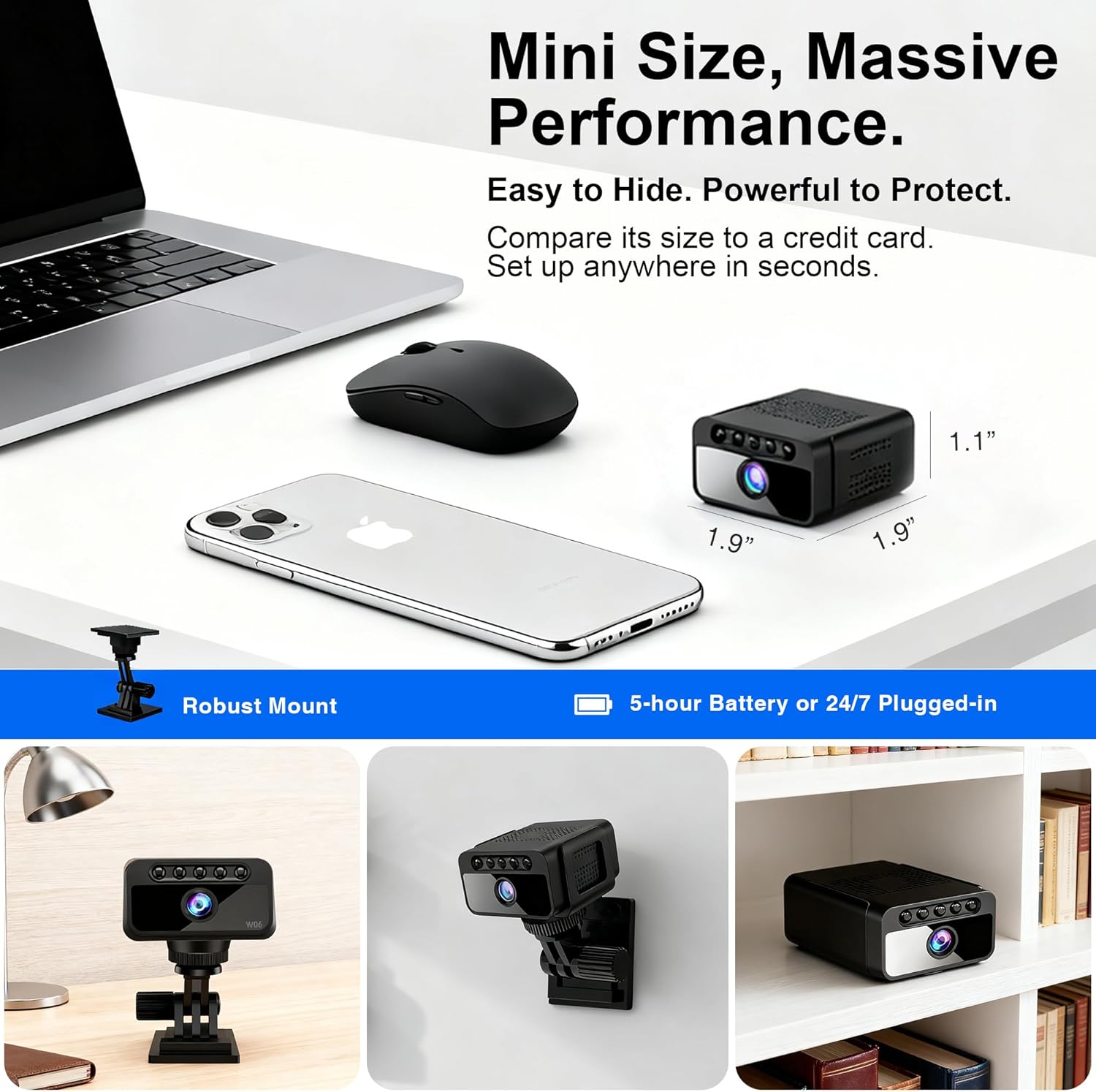
Image: The AOBOCAM app interface displaying options for AI motion detection and dual storage.
Storage Options
- Local Storage: Records to a Micro SD card (up to 128GB, not included). Footage can be accessed and managed via the app.
- Cloud Storage: Optional encrypted cloud storage plans are available for secure backup and access to your recordings. This provides enterprise-grade data protection.
Maintenance
- Cleaning: Use a soft, dry cloth to clean the camera lens and body. Avoid abrasive cleaners or solvents.
- Placement: Ensure the camera is placed in a stable location, away from direct sunlight, extreme temperatures, and moisture.
- Software Updates: Regularly check the app for firmware updates to ensure optimal performance and security.
- Battery Care: For prolonged battery life, avoid fully discharging the camera frequently. If storing for extended periods, charge the battery to about 50%.
Troubleshooting
Camera Not Connecting to Wi-Fi/App
- Check Wi-Fi Signal: Ensure the camera is within range of a strong 2.4GHz Wi-Fi signal. The camera does not support 5GHz Wi-Fi.
- Router Settings: Verify your router settings are compatible. Some routers may require specific configurations for smart devices.
- Restart Devices: Try restarting both your camera and your Wi-Fi router.
- Re-pair: Remove the camera from the app and attempt the pairing process again.
- App Issues: Ensure your app is updated to the latest version. If issues persist, try reinstalling the app.
Poor Video Quality
- Network Speed: A stable and fast internet connection is crucial for 4K streaming. Check your network speed.
- Lens Cleanliness: Ensure the camera lens is clean and free from dust or smudges.
- Lighting: While the camera has night vision, adequate ambient lighting can improve overall video quality during the day.
Motion Detection Not Working or Too Many False Alarms
- Sensitivity Settings: Adjust the motion detection sensitivity in the app. Lowering sensitivity can reduce false alarms from pets or minor movements.
- Detection Zones: Configure specific detection zones within the app to focus on critical areas and ignore irrelevant ones.
- Obstructions: Ensure there are no obstructions blocking the camera's view or the PIR sensor.
Specifications
| Feature | Detail |
|---|---|
| Model Number | W06 |
| Video Capture Resolution | 4K Ultra HD |
| Effective Video Resolution | 1080.0 (Note: 4K is advertised, 1080p is also listed in specs, likely for streaming or specific modes) |
| Field of View | 150° Wide Angle |
| Night Vision | 940nm No-Glow Infrared (up to 10 meters) |
| Connectivity | 2.4GHz Wi-Fi, Mobile Hotspot, No-WiFi Standalone |
| Power Source | Battery Powered (800mAh Lithium Polymer, included), USB Cable for continuous power |
| Battery Life | Up to 5 hours continuous operation |
| Storage | Micro SD Card (up to 128GB, not included), Optional Cloud Storage |
| Motion Detection | Smart AI Detection with PIR Sensor |
| Indoor/Outdoor Usage | Indoor |
| Dimensions (L x W x H) | 1.57 x 1.18 x 1.18 inches |
| Item Weight | 1.76 ounces (50 Grams) |
| Material | Plastic |
| Manufacturer | Shenzhen Aobo en Technology Co., Ltd. |
Warranty and Support
The AOBOCAM W06 camera typically includes a 3-Year Protection Plan. For specific warranty details, please refer to the documentation included with your purchase or contact AOBOCAM customer support.
24/7 technical support is available to assist with any questions or issues you may encounter. Contact information can usually be found on the product packaging or the official AOBOCAM website.