
Introduction
Thank you for choosing the CAMSTRO 4K Wireless Outdoor Security Camera System. This manual provides essential information for setting up, operating, and maintaining your security system. Please read it thoroughly before installation and use.
This system features 4K Ultra HD resolution, 360° Pan-Tilt-Zoom (PTZ) capabilities, human/vehicle/pet recognition AI, color night vision, and 64GB local storage via a HomeBase, eliminating monthly subscription fees. It is designed for robust outdoor performance with an IP66 weatherproof rating and solar power for continuous operation.
What's in the Box
Your CAMSTRO 4K Wireless Outdoor Security Camera System package includes the following components:
- 2 x 4K Cameras
- 2 x Removable Solar Panels
- 1 x Home Base
- 2 x Brackets & Screw Bags
- 2 x USB Cables
- 1 x Instruction Manual
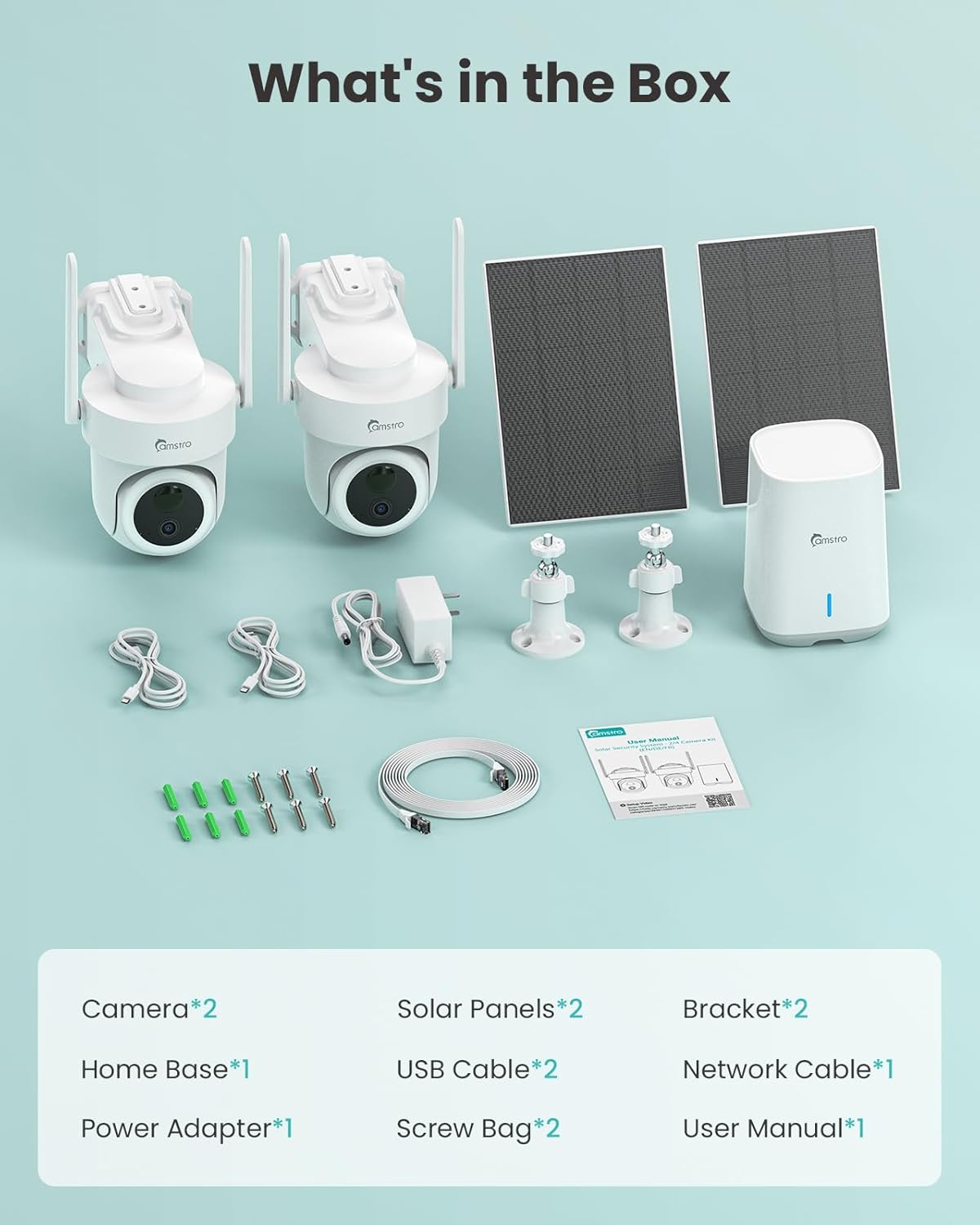
Image: All components included in the CAMSTRO 4K Wireless Outdoor Security Camera System kit.
Setup
1. Connect the HomeBase
First, connect the HomeBase to your router using the provided Ethernet cable. Then, connect the DC12V power supply to the HomeBase. Observe the blue indicator light on the base station; if it stays on, the network connection is successful.
Video: Step-by-step guide on connecting the HomeBase to your router and power supply.
2. App Installation and Account Registration
Download the KooCam app from the Apple App Store or Google Play Store. Open the app and click "Register" to create a new account. Select your country, enter your email address and password, then complete the registration process. Log in using your registered credentials.
3. Pairing Cameras with HomeBase
Ensure your mobile phone is connected to the same Wi-Fi network as the HomeBase. Press and hold the SYNC button on the HomeBase for 3-5 seconds until the blue light flashes. Then, press and hold the power button on each camera for 5 seconds to turn it on. Follow the in-app instructions to scan the QR code on the HomeBase or manually add the device. A "Connection Successful" message will confirm pairing.
Video: Instructions for pairing cameras with the HomeBase station individually.
4. Mounting the Cameras and Solar Panels
Mount the cameras in desired outdoor locations using the provided brackets and screws. Ensure the mounting is secure and stable. Connect the solar panels to the cameras. Angle the solar panels to receive maximum direct sunlight throughout the day for optimal charging. Avoid areas where shade might obstruct sunlight.

Image: A CAMSTRO 4K Wireless Outdoor Security Camera mounted on a wall, connected to a solar panel for continuous power.
Operating Your Security System
1. Live View and Pan-Tilt-Zoom (PTZ) Control
Access the KooCam app to view live footage from your cameras. Use the on-screen controls to pan, tilt, and zoom the camera's view, providing 360° panoramic coverage without blind spots. The 4K Ultra HD clarity ensures sharp details even when zoomed.

Image: A smartphone showing the 360° panoramic view from a CAMSTRO PTZ camera, highlighting its wide coverage.
2. Motion Detection and AI Recognition
The system features advanced motion detection with Human, Vehicle, and Pet Recognition AI. When motion is detected, the camera can lock onto moving objects and follow their dynamic trajectories, providing a complete activity record. You will receive instant notifications on your smartphone.

Image: Smart motion detection features of the CAMSTRO camera, identifying humans, vehicles, and pets.
3. Color Night Vision
Even in low-light environments, the security camera delivers vivid full-color night vision, ensuring 24/7 protection for your home. The dual-light design enhances visibility in darkness.

Image: Dual-light design for clear color night vision, illustrating the difference between spotlight off and on.
4. Two-Way Audio
Utilize the two-way audio feature to communicate with visitors or deter intruders directly through the camera's built-in speaker and microphone via the app.
5. Multi-Camera Event Tracking
The system supports multi-camera event tracking, intelligently synchronizing monitoring video across up to 4 cameras to fully restore the entire picture of an event.

Image: Multi-camera event tracking feature, showing synchronized video from various cameras on the app.
Maintenance
1. Solar Panel Charging
The cameras are powered by the sun via removable solar panels. Ensure the solar panels are positioned to receive at least 3 hours of direct sunlight daily to keep the cameras running continuously. Regularly clean the solar panels to remove dust or debris that may hinder charging efficiency.
2. Local Storage Management
All videos are recorded and stored securely in the HomeBase's built-in 64GB Micro SD card, which supports up to 180 days of loop recording. To manage storage, access the app's settings to view recorded events. You can delete old footage to free up space as needed. The storage is expandable up to 128GB with an additional Micro SD card (not included).
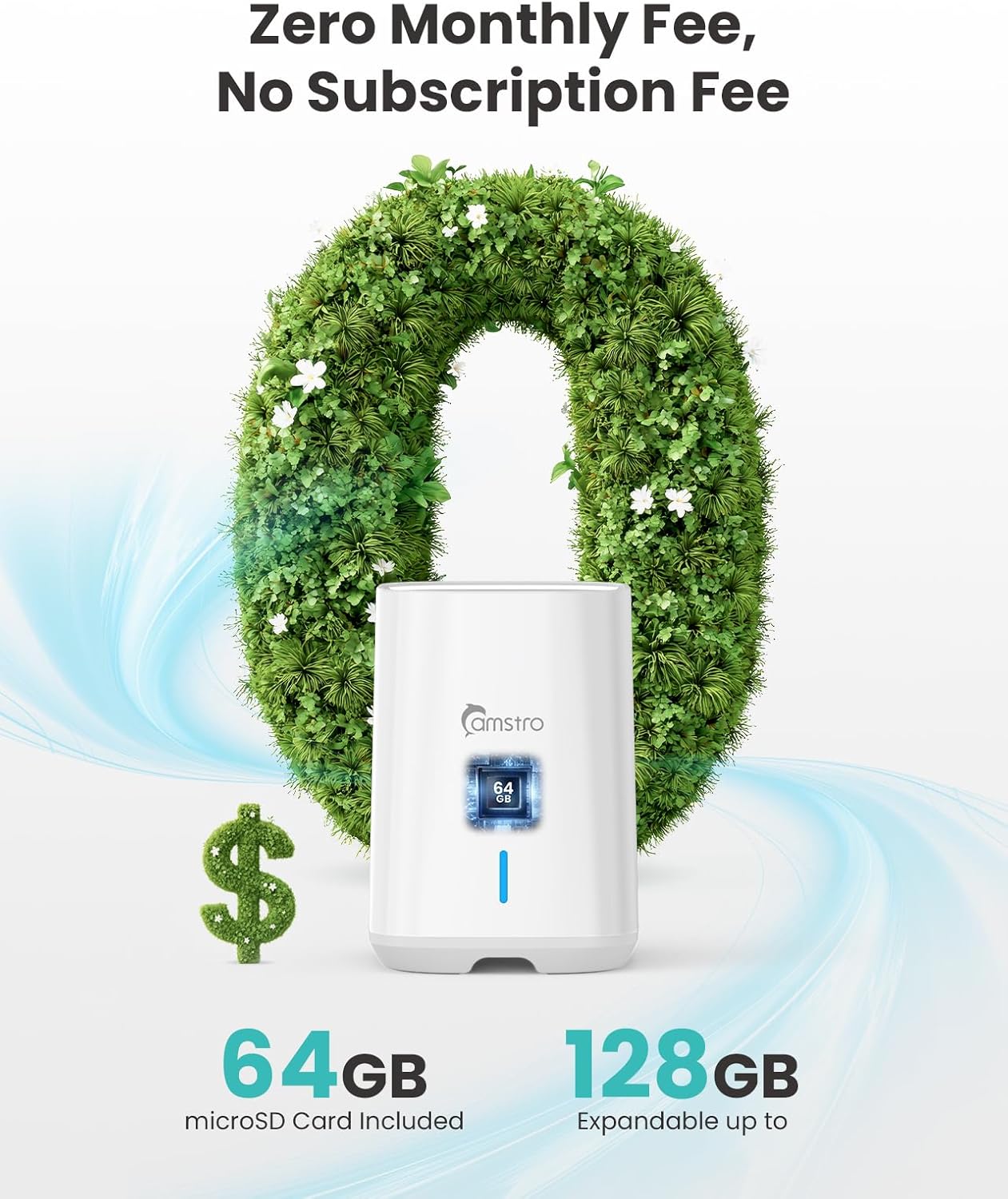
Image: The CAMSTRO HomeBase, emphasizing its 64GB local storage and no monthly fees.
3. Weather Resistance
The cameras have an IP66 weatherproof rating, designed to withstand rain, wind, or snow. Periodically inspect the camera and solar panel mounts for any signs of wear or damage, especially after severe weather conditions.
Troubleshooting
- Camera Not Charging: Ensure solar panels are clean and receive direct sunlight for at least 3 hours daily. Check the connection cable between the solar panel and the camera.
- Poor Wi-Fi Signal: Ensure the HomeBase is placed within optimal range of your router and cameras. Walls and other obstacles can interfere with signal strength. Consider repositioning the HomeBase or cameras.
- App Connection Issues: Verify your mobile phone is connected to the same Wi-Fi network as the HomeBase. Restart the app or your phone if issues persist.
- Motion Detection Not Working: Check the motion detection settings in the app. Adjust sensitivity levels and ensure AI recognition features are enabled as desired.
- Camera Not Powering On: Ensure the camera's internal battery is charged. If it's a new setup, fully charge the camera via USB before initial solar use.
Specifications
| Feature | Detail |
|---|---|
| Model Name | CU-N94WHP0-92CT-OP |
| Video Capture Resolution | 4K Ultra HD (8 MP) |
| Viewing Angle | 360 Degrees (PTZ) |
| Connectivity Technology | Wireless (Wi-Fi) |
| Power Source | Solar Powered |
| Local Storage | 64GB Micro SD (built-in, expandable to 128GB) |
| Weatherproof Rating | IP66 |
| Night Vision | Color Night Vision |
| Special Features | 2-Way Audio, PTZ Technology, AI Recognition (Human/Vehicle/Pet) |
| Compatible Devices | Smartphone, Amazon Alexa, Google Assistant |
Warranty and Support
Warranty Information
Your CAMSTRO 4K Wireless Outdoor Security Camera System is covered by a manufacturer's warranty. Please refer to the warranty card included in your package for specific terms and conditions. Keep your proof of purchase for any warranty claims.
Customer Support
For technical assistance, troubleshooting, or any questions regarding your product, please contact CAMSTRO customer support through the KooCam app or visit the official CAMSTRO website. Our support team is available to help you with installation, operation, and any other inquiries.
- In-App Support: Access the 'Support' section within the KooCam app.
- Online Resources: Visit help.camstro.com for FAQs and video tutorials.
