
1. Introduction
This manual provides detailed instructions for the Tengsen Mp3 Player with Bluetooth 5.3, Model X1. It covers setup, operation, maintenance, and troubleshooting to ensure optimal use of your device. Please read this manual thoroughly before using the product.
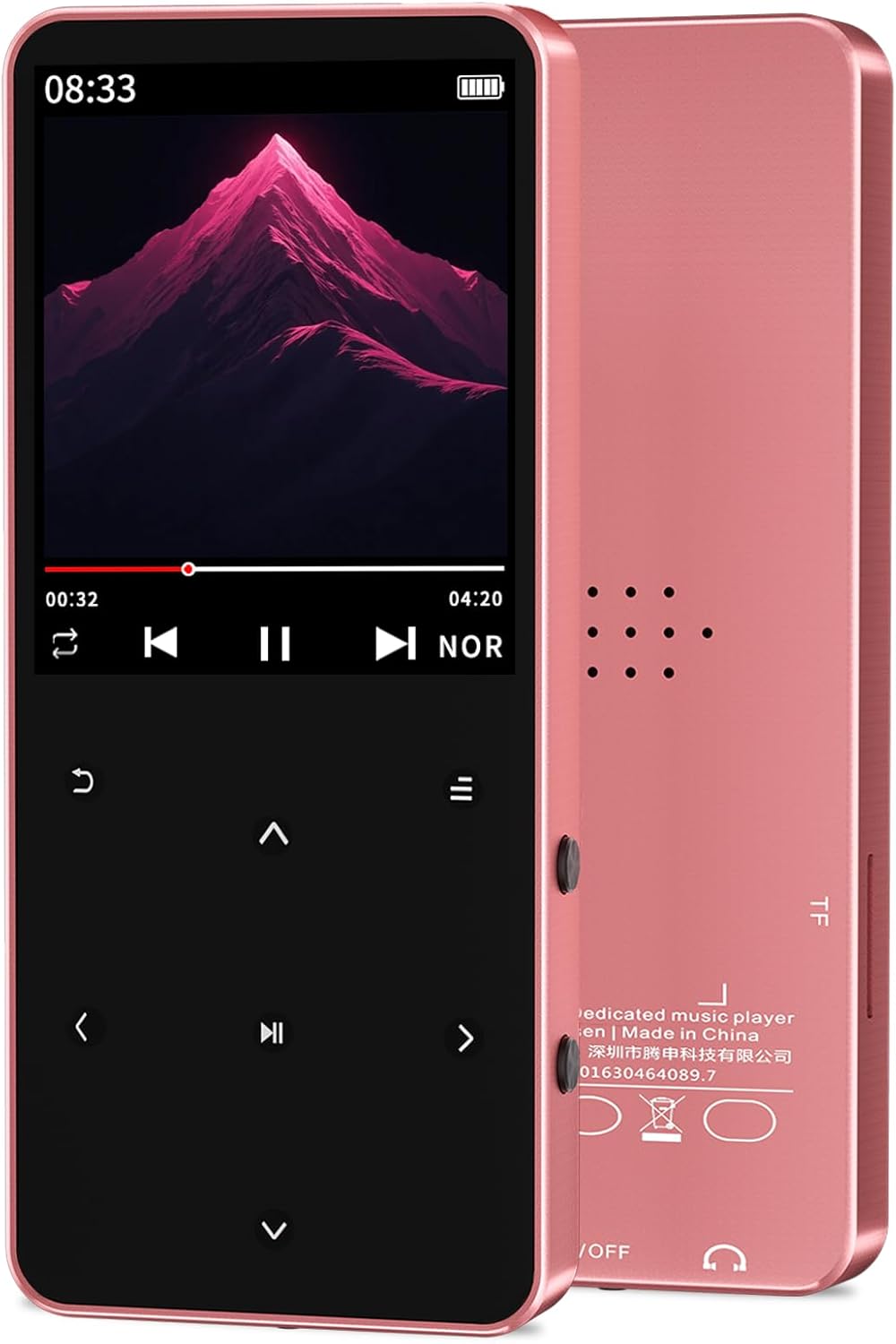
Image: The Tengsen Mp3 Player Model X1 in Rose Gold, showcasing its sleek design and screen interface.
2. What's in the Box
Verify that all items are present in the package:
- 1 x Tengsen Mp3 Player with Bluetooth
- 1 x USB Micro Cable
- 1 x Earphones
- 1 x User Manual
3. Product Overview and Controls
Familiarize yourself with the device's layout and functions.

Image: A detailed diagram illustrating the key definitions and ports of the Tengsen Mp3 Player X1.
| No. | Function |
|---|---|
| 1 | Return |
| 2 | Up (Previous) |
| 3 | Left / Fast Rewind |
| 4 | Down (Next) |
| 5 | Menu Key |
| 6 | Volume + |
| 7 | Right / Fast Forward |
| 8 | Volume - |
| 9 | Confirm / Play / Pause |
| 10 | Headphone Jack |
| 11 | Power / Wake / Lock / Reset Key |
| 12 | Charging Port (Micro USB) |
4. Setup
4.1 Charging the Device
Connect the provided USB Micro cable to the player's charging port (12) and the other end to a USB power adapter or computer USB port. The battery indicator on the screen will show charging status. A full charge is recommended before first use.
4.2 Inserting a Micro SD Card
The device supports Micro TF (SD) cards up to 128GB (not included). Locate the Micro SD card slot on the side of the player. Gently insert the Micro SD card until it clicks into place. Ensure the card is inserted correctly to avoid damage.
4.3 Power On/Off
To power on, press and hold the Power/Wake/Lock /Reset Key (11) until the screen illuminates. To power off, press and hold the same key until the power-off option appears on the screen, then confirm your selection.
5. Operating Instructions

Image: The Tengsen Mp3 Player X1's screen showing icons for its multi-functional capabilities, including music, FM radio, video, and e-book.
5.1 Music Playback
The player supports various audio formats including MP3, WMA, APE, FLAC, WAV, AAC-LC, and M4A. Navigate to the 'Music' icon on the main menu and press the Confirm/Play/Pause key (9) to enter. You can browse music by artist, album, or folder. Seven preset EQ modes are available for sound customization.
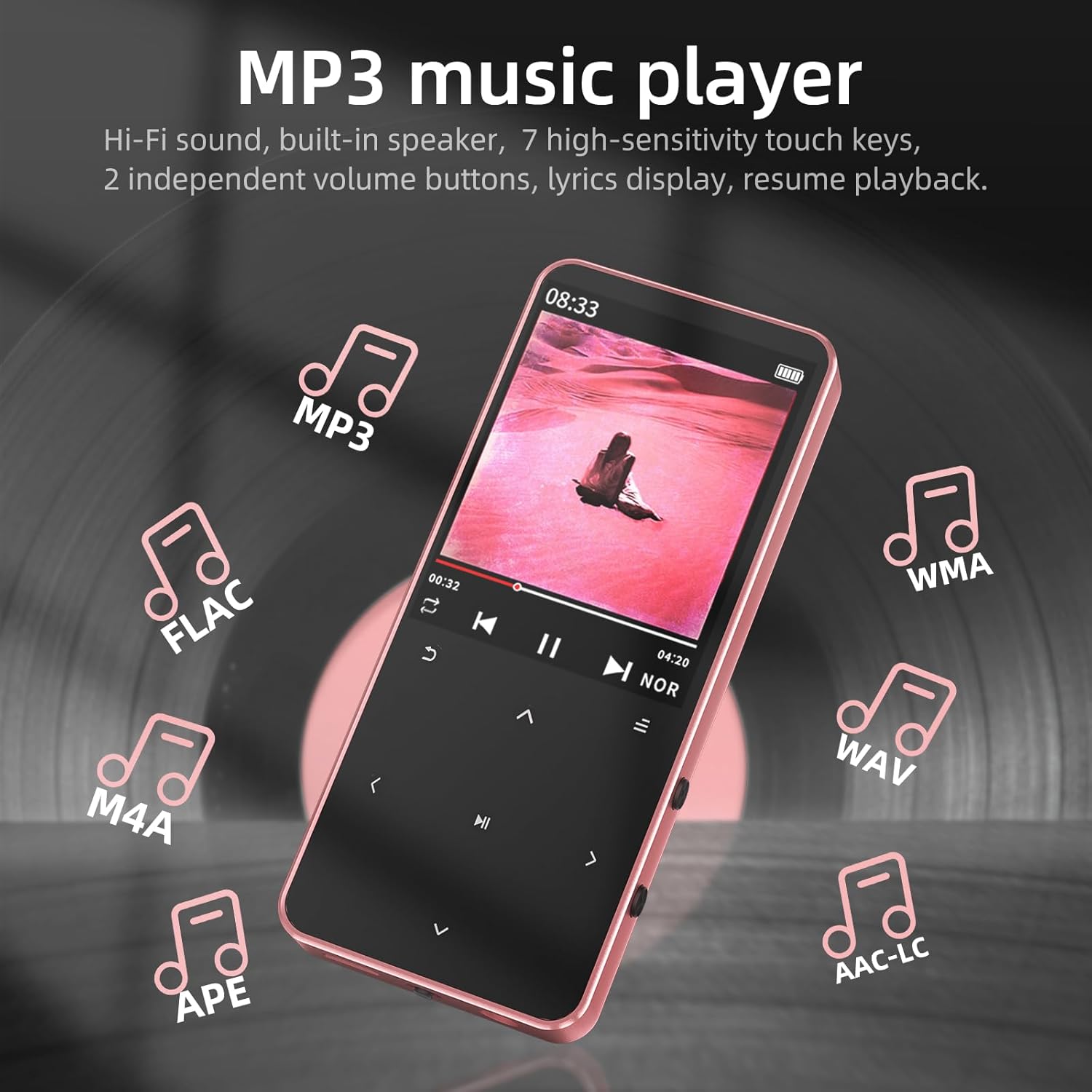
Image: The Mp3 Player X1 screen showing music playback, with icons representing supported audio formats like MP3, FLAC, WMA, WAV, M4A, APE, and AAC-LC.
5.2 Bluetooth Pairing
The device features Bluetooth 5.3 for wireless connection to headphones and speakers. Navigate to the 'Bluetooth' icon in the menu. Turn on Bluetooth and search for available devices. Select your desired Bluetooth audio device from the list to pair. Note: This device is not compatible with smartphones or PCs via Bluetooth.

Image: The Mp3 Player X1 screen showing Bluetooth connectivity, with examples of wireless headphones and a speaker.
5.3 FM Radio
To use the FM radio function, you must connect wired earphones to the headphone jack (10), as they serve as the antenna. Navigate to the 'FM Radio' icon. You can auto-scan for stations or manually tune. Enjoy news, music, and other broadcasts.

Image: The Mp3 Player X1 screen showing the FM Radio interface, tuned to 98.3 MHz, with a note indicating the need to plug in earphones as an antenna.
5.4 Voice Recorder
Access the 'Voice Recorder' function from the main menu. Use this feature to record audio notes or conversations. Recordings are saved to the device's internal memory or Micro SD card.
5.5 E-Book Reader
The player supports TXT format e-books. Transfer your TXT files to the device or Micro SD card. Navigate to the 'E-Book' icon to open and read your documents. The device supports bookmarks for easy reading resumption.
5.6 Video and Photo Viewer
The device supports AVI video playback and JPG/BMP photo slideshows. Transfer your media files to the device or Micro SD card. Access these functions via the 'Video' and 'Picture' icons on the main menu.
5.7 System Settings
The 'Settings' menu allows you to adjust various device parameters, including language, date and time, display brightness, and other system preferences. Use the navigation keys to select and modify settings.
6. Maintenance
- Cleaning: Use a soft, dry cloth to clean the device. Avoid liquid cleaners or abrasive materials.
- Storage: Store the player in a cool, dry place away from direct sunlight and extreme temperatures.
- Battery Care: To prolong battery life, avoid fully discharging the battery frequently. Charge the device regularly, even if not in use for extended periods.
- Water Exposure: This device is not waterproof. Avoid exposure to water or high humidity.
7. Troubleshooting
- Device will not power on: Ensure the battery is charged. If the issue persists, try resetting the device using the Power/Wake/Lock /Reset Key (11).
- No sound from headphones: Check if headphones are properly plugged into the headphone jack (10). Verify volume settings.
- Bluetooth pairing issues: Ensure the Bluetooth device is in pairing mode and within range. Remember, the player does not connect to smartphones or PCs via Bluetooth.
- FM Radio not working: Ensure wired earphones are connected, as they function as the antenna.
- Files not recognized: Ensure media files are in supported formats (e.g., MP3 for audio, AVI for video, TXT for e-books). Check if the Micro SD card is properly inserted and formatted.
- Screen unresponsive: If the touch keys are unresponsive, try restarting the device.
8. Specifications
| Feature | Detail |
|---|---|
| Model Name | X1 |
| Product Dimensions | 3.72 x 1.61 x 0.32 inches |
| Item Weight | 1.48 ounces |
| Battery | 1 Lithium Ion battery (included) |
| Special Features | Built-In Speaker, Equalizer, FM Radio, Hi-Res Audio, Voice Recorder |
| Connectivity Technology | Bluetooth 5.3, USB |
| Memory Storage Capacity | 64 GB (supports up to 128GB Micro SD card) |
| Screen Size | 1.8 Inches |
| Compatible Devices | Headphones |
| Media Type | Flash, Micro SD |
9. Warranty and Support
Tengsen is dedicated to providing reliable products and helpful usage guidance. For any questions or support needs, please refer to the contact information provided with your purchase or visit the official Tengsen support channels. While specific warranty details are not provided in this manual, please retain your proof of purchase for any warranty claims.