
1. Introduction
Thank you for choosing the SenCre Nugget Ice Maker Countertop, Model BXZ002. This manual provides essential information for the safe operation, maintenance, and troubleshooting of your new ice maker. Please read this manual thoroughly before using the appliance and retain it for future reference.

Image 1.1: The SenCre Nugget Ice Maker Countertop, a compact and portable appliance designed for home use.
2. Important Safety Instructions
To reduce the risk of fire, electric shock, or injury, always follow basic safety precautions when using electrical appliances:
- Read all instructions before use.
- Do not touch cold surfaces or ice with wet hands.
- Ensure the appliance is placed on a stable, level surface.
- Do not immerse the power cord, plug, or any part of the appliance in water or other liquids.
- Supervise children when the appliance is in use.
- Unplug the appliance from the outlet when not in use or before cleaning.
- Do not operate any appliance with a damaged cord or plug, or after the appliance malfunctions or has been damaged in any manner.
- Use only potable water in the ice maker.
3. Setup and First Use
3.1 Unpacking
Carefully remove the ice maker from its packaging. Inspect the unit for any damage. Remove all packing materials, including any tape or labels. Ensure all accessories, such as the ice scoop and ice basket, are present.
3.2 Placement
Place the ice maker on a flat, stable, and heat-resistant surface away from direct sunlight and other heat sources. Ensure there is adequate ventilation around the unit, leaving at least 5 inches of space from walls or other appliances.
3.3 Initial Cleaning
Before first use, it is recommended to clean the internal components. Follow these steps:
- Open the lid and remove the ice basket.
- Fill the water reservoir with clean, potable water up to the MAX fill line.
- Close the lid and plug in the appliance.
- Press and hold the 'ON/OFF' button for 3 seconds to activate the self-cleaning cycle. The unit will perform an internal rinse for approximately 10 minutes.
- After the cycle, drain the water from the unit by removing the drain plug located at the bottom.
- Rinse the interior with fresh water and drain again.
- Wipe the exterior with a soft, damp cloth.

Image 3.1: One-Touch Operation for adding water and initiating the self-cleaning cycle.
4. Operating Instructions
4.1 Making Ice
- Ensure the unit is clean and the drain plug is securely closed.
- Fill the water reservoir with potable water up to the MAX fill line. Do not overfill.
- Place the ice basket back into the unit.
- Close the lid.
- Plug the ice maker into a grounded electrical outlet.
- Press the 'ON/OFF' button once to start the ice making process. The indicator light will illuminate.
- The first batch of nugget ice will be ready in approximately 5 minutes.

Image 4.1: Ice production timeline, demonstrating the rapid ice-making capability of the unit.
4.2 Ice Production and Quality
The SenCre Nugget Ice Maker can produce up to 40 lbs of soft, crisp, chewable nugget ice per day. The refined nugget-ice shaping process ensures excellent texture and purity, enhancing the taste of beverages and even serving as a snack.

Image 4.2: High-density chewable ice, known for its crisp and crunchy texture.
4.3 Automatic Shut-off
The ice maker features an automatic shut-off function. When the ice basket is full, the unit will automatically stop producing ice to prevent overflow and conserve energy. The 'ICE FULL' indicator light will illuminate. Once ice is removed, the unit will resume operation.

Image 4.3: The ice maker automatically stops when the ice basket is full, indicated by a red light.
4.4 Quiet Operation
Designed with optimized cooling and airflow, this ice maker operates quietly, making it suitable for various environments such as kitchens, living rooms, offices, and dorms without causing noise disturbance.

Image 4.4: The ice maker is designed for quiet operation, blending seamlessly into your home environment.
4.5 Portability
With a compact footprint and a sturdy handle, the ice maker is easily portable, allowing you to move it between your kitchen, bar, RV, office, or outdoor gatherings.

Image 4.5: The integrated handle allows for easy transport of the ice maker to various locations.
5. Maintenance and Cleaning
5.1 Auto-Cleaning Function
The ice maker features a built-in 10-minute auto-cleaning program. To activate, ensure the water reservoir is filled, then press and hold the 'ON/OFF' button for 3 seconds. This performs a complete internal rinse, helping to maintain hygiene and ice quality.
5.2 Descaling
Hard water can lead to mineral buildup, affecting ice maker performance. Regular descaling is recommended:
- Moderately Hard Water Areas: Descale monthly.
- Hard to Very Hard Water Areas: Descale every two to three weeks.
Consult your local water provider for information on your water hardness. Use a descaling solution suitable for ice makers or a mixture of water and white vinegar as per manufacturer recommendations.

Image 5.1: Guidelines for descaling frequency based on regional water hardness levels.
5.3 General Cleaning
Regularly wipe down the exterior of the unit with a soft, damp cloth. For the interior, after draining the water, wipe surfaces with a clean cloth. Ensure the unit is completely dry before storing or next use.
6. Troubleshooting
If your ice maker is not functioning correctly, please check the following common issues before contacting support:
- No Power: Ensure the power cord is securely plugged into a grounded outlet. Check the circuit breaker.
- 'ADD WATER' Indicator On: The water reservoir is low. Refill with potable water.
- 'ICE FULL' Indicator On: The ice basket is full. Remove ice to resume production.
- Ice Not Forming: Ensure the ambient temperature is within the recommended operating range. The water temperature might be too high. Ensure the unit has proper ventilation.
- Unusual Noise: This could indicate a component issue or the unit is not level. Ensure the unit is on a stable surface.
For issues not resolved by these steps, please refer to the Warranty and Support section.
7. Specifications
| Feature | Specification |
|---|---|
| Model Name | BXZ002 |
| Brand | SenCre |
| Product Dimensions | 11.26 x 8.5 x 12.8 inches |
| Item Weight | 18.46 pounds |
| Ice Production Capacity | Up to 40 lbs per day |
| First Ice Ready In | 5 minutes |
| Ice Type | Nugget (Soft, Chewable) |
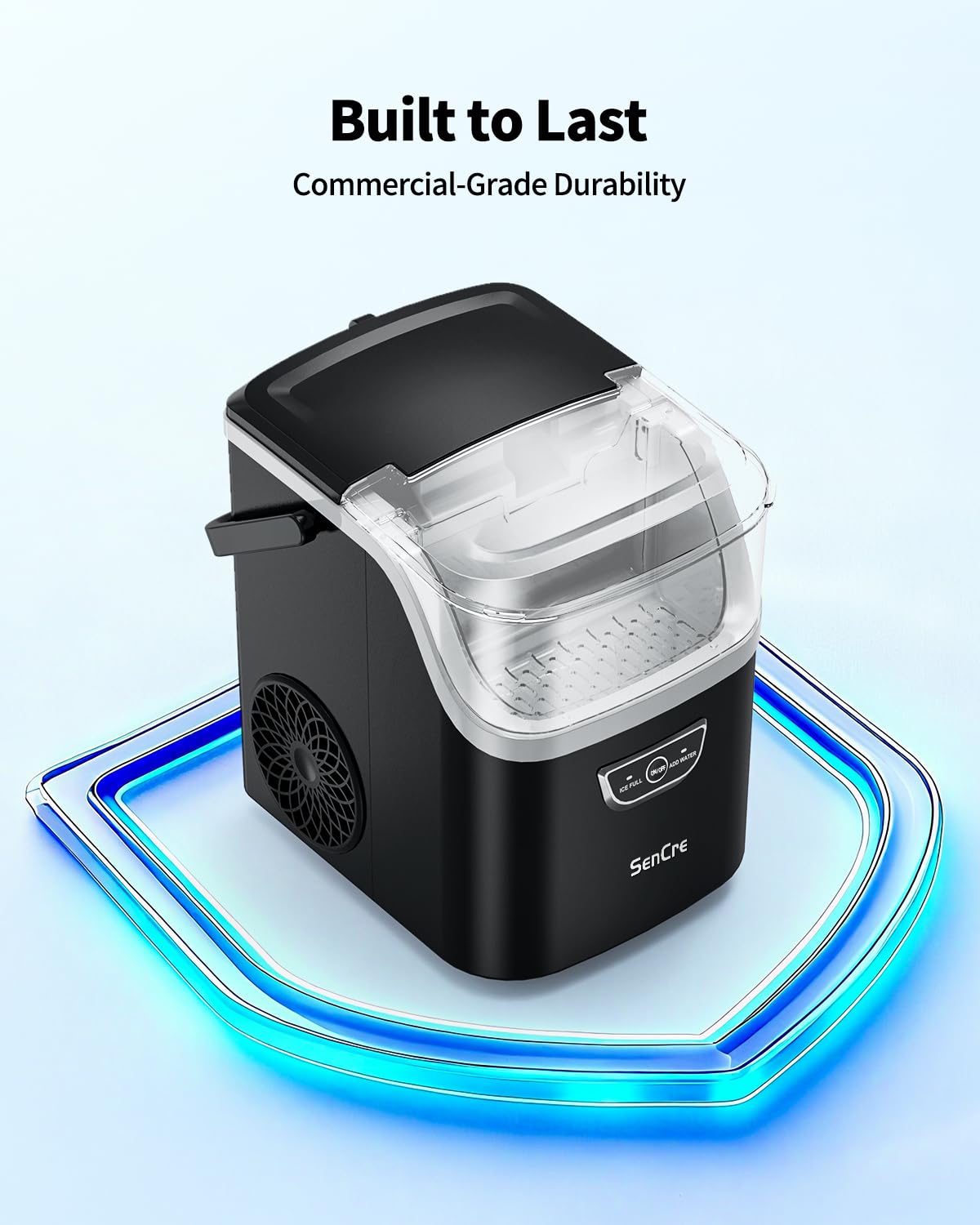
Image 7.1: Key dimensions and capacities of the SenCre Nugget Ice Maker.
8. Warranty and Support
8.1 Warranty Information
The SenCre Nugget Ice Maker BXZ002 comes with a 24-Month Worry-Free Warranty from the date of purchase. This warranty covers defects in materials and workmanship under normal use. Please retain your proof of purchase for warranty claims.
8.2 Customer Support
For any questions, technical assistance, or warranty claims, please contact our 24/7 Multi-Language Support Team. Contact details can be found on our official website or the product packaging.