
Introduction
This manual provides detailed instructions for the setup, operation, maintenance, and troubleshooting of your boAt Airdopes Prime 511 TWS Earbuds. Please read this manual thoroughly before using the product to ensure proper functionality and longevity.
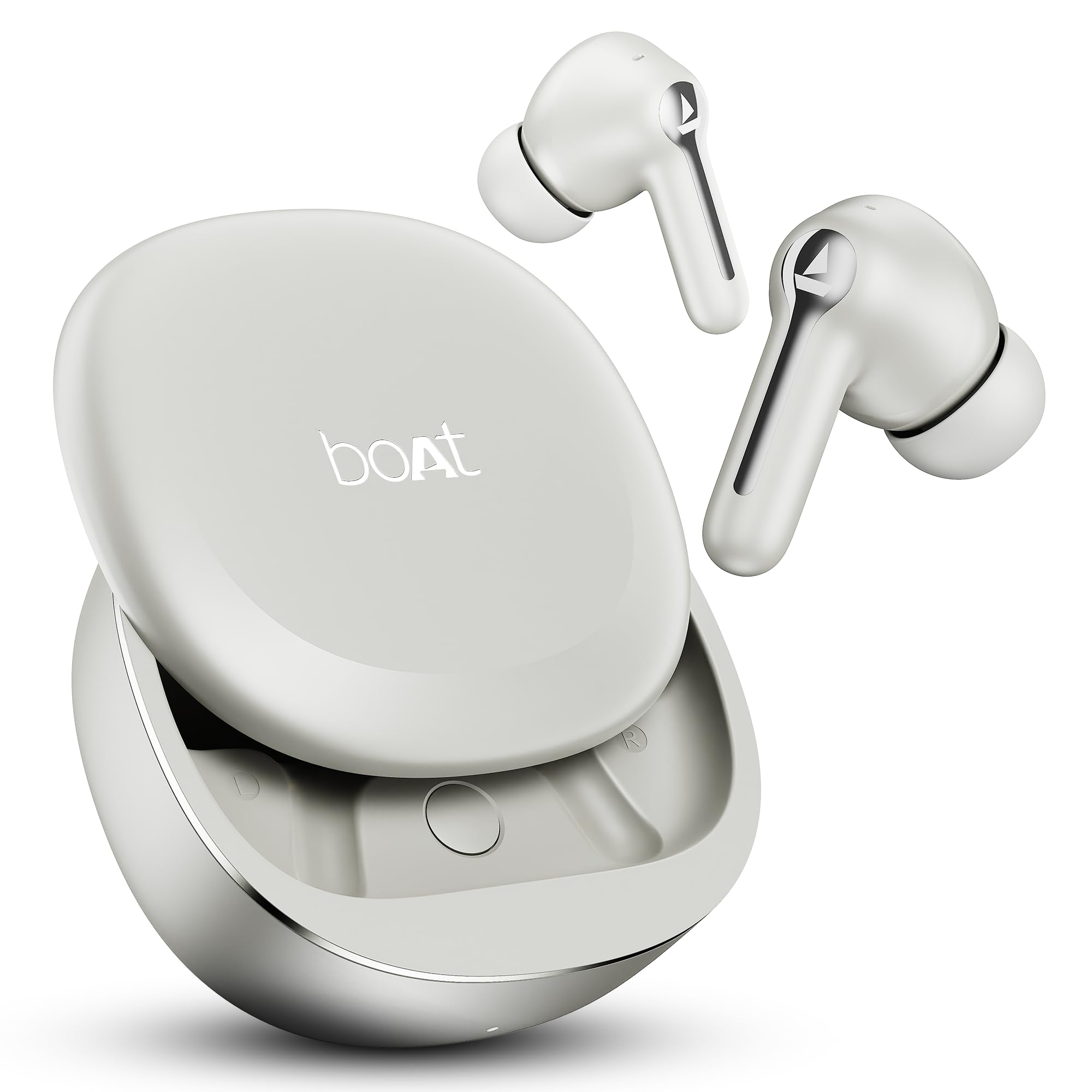
Image: boAt Airdopes Prime 511 TWS Earbuds in Zinc White, showcasing the earbuds and charging case.
1. Setup
1.1 Box Contents
Verify that all items are present in the packaging:
- TWS Earbuds
- Additional Earmuffs
- Charging Cable
- User Manual
1.2 Charging the Earbuds
Before first use, fully charge the earbuds and the charging case. Connect the provided charging cable to the charging case and a power source. The earbuds offer up to 50 hours of total playback time. With ASAP Charge, 10 minutes of charging provides approximately 150 minutes of playback.

Image: The boAt Airdopes Prime 511 charging case and earbuds, illustrating the 50 hours of playback and the ASAP Charge feature.
1.3 Pairing with a Device
The Airdopes Prime 511 uses Bluetooth v5.4 for stable connectivity.
- Open the charging case. The earbuds will automatically enter pairing mode.
- On your device (smartphone, tablet, laptop), enable Bluetooth.
- Search for "Airdopes Prime 511" in the list of available devices and select it to connect.
- For Android devices, Google Fast Pair allows for quick, one-tap connection. You can also rename your Airdopes or locate them via the Google Fast Pair service.
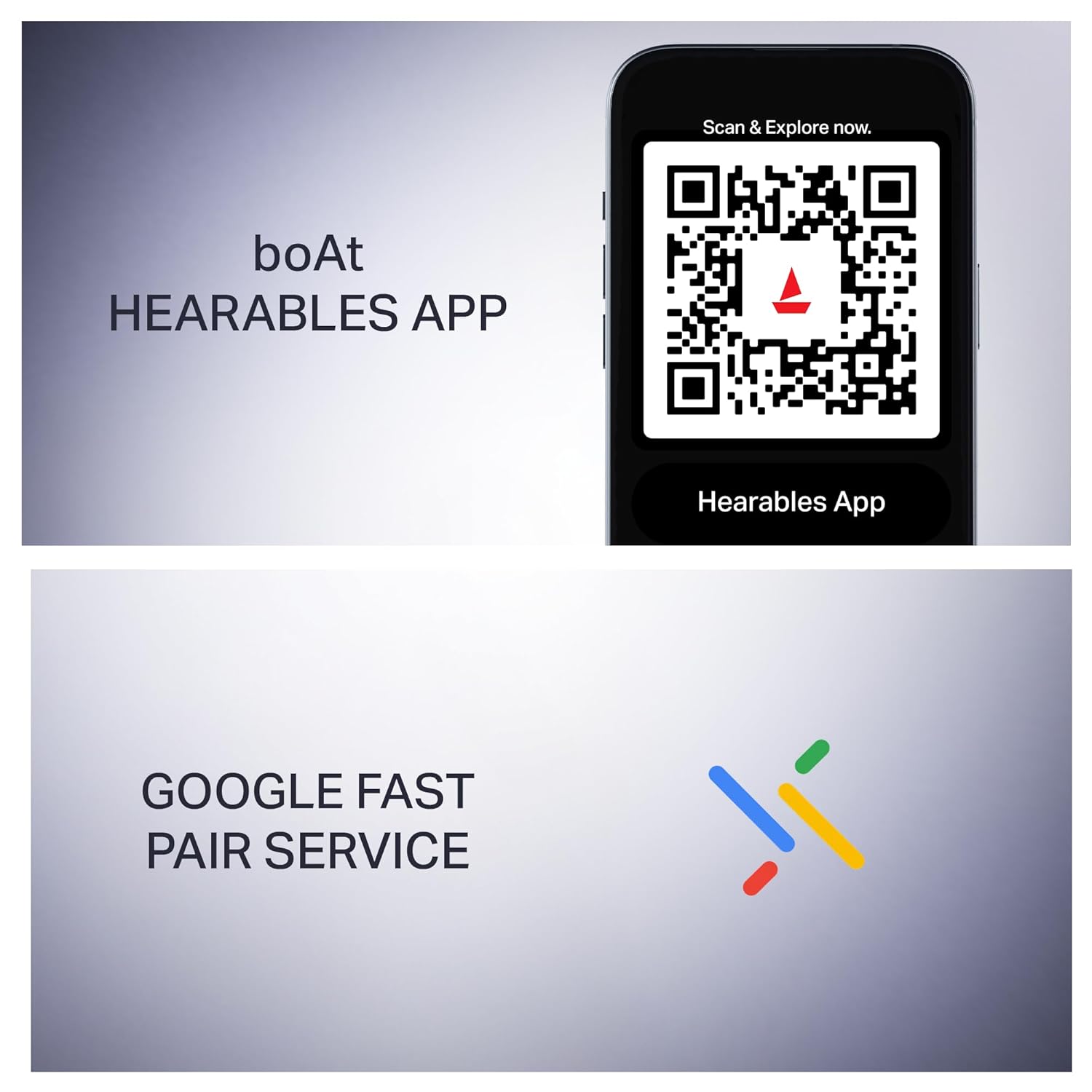
Image: A mobile phone displaying a QR code for the boAt Hearables App and the Google Fast Pair service logo, indicating easy connectivity and app support.
1.4 boAt Hearables App Installation
For enhanced control and customization, download the boAt Hearables App. The app allows you to check battery status, personalize audio features, and manage controls.
Download the app: boAt Hearables App
2. Operating Instructions
2.1 Power On/Off
- Power On: Open the charging case, and the earbuds will power on automatically.
- Power Off: Place the earbuds back into the charging case and close the lid. They will power off and begin charging.
2.2 Touch Controls
The Airdopes Prime 511 features intuitive touch controls on the earbuds.
- Play/Pause: Single tap on either earbud.
- Next Track: Double tap on the right earbud.
- Previous Track: Double tap on the left earbud.
- Answer/End Call: Single tap on either earbud during an incoming call.
- Reject Call: Press and hold either earbud for 2 seconds during an incoming call.
- Activate Voice Assistant: Triple tap on either earbud.
2.3 Seamless Volume Swipe Control
Adjust volume directly from the earbuds:
- Increase Volume: Swipe up along the earbud.
- Decrease Volume: Swipe down along the earbud.

Image: A close-up of the boAt Airdopes Prime 511 earbud, illustrating the swipe gestures for increasing and decreasing volume.
2.4 Calling with AI-ENx Technology
The earbuds are equipped with 4 microphones featuring AI-ENx noise cancellation, ensuring clear voice transmission during calls, even in noisy environments.

Image: A woman wearing boAt Airdopes Prime 511 earbuds, emphasizing the 4 Mics with AI-ENx Technology for clear calls.
2.5 Multipoint Connectivity
Connect the Airdopes Prime 511 to two devices simultaneously (e.g., phone and laptop). This allows seamless switching between audio sources without re-pairing.

Image: boAt Airdopes Prime 511 earbuds shown connected to both a smartphone and a tablet, illustrating the multi-device connectivity feature.
2.6 BEAST Mode for Gaming
Activate BEAST Mode for a low-latency audio experience (60 ms), optimized for gaming to reduce audio lag.
3. Maintenance
3.1 Cleaning
Regularly clean the earbuds and charging case with a soft, dry, lint-free cloth. Avoid using abrasive materials or harsh chemicals. Ensure charging contacts are free of debris.
3.2 Water Resistance
The Airdopes Prime 511 features an IPX5 water resistance rating, protecting against splashes and sweat. It is not designed for submersion in water.
3.3 Storage
When not in use, store the earbuds in their charging case to protect them and ensure they remain charged. Store in a cool, dry place away from extreme temperatures.
4. Troubleshooting
4.1 Earbuds Not Pairing/Connecting
- Ensure both earbuds are charged.
- Place earbuds back in the case, close the lid, then open again to re-enter pairing mode.
- Turn off and on Bluetooth on your device.
- Forget "Airdopes Prime 511" from your device's Bluetooth list and attempt to pair again.
- Try pairing with a different device to rule out device-specific issues.
4.2 One Earbud Not Functioning
- Ensure both earbuds are fully charged.
- Clean the charging contacts on both the earbuds and inside the charging case.
- Perform a factory reset (refer to the boAt Hearables App or official support for specific instructions).
4.3 Charging Issues
- Verify the charging cable is securely connected to both the case and the power source.
- Try a different charging cable or power adapter.
- Ensure the charging contacts on the earbuds and case are clean and free of obstructions.
4.4 Low Volume or Poor Sound Quality
- Adjust the volume on both your connected device and using the earbud swipe controls.
- Ensure the earbuds are properly seated in your ears. Try different sized earmuffs for a better seal.
- Clean any earwax or debris from the earbud nozzles.
5. Specifications
| Model Name | Airdopes Prime 511 |
| Model Number | PP0020 |
| Bluetooth Version | 5.4 |
| Battery Life | Up to 50 Hours (Total Playback) |
| ASAP Charge | 10 Mins charge = 150 Mins Playback |
| Drivers | Dual 12 mm Dynamic Drivers |
| Microphones | 4 Mics with AI-ENx Technology |
| Water Resistance | IPX5 |
| Low Latency Mode | BEAST Mode (60 ms) |
| Connectivity | Multipoint Connection, Google Fast Pair |
| App Support | boAt Hearables App |
| Control Method | Touch, Swipe |
| Item Weight | 80 Grams |
| Material | Plastic |
| Country of Origin | China |
6. Warranty and Support
Your boAt Airdopes Prime 511 comes with a 1-year warranty from the date of purchase.
For warranty claims, technical support, or further assistance, please contact:
- Manufacturer: Imagine Marketing Ltd
- Contact Email: info@imaginemarketingindia.com
- Importer/Packer: Imagine Marketing Ltd
Please retain your proof of purchase for warranty validation.


