
1. Introduction
This manual provides detailed instructions for the installation, operation, and maintenance of your WonVon 7 Inch Wireless Motorcycle Carplay GPS Navigation System. Please read this manual thoroughly before using the device to ensure proper function and safety.
2. Product Overview
The WonVon 7 Inch Wireless Motorcycle Carplay GPS Navigation System is designed to enhance your riding experience with seamless connectivity and navigation. It features a crisp 7-inch IPS touchscreen, wireless Apple CarPlay and Android Auto support, dual Bluetooth for audio and calls, and a rugged, waterproof design for all-weather performance.

Image: The 7-inch display showing both Apple CarPlay and Android Auto interfaces, highlighting key features like WiFi, Dual Bluetooth, Built-in 5G Chip, Language support, IP67 Waterproof rating, and Capacitive Touch.
3. What's in the Box
Your WonVon Motorcycle Carplay GPS Navigation System package includes the following components:
- 7-inch Motor Carplay Display Unit
- Power Cable (wiring harness)
- Mounting Bracket (handlebar mount)
- 6-angle Wrench
- Magnetic Quick-release Bracket Head
- User Manual

Image: All components included in the product packaging, laid out for clear identification.
4. Setup
4.1 Bracket Installation
The device comes with a secure handlebar mount for easy installation. Assemble the mounting bracket components as shown in the video and images below. Ensure all connections are tightened for stability.
Video: Demonstrates the assembly of the mounting brackets for the motorcycle Carplay system.
Video: Provides detailed tips for installing the motor Carplay brackets securely.

Image: An illustration of the easy, all-in-one setup for the device, showing the display, power cable, mounting bracket, and tools.
4.2 Wiring Connection
Connect the power cable to your motorcycle's battery. The red wire connects to ACC (switched power) and the black wire to GND (ground). Ensure secure connections to prevent power interruptions.
Video: A step-by-step guide on how to install the WonVon 7 Inch Wireless Motorcycle Carplay system, including wiring.

Image: Detailed wiring instructions for connecting the device to the motorcycle's power supply.
5. Operating Instructions
5.1 Power On/Off and Interface Navigation
Press the power button to turn the device on or off. The touchscreen interface allows for intuitive navigation through various functions. The main screen displays options for Apple CarPlay, Android Auto, and Settings.

Image: The daily use function display, illustrating how to switch between phone calls, GPS navigation, and music playback.
5.2 Connectivity
5.2.1 Wireless Apple CarPlay Connection
To connect your iPhone wirelessly:
- Turn on Bluetooth and Wi-Fi on your iPhone.
- On the Carplay device, select the 'CarPlay' option.
- On your iPhone, search for and select the device's Bluetooth name (e.g., F601_A2165810).
- Confirm the pairing request and allow contacts/favorites sync.
- Tap 'Connect' on the CarPlay prompt.
Video: Demonstrates the steps for connecting an Apple iPhone to the Carplay system wirelessly.

Image: Visual guide for connecting your iPhone to the device for Apple CarPlay functionality.
5.2.2 Wireless Android Auto Connection
To connect your Android phone wirelessly:
- Turn on Bluetooth and Wi-Fi on your Android phone.
- On the Carplay device, select the 'Android Auto' option.
- On your Android phone, search for and select the device's Bluetooth name (e.g., F601_A2165810).
- Confirm the pairing request.
- The Android Auto interface will appear on the device screen.
Video: Illustrates the connection process for an Android phone to the Carplay system for Android Auto.

Image: Visual guide for connecting your Android phone to the device for Android Auto functionality.
5.2.3 Bluetooth Audio Control
Pair your Bluetooth headset or helmet with the device for hands-free calls, music, and navigation audio. Ensure your headset/helmet has a microphone for voice controls.

Image: Illustration of the Bluetooth audio connection setup, allowing seamless audio transfer to your helmet or headset.
5.3 Display Features
5.3.1 Brightness Adjustment
The device features an adaptive sensor light design that automatically adjusts screen brightness for optimal visibility in varying light conditions. You can also manually adjust the brightness in the settings.
Video: Demonstrates how to adjust the brightness settings on the 7 Inch Wireless Motorcycle Carplay display.

Image: The adaptive sensor light design automatically adjusts screen brightness for optimal visibility, protecting your eyes.
5.3.2 Day & Night Mode
The system automatically switches between day and night modes to ensure clear visibility without glare, regardless of the time of day.
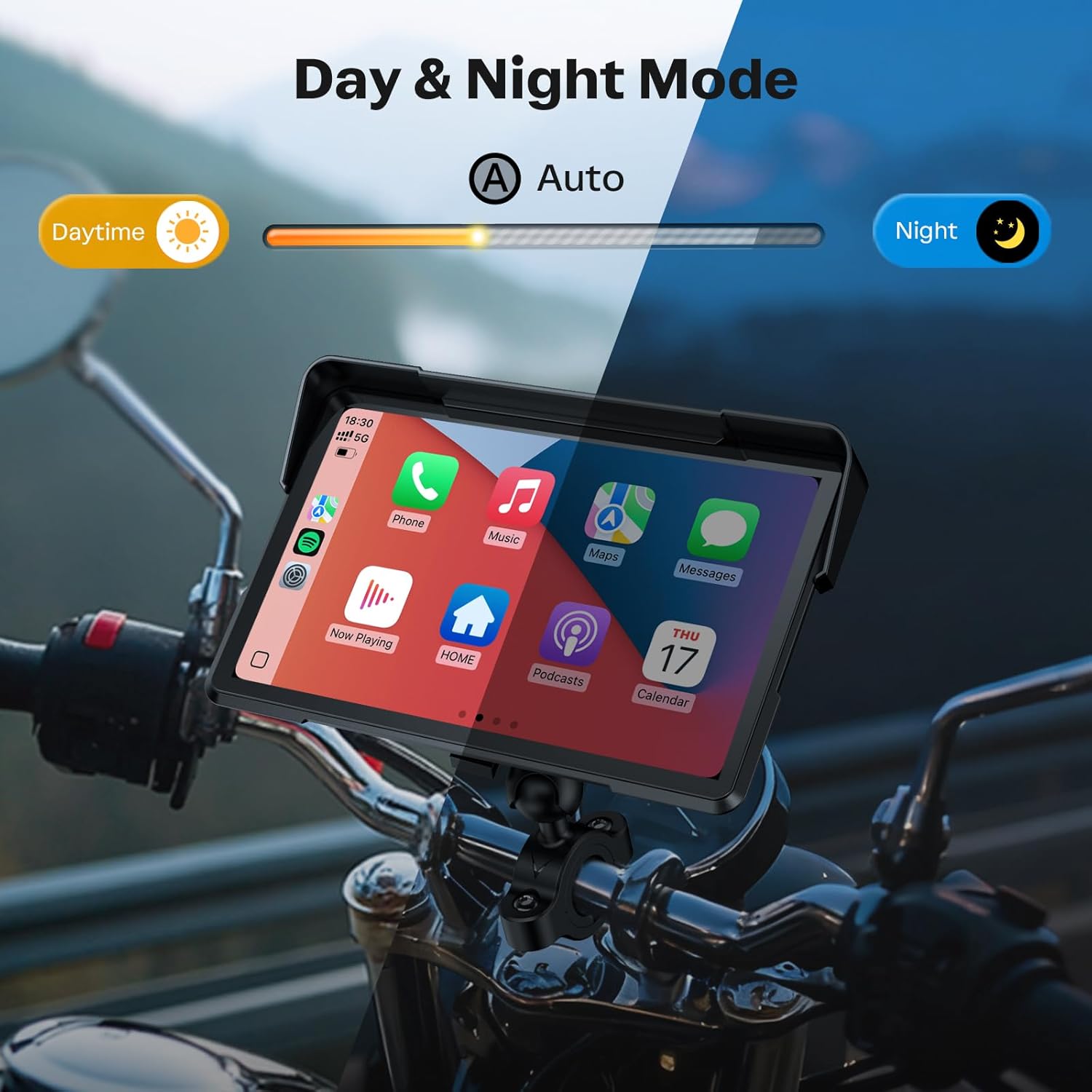
Image: The device automatically adjusts its display for optimal viewing during both daytime and nighttime conditions.
5.3.3 Anti-Glare Design
The 7-inch IPS touchscreen features an anti-glare design, ensuring readability even in direct sunlight. This is crucial for safe and clear navigation during your rides.
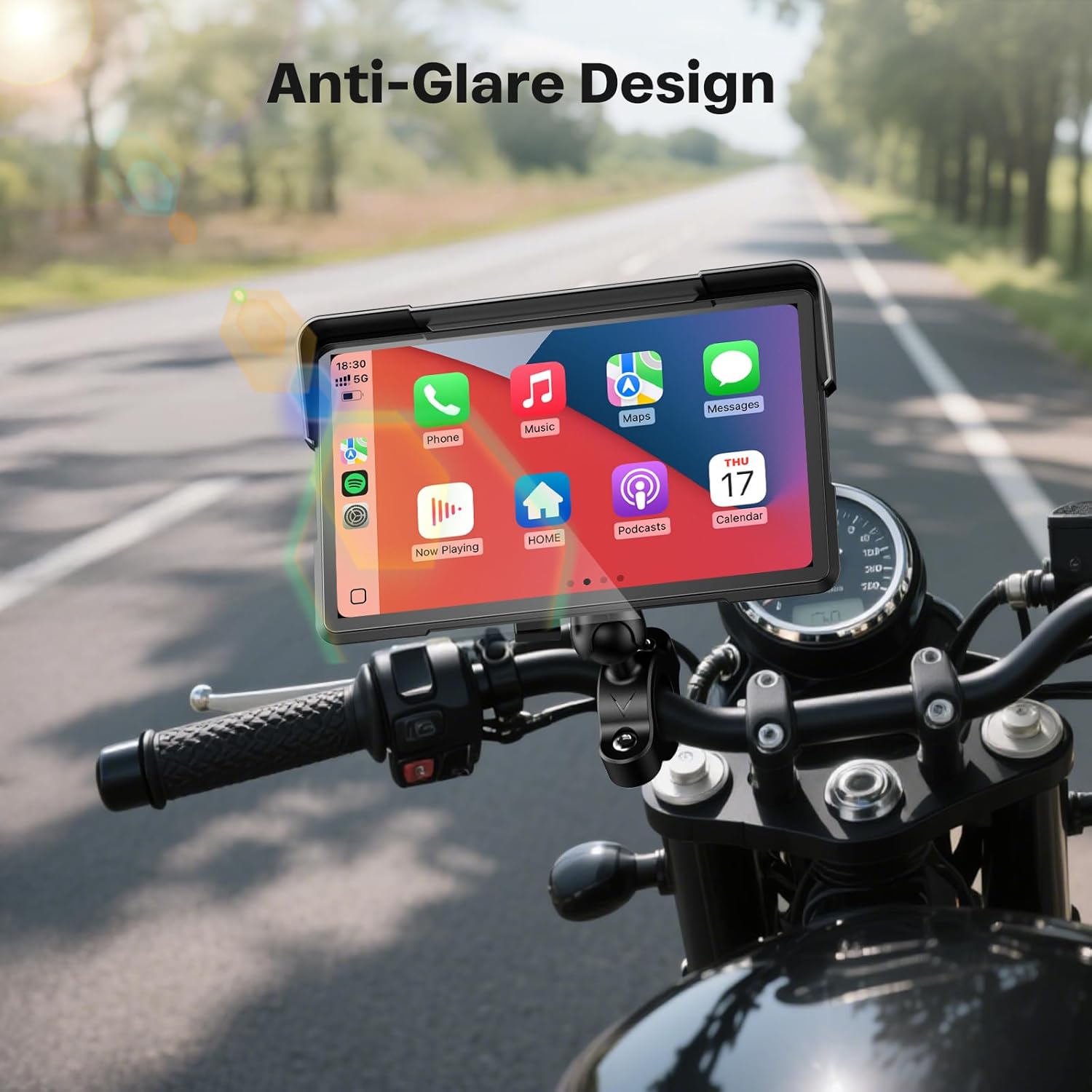
Image: The anti-glare screen ensures clear visibility even under bright sunlight conditions.
5.4 Navigation & Voice Control
Utilize integrated Siri or Google Assistant for hands-free voice commands, allowing you to manage navigation, calls, and music without taking your hands off the handlebars. The system supports various navigation applications.

Image: The device supports Siri and Google Voice Control for hands-free operation, including navigation commands.

Image: GPS Navigation and Voice Control features are integrated, allowing for easy route planning and hands-free commands.
5.5 Music Playback
Stream your favorite music from platforms like Spotify, YouTube Music, and Apple Music directly through the device. The intuitive music UI allows for easy control of playback.

Image: The device supports music streaming from popular services, providing an enjoyable audio experience on the go.
5.6 Split Screen Function
The split-screen function allows you to display navigation and music simultaneously on one screen, optimizing your view and control during rides.

Image: The split-screen feature allows simultaneous display of navigation and music for enhanced convenience.
6. Waterproof and Weatherproof Features
The device boasts an IP67-rated rugged housing, ensuring rainproof durability, dust resistance, and mud protection. It is designed to function reliably in all weather conditions, from sunny days to snow and rain, and across a wide temperature range (-20°C to 70°C).
Video: Shows the WonVon 7 Inch Wireless Motorcycle Carplay system being tested for waterproof capabilities.

Image: The IP67 waterproof design ensures all-weather compatibility and protection against rain, dust, and mud.

Image: The device is built for all-weather performance, operating perfectly in rain, shine, or snow, and across a wide temperature range.
7. Compatibility
The WonVon 7 Inch Wireless Motorcycle Carplay GPS Navigation System is designed for broad compatibility, supporting 99% of motorcycles including cruisers, sportbikes, touring bikes, trikes, dirt bikes, and ATVs.

Image: The device is compatible with a wide range of motorcycles, ensuring broad applicability for riders.

Image: The system offers plug-and-play CarPlay and Android Auto across various motorcycle types, including cruisers, sportbikes, and ATVs.
8. Maintenance
To ensure the longevity and optimal performance of your device, follow these maintenance guidelines:
- Cleaning: Use a soft, damp cloth to clean the screen and exterior. Avoid abrasive cleaners or solvents.
- Storage: When not in use for extended periods, store the device in a cool, dry place away from direct sunlight and extreme temperatures.
- Cable Inspection: Periodically check all cables and connections for wear or damage. Replace any damaged components immediately.
- Software Updates: Check the manufacturer's website for any available firmware updates to ensure the device has the latest features and bug fixes.
9. Troubleshooting
If you encounter issues with your device, refer to the following common solutions:
- No Power: Ensure the power cable is correctly connected to the motorcycle's battery (ACC and GND) and that the ignition is on. Check for any blown fuses in your motorcycle's electrical system.
- Connection Issues (CarPlay/Android Auto):
- Ensure Bluetooth and Wi-Fi are enabled on your smartphone.
- Forget the device from your phone's Bluetooth settings and re-pair.
- On the Carplay device, navigate to Settings > Clear connection history to remove old pairings.
- Try restarting both your smartphone and the Carplay device.
- Display Problems (e.g., flickering, unresponsiveness):
- Check power connections.
- Adjust screen brightness settings.
- If the issue persists, try performing a factory reset via Settings > Restore factory Settings.
- Audio Issues: Ensure your Bluetooth headset/helmet is properly paired and selected as the audio output. Check the volume levels on both the device and your headset/helmet.
10. Specifications
| Feature | Detail |
|---|---|
| Product Dimensions | 9.56"L x 4.89"W x 4"H |
| Item Weight | 3 pounds |
| Screen Size | 7 Inches |
| Operating System | Linux |
| Connectivity Technology | Bluetooth |
| Special Features | Bluetooth, Touchscreen, Waterproof |
| Vehicle Service Type | Motorcycle |
| Mounting Type | Handlebar Mount |
| Map Type | North America |
11. Warranty & Support
Your WonVon 7 Inch Wireless Motorcycle Carplay GPS Navigation System comes with a 12-month warranty. We also provide lifetime technical support and US-based customer service. For any inquiries or assistance, please contact our responsive email support, which aims to reply within 24 hours. A replacement guarantee is also offered for eligible issues.

Image: Details on WonVon's customer support, including response times, warranty, and technical assistance.