
1. Introduction
Thank you for choosing the TAGRY H08 Hybrid Active Noise Cancelling Headphones. This manual provides essential information for setting up, operating, and maintaining your headphones. Please read it carefully before use to ensure optimal performance and longevity of your device.

Image: The TAGRY H08 headphones in black, showcasing their over-ear design and control buttons on the earcup.
2. Package Contents
Ensure all items are present in your package:
- TAGRY H08 Headphones
- User Manual (this document)
- AUX 3.5mm Audio Cable
- Travel Pouch
- Type C Charging Cable
3. Product Overview
Familiarize yourself with the various parts and controls of your TAGRY H08 headphones.

Image: A close-up of the right earcup, highlighting the ANC button, volume up/down, and power/multi-function button.
Controls and Ports:
- ANC Button: Activates or deactivates Active Noise Cancellation.
- Volume Up (+): Increases volume.
- Volume Down (-): Decreases volume.
- Multi-function Button (Power Button): Powers on/off, plays/pauses music, answers/ends calls.
- USB-C Charging Port: For charging the headphones.
- 3.5mm Audio Jack: For wired connection.
- Microphone: For calls and voice commands.
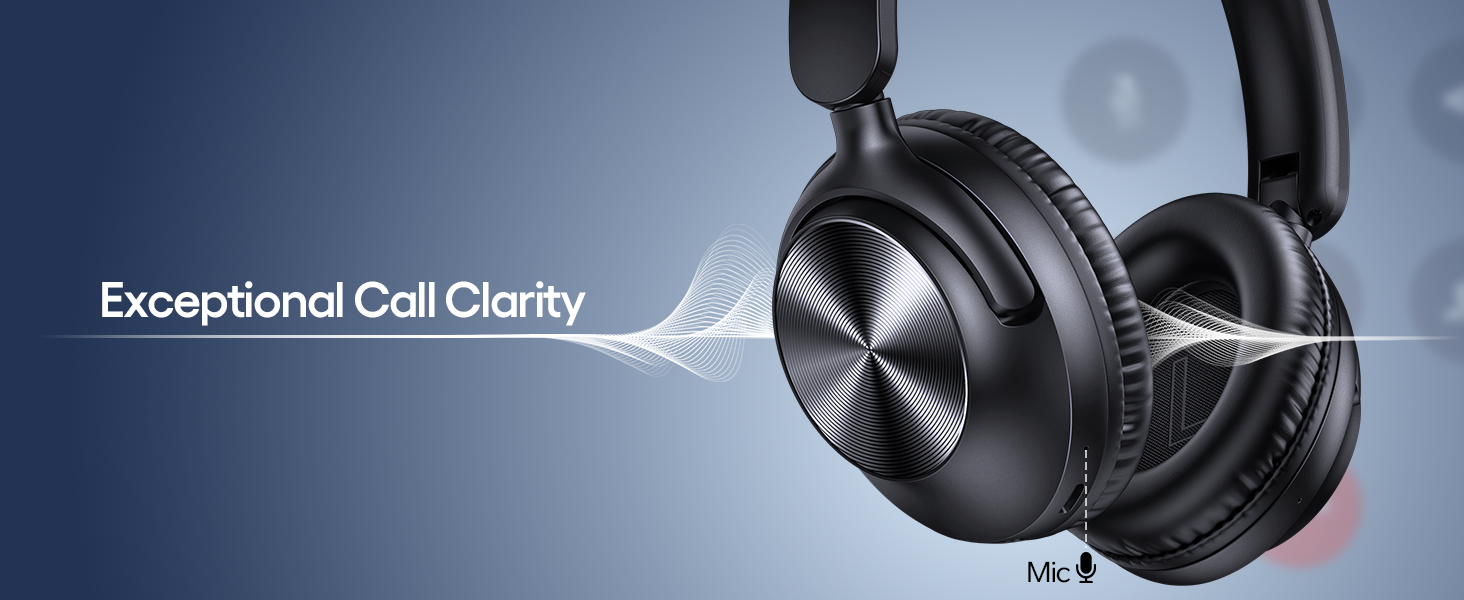
Image: A visual guide to the headphone button functions, illustrating controls for power, playback, calls, and ANC.
4. Setup
4.1 Charging the Headphones
Before first use, fully charge your headphones. Use the provided USB-C charging cable.
- Connect the USB-C end of the cable to the charging port on the headphones.
- Connect the USB-A end to a compatible USB power adapter (not included) or a computer's USB port.
- The LED indicator will show charging status. It typically turns off or changes color when fully charged.
A 5-minute charge provides approximately 10 hours of playtime. A full charge can provide up to 100 hours of playtime.
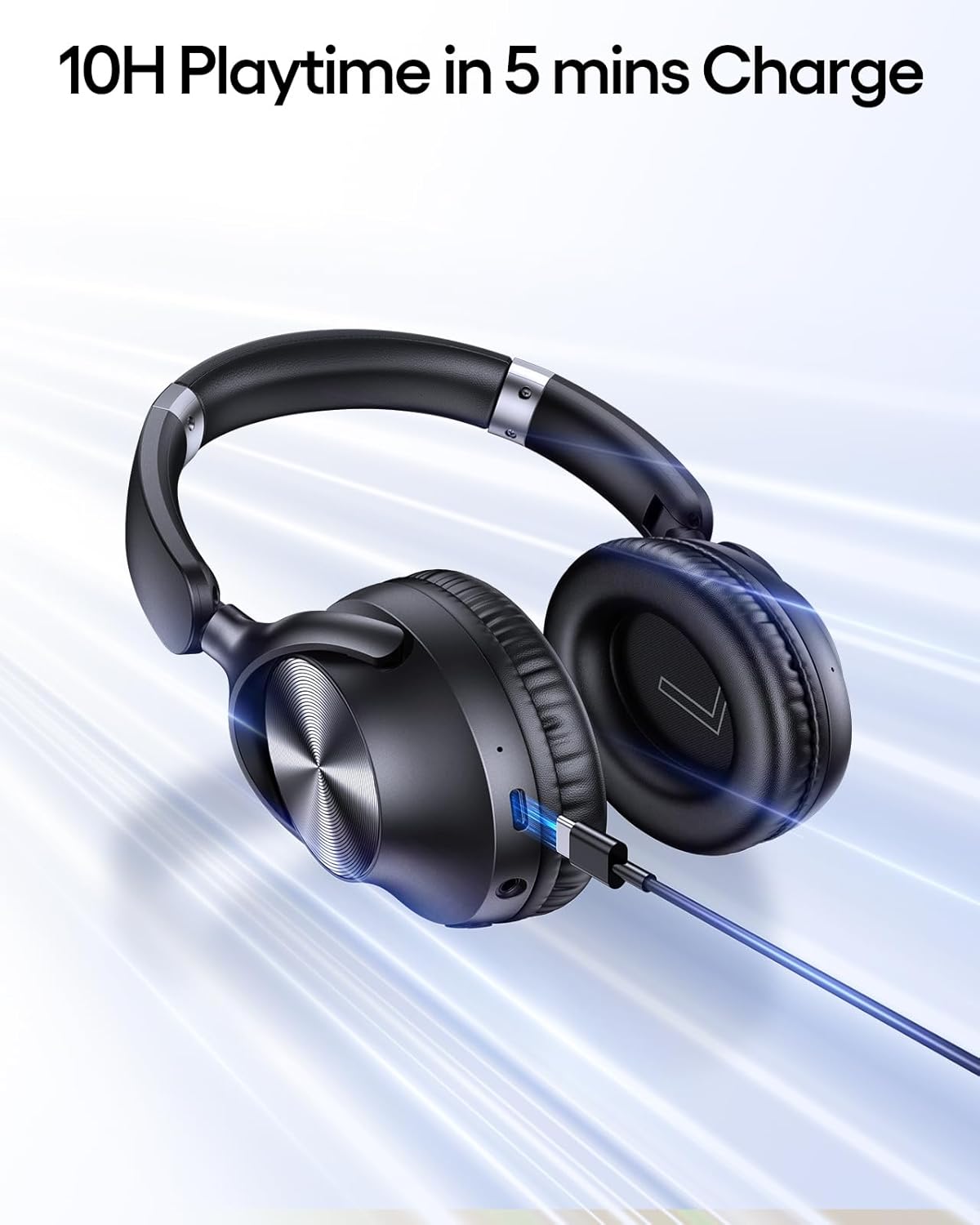
Image: The TAGRY H08 headphones connected to a charging cable, illustrating the fast charging capability.
4.2 Power On/Off
- Power On: Press and hold the Multi-function Button for approximately 3 seconds until the LED indicator flashes.
- Power Off: Press and hold the Multi-function Button for approximately 3 seconds until the LED indicator turns off.
4.3 Bluetooth Pairing
- Ensure the headphones are powered off.
- Press and hold the Multi-function Button for 5-7 seconds until the LED indicator flashes red and blue alternately, indicating pairing mode.
- On your device (smartphone, tablet, computer), enable Bluetooth and search for available devices.
- Select "TAGRY H08" from the list of devices.
- Once connected, the LED indicator will flash blue slowly.
4.4 Wired Connection
To use the headphones with a wired connection:
- Connect one end of the 3.5mm AUX audio cable to the headphone's 3.5mm audio jack.
- Connect the other end to your audio source's 3.5mm audio output.
- The headphones will automatically switch to wired mode. Bluetooth functions will be disabled.
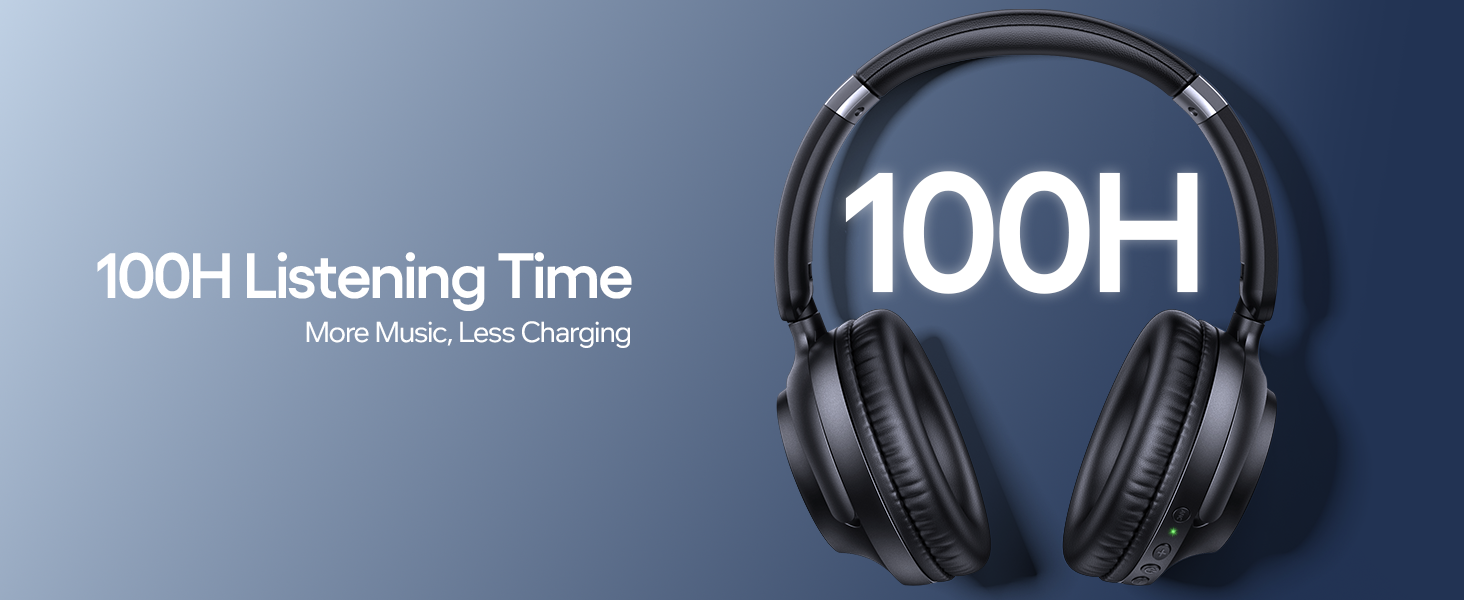
Image: The TAGRY H08 headphones demonstrating flexibility with both wireless Bluetooth and 3.5mm wired connectivity.
5. Operating Instructions
5.1 Music Playback
- Play/Pause: Press the Multi-function Button once.
- Next Track: Press and hold the Volume Up (+) button.
- Previous Track: Press and hold the Volume Down (-) button.
- Volume Up: Short press the Volume Up (+) button.
- Volume Down: Short press the Volume Down (-) button.
5.2 Call Functions
- Answer/End Call: Press the Multi-function Button once.
- Reject Call: Press and hold the Multi-function Button for 2 seconds.
- Redial Last Number: Double-press the Multi-function Button.
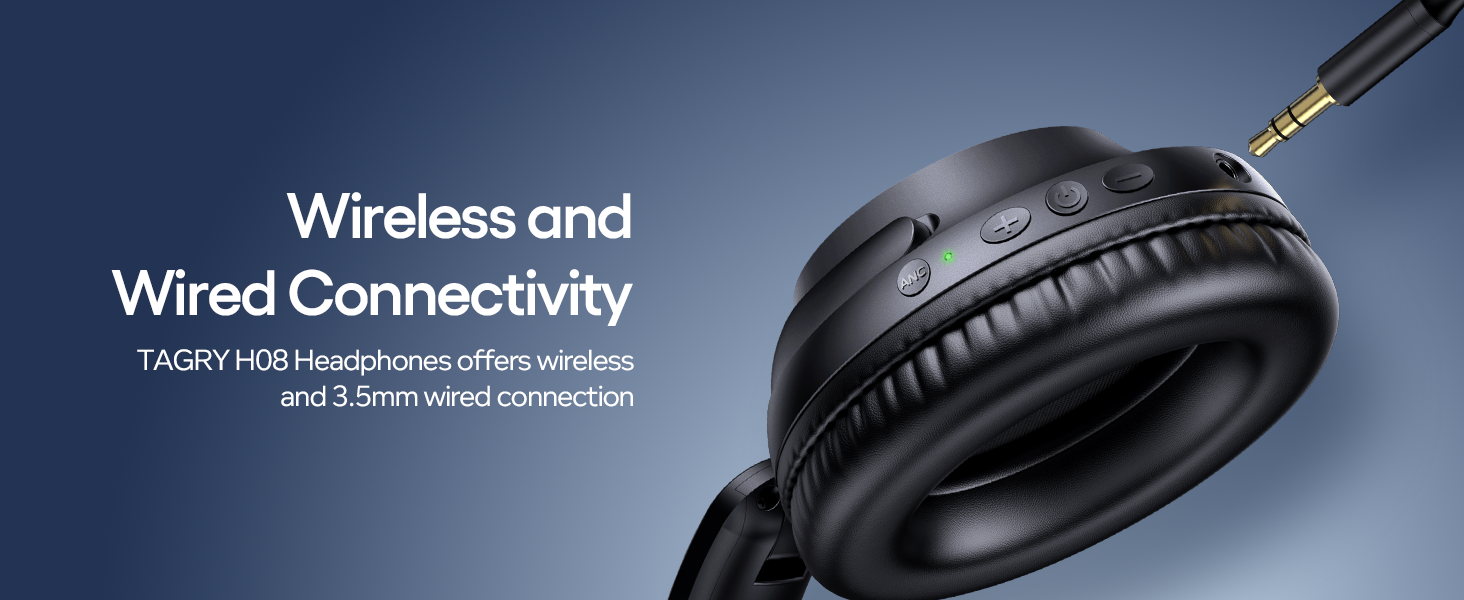
Image: The TAGRY H08 headphones highlighting their built-in microphone for clear communication during calls.
5.3 Active Noise Cancellation (ANC)
The TAGRY H08 headphones feature Hybrid Active Noise Cancellation to reduce ambient noise.
- Activate ANC: Press the ANC button once. The ANC indicator light will illuminate.
- Deactivate ANC: Press the ANC button once again. The ANC indicator light will turn off.
Image: The TAGRY H08 headphones with visual representation of sound waves being cancelled, demonstrating the ANC feature.
6. Maintenance
- Clean the headphones regularly with a soft, dry cloth. Do not use abrasive cleaners or solvents.
- Store the headphones in the provided travel pouch when not in use to protect them from dust and scratches.
- Avoid exposing the headphones to extreme temperatures, humidity, or direct sunlight.
- Do not attempt to disassemble or modify the headphones, as this will void the warranty and may cause damage.
- Keep the charging port and audio jack free of debris.
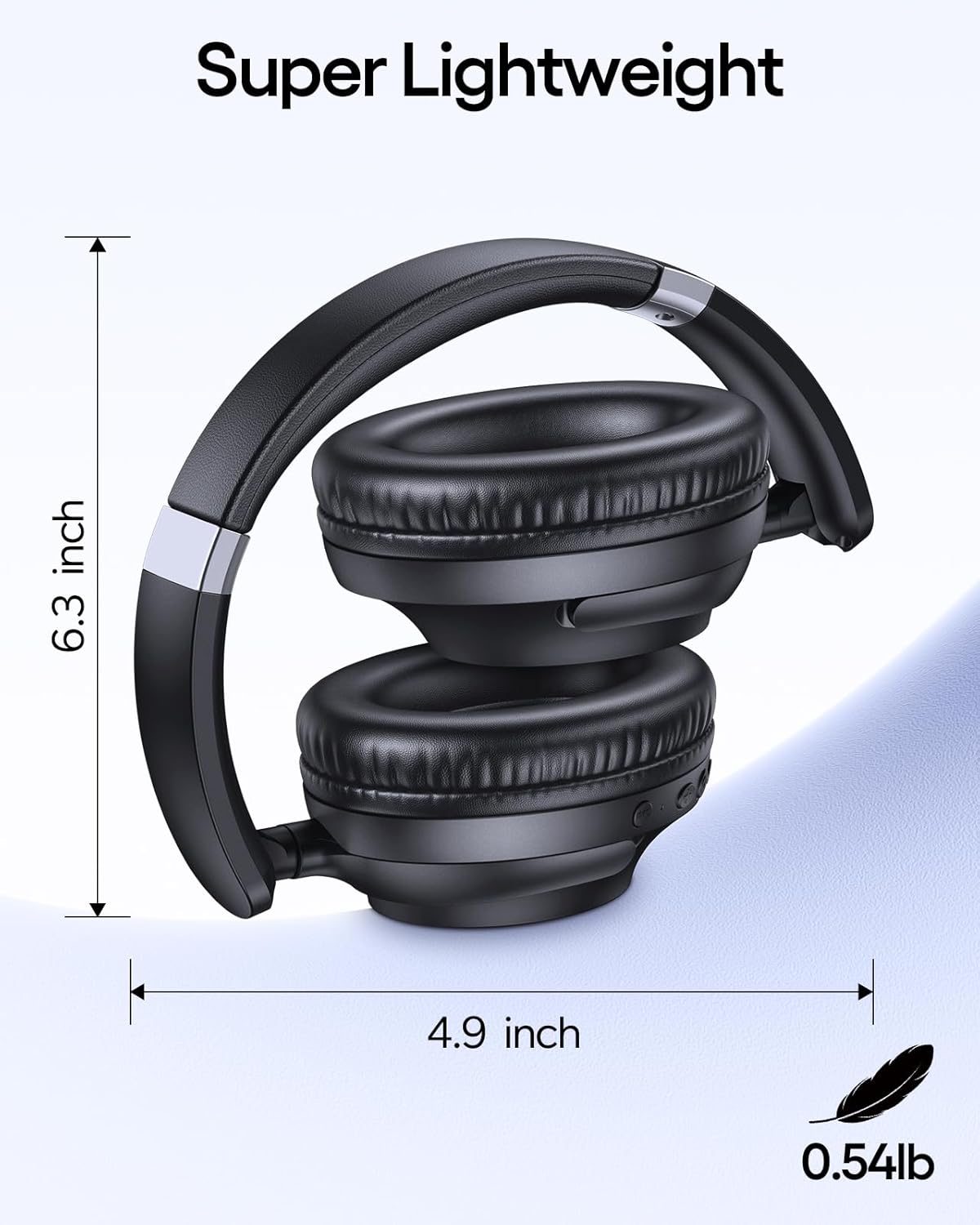
Image: The TAGRY H08 headphones folded for compact storage, emphasizing their portable design.
7. Troubleshooting
| Problem | Possible Cause | Solution |
|---|---|---|
| Headphones won't turn on | Low battery | Charge the headphones fully. |
| Cannot pair with device | Headphones not in pairing mode / Device Bluetooth off | Ensure headphones are in pairing mode (red/blue flashing LED). Turn on Bluetooth on your device and search again. |
| No sound | Volume too low / Not connected / Wired mode active | Increase volume on headphones and device. Re-pair Bluetooth. Disconnect AUX cable if using Bluetooth. |
| ANC not working effectively | ANC not activated / Extreme noise levels | Press the ANC button to activate. ANC is most effective for low-frequency, constant noise. |
| Poor call quality | Weak signal / Microphone obstructed | Move closer to your connected device. Ensure microphone is not covered. |
8. Specifications
| Feature | Detail |
|---|---|
| Model Name | H08 |
| Noise Control | Hybrid Active Noise Cancellation |
| Connectivity Technology | Wireless (Bluetooth), Wired (3.5mm AUX) |
| Wireless Communication | Bluetooth 5.0 |
| Battery Life | Up to 100 Hours |
| Fast Charging | 5 minutes charge for 10 hours playtime |
| Headphones Jack | 3.5 mm Jack |
| Frequency Response | 20-20000 Hz |
| Impedance | 32 Ohm |
| Audio Driver Type | Dynamic Driver |
| Control Type | Button Control |
| Material | Acrylonitrile Butadiene Styrene (ABS), Plastic |
| Product Dimensions | 8.11 x 7.7 x 2.36 inches |
| Item Weight | 1.1 pounds (approx. 0.5 kg) |
| Compatible Devices | Cellphones, Laptops, Tablets, PCs, Smart Speakers, TVs, etc. |
9. Safety Information
- Do not use the headphones at high volume for extended periods to prevent hearing damage.
- Do not use the headphones in situations where inability to hear ambient sounds could be dangerous (e.g., driving, cycling, walking in traffic).
- Keep the headphones away from water and moisture.
- Avoid dropping or subjecting the headphones to strong impacts.
- Keep out of reach of children.
10. Warranty and Support
TAGRY products are designed for reliability and performance. For warranty information, technical support, or customer service inquiries, please refer to the warranty card included in your package or visit the official TAGRY website. Please retain your proof of purchase for warranty claims.


