
Introduction
Thank you for choosing the WOLFANG WS01 Indoor Security Camera. This manual provides essential information for setting up, operating, and maintaining your camera. Please read it carefully before use and retain it for future reference.
The WOLFANG WS01 camera offers advanced features for home monitoring, including 1080p HD video, powerful night vision, AI motion detection, two-way audio communication, and flexible storage options. It is designed to provide reliable security and peace of mind for your indoor spaces.
Package Contents
- WOLFANG WS01 2.4GHz WiFi Indoor Camera
- Power Adapter
- USB Cable
- Mounting Accessories (adhesive stickers, wall studs)
- User Manual
Setup Guide
1. Download the Osaio App
Search for "Osaio" in your smartphone's app store (iOS or Android) and download the application. Create an account or log in if you already have one.
2. Power On the Camera
Connect the camera to a power source using the provided USB cable and power adapter. The camera's indicator light will turn on, indicating it is ready for pairing.
3. Pair with the Osaio App
- Open the Osaio app and tap the "+" icon to add a new device.
- Select your camera model from the list.
- Follow the on-screen instructions to connect the camera to your 2.4GHz Wi-Fi network. The camera supports Bluetooth network pairing for a faster connection.
- Ensure your phone is close to the camera during the pairing process.
4. Flexible Installation
The camera supports both tabletop placement and wall mounting. Use the included adhesive stickers or wall studs for secure installation. The camera's base allows for manual 360-degree adjustment to achieve the desired viewing angle.

Image: The WOLFANG WS01 camera shown with its flexible mount, demonstrating how it can be manually adjusted for optimal viewing. A drill is shown in the background, indicating wall mounting.
Operating Instructions
1. Live View and Remote Monitoring
Once connected, you can access the live video feed from your camera anytime, anywhere, through the Osaio app on your smartphone. This allows for real-time monitoring of your home.
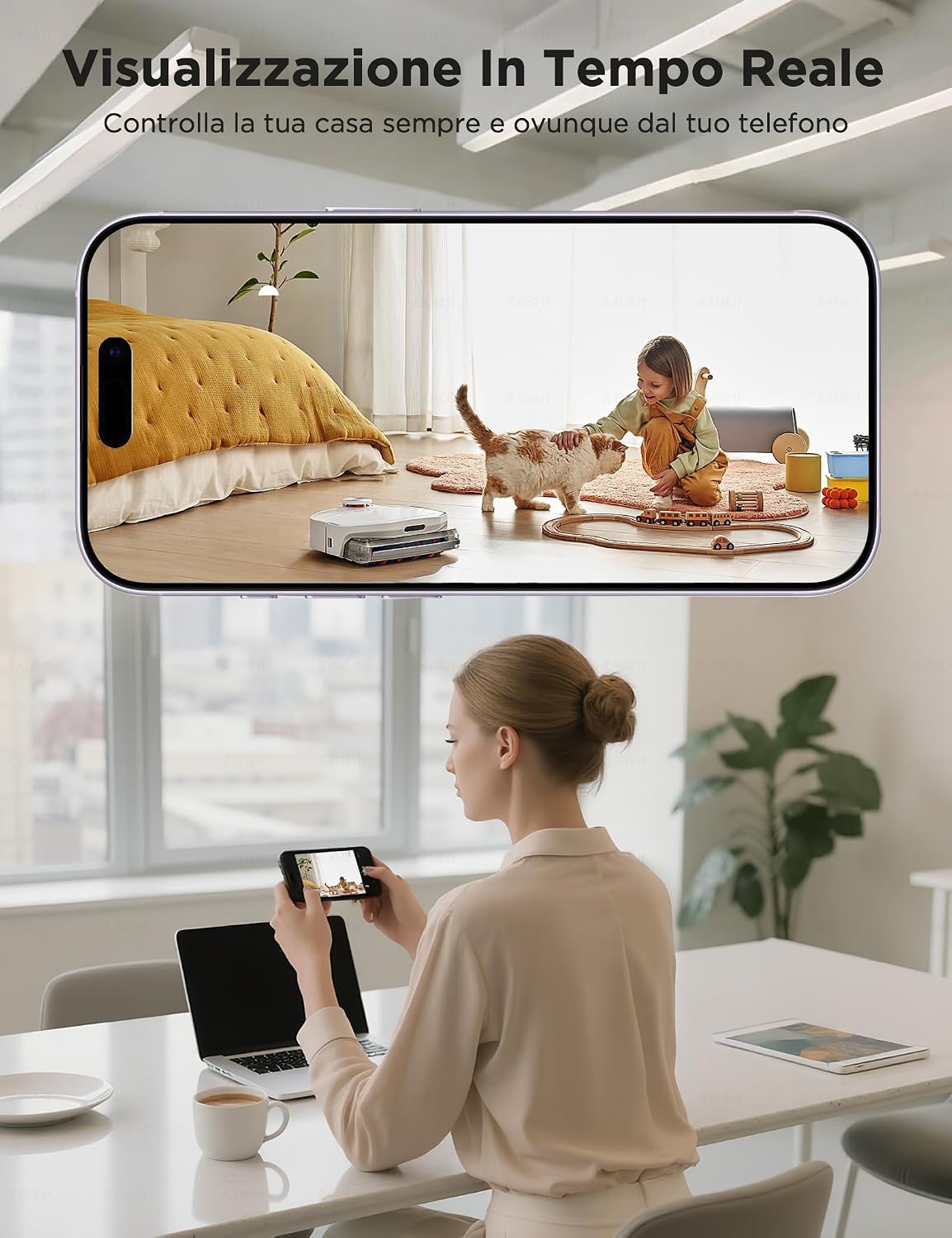
Image: A user monitoring their home in real-time via the Osaio app on their smartphone, displaying a live view of a child and a pet.
2. Night Vision Modes
The camera features powerful night vision with 3-megapixel resolution and dual LED lights. It offers three modes:
- Infrared: Standard black and white night vision.
- Full-Color: Provides color visibility even in low light conditions using the dual LED lights.
- Alarm: Activates the LED lights and an alarm sound upon detection.

Image: The camera's night vision and intelligent alerts in action, showing a detected intruder and a corresponding notification on the Osaio app.
3. AI Motion Detection and Alerts
The camera supports intelligent AI motion detection. When motion is detected, you will receive real-time alerts on your Osaio app, keeping you informed of any activity.
4. Two-Way Audio
With a built-in microphone and speaker, the camera enables two-way communication. You can speak to family members, comfort pets, or deter intruders directly through the Osaio app.
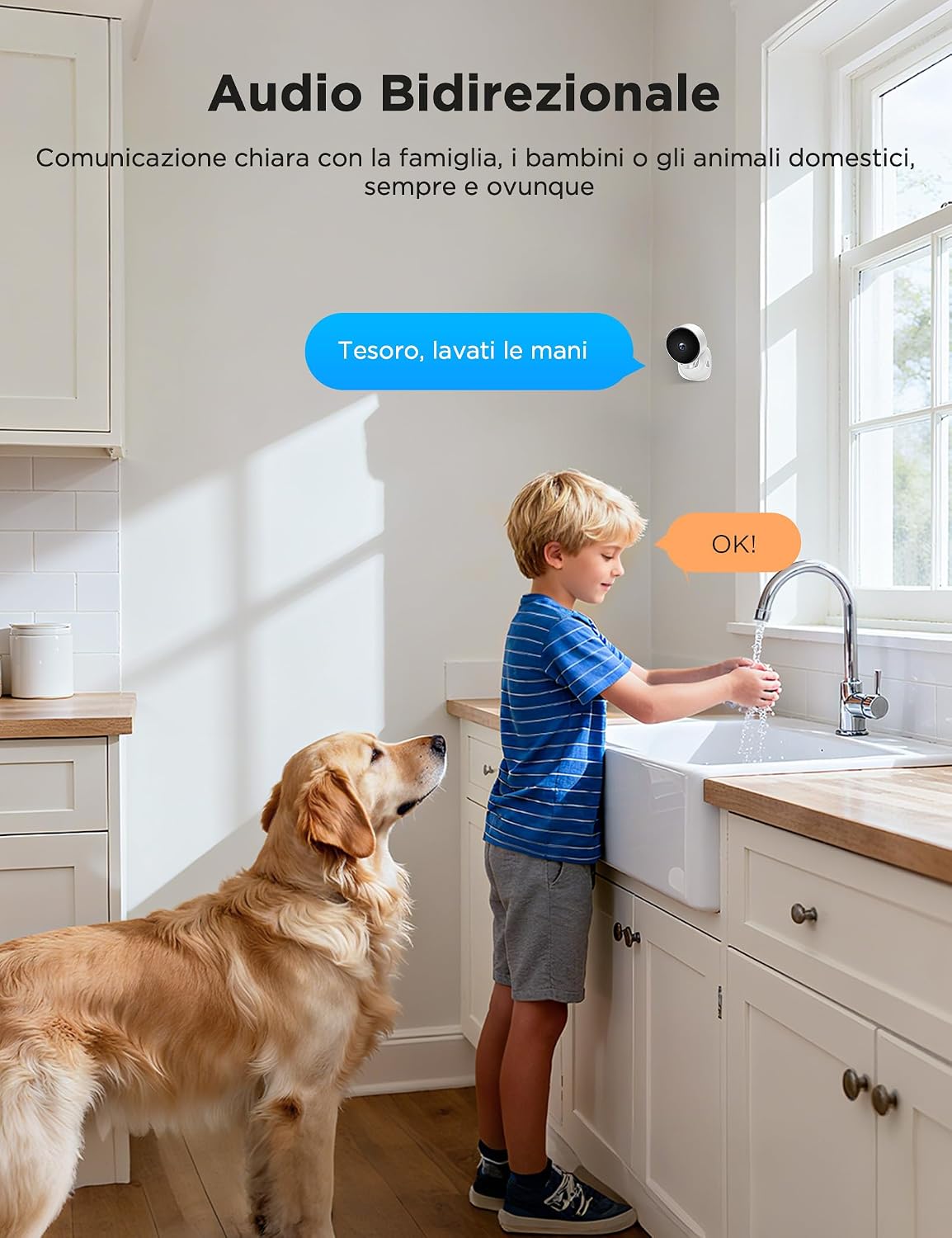
Image: The two-way audio feature in use, showing a child and a dog in a kitchen setting, with speech bubbles indicating communication.
5. Storage Options
The WOLFANG WS01 offers flexible storage solutions:
- Cloud Storage: Available via the Osaio app (subscription required).
- Local SD Card Storage: Supports up to 128 GB SD memory card (not included).

Image: The Osaio app interface displaying flexible storage options, including cloud storage and local SD card storage, with the camera positioned on a wooden surface.
6. Smart Voice Control
The camera is compatible with Amazon Alexa and Google Assistant for hands-free control. Refer to the Osaio app for specific voice commands and integration instructions.
Maintenance
- Cleaning: Use a soft, dry cloth to clean the camera lens and body. Avoid using harsh chemicals or abrasive cleaners.
- Placement: Ensure the camera is placed in a stable location, away from direct sunlight, heat sources, and moisture.
- Software Updates: Regularly check the Osaio app for firmware updates to ensure optimal performance and security.
- SD Card Management: If using an SD card, periodically check its status and format it as needed to maintain recording quality.
Troubleshooting
Camera Not Connecting to Wi-Fi
- Ensure your Wi-Fi network is 2.4GHz. The camera does not support 5GHz Wi-Fi.
- Check that the Wi-Fi password entered in the Osaio app is correct.
- Place the camera closer to your Wi-Fi router during setup.
- Restart your router and the camera, then try pairing again.
Poor Video Quality
- Ensure your Wi-Fi signal strength is adequate.
- Clean the camera lens with a soft cloth.
- Check your internet connection speed.
Motion Detection Not Working
- Verify that motion detection is enabled in the Osaio app settings.
- Adjust the motion detection sensitivity in the app.
- Ensure there are no obstructions blocking the camera's view.
Two-Way Audio Issues
- Check the volume settings on your smartphone and in the Osaio app.
- Ensure your phone's microphone is enabled for the Osaio app.
- Minimize background noise for clearer communication.
Specifications
| Feature | Detail |
|---|---|
| Brand | WOLFANG |
| Model Name | WS01 |
| Connectivity Technology | Wireless (2.4GHz Wi-Fi) |
| Special Feature | Two-way communication, AI Motion Detection, Night Vision |
| Indoor/Outdoor Use | Indoor |
| Mount Type | Tabletop/Wall Mount |
| Video Capture Resolution | 1080p |
| Video Capture Format | MP4 |
| Item Dimensions | 48 x 40 x 60 mm |
| Storage | Cloud Storage (subscription required), Micro SD Card (up to 128GB, not included) |
| Batteries Required | No |
| UPC | 850067892236 |
Warranty Information
WOLFANG provides a 365-day warranty coverage for the WS01 Indoor Security Camera, ensuring reliable replacement support. For detailed terms and conditions, please refer to the official WOLFANG website or contact customer support.

Image: WOLFANG's commitment to customer satisfaction, highlighting 24-hour rapid response, 30-day easy returns, 365-day warranty, and lifetime customer support.
Customer Support
For any questions, technical assistance, or support needs regarding your WOLFANG WS01 camera, please contact our customer service team:
- Official Email: support.vc@wolfang.co
- Online Customer Service: Available via the Osaio app or WOLFANG official website.
Our team is dedicated to resolving your issues as quickly as possible to ensure your satisfaction.


