
OLEVS 2976
OLEVS Men's Chronograph Watch Model 2976 Instruction Manual
Model: 2976 (XLY-S-G2976JDH-HH)
1. Introduction
Thank you for choosing the OLEVS Men's Chronograph Watch Model 2976. This manual provides essential information for the proper setup, operation, and maintenance of your new timepiece. This watch features a precise quartz movement, chronograph functionality, date display, luminous hands and markers, and 30-meter water resistance.
2. Setup
2.1 Setting the Time
- Pull the crown (the knob on the side of the watch) out to the second click position.
- Rotate the crown to adjust the hour and minute hands to the correct time.
- Push the crown back in to the normal position to start the watch.
2.2 Setting the Date
- Pull the crown out to the first click position.
- Rotate the crown to adjust the date in the calendar window.
- Once the correct date is set, push the crown back in to the normal position.
2.3 Adjusting the Silicone Strap
The silicone strap is designed for comfort and durability. To adjust the fit, simply use the buckle clasp to select the appropriate hole on the strap that provides a secure yet comfortable fit on your wrist.

Image: The OLEVS Model 2976 watch displayed on a wrist, showcasing its design and fit.
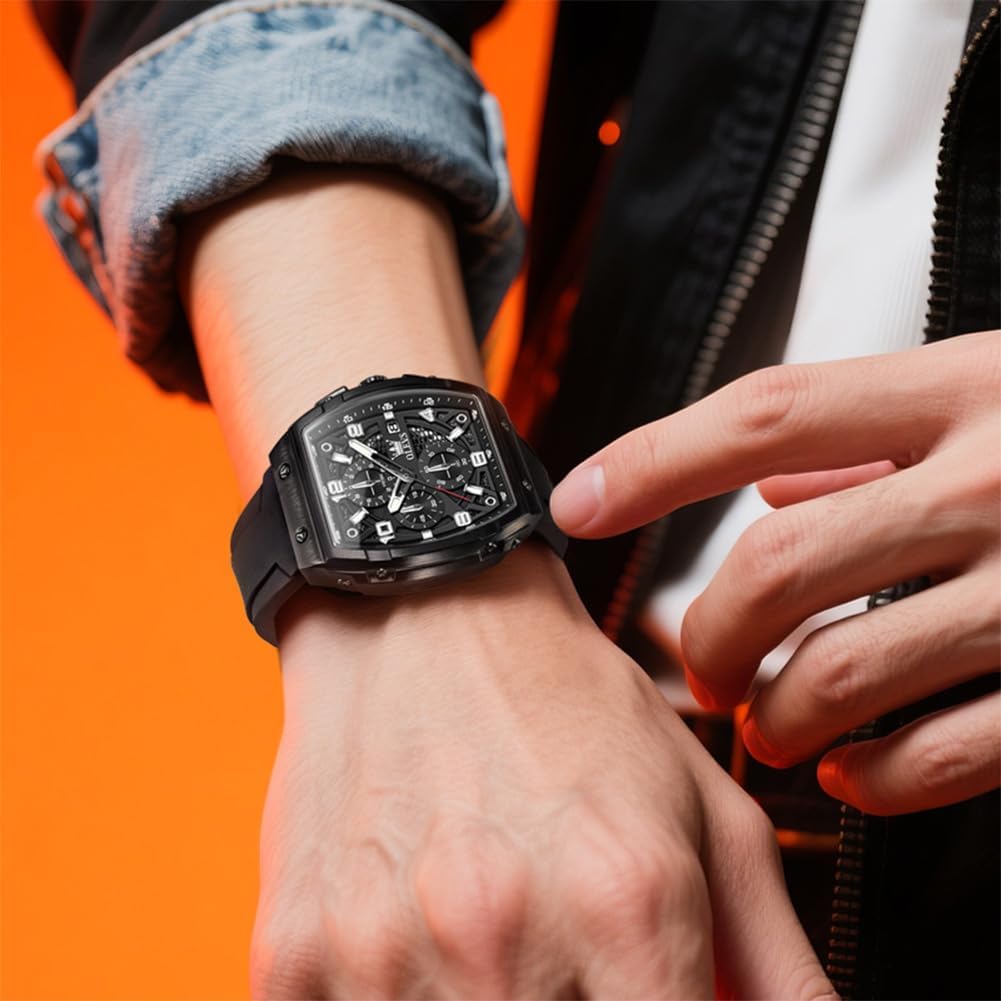
Image: A hand demonstrating the adjustment of the silicone strap on the OLEVS Model 2976 watch.
Video: A demonstration of wearing and adjusting the OLEVS Model 2976 watch, highlighting its fashion style and luminous features.
3. Operating the Watch
3.1 Reading the Time and Date
The watch displays time using traditional hour, minute, and second hands. The current date is visible in the calendar window on the dial.
3.2 Chronograph Function
The chronograph allows for precise timing of events.
- Start/Stop: Press the top pusher button to start the chronograph. Press it again to stop.
- Reset: With the chronograph stopped, press the bottom pusher button to reset all chronograph hands to zero.
- Sub-dials: The watch features three sub-dials: a 60-minute counter, a 60-second counter, and a 1/10th of a second dial for detailed timing.
3.3 Luminous Feature
The watch hands and hour markers are coated with a luminous material, allowing for readability in low-light conditions after exposure to light.

Image: A visual guide to the watch's sub-dials (60-minute, 60-second, calendar, 1/10th second) and the adjustment method for time and timing reset.

Image: The watch dial illuminated by its luminous hands and markers, demonstrating visibility in dark conditions.
4. Maintenance
4.1 Cleaning
Wipe the watch regularly with a soft, dry cloth. Avoid using chemical cleaners, as they may damage the watch's finish or seals.
4.2 Water Resistance
This watch is water-resistant to 30 meters (3ATM). This rating means it is suitable for daily use and can withstand splashes or brief immersion in water, such as rain or hand washing. It is not suitable for swimming, diving, or showering, especially with hot water, as steam can penetrate the seals.
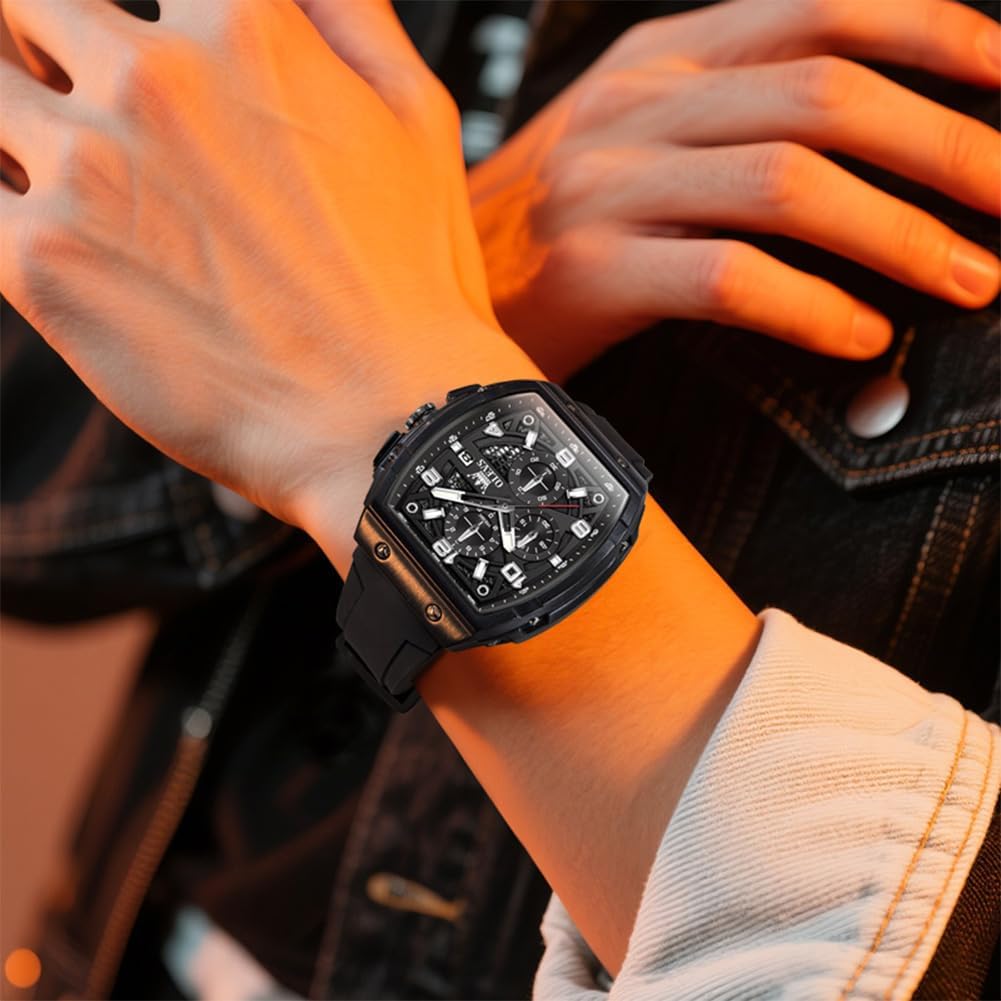
Image: The OLEVS Model 2976 watch shown with water splashing on it, illustrating its 30-meter water resistance for daily activities.
4.3 Battery Replacement
The watch is powered by a quartz battery. When the watch stops or the second hand moves erratically, the battery may need replacement. It is recommended to have the battery replaced by a qualified watch technician to ensure proper sealing and function.
4.4 Storage
Store your watch in a dry place, away from extreme temperatures and strong magnetic fields, which can affect its accuracy.
5. Troubleshooting
- Watch not running: Ensure the crown is fully pushed in. If the watch still does not run, the battery may need replacement.
- Time or Date is incorrect: Follow the instructions in Section 2.1 and 2.2 to reset the time and date.
- Chronograph hands do not reset to zero: Ensure the chronograph is stopped before pressing the reset button. If the issue persists, a service may be required.
6. Specifications
| Feature | Detail |
|---|---|
| Model Number | 2976 (XLY-S-G2976JDH-HH) |
| Movement | Original Quartz Movement |
| Case Material | Stainless Steel |
| Band Material | Silicone |
| Mirror Material | Hardlex Crystal |
| Case Diameter | 40 mm |
| Case Thickness | 14 mm |
| Band Width | 24 mm |
| Band Length | 22 cm |
| Water Resistance | 30 Meters (3ATM) |
| Weight | 96 grams |
| Additional Features | Chronograph, Shock Resistant, Calendar, Luminous |
Note: Due to manual measurement, there may be slight differences between the actual size of the product and the data provided.

Image: A detailed table outlining the key specifications of the OLEVS Model 2976 watch, including dimensions and materials.
7. Warranty Information
This product is covered by a seller warranty. For specific terms, duration, and claim procedures, please refer to your purchase documentation or contact the seller directly. Keep your proof of purchase for warranty claims.
8. Support
If you encounter any issues or have questions not covered in this manual, please contact the retailer or manufacturer for assistance. Provide your model number (2976 or XLY-S-G2976JDH-HH) and a detailed description of the issue when seeking support.
Related documents2976


Ask a question about this manual
Ask about setup, troubleshooting, compatibility, parts, safety, or missing instructions. Manuals+ will review the question and use this page’s manual context to help answer it.