
Introduction
Welcome to the COREGENIX S300 OWS Open Ear TWS Earbuds user manual. This guide provides detailed instructions for setting up, operating, and maintaining your new earbuds. Please read this manual carefully to ensure optimal performance and longevity of your device.
Product Overview
The COREGENIX S300 OWS Open Ear TWS Earbuds are designed for comfort and environmental awareness, featuring an open-ear design that avoids ear canal discomfort. They utilize Bluetooth v5.4 for stable and high-speed connectivity, AI-ENC for clear call quality, and are IPX5 water and sweat resistant. Enjoy extended listening with up to 60 hours of total playtime with the charging case and a low latency mode for gaming.

1. Getting Started
1.1. Package Contents
- COREGENIX S300 OWS Open Ear TWS Earbuds
- Wireless Charging Case
- Type-C Charging Cable
- Ear Cushions (if applicable for secure fit)
- User Manual
1.2. Charging the Earbuds and Case
Before first use, fully charge the charging case and earbuds. Connect the Type-C charging cable to the charging port on the case and a power source. The digital display on the case will indicate the charging status. The earbuds will charge automatically when placed inside the case.
- Charging case full charge time: Approximately 1.5 hours.
- Earbuds playtime on a single charge: 5+ hours.
- Total playtime with charging case: Up to 60 hours.
1.3. Powering On/Off
- Power On: Open the charging case, and the earbuds will automatically power on. Alternatively, long press the touch area on both earbuds for 3 seconds.
- Power Off: Place the earbuds back into the charging case and close the lid. They will automatically power off and begin charging. Alternatively, long press the touch area on both earbuds for 5 seconds.
1.4. Pairing with Your Device
- Ensure the earbuds are charged and powered on.
- Open the charging case. The earbuds will enter pairing mode, indicated by a flashing LED light.
- On your device (smartphone, tablet, laptop), enable Bluetooth.
- Search for available Bluetooth devices and select "COREGENIX S300" from the list.
- Once connected, the LED indicator on the earbuds will stop flashing.
The earbuds are compatible with Android, Windows, and iOS systems.

2. Operation
2.1. Wearing the Earbuds
The COREGENIX S300 earbuds feature an open-ear, earring-style design for comfort and stability. Gently hook the earbuds over your ears, ensuring a secure and comfortable fit. The lightweight design (5g per earbud) and multi-point support system prevent them from falling out during activities like running or fitness.

2.2. Touch Controls
The earbuds are equipped with intuitive touch controls. Refer to the table below for common functions:
| Action | Function |
|---|---|
| Double-click (either earbud) | Play/Pause Music, Answer/End Call |
| Long press (left earbud) | Previous Song |
| Long press (right earbud) | Next Song |
| Long press (either earbud) | Volume +/- (cycles through volume levels) |
| Long press 2 seconds (either earbud) | Reject Call |
| Triple click (either earbud) | Activate Voice Assistant |

2.3. Call Management
- Answer/End Call: Double-click the touch area on either earbud.
- Reject Call: Long press the touch area on either earbud for 2 seconds.
The built-in dual microphones with AI-ENC (Environmental Noise Cancellation) technology ensure clear hands-free calls by reducing ambient noise.
2.4. Gaming Mode (Low Latency)
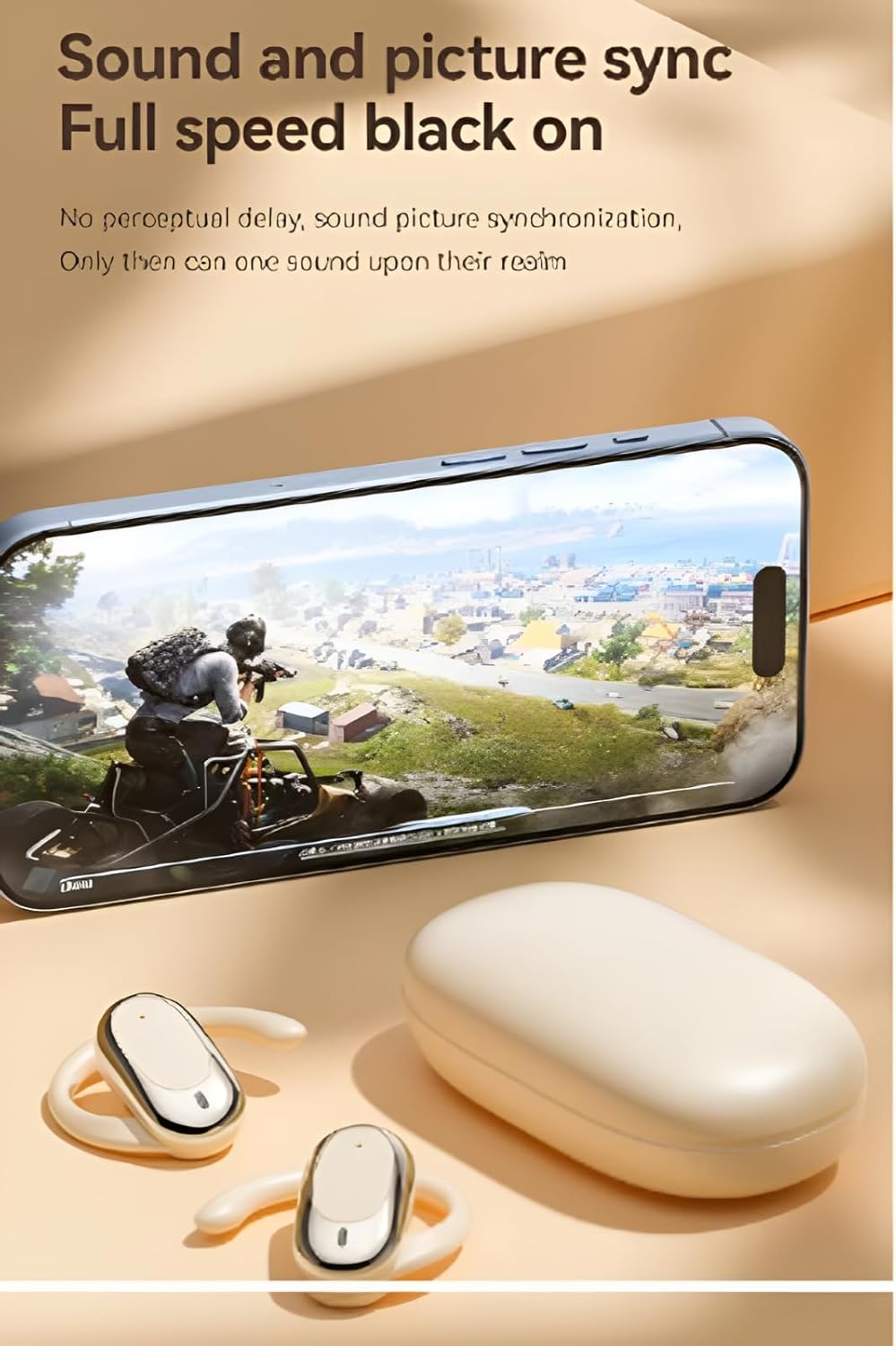
The COREGENIX S300 earbuds offer a low latency experience, providing seamless synchronization between audio and video. This feature is particularly beneficial for gaming, minimizing audio delay for a more immersive experience.
2.5. Environmental Awareness and Directional Sound
The open-ear design allows you to remain aware of your surroundings while enjoying audio, enhancing safety in various environments. The directional sound transmission technology automatically adjusts the propagation angle of sound to +25 degrees, aiming to protect your privacy and deliver clear audio directly to your ears without disturbing others.

3. Care and Maintenance
3.1. Cleaning
- Regularly clean the earbuds and charging case with a soft, dry, lint-free cloth.
- Do not use abrasive cleaners, alcohol, or chemical solvents.
- Ensure charging contacts are free from dust and debris.
3.2. Storage
- When not in use, store the earbuds in their charging case to protect them and keep them charged.
- Store in a cool, dry place away from extreme temperatures and direct sunlight.
3.3. Water Resistance
The COREGENIX S300 earbuds are IPX5 water and sweat resistant. This means they can withstand splashes of water and sweat, making them suitable for workouts and outdoor activities. However, they are not designed for submersion in water or exposure to heavy rain. Do not use them while swimming or showering.
4. Troubleshooting
4.1. Earbuds Not Pairing
- Ensure both earbuds are charged and powered on.
- Turn off Bluetooth on your device and turn it back on.
- Forget "COREGENIX S300" from your device's Bluetooth list and attempt to pair again.
- Try resetting the earbuds (refer to manufacturer's website or contact support for specific reset instructions if not in manual).
4.2. No Sound or Low Volume
- Check the volume level on both your device and the earbuds.
- Ensure the earbuds are properly connected to your device.
- Clean any debris from the earbud speakers.
4.3. Charging Issues
- Verify that the charging cable is securely connected to both the case and the power source.
- Ensure the charging contacts on the earbuds and inside the case are clean and dry.
- Try using a different Type-C charging cable and power adapter.
4.4. Disconnection Issues
- Ensure your device is within the Bluetooth operating range (up to 15 meters).
- Avoid obstacles between your device and the earbuds that might interfere with the signal.
- Minimize interference from other wireless devices.
5. Product Specifications
| Feature | Specification |
|---|---|
| Model Name | S300 |
| Connectivity Technology | Wireless (Bluetooth) |
| Bluetooth Version | 5.4 |
| Playtime (Single Charge) | 5+ hours |
| Total Playtime (with Case) | Up to 60 hours |
| Water Resistance Level | IPX5 (Water Resistant) |
| Item Weight | 100 g (total, including case) |
| Product Dimensions | 9 x 7 x 5 cm |
| Control Type | Touch, Volume Control |
| Material | Plastic |
| Noise Control | Sound Isolation (AI-ENC for calls) |
| Maximum Operating Distance | 15 Metres |
| Manufacturer | COREGENIX |
6. Warranty and Support
6.1. Warranty Information
COREGENIX products are covered by a limited warranty. Specific warranty terms and conditions, including duration and coverage, are typically provided with the product packaging or can be found on the official COREGENIX website. Please retain your proof of purchase for warranty claims.
Extended warranty options may be available from third-party providers, such as Acko or OneAssist, as indicated at the time of purchase. These extended warranties are separate from the manufacturer's standard warranty.
6.2. Customer Support
For technical assistance, troubleshooting not covered in this manual, or warranty inquiries, please contact COREGENIX customer support through their official website or the contact information provided in your product packaging.