
1. Product Overview
The WSTER WS-560 is a portable Bluetooth speaker designed in the shape of a modern tractor. It features HD sound, True Wireless Stereo (TWS) pairing, LED lighting, multiple playback modes (Bluetooth, FM Radio, USB, TF Card), and a built-in microphone for hands-free calling.
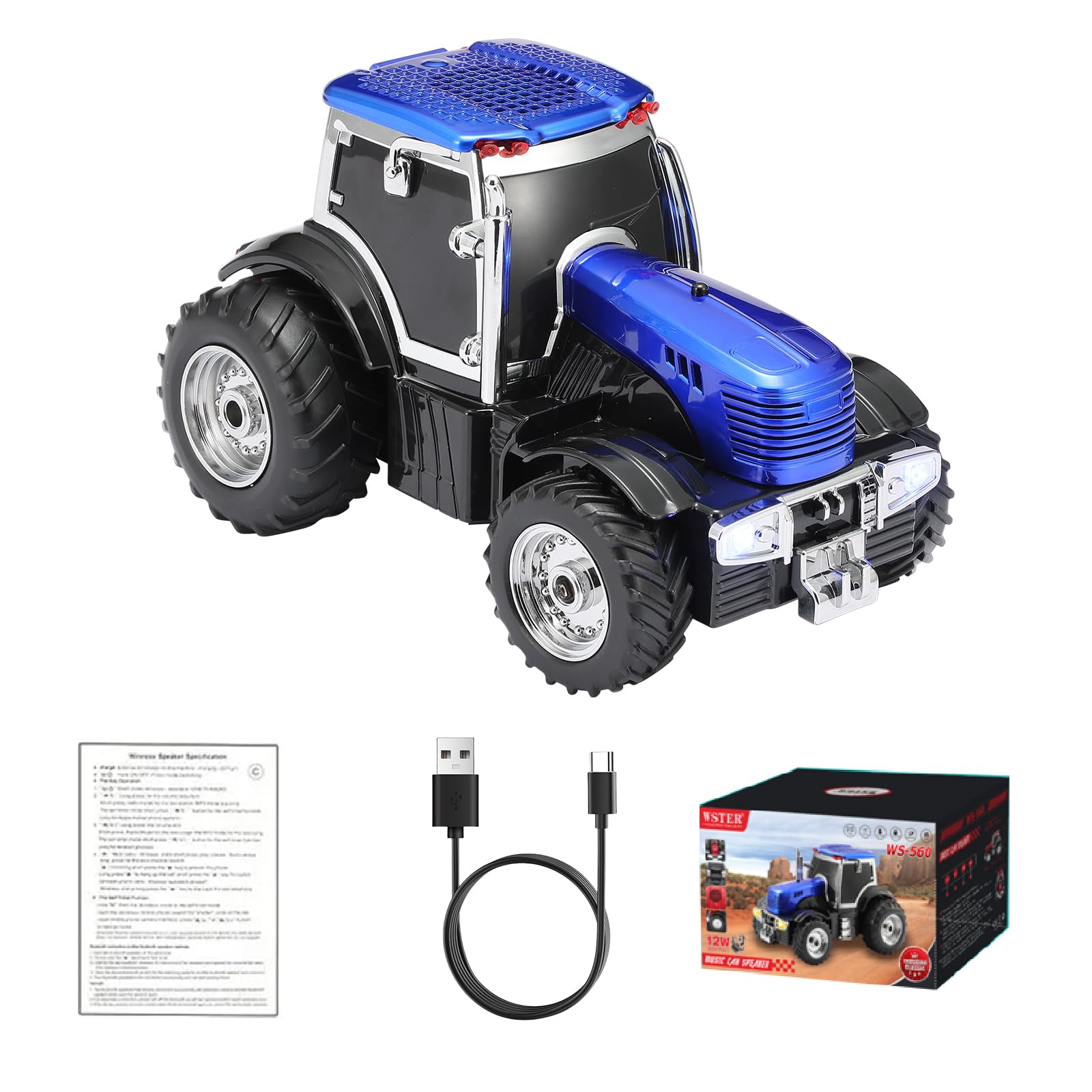
Image: Front-side view of the WSTER WS-560 Modern Tractor Bluetooth Speaker in blue.
Key Features:
- Modern Tractor Design: Unique replica design with movable wheels.
- Bluetooth & TWS: Wireless audio streaming and stereo pairing with a second unit.
- Multiple Playback Modes: Supports FM radio, USB drive, and TF (MicroSD) card playback.
- HD Sound: Delivers clear and crisp audio.
- Built-in Microphone: Enables hands-free calling.
- LED Party Light: Integrated lighting for visual effects.
2. Setup
2.1 Unboxing and Initial Charge
Upon unboxing, ensure all components are present: the WS-560 speaker, a USB charging cable, and a Quick Start Guide. It is recommended to fully charge the speaker before first use.
- Connect the provided USB charging cable to the DC5V port on the rear of the speaker.
- Plug the other end of the USB cable into a compatible 5V USB power adapter (not included) or a computer USB port.
- The charging indicator light will illuminate during charging and turn off when fully charged.

Image: Rear panel of the WS-560 speaker, highlighting the DC5V charging port, USB port, TF card slot, AUX input, and control buttons.
2.2 Power On/Off
- To power on, press and hold the M/⏸ button located on the rear panel until you hear a startup sound and the LED lights activate.
- To power off, press and hold the M/⏸ button again until the speaker shuts down.
2.3 Bluetooth Pairing
The speaker will automatically enter Bluetooth pairing mode upon powering on if no other mode is selected.
- Ensure the speaker is powered on and in Bluetooth mode (indicated by a voice prompt or display).
- On your mobile device, enable Bluetooth and search for available devices.
- Select "WS-560" from the list of devices to pair.
- A confirmation tone will sound upon successful pairing.

Image: The WS-560 speaker next to a smartphone displaying Bluetooth pairing options, illustrating the quick pairing process.
2.4 True Wireless Stereo (TWS) Pairing
To achieve stereo sound, you can pair two WS-560 speakers together.
- Ensure both WS-560 speakers are powered on and in Bluetooth mode, but not yet paired to any device.
- Double-click the Play/Pause button on one of the speakers. It will emit a