
1. Introduction
Thank you for choosing the Byox Nimbus 12-inch Balance Bike. This manual provides essential information for the safe assembly, operation, and maintenance of your balance bike. Please read these instructions carefully before use and retain them for future reference. This balance bike is designed to help children aged 3 years and older develop balance and coordination, preparing them for a pedal bike.
2. Safety Information
Your child's safety is paramount. Adhere to the following safety guidelines:
- Adult Supervision: Always ensure an adult supervises the child during use.
- Protective Gear: The child must wear appropriate protective equipment, including a helmet, knee pads, and elbow pads, at all times.
- Weight Limit: Do not exceed the maximum weight capacity of 35 kg (77 lbs).
- Age Recommendation: Suitable for children aged 3 years and above.
- Safe Environment: Use the balance bike in safe, open areas free from traffic, obstacles, and steep inclines. Avoid public roads.
- Pre-Ride Check: Before each use, inspect the balance bike for any loose parts, damage, or wear. Ensure all bolts are tightened and tires are properly inflated.
- Foot Braking: This balance bike does not feature hand brakes. Children must learn to stop by placing their feet on the ground.
3. Setup and Assembly
The Byox Nimbus Balance Bike requires assembly. Please follow these general steps. Refer to the detailed assembly instructions included in the product packaging for specific guidance.
- Unpack Components: Carefully remove all parts from the packaging and ensure all components are present.
- Attach Front Fork and Wheel: Secure the front fork to the main frame. Then, attach the front wheel to the fork, ensuring all fasteners are tight.
- Install Handlebars: Insert the handlebar stem into the front fork and tighten the clamping mechanism. Ensure the handlebars are straight and secure.
- Adjust and Install Seat: Insert the seat post into the frame. Adjust the seat height so the child can comfortably place both feet flat on the ground with a slight bend in their knees. Secure the seat post clamp firmly.
- Attach Mudguard: If provided separately, attach the rear mudguard to the frame above the rear wheel.
- Inflate Tires: Inflate the 12-inch pneumatic tires to the recommended pressure (usually indicated on the tire sidewall).
- Final Check: Before first use, double-check all bolts, nuts, and quick-release levers to ensure they are securely fastened.

Image 1: Side view of the Byox Nimbus 12-inch Balance Bike, illustrating the frame, wheels, and adjustable seat.
4. Operating Instructions
The Byox Nimbus Balance Bike is designed for intuitive learning.
- Starting: Have the child sit on the seat with both feet flat on the ground.
- Propulsion: Encourage the child to push off the ground with their feet, similar to walking or running.
- Gliding: As momentum builds, the child can lift their feet off the ground and glide, learning to balance.
- Steering: The handlebars are used to steer the bike. Teach the child to look where they want to go.
- Stopping: To stop, the child should place their feet firmly on the ground.
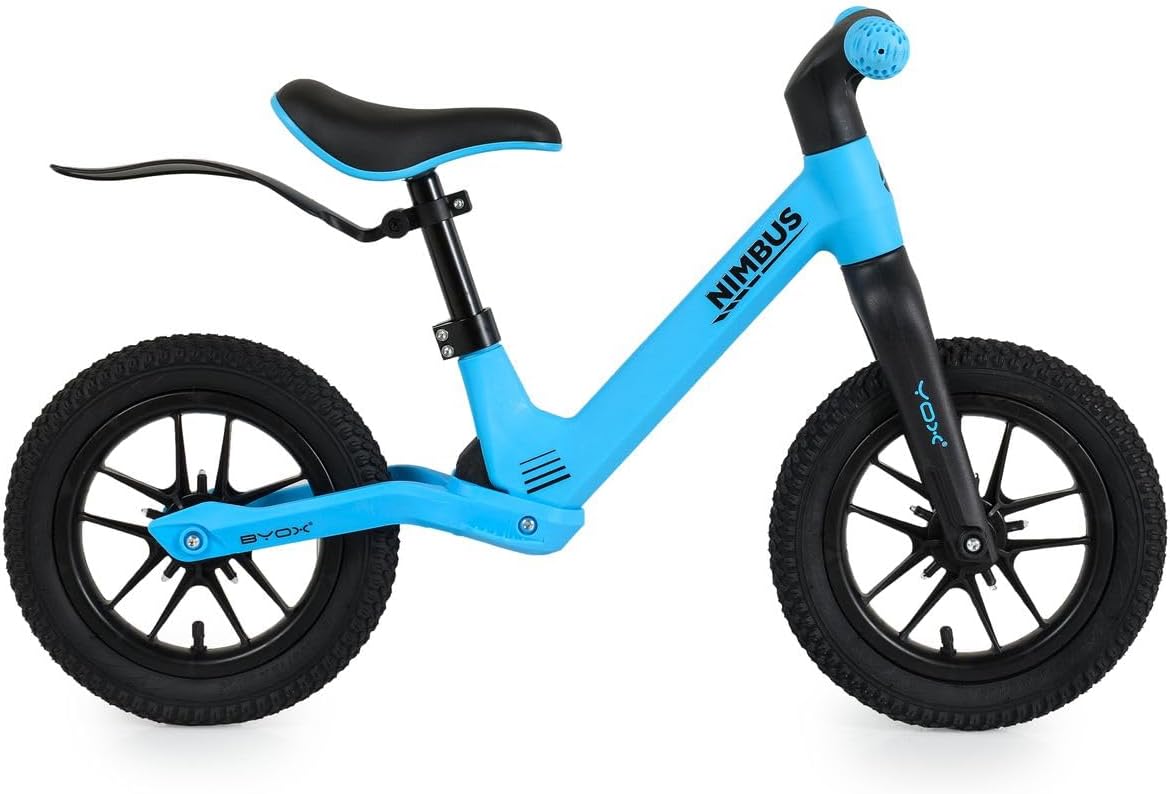
Image 2: Front-side view of the Byox Nimbus Balance Bike, highlighting the handlebars and front wheel.
5. Maintenance
Regular maintenance ensures the safety and longevity of the balance bike.
- Cleaning: Wipe the frame and components with a damp cloth. Avoid harsh chemicals.
- Tire Pressure: Regularly check and maintain the correct tire pressure for the inflatable tires. Under-inflated tires can affect performance and safety.
- Fastener Check: Periodically inspect all bolts, nuts, and clamps for tightness. Tighten any loose fasteners.
- Wear and Tear: Check for signs of wear on tires, grips, and the seat. Replace worn parts as necessary.
- Storage: Store the balance bike indoors in a dry place, away from direct sunlight and extreme temperatures, to prevent material degradation.
- Light-Up Wheels: If the light-up wheels dim or stop working, check for battery replacement instructions (if applicable) or contact customer support.
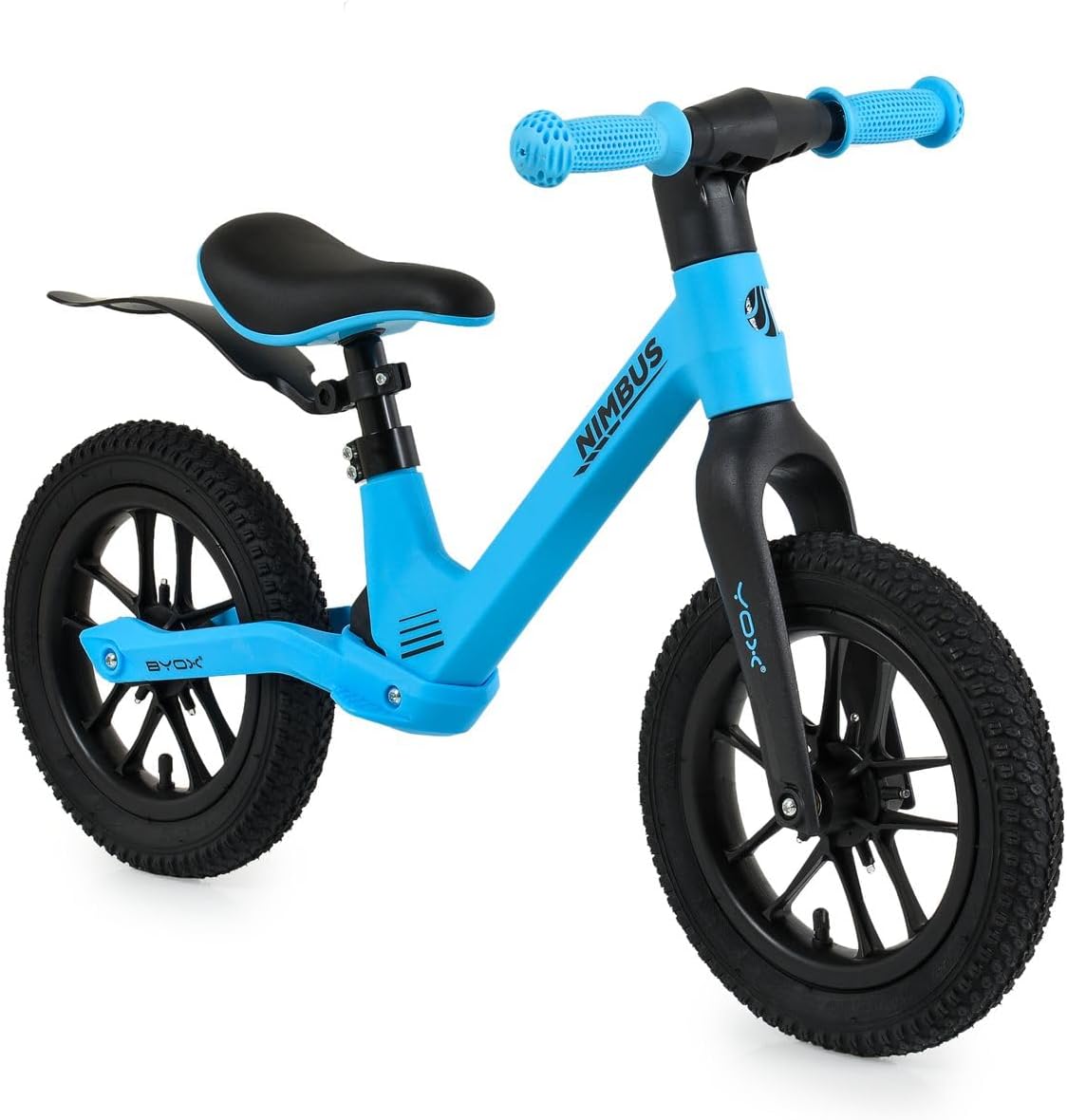
Image 3: Rear-side view of the Byox Nimbus Balance Bike, showing the rear wheel and mudguard.
6. Troubleshooting
If you encounter issues with your Byox Nimbus Balance Bike, refer to the following common troubleshooting tips:
- Bike feels unstable: Ensure all assembly bolts are tight, especially on the handlebars and wheels. Check tire pressure.
- Wheels not spinning freely: Inspect for any debris or obstructions around the axles. Ensure axle nuts are tightened correctly but not overtightened.
- Light-up wheels not working: Verify if the wheels require batteries and if they are correctly installed or need replacement. Check for any visible damage to the lighting mechanism.
- Seat or handlebars slip: Ensure the quick-release or bolt clamps are fully tightened. Do not exceed the maximum insertion line for the seat post or handlebar stem.
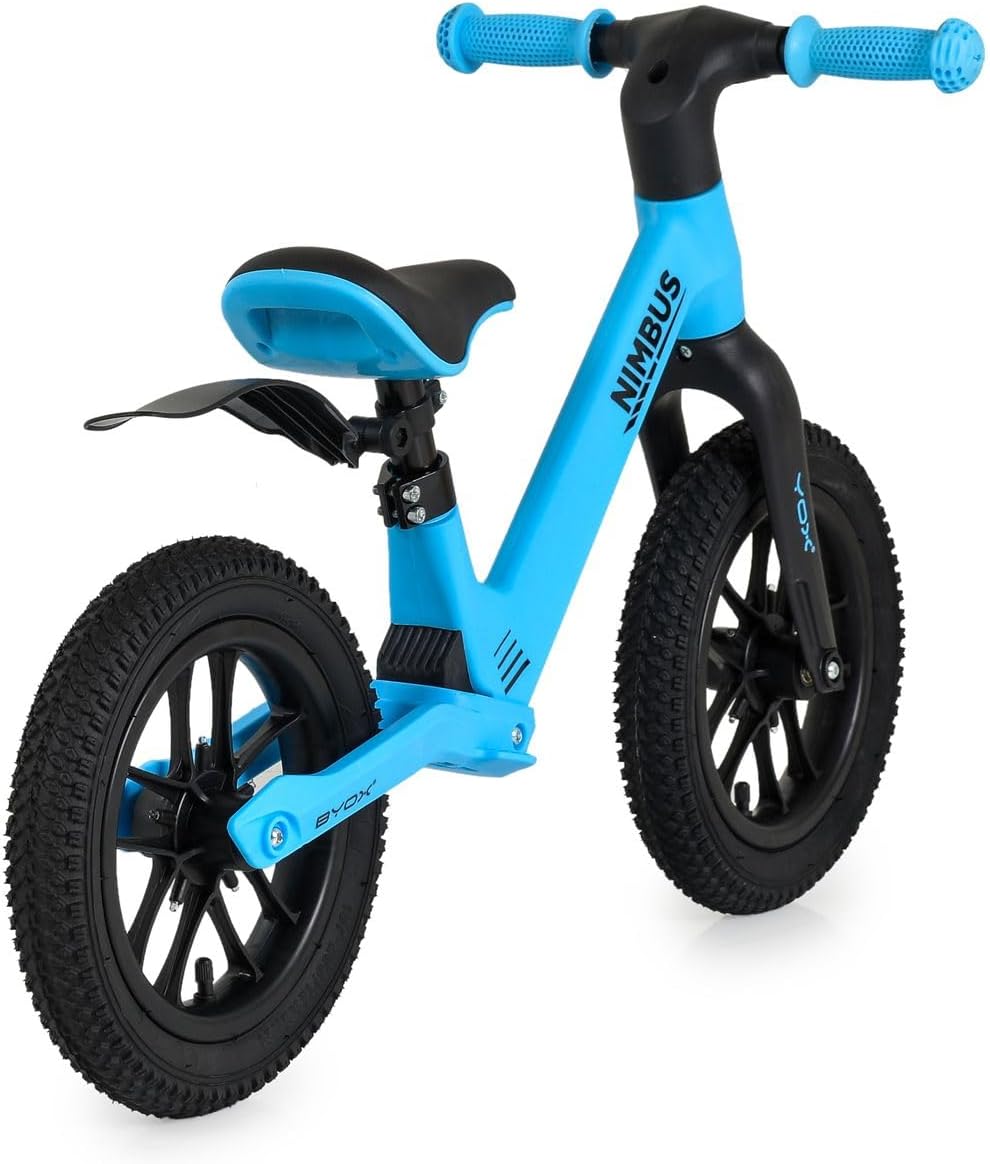
Image 4: Angled view of the Byox Nimbus Balance Bike, providing a comprehensive look at its design.
7. Specifications
| Brand | Byox |
| Model Number | 112056 |
| Color (this variant) | Blue |
| Item Weight | 3.5 kg (3500 Grams) |
| Maximum Weight Recommendation | 35 kg (77 lbs) |
| Assembly Required | Yes |
| Country of Origin | China |
| Tire Size | 12 inches |
| Tire Type | Inflatable (Pneumatic) |
| Features | Adjustable seat, light-up wheels, non-slip handlebar grips, lightweight frame |
8. Warranty and Support
Warranty Information: Specific warranty terms and conditions may vary by region and retailer. Please refer to the warranty documentation provided with your purchase or contact the retailer where the product was purchased for detailed information.
Customer Support: For further assistance, technical support, or inquiries regarding replacement parts, please contact Byox customer service or the authorized distributor in your region. Contact details can typically be found on the manufacturer's official website or product packaging.


